iOS Security Flaw Threatens Seed Phrases, Binance Issues Warning
2026-11-11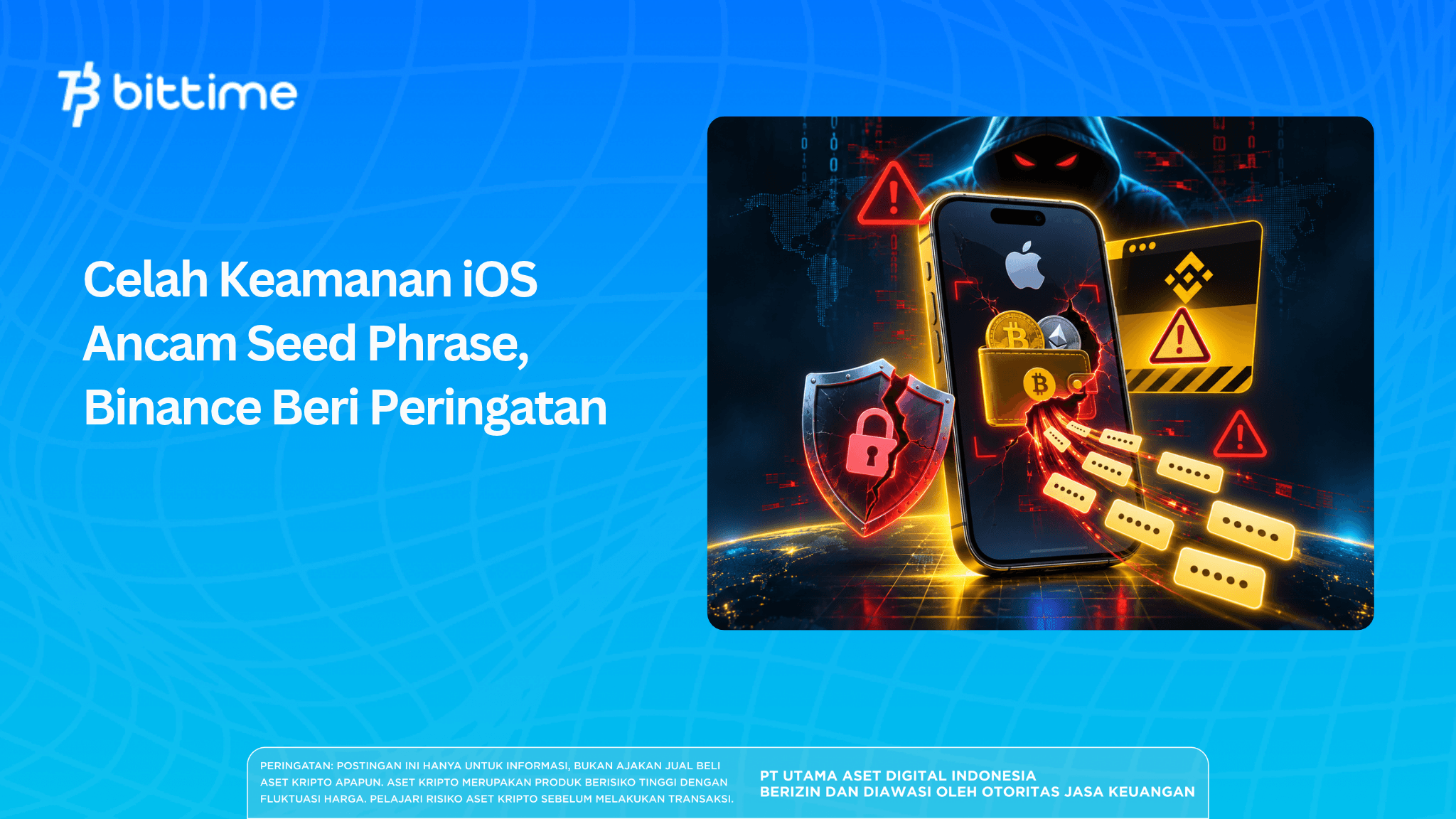
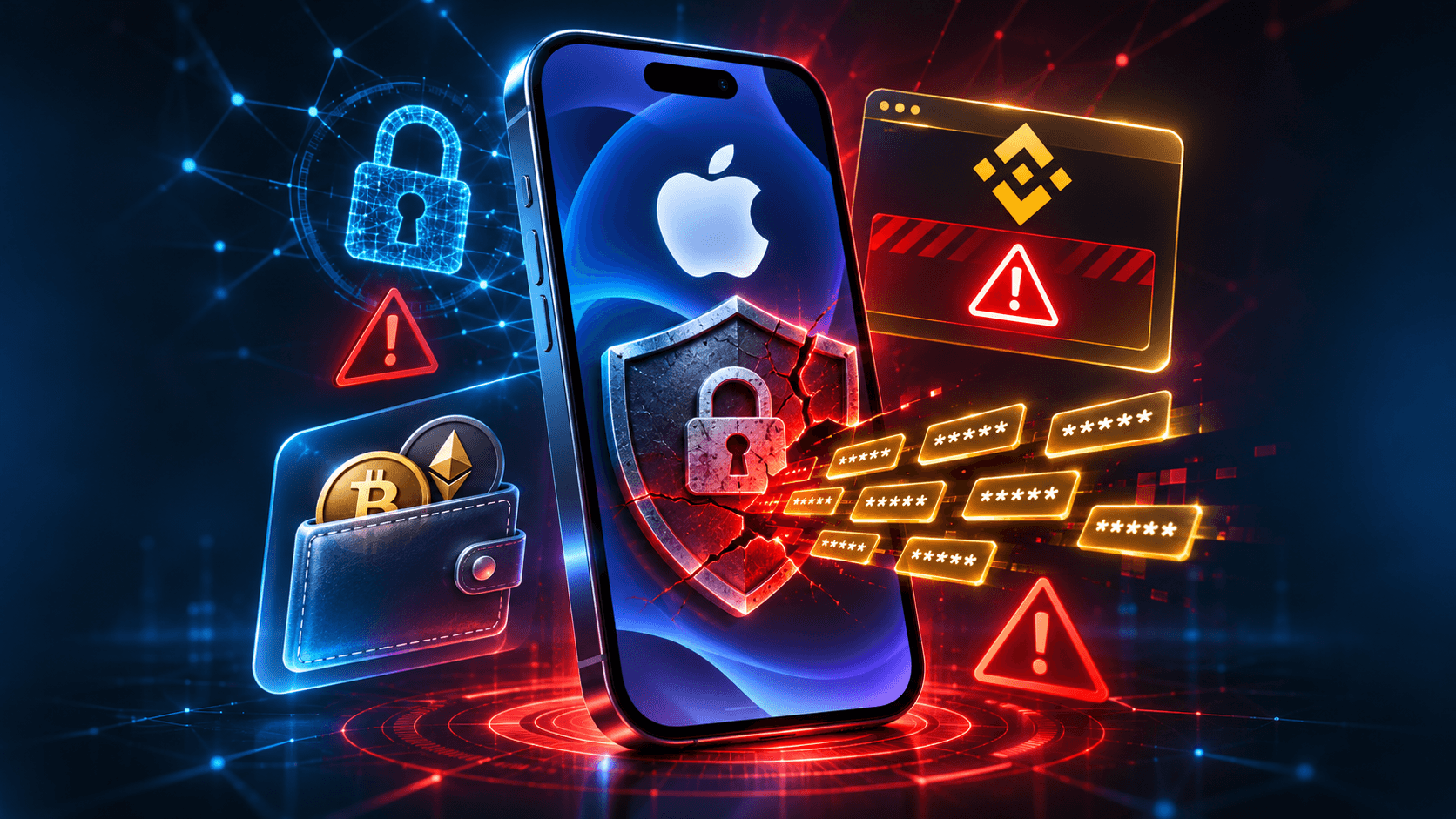
An iOS security vulnerability known as worse_query has drawn attention after Binance warned iPhone users about the potential exposure of sensitive data. The flaw could allow malicious apps to access files belonging to other applications, including information such as seed phrases, crypto private keys, and login credentials if they are stored in readable files.
In a warning issued on November 10, 2026, Binance highlighted risks affecting iOS versions 26.7.1, 27.0.1, and 27.2. Although no confirmed crypto theft cases have been linked to this vulnerability, the threat still warrants caution, particularly among users who store or access digital assets on their iPhones.
Key Takeaways
- Binance warned about the worse_query vulnerability in iOS, which could allow malicious apps to read files belonging to other applications.
- Crypto seed phrases and private keys could be exposed if stored in files an attacker can access.
- Users are advised to remove untrusted apps, install official updates, and protect their wallet recovery information.
Binance Warns About the worse_query iOS Security Vulnerability
Binance issued a security warning on November 10, 2026, concerning a vulnerability discovered in the iPhone operating system.
The flaw known as worse_query can allow malicious apps to bypass certain access restrictions and read files that should be accessible only to the apps that own them.
For crypto users, this risk is particularly serious because some apps or users may store important wallet information in their device's local storage.
If someone else gains access to information such as a recovery phrase or private key, the digital assets associated with that wallet could be put at risk.
However, Binance emphasized that worse_query is an issue at the iOS operating-system level, not a vulnerability specifically targeting the Binance app.
In other words, the warning applies more broadly to iPhone users, especially those who install apps from unofficial sources.
Read also: Ledger Hardware Wallet Allegedly Modified: Crypto Users Urged to Stay Vigilant
What Is worse_query and How Does It Work?
To understand the threat posed by worse_query, it helps to know about an iOS security feature called a sandbox.
Put simply, a sandbox creates a boundary between apps. Its purpose is to prevent an application from freely reading or retrieving personal data stored outside its own designated space.
For example, a game app should not have unrestricted access to personal documents stored by a banking app or crypto wallet.
This restriction is an important layer of protection in the iPhone operating system.
How Can worse_query Bypass iOS Protections?
worse_query is a type of sandbox escapevulnerability, meaning an app can bypass the access boundaries that the operating system is supposed to enforce.
Through this flaw, a malicious app could potentially read files stored outside its own designated space.
Security researchers have demonstrated this capability through a proof of concept, a technical demonstration showing that the vulnerability can be exploited under certain conditions.
Nevertheless, the existence of a proof of concept does not mean attacks have already occurred widely on users' devices.
The actual risk depends on several factors, including the iOS version, whether a malicious app is present, and how other apps store sensitive data.
Files protected by encryption or additional security mechanisms may not be immediately usable by attackers even if they manage to access them.
Therefore, worse_query should be understood as a vulnerability that creates the possibility of unauthorized access, not proof that all iPhone wallet information has already been leaked.
Which iOS Versions Are Affected?
In its official warning, Binance specifically identified three iOS versions as potentially vulnerable to worse_query.
However, information from security researchers suggests that the vulnerability may affect a broader range of versions.
Research documentation also lists several versions between iOS 26.0 and 26.7.2. This means devices running versions other than the three identified by Binance are not necessarily free from risk.
How to Check Your iOS Version on an iPhone
You can check which iOS version your device is running by following these steps:
- Open Settings.
- Select General.
- Tap About.
- Find the information under iOS Version.
Then check whether an update is available in the Software Update menu.
Checking your version is important, but it cannot establish whether a device has previously been compromised. Users should also review their installed apps and watch for suspicious activity on their devices.
Read also: CoinDCX Hack: 15.99 Million USDT Lost, Initially Described as a False Alarm
Why Are Crypto Seed Phrases and Private Keys at Risk?
For users of a self-custody wallet, seed phrases and private keys are two types of information that must be kept confidential.
They allow wallet owners to restore access or authorize digital asset transactions. If someone else obtains this information, the funds held in the wallet could be transferred without the owner's permission.
However, seed phrases and private keys actually serve different purposes.
The Difference Between a Seed Phrase and a Private Key
A seed phrase is a sequence of recovery words, usually consisting of 12 or 24 words. It is used to restore access to a compatible wallet, including when a user replaces or loses their device.
A private key, meanwhile, is a secret cryptographic key used to authorize transactions from a particular wallet address.
In many wallets, a single seed phrase can be used to regenerate multiple private keys. That is why exposing a seed phrase can put several wallet addresses at risk at once.
Problems arise when this sensitive information is stored without adequate protection.
Some users may save their recovery phrase as a screenshot, in a notes app, or in a digital document so they can find it easily later.
However, if malicious apps can access these files, information that should be known only to the wallet owner could be exposed.
That said, not all wallet apps store private keys or seed phrases in easily readable files. Some use encryption and other safeguards to reduce the risk of data theft.
This is why the level of risk posed by worse_query can vary from one app to another.
Read also: What Is a PHP Vulnerability? Understanding the Risks and How to Address Them
Are Binance Wallet and Other Crypto Apps Also Affected?
Binance's warning does not mean Binance Wallet has been successfully hacked through worse_query. The vulnerability affects the iOS operating system, so its potential impact is not limited to any one app.
In theory, any app that stores sensitive data in files accessible through this flaw could be at risk. However, being able to access a file does not necessarily mean an attacker can steal information that would allow them to control a wallet.
How an app manages private keys, uses encryption, and restricts data access also helps determine its security level.
As of the reports available on November 10, 2026, Binance had not confirmed any cryptocurrency theft resulting from worse_query.
This distinction is important so users do not immediately conclude that every crypto wallet on an iPhone has been compromised.
It is also important to distinguish self-custody wallets from exchange accounts. With a self-custody wallet, users are directly responsible for their recovery phrases, while exchange accounts have different access and account-security mechanisms.
Has Apple Fixed the worse_query Vulnerability?
Apple released iOS 27.2.1 and iOS 26.7.3 on November 9, 2026, as part of its operating-system security maintenance.
However, based on the official information available, there has been no explicit confirmation that either update specifically fixes worse_query.
Therefore, users should not assume that their devices are fully protected simply because they are running the latest iOS version.
Even though the status of a specific fix remains unconfirmed, installing official updates is still recommended.
Why Is Updating iOS Still Important?
Operating-system updates generally include fixes for bugs, compatibility issues, and various security vulnerabilities.
To check, open Settings > General > Software Update, then follow the available update instructions.
Also make sure that your wallet app and other applications are updated through official sources.
Avoid downloading update files from links sent by strangers, especially if they ask you to install profiles or software packages outside Apple's official update process.
Remember that updating a device does not automatically eliminate every effect of a possible earlier compromise.
Read also: Bitget Allegedly Hacked: $388 Million in Assets Affected, North Korea Under Scrutiny
5 Ways to Protect Your Crypto Wallet from iOS Security Vulnerabilities
The worse_query warning offers iPhone users an opportunity to review how they protect their devices and store wallet information.
Not every precaution requires technical expertise. A few simple measures can help reduce risks that are often overlooked.
1. Remove Apps from Untrusted Sources
Review apps you have installed from outside official distribution channels, particularly IPA files that were downloaded or manually signed.
If you find an unfamiliar app or one whose safety you cannot verify, consider removing it.
This matters because the presence of a malicious app is one of the prerequisites for the worse_query exploitation scenario highlighted by Binance.
2. Update iOS and Your Wallet Apps
Use the latest operating-system and app versions available through official channels.
Updates can fix vulnerabilities and improve data protection. However, for worse_query, continue to monitor official announcements about whether the flaw has been fixed.
3. Avoid Saving Your Seed Phrase in Your Photo Gallery
Taking a screenshot of your recovery phrase may seem convenient, but keeping it in your photo gallery or ordinary notes can increase the risk of exposure.
Instead, use an appropriate offline backup method and store it in a secure location. Never share your seed phrase with anyone, including people claiming to be wallet or exchange support staff.
4. Watch Out for Suspicious Websites and Links
Threats to crypto assets do not come only from software vulnerabilities. Phishing websites often impersonate wallet or exchange services to trick users into entering their credentials and recovery phrases.
Always check a website's address before logging in or connecting your wallet. If a page requests your seed phrase without a clear and trustworthy reason, do not proceed.
Note that phishing is different from the worse_query mechanism, although both can threaten the security of digital assets.
5. Consider Using a Hardware Wallet
For long-term asset storage, a hardware wallet can be an option because its private keys are designed to remain isolated from internet-connected devices.
However, these devices still need to be managed properly.
Recovery phrases must still be stored securely, and every transaction should be reviewed before approval. Hardware wallets cannot protect users from every type of scam or transaction error.
Read also: $3 Million Revolut Hack: The Digital Attack Method Threatening Global Fintech Security
What Should You Do If Your Seed Phrase May Have Been Exposed?
If you suspect that your device or wallet has been compromised, your response should depend on the type of information that may have been exposed.
Removing a suspicious app may help stop malicious activity, but it does not change a seed phrase that an attacker has already learned.
If your recovery phrase has been exposed, the old wallet should no longer be considered safe for storing assets.
Here are the steps you can take:
- Use a clean device. Choose a trusted device that shows no signs of compromise.
- Create a new wallet. Make sure the wallet generates an entirely new seed phrase rather than reusing the old recovery phrase.
- Secure your recovery information. Store the new seed phrase offline and do not share it.
- Transfer your assets carefully. Verify the network and destination address before sending funds.
- Review your account security. Change any passwords that may have been exposed, check connected devices, and sign out of unfamiliar login sessions.
If you discover transactions you did not authorize, keep records such as wallet addresses, incident times, and transaction hashes. This information may be useful when reporting the incident to a service provider or the authorities.
For exchange accounts, enable two-factor authentication and use the available security features. However, 2FA on an exchange account cannot prevent someone from using a self-custody wallet's seed phrase if they already know it.
What Does This Discovery Mean for Crypto Security?
The worse_query case shows that cryptocurrency security does not depend solely on the strength of the underlying blockchain network.
The device used to access a wallet is also part of the digital asset security system.
When barriers between apps can be bypassed, locally stored information may become a target, especially if it lacks additional protection.
For wallet developers, this finding reinforces the need to improve sensitive-data storage practices and conduct security testing.
Users, meanwhile, need to focus on two things at once: device security and how they manage their recovery phrases.
Going forward, key developments to watch include confirmation of a patch from Apple, further research findings, and any verified reports of exploitation.
If you want to stay informed about digital asset security and developments in the cryptocurrency industry, you can also sign up for Bittime to explore the crypto news and market information available on the platform.
Conclusion
Binance's warning about the worse_query iOS security vulnerability highlights the risk posed when malicious apps can read files belonging to other applications. If those files contain usable crypto seed phrases or private keys, the security of users' digital assets could be compromised.
Although no cryptocurrency theft linked to this vulnerability has been confirmed, preventive measures remain important. Updating iOS, removing untrusted apps, and securely storing recovery phrases are all essential parts of wallet protection.
Crypto security is not just about choosing the right wallet or blockchain. How users protect their devices and confidential information also plays a key role in keeping their assets safe.
Bittime is a Digital Financial Asset Trader (PAKD) licensed and supervised by Indonesia's Financial Services Authority (OJK) — where you can buy Bitcoin in Indonesia and hundreds of other crypto assets starting from IDR 10,000. Registration is quick and secure, and you can get started today.
Track the USDT to IDR conversion rate and the prices of your favorite crypto assets in real time. Everything is available in one crypto investment app that you can download for free from the Play Store.
Ready to get started? Sign up for Bittime now and put your investment strategy into action on a platform trusted by millions of users in Indonesia.
FAQ
What is the worse_query iOS security vulnerability?
worse_query is an iOS sandbox escape vulnerability that could allow an app to access files outside its own designated storage area. If exploited by a malicious app, it could expose sensitive information from other apps, including data related to crypto wallets.
Can crypto seed phrases be leaked through an iPhone?
Yes, particularly if a seed phrase is stored in a file that unauthorized parties can access. However, the level of risk depends on the device's security measures and how the wallet app protects its recovery information.
Which iOS versions are affected by worse_query?
Binance identified iOS 26.7.1, 27.0.1, and 27.2 in its warning on November 10, 2026. Security research also suggests that a wider range of versions may be affected, so users should check for updates and the latest official information.
Is the Binance app affected by the iOS security vulnerability?
Binance explained that worse_query is a vulnerability in the iOS operating system, not an issue specifically targeting its app. As of its November 10, 2026 report, Binance had not confirmed any cryptocurrency theft resulting from the flaw.
What should you do if your seed phrase or private key is exposed?
If you suspect someone else has obtained your seed phrase or private key, create a new wallet on a clean device with completely new recovery information. Carefully transfer your assets to the new address and stop using the old wallet, which may have been compromised.
Disclaimer: The views expressed belong exclusively to the author and do not reflect the views of this platform. This platform and its affiliates disclaim any responsibility for the accuracy or suitability of the information provided. It is for informational purposes only and not intended as financial or investment advice.
.png)