How to Use Remake Face AI? What Is It and What Is It Used For?
2025-09-26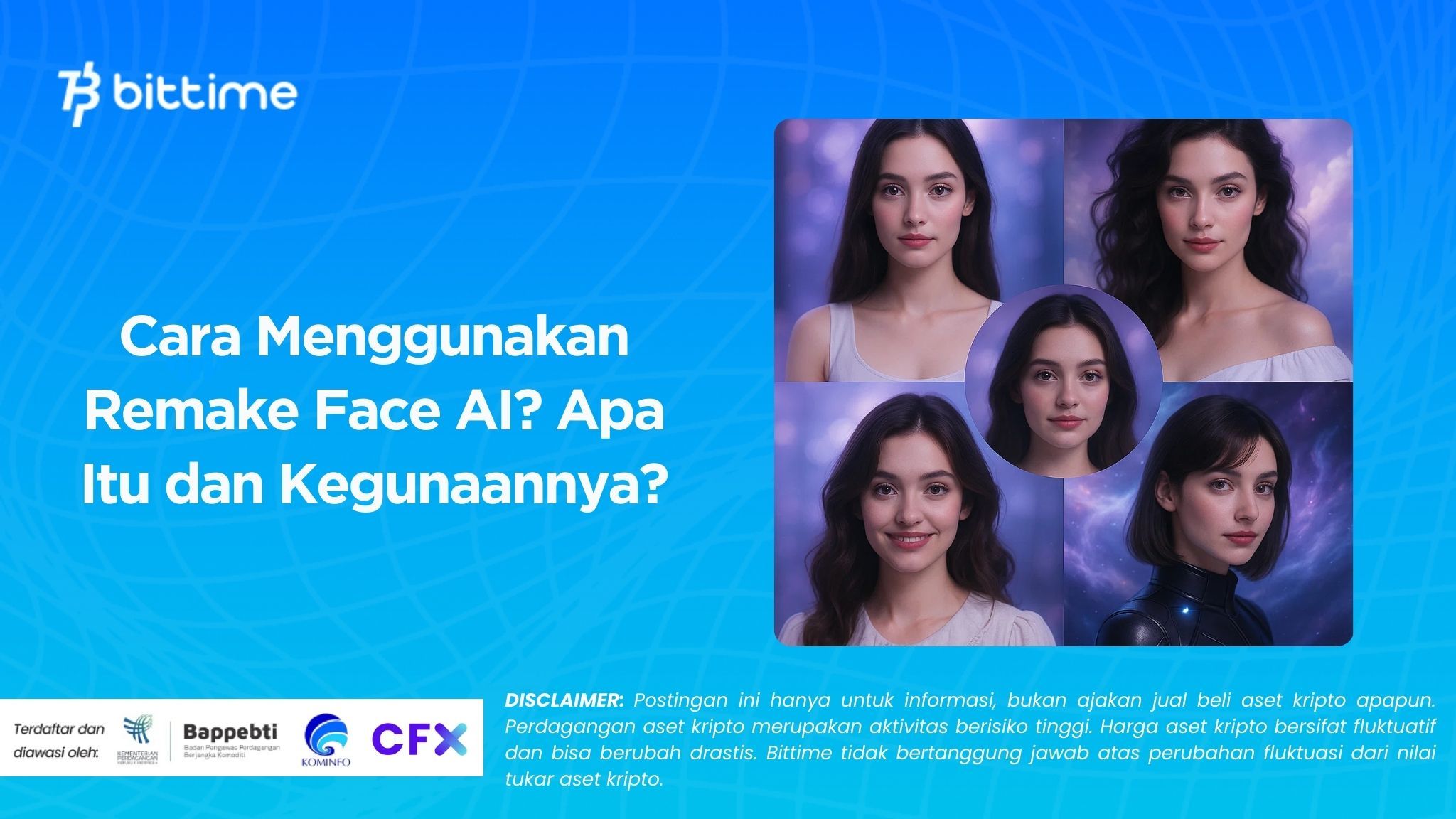
Technology artificial intelligence (AI) is now increasingly familiar in everyday life. One of the innovations that is currently popular isRemake Face AI, an AI-based application that can change faces in photos or videos instantly and realistically.
The app is suitable for entertainment, creative content creation, and professional purposes such as advertising or film. We'll discuss it.How to use Remake Face AIand learn more aboutRemake Face AI app, complete with practical steps and tips that you can try right away.
Read Also: How to Play Crypto: The Complete Guide for Beginners
What is Remake Face AI?
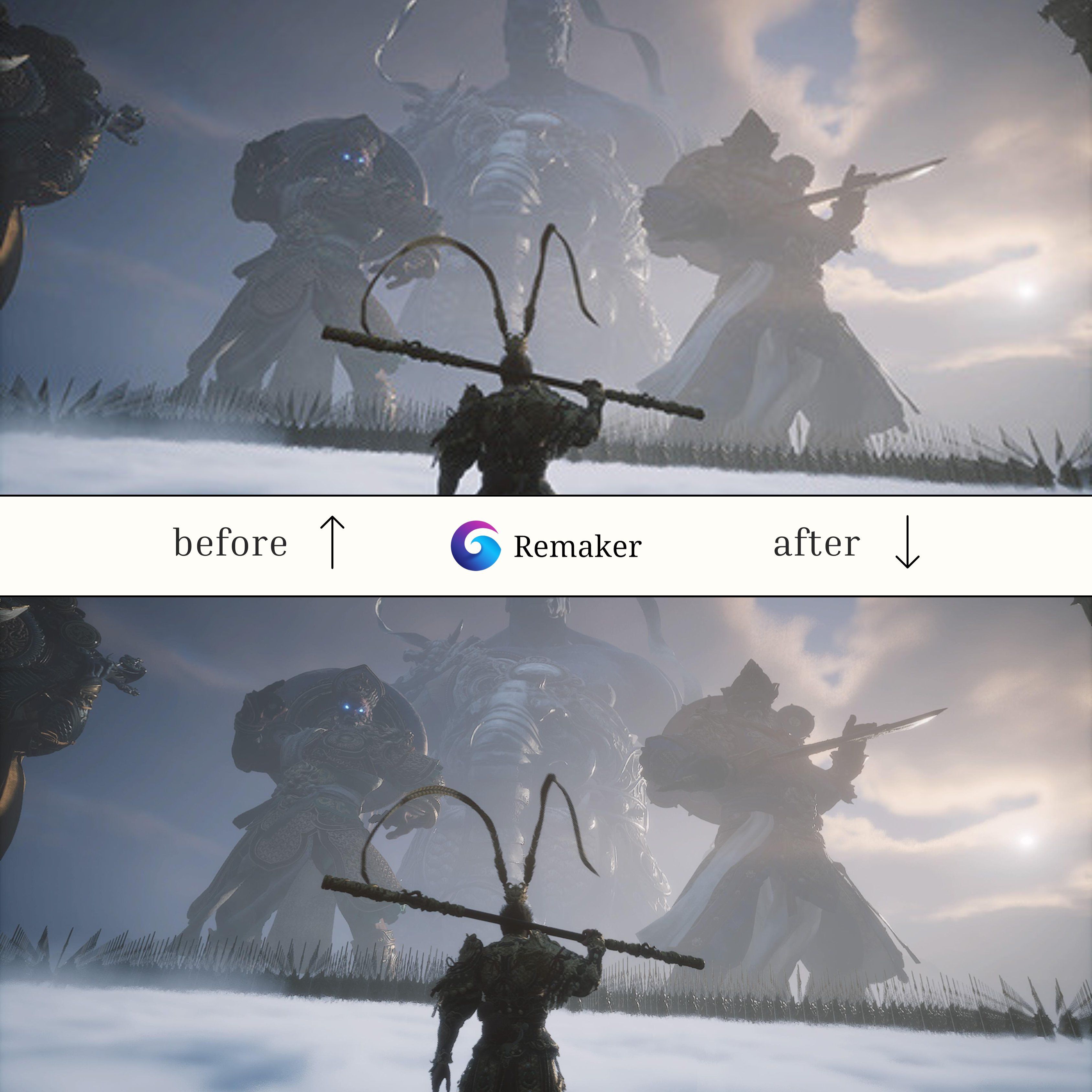
Remake Face AI is an AI-based facial editing app that uses deep learning technology to precisely detect faces. The app allows users to replace faces, change expressions, and even add effects to create realistic-looking results.
Some of the popular functions of Remake Face AI include:
- Replacing one person's face with another face realistically.
- Changing facial expressions such as smiling, frowning, or getting angry.
- Edit age, make face look younger or older.
- Add artistic filters to beautify photos or videos.
- Changing gender with natural results.
The app's main advantage is its edited results, which are hard to distinguish from the original photo. Therefore, Remake Face AI is popular with social media users and professional content creators alike.
How to Use Remake Face AI
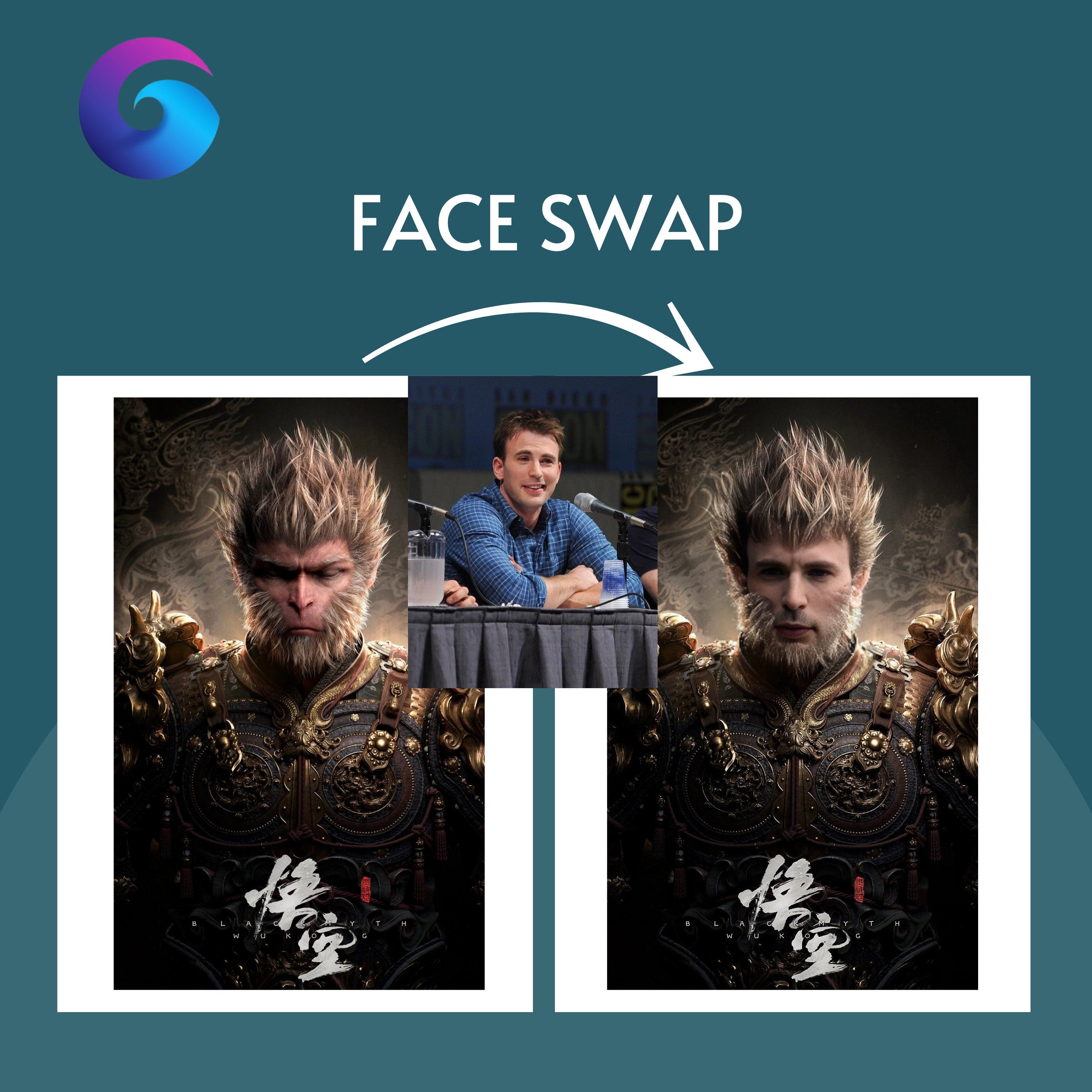
Using this application is quite easy and can be done by anyone. Here are the practical steps to get the best possible editing results.
Download the App
Search for the Remake Face AI app on the Google Play Store or App Store. Alternatively, try popular apps like Reface, FaceApp, DeepFaceLab, or Zao. Be sure to choose an app with good reviews and ratings.
Installation and Registration
After downloading, install it as usual. Some apps require you to log in with your email or social media account. Follow the registration instructions until complete.
Select Photo or Video
Upload high quality photos or videos for best resultssmoother editing. Make sure the face is clearly visible and not covered by other objects.
Use the Remake Face Feature
Select the “Remake Face” or “Face Swap” menu. Some apps offer additional features like changing hairstyles, changing gender, or adding filters.
Set Edits\
Adjust the facial area you want to change. Adjust the blending and skin tone for a more natural look. Choose a replacement face from the gallery or the app's built-in templates.
Preview and Save
Preview the results before saving. If you're satisfied, click save or download. The file will automatically be saved to your phone's gallery.
Share on Social Media
Edited content can be shared directly on Instagram, TikTok, or WhatsApp. This feature makes it easy to quickly create viral content.
By following these steps, you can create unique and creative facial edits with just a few clicks.
Read Also: 7 Effective Crypto Trading Methods for Beginners, Complete with Tips and Tricks
Tips and Tricks for Using Remake Face AI
To maximize your editing results, there are several simple tips you can apply when using this application.
- Use photos with sufficient lighting so that AI can easily detect faces.
- Choose a neutral facial expression to make the replacement process easier.
- If the results are not satisfactory, try making manual adjustments to the facial area.
- Take advantage of additional features such as artistic filters to make the results more interesting.
- Don't make extreme changes too often so that the results still look natural.
This tip is especially important for those of you who want to use the app to create professional content. Realistic results will be more appealing to your audience and can increase engagement on social media.

Conclusion
Remake Face AI is an easy-to-use artificial intelligence-based facial editing app. Featuring face swap features, automatic expressions, and creative filters, this app can create realistic photos or videos in just minutes.
How to use Remake Face AI is quite simple, starting from downloading the application, selecting a photo or video, editing the face, then saving and sharing it.
Use this technology wisely to stay safe and have fun. If you're interested in learning more about technology and digital trends, visit Bittime Blogor try trading directly on Bittime Exchange.
How to Buy Crypto on Bittime

Want to trade sell buy Bitcoins and crypto investment easily? Bittime is here to help! As an Indonesian crypto exchange officially registered with Bappebti, Bittime ensures every transaction is safe and fast.
Start with registration and identity verification, then make a minimum deposit of IDR 10,000. After that, you can immediately buy your favorite digital assets!
Check the exchange rate BTC to IDR, ETH to IDR, SOL to IDR and other crypto assets to find out today's crypto market trends in real-time on Bittime.
Also, visit the Bittime Blog for interesting updates and educational information about the crypto world. Find reliable articles about Web3, blockchain technology, and digital asset investment tips designed to enrich your crypto knowledge.
FAQ
What is Remake Face AI?
Remake Face AI is an AI-based application that is used to edit faces in photos or videos instantly and realistically.
Is this app free?
Some apps are free to use, but premium features are usually available through paid plans.
Can the edited results look real?
Yes, deep learning technology makes it difficult to distinguish edited photos from the original.
Is Remake Face AI safe to use?
It is safe as long as it is downloaded from the official platform and used wisely.
What can it be used for?
Remake Face AI is suitable for entertainment, social media content, advertising, and film production.
Disclaimer: The views expressed belong exclusively to the author and do not reflect the views of this platform. This platform and its affiliates disclaim any responsibility for the accuracy or suitability of the information provided. It is for informational purposes only and not intended as financial or investment advice.

.png)