Easy Tutorial on How to Fix Errors on MetaMask
2025-11-12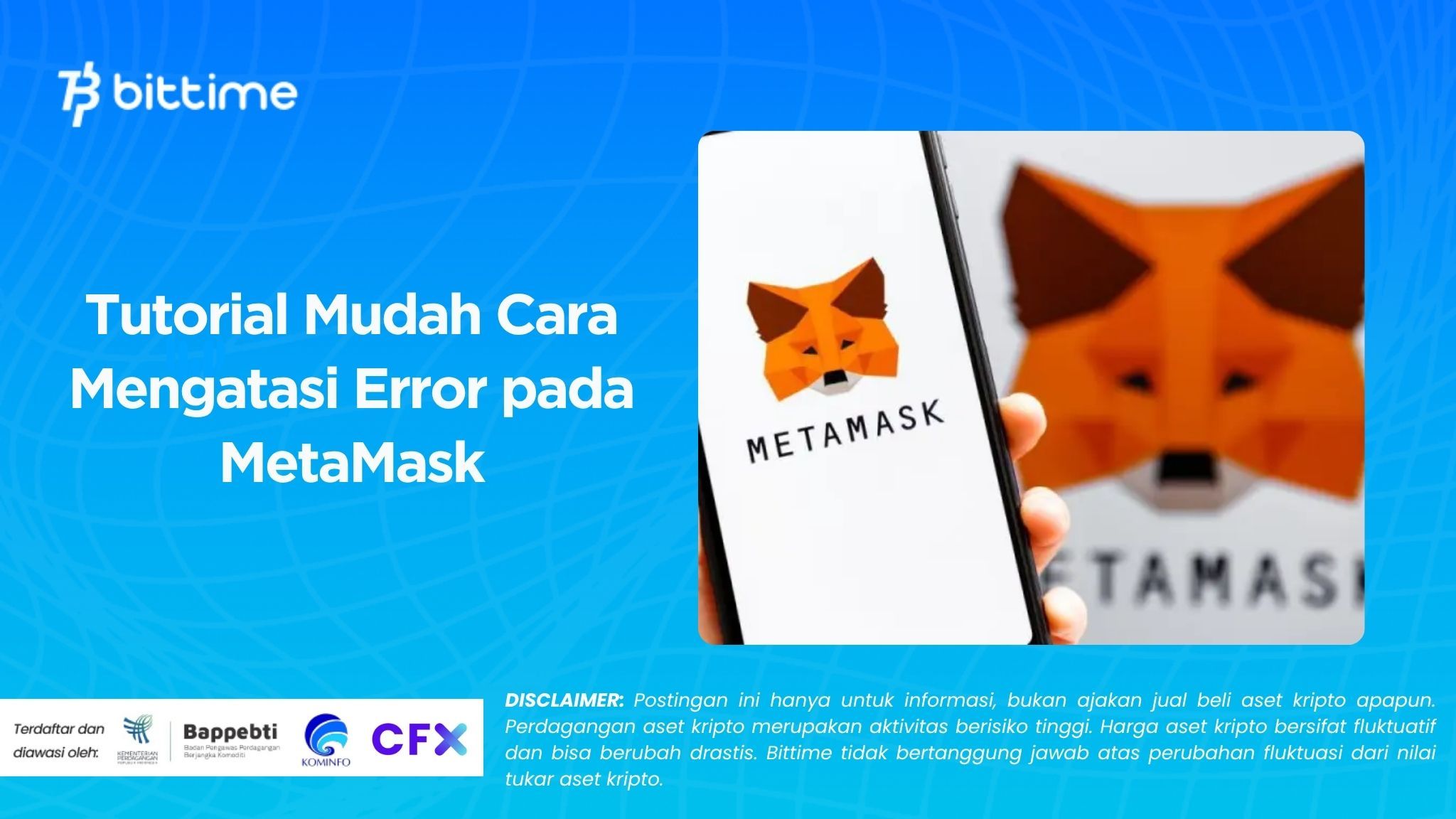
Bittime - MetaMask makes it easy for anyone to securely store, send, and interact with digital assets. However, like any other application, MetaMask can experience errors. Here's a guide on how to easily resolve errors in MetaMask. Follow this article to find out.
This article will beUser guide on how to fix errors on MetaMask With simple steps you can do yourself, we'll discuss common problems and how to effectively address them.
Common Issues in MetaMask
Some errors in MetaMask are usually caused by simple issues like network connection issues or an outdated app version. Here are some common issues users frequently experience:
MetaMask can't connect to site or dApp
Sometimes the wallet is open, but the webpage displays the "Connect Wallet" message repeatedly. This often occurs due to an asynchronous network connection between MetaMask and the website you're accessing.Wrong network
Many users forget that every blockchain-based asset or application runs on a specific network. For example, NFTs on the Polygon network cannot be accessed if MetaMask is still configured on the Ethereum Mainnet.Transaction stuck or not appearing
A transaction that doesn't appear immediately doesn't necessarily mean it failed. It could be because the gas fee is too low or the network is congested. In some cases, users think their wallet is corrupted when in fact, it only takes a few moments.The application is not responding or an error message appears.
This often happens on older versions of MetaMask or when the browser cache is full.Cannot add new network
Sometimes MetaMask fails to add the RPC network automatically. Users must manually add it through the network settings.
Read also: How to Download MetaMask on Chrome & Complete Setup for Beginners
How to Fix Errors on MetaMask
Now that you know the common issues that can occur with your crypto wallet, it's time to learn how to fix them.Here are some easy steps you can take when you encounter an error in MetaMask:
Start with something simple: restart the app or browser.
Close your browser or the MetaMask app on your phone, then reopen it. This often fixes temporary issues without requiring any advanced settings.Update MetaMask version
Make sure you're using the latest version. Many bugs or errors in MetaMask are usually fixed in subsequent updates.Lock and reopen the wallet
Click “Lock” in MetaMask, then log back in using your password. This will refresh your connection and update your account status.Check transactions in block explorer
If the transaction doesn't appear, go to a site like Etherscan for Ethereum network or Polygonscan for Polygon. There you can see whether the transaction is actually being processed or pending.Make sure the network used is appropriate
Check in the top corner of MetaMask to see if you're on the correct network. If not, change to the appropriate network for the application you're using.Clear cache or temporary data
In your browser, clear the cache or site data related to MetaMask. If you're using the app, try logging out and logging back in.Don't rush to reset your account
MetaMask recommends against resetting your account unless specifically instructed by its official support team. Unnecessary resets can result in temporary loss of transaction data.Contact official MetaMask support
If all of the above methods don't work, you can open a support ticket on the official MetaMask website. Make sure you don't send repeated questions across multiple channels to avoid delays in responses.Check third party apps
If the error occurs while using another platform (e.g., a dApp or blockchain game), contact their support first. The problem could be with the third party, not with MetaMask itself.Be patient and double check the gas fee.
Blockchain is fast, but not instantaneous. If you set the gas fee too low, transactions can be delayed. In such cases, simply wait or expedite the transaction if such a feature is available.
Read also: How to Add Monads to MetaMask: A Complete Guide
Conclusion
MetaMask makes it easy to manage your digital assets, but when an error occurs, it's important to stay calm and systematic in finding a solution.
Most problems can actually be solved with simple steps such as updating the app or changing the network.
By following the guide above, you can resolve most errors without the need for technical assistance. Remember that MetaMask is a self-custodial wallet, meaning you have full control over your assets.
Therefore, be careful and never share your password or recovery phrase with anyone.
How to Buy Crypto on Bittime

Want to trade sell buy Bitcoins and crypto investment easily? Bittime is here to help! As an Indonesian crypto exchange officially registered with Bappebti, Bittime ensures every transaction is safe and fast.
Start with registration and identity verification, then make a minimum deposit of IDR 10,000. After that, you can immediately buy your favorite digital assets!
Check the exchange rate BTC to IDR, ETH to IDR, SOL to IDR and other crypto assets to find out today's crypto market trends in real-time on Bittime.
Also, visit the Bittime Blog for interesting updates and educational information about the crypto world. Find reliable articles about Web3, blockchain technology, and digital asset investment tips designed to enrich your crypto knowledge.
FAQ
Is MetaMask legal and safe?
Yes,MetaMask is safe and trustworthy. This wallet softwarenever been hackedand is used by over 100 million people. MetaMask is owned by ConsenSys and operates under open source code (open-source) which can be audited by security researchers.
Does MetaMask require KYC?
The short answer is: of course not. MetaMask does not require you to complete KYC (Know Your Customer) or prove your identity with an official ID to use it. Be wary of anyone who asks for this.
Can I withdraw my money from MetaMask?
Yes. To withdraw (send) funds to another wallet, simply open the app, select "Actions," and press the "Send". After selecting the crypto asset and amount, enter the recipient address and confirm the transaction.
What are the disadvantages of MetaMask?
The main drawback of MetaMask is that it is a hot wallet, which mean always connected to the internet. This matter increases security risks for your crypto. Unless you are trading, it is recommended to keep your keys in a wallet offline (cold wallet).
Disclaimer: The views expressed belong exclusively to the author and do not reflect the views of this platform. This platform and its affiliates disclaim any responsibility for the accuracy or suitability of the information provided. It is for informational purposes only and not intended as financial or investment advice.

.png)