How to Edit Photos to Look Like Real Faces Using Gemini AI
2025-09-22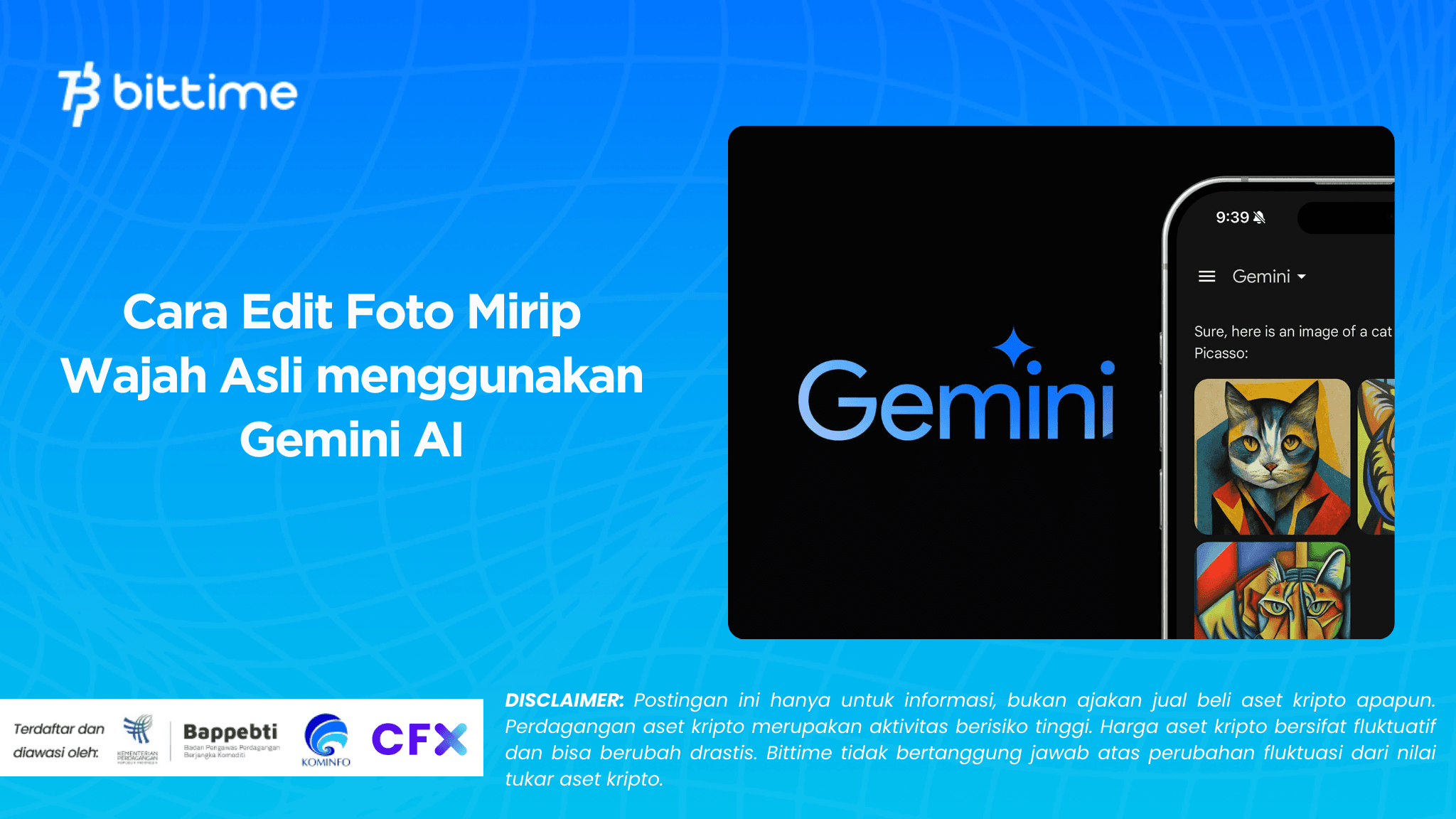
Bittime - What if a photo could appear more realistic, as if it were taken by a professional camera, even though it was only edited? That question now has an answer throughGemini AI, one of the latest innovations from Google which is increasingly popular among internet users.
Many people use it to refine facial portraits, make the photos look more like the original, or even create style variations that still maintain a person's facial features.
How to edit photos with AIhas become a trend among many people, and Gemini AI brings a unique approach—more intuitive, more sophisticated, and relatively friendly especially for beginners.
In this essay, we'll discuss how Gemini AI is used to edit photos to make them look like real faces. We'll cover practical steps, benefits, and ethical and safe precautions.

Understanding Gemini AI as an Editing Tool
Gemini AI isn't just a smart chatbot that can write or answer questions. This technology also opens up opportunities to explore the visual realm.
Although not specifically designed as an image editor like Photoshop, many creators and individual users take advantage of its capabilities to producemore realistic facial photos.
It works similarly to a "generative AI" approach. Instead of simply applying a filter, Gemini AI can understand the context of a face: shape, lighting, and even expression. This is what makes the edits look natural.
In practice, users usually insert the original photo and then provide instructions, for example:“make it smoother without changing the shape of the face” or “adjust the lighting to make it look more realistic”.
Interestingly, this process can be done without any heavy software. Just use a browser or an integrated app to download your edits instantly.
On social media, demonstration videos show how simple photos can be transformed into high-quality portraits. This explains why the "look-alike" trend has spread so quickly.
Read Also: Gemini AI Photo Editing: From Pre-Wedding to Wedding
Practical Guide: How to Edit Photos with Gemini AI
For beginners, the main question is usually simple: how do you do it? Broadly speaking, here are the steps commonly taken by users:
- Prepare original photos with good enough quality.The face must be clearly visible for the AI to recognize details.
- Enter the Gemini AI platform.Either through a browser or an application that supports visual features.
- Upload a photo.This process is usually quick, depending on the file size.
- Enter instructions. Example: "create results that resemble the original face without changing skin color" or “smooth the skin but keep the eye details”.
- Review the results.Gemini AI will display the edited version in seconds. If you're not satisfied, you can provide additional instructions.
- Download and save.Photos are ready to use, both for social media profiles and other creative needs.
The advantage of this method is its simplicity. No technical expertise is required for photo editing. Even people who have never touched design software can produce adequate-quality images.

Read Also: Google AI Payments with Stablecoins: Is It Integrated?
The Benefits and Attraction of Editing Photos to Look Like the Original
Why do so many people choose Gemini AI for photo editing? There are several main reasons:
- Realistic results.Unlike filters which are often excessive, AI edits tend to retain original facial details.
- Time efficient.Editing that used to take hours can now be completed in minutes.
- Accessibility.No expensive equipment or special software is required. A regular laptop or smartphone will do.
- Flexibility of instructions.Users can customize the results according to their preferences, from simply smoothing to replacing the background.
But there's another interesting side: this phenomenon has also sparked debate about the line between authenticity and manipulation. Do overly perfect photos still reflect authentic identity? Or are they creating a new, digital standard of beauty?
These questions make AI photo editing not just a visual trend, but a topic that touches on social and cultural aspects.
Things to Consider Before Using Gemini AI
While it may seem practical, there are some challenges worth noting before using Gemini AI for photo editing:
- Data privacy.Uploading personal photos means entrusting your visual data to a third-party server. Please ensure you understand the privacy policy.
- Risk of abuse.This technology can be used for malicious purposes, such as creating fake photos. Therefore, it's important to be careful when uploading and distributing edited images.
- Technical limitations.Not all results are perfect. Sometimes the face looks disproportionate if the instructions aren't clear.
- Digital ethics.Editing faces for personal purposes is different from manipulating other people's images without permission.
This last point is crucial. Despite the sophistication of technology, moral responsibility remains with the user. The more wisely they use it, the more positive the impact.
Practical Tips for Maximum Results
If you want to try it yourself, here are some tips that can help the edited results get closer to your real face:
- Use photos with natural lighting.Natural light makes facial details easier for AI to recognize.
- Give specific instructions.Don't just write"make it better". Mention details such as“smooths skin but doesn’t change lip color”.
- Experiment several times.The first result isn't necessarily the best. Repeat with varying instructions.
- Don't overdo it.Too many changes actually make the face look artificial.
- Prioritize safety.Avoid uploading sensitive or personal photos that are at risk of being misused.
Many creators on TikTok and Instagram have proven that small tricks like this make a huge difference in the final result. It's not just an edit, but a portrait that feels alive.
Conclusion
Gemini AI opens up a new way to edit photos to make them look like real faces. The process is simple, the results are satisfying, and anyone can try it without technical skills.
However, behind this ease comes a responsibility: maintaining privacy, using it ethically, and not getting caught up in the illusion of digital perfection.
For some, this technology is a means of showcasing the best version of themselves. For others, it reflects how society is becoming increasingly familiar with the artificial visual world.
Clear, how to edit photos with AI. It's no longer complicated—and Gemini AI has proven that digital realism can feel incredibly close to reality.
If you're curious, try it yourself, and be wise. The results might make you see your personal photos in a new light.
FAQ
1. Is Gemini AI free to use for photo editing?
Some basic features are accessible for free, but advanced options may require a paid account or integration of certain services.
2. Are the edited results with Gemini AI always similar to the original?
Not always. The clearer the instructions and the better the photo, the more realistic the result. However, it's still possible that facial details may be slightly altered.
3. Is it safe to upload personal photos to Gemini AI?
It's relatively safe if you use official platforms. However, avoid uploading highly sensitive photos, as there's always a risk of data misuse.
4. Can Gemini AI change the background of a photo?
Yes, depending on the instructions. You can ask the AI to replace the background to make the photo look more professional or aesthetic.
5. Can the edited results be used for professional purposes?
Yes, especially for profiles, portfolios, or personal branding. However, ensure that use is ethical and contextual.
How to Buy Crypto on Bittime

Want to trade sell buy Bitcoins and crypto investment easily? Bittime is here to help! As an Indonesian crypto exchange officially registered with Bappebti, Bittime ensures every transaction is safe and fast.
Start with registration and identity verification, then make a minimum deposit of IDR 10,000. After that, you can immediately buy your favorite digital assets!
Check the exchange rate BTC to IDR, ETH to IDR, SOL to IDR and other crypto assets to find out today's crypto market trends in real-time on Bittime.
Also, visit the Bittime Blog for interesting updates and educational information about the crypto world. Find reliable articles about Web3, blockchain technology, and digital asset investment tips designed to enrich your crypto knowledge.
Disclaimer: The views expressed belong exclusively to the author and do not reflect the views of this platform. This platform and its affiliates disclaim any responsibility for the accuracy or suitability of the information provided. It is for informational purposes only and not intended as financial or investment advice.

.png)


