How to Avoid Phishing? Secure Your Personal and Financial Data
2025-12-24
In today’s digital era, we often interact with various online platforms, from digital banking to e-commerce. However, this convenience also brings potential threats, one of which is phishing.
Phishing is a fraudulent method aimed at stealing your personal and financial information. This article will discuss what phishing is, how this scam works, and most importantly, how to avoid it to keep your personal and financial data safe.
What is Phishing?
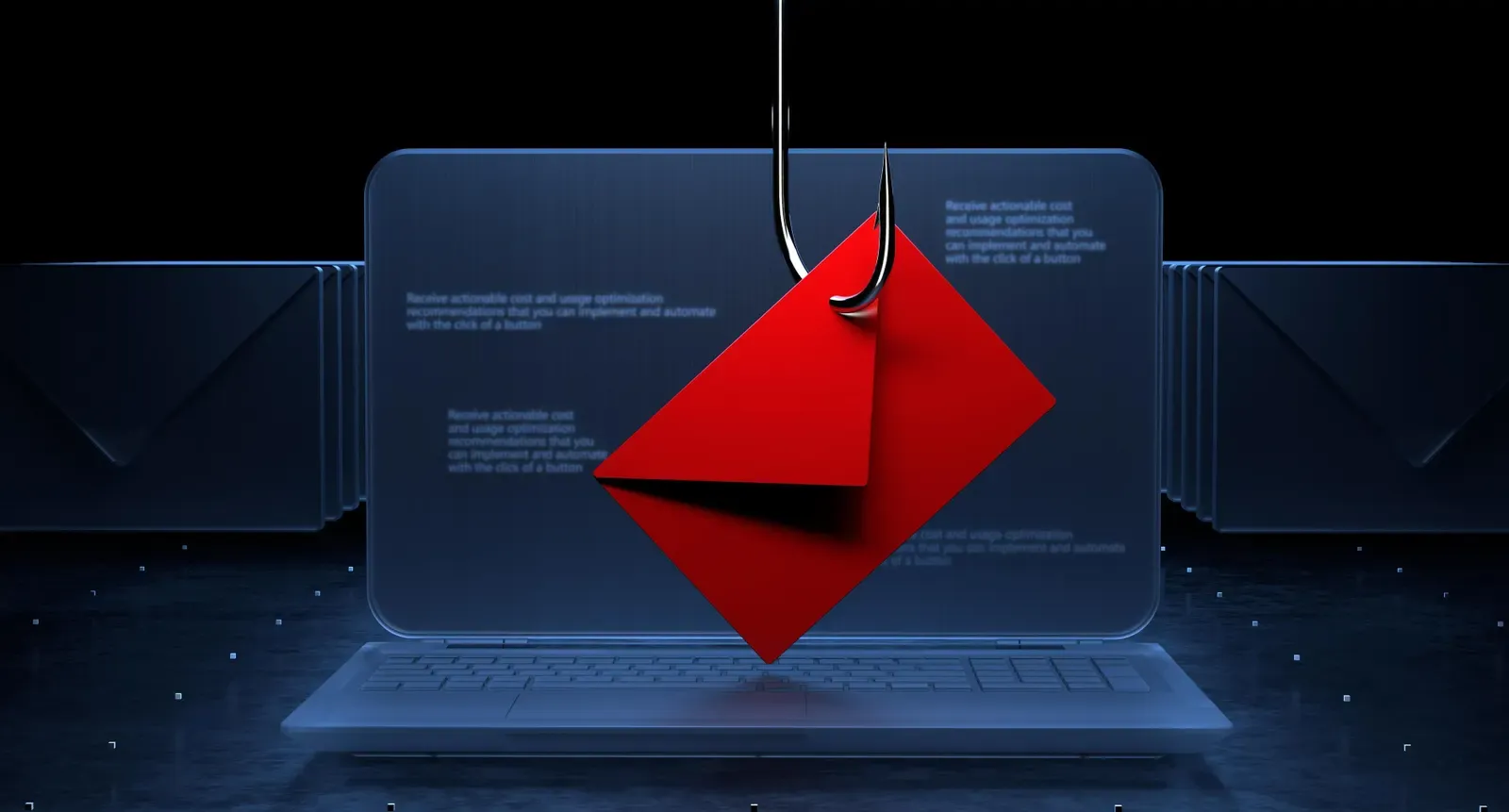
Phishing is a digital scam technique where scammers impersonate trustworthy institutions, such as banks, tech companies, or even close friends, to lure victims into giving up their personal information.
The stolen information, such as passwords, credit card numbers, or other personal data, can be used for malicious purposes like identity theft or financial fraud. Phishing is often carried out through email, text messages, or fake websites that look very similar to the original ones.
Read Also: Crypto Trading Strategies for Beginners, Don’t Do This!
How to Avoid Phishing?
To avoid falling victim to phishing, you need to be more cautious and follow several preventive steps. Here are some tips you can implement to protect yourself:
1. Be Wary of Suspicious Emails and Messages
Phishing is often carried out via emails or messages that seem official. However, there are some signs you can look for to determine if it’s phishing:
- Spelling or Grammar Mistakes: Phishing emails often contain spelling or grammar mistakes that appear unprofessional.
- Suspicious URLs: Check the URL in the email or message. Phishing often uses URLs that look similar to the original ones but with slight differences.
- Request for Personal Information: Legitimate institutions will never ask for personal or financial information via email or text message.
2. Do Not Click Suspicious Links
If you receive an email or message with a suspicious link, never click on it. Always ensure the link directs to a legitimate website. To verify, hover over the link and make sure the URL matches what it should be.
3. Enable Two-Factor Authentication (2FA)
Enabling two-factor authentication (2FA) is one of the best ways to protect your accounts. With 2FA, even if someone steals your password, they still cannot access your account without the verification code sent to your personal device.
4. Check the Security of Your Devices and Apps
Always check the devices and apps you use. Use security software that can block phishing websites or malicious apps. Ensure that your apps and operating systems are always updated to protect against potential phishing attacks.
5. Be Cautious with Unknown Callers or Message Senders
Phishing can also occur via phone calls or text messages. Never provide personal information or financial data over the phone if you are unsure of the caller's identity. Be sure to verify the number or message sender before providing any information.
Read Also: 7 Jitu Crypto Trading Tips for Beginners
Example of Phishing Attacks on Personal and Financial Data
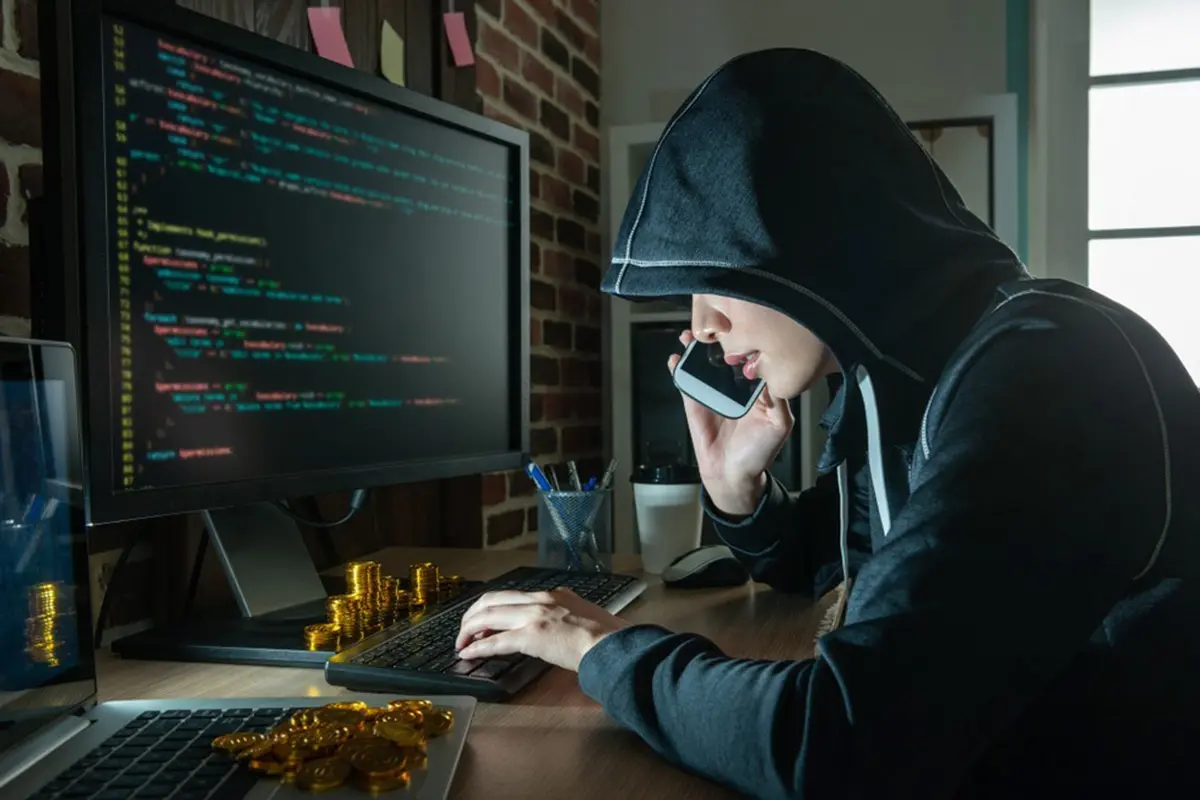
Phishing can take many forms and can occur through various communication channels. Here are some examples of phishing attacks:
1. Fake Bank Emails
Scammers send emails pretending to be from banks or other financial institutions, informing you that there is an issue with your account. These emails often prompt you to click a link and enter your personal data or account information.
2. Text Messages Claiming to Be from E-Commerce Services
Phishing can also occur through text messages claiming to be from e-commerce services. These messages often inform you that you’ve won a prize or received a big discount, asking you to click a link that leads to a fake website to collect your personal information.
3. Phone Calls Pretending to Be Customer Service Representatives
In some cases, scammers will call victims, pretending to be customer service representatives from a bank or other service provider. They then ask for personal information or OTP codes to "verify" accounts or transactions.

Conclusion
Phishing is a serious threat in the digital world that can cause significant losses for individuals and businesses. By understanding what phishing is, how this scam works, and the steps that can be taken to avoid it, you can protect yourself from personal and financial data theft.
Always be cautious when providing personal information and use security measures like 2FA to add an extra layer of protection to your important accounts.
Protect your accounts with Bittime Exchange for safe trading or read the latest crypto news on Bittime Blog.
FAQ
What is phishing?
Phishing is a scam technique where scammers impersonate trusted institutions to steal personal or financial information.
How to recognize phishing?
Phishing often looks like suspicious emails or messages containing spelling mistakes or requests for personal information that should not be asked for.
What should I do if I receive phishing messages?
Do not click on the link or attachment from suspicious messages. Report the incident to customer service and make sure to change the passwords for affected accounts.
Can two-factor authentication (2FA) prevent phishing?
Yes, 2FA provides an additional layer of security by requiring a verification code in addition to the password, reducing the risk of account theft.
What should I do if I become a phishing victim?
Immediately change the passwords for affected accounts, report the incident to customer service, and monitor the account activity to ensure there’s no misuse.
Disclaimer: The views expressed belong exclusively to the author and do not reflect the views of this platform. This platform and its affiliates disclaim any responsibility for the accuracy or suitability of the information provided. It is for informational purposes only and not intended as financial or investment advice.

.png)