How to Create a Cold Wallet on iPhone to Store Crypto
2026-10-14
How to make cold wallet on the iPhone begins by setting up a special device that stores private keys and signs transactions without an internet connection.
The second phone is used to monitor the balance and send transactions to the network.
Crypto assets remains recorded on the blockchain, what is stored offline is the key to accessing it.
However, just turning off the internet is not enough.
An iPhone cold wallet requires an offline signing app, a well-maintained device, a restore backup, and careful transaction review.
Key Takeaways
Use two devices: an offline iPhone as a signer and an online phone as a monitor and sender of the transaction.
Create a new seed phrase after the device is offline, then store a physical backup.
Crypto wallet security still depends on the device, application, updates, and protection against physical access.
Preparation Before Turning Your iPhone Into a Cold Wallet
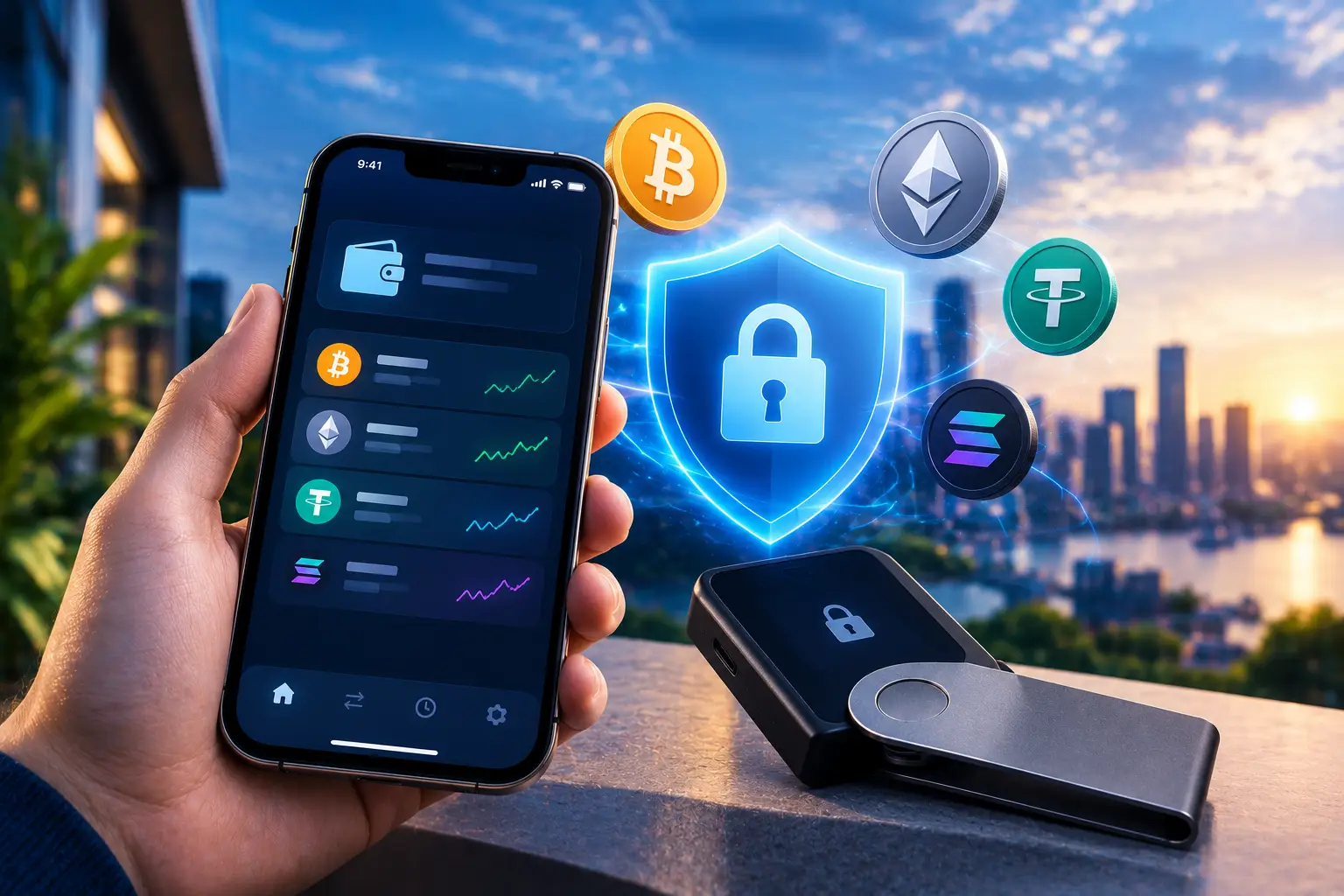
Prepare a dedicated iPhone, a companion phone, and a piece of paper or metal plate for backup. Make sure your camera is working, as transaction data is exchanged via QR code.
Avoid jailbroken devices or devices with questionable security histories.
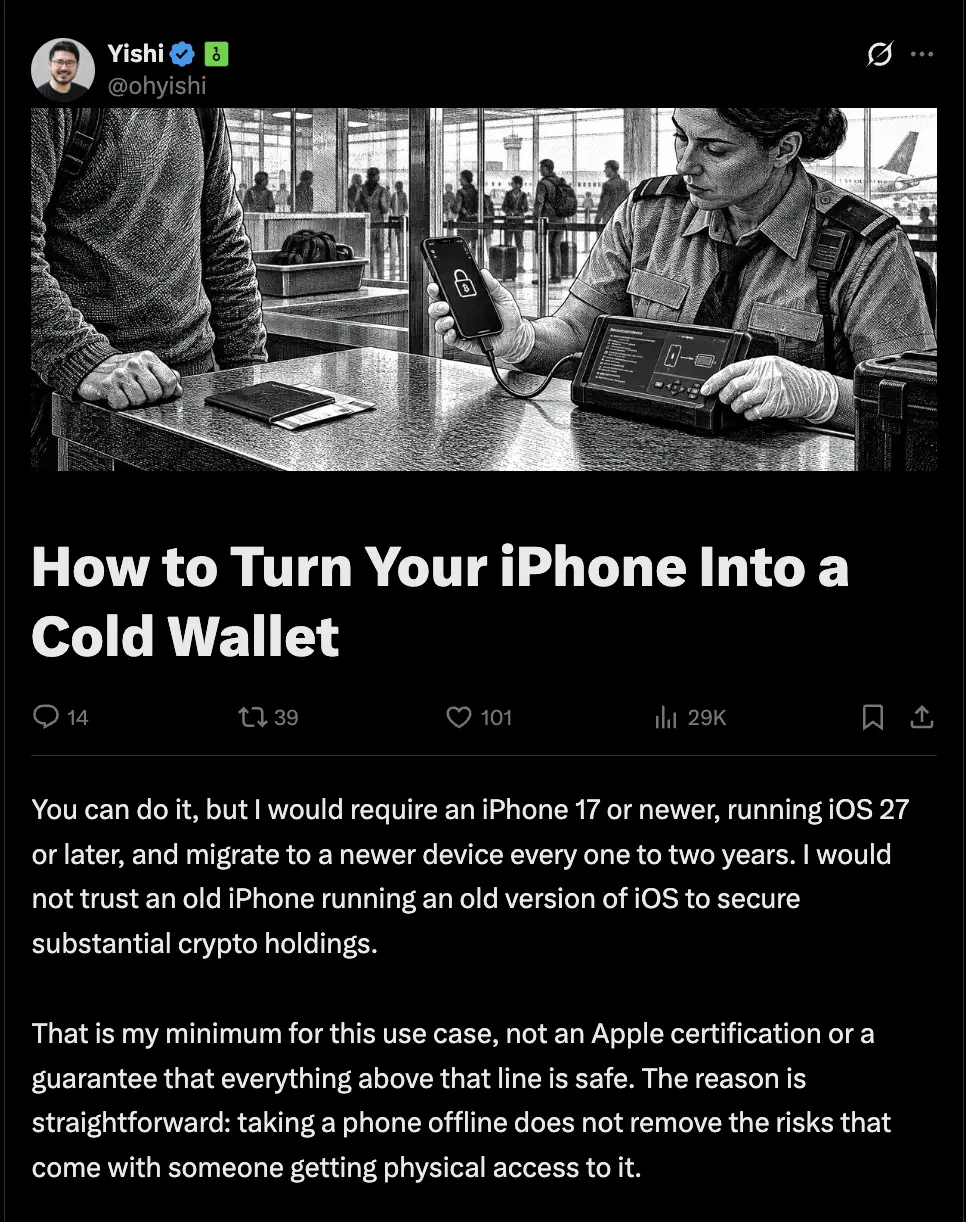
Source: X/@ohyishi
OneKey founder Yishi sets iPhone 17 or later and iOS 27 or later as his personal standards.
He also recommends migrating devices every one to two years.
That's his personal policy for high-value storage, not an Apple certification or security guarantee.
The term iPhone hardware wallet needs to be understood correctly.
The iPhone can perform offline signing functions, but it remains a versatile phone with different characteristics than a dedicated wallet device.
Read Also:26 Fake Crypto Apps on iPhone, Be Careful
Steps to Create a Cold Wallet on iPhone
1. Clean the device and install the official app
Update iOS before setting up your wallet, then perform a factory reset after ensuring your personal data has been backed up.
Set up as a new device, without restoring all your daily phone apps and data.
For example, use AirGap Vault on the dedicated iPhone and AirGap Wallet on the companion phone.
Download via the developer's official link, then check asset and network support.
The AirGap documentation describes the use of two devices communicating via QR.
Read Also:iPhone App Steals IDR 9 Billion in USDT, Here's FomoPeek's Modus
2. Disconnect before creating a wallet
Once the installation is complete, enable airplane mode, disable cellular lines including eSIM, and remove the physical SIM if available.
Turn off Wi-Fi and Bluetooth via Settings, then forget saved networks.
Don't rely on the Control Center button alone.
Make sure the device is completely disconnected before generating the private key. The AirGap setup documentation places device isolation at the heart of the setup process.
Read Also:Apple Releases Security Update, Zero-Day Linked to Crypto Theft Risk
3. Create a new seed phrase and physical backup
Open AirGap Vault, select new secret creation, then follow the app instructions.
Use a new seed phrase, not a phrase from a hot wallet previously used online.
AirGap also recommends creating new phrases on isolated devices.
Write down all the words in order on paper or metal plates.
Don't take screenshots, save them in Notes, upload them to iCloud, or send them via conversations.
Complete the verification of the recommendations provided by the application before filling the wallet.
4. Connect the monitoring wallet to the online mobile phone
Create an account for a supported network, then display the account sync QR from an offline device.
Scan using the companion app on your phone online as per the wallet documentation.
What is transferred is public information for monitoring accounts, not seed phrases or private keys.
This flow allows the companion phone to display the balance without holding the signing secret.
Read Also:Tutorial on Mining Bitcoin on Android and iPhone, Hassle-Free!
5. Small nominal acceptance and delivery test
Check the recipient's address on an offline device and match it to the transfer destination address. Send small amounts first using a suitable network.
To send out, set up a transaction on your phone online.
Scan the transaction QR using an offline iPhone, check the address, amount, network, and fee, then sign.
Return the signature result via QR to the mobile phone online to be broadcast to the blockchain.
Want to have exposure to American stocks? Register at Bittime and start investing through tokenized stocks.
Keeping Crypto Wallets Offline After Use
Storing crypto offline requires both physical and digital protection.
Use a strong, random alphanumeric passcode; Yishi recommends at least 12 characters. Keep a separate recovery backup from your device and protect access to both.
Turn off iPhone when storing.
In Yishi's explanation, restarting the device returns it to the state before the first unlock or BFU, simply locking the screen does not produce the same state.
Plan updates carefully.
AirGap explains that updating Vault on iOS requires a secret wipe and re-setup procedure.
Verify backup first before any wipe action, do not simply connect the device containing the seed to the internet.
To start purchasing crypto assets, Register at Bittime check the withdrawal network support to ensure it matches the destination wallet.

Bittime is a licensed and regulated Digital Financial Asset Trader (PAKD) supervised by Indonesia’s Financial Services Authority (OJK) — where you can buy Bitcoin in Indonesia and hundreds of other crypto assets starting from just Rp10,000. The registration process is fast, secure, and you can get started today.
Track USDT to IDR conversions and monitor your favorite crypto assets in real time. Everything is available in one crypto investment app that you can download for free on the Play Store
Ready to start? Register now on Bittime and execute your investment strategy with a platform trusted by millions of users in Indonesia.
FAQ
Can an iPhone be a crypto cold wallet?
Yes, through offline signing applications and online device separation. Airplane mode alone doesn't create a complete crypto cold storage system.
Does converting an iPhone into a cold wallet require two phones?
This guide uses two devices to keep the private key offline while the companion device communicates with the blockchain.
Is iPhone cold wallet safe from theft?
Not entirely. Physical access, malicious applications, and seed leaks remain risks even if the internet is turned off.
Can seed phrases be saved in photos?
Avoid this. Photos can be read when the device is accessed and may have been synced before the device was used as an offline crypto wallet.
How to save crypto assets if iPhone is broken?
Restore your wallet on a trusted device using a backup seed and additional passphrase, if used. Do not enter these secrets on the recovery site.
Disclaimer: The views expressed belong exclusively to the author and do not reflect the views of this platform. This platform and its affiliates disclaim any responsibility for the accuracy or suitability of the information provided. It is for informational purposes only and not intended as financial or investment advice.

.png)