How to Download MetaMask on Chrome & Complete Setup for Beginners
2025-11-12
Bittime - Crypto wallets have now become the main gateway for users who want to participate in the Web3 world — from DeFi to NFTs.
MetaMask is one of the most popular and flexible wallets available as a browser extension and mobile app.
This article will guide you on how to download MetaMask on Chrome, perform initial setup, and optimize your wallet's security.
What Is MetaMask?
MetaMask is a browser extension and crypto wallet app that allows users to manage private keys for Ethereum and other blockchain networks, interact with dApps (decentralized applications), and perform token and NFT transactions.
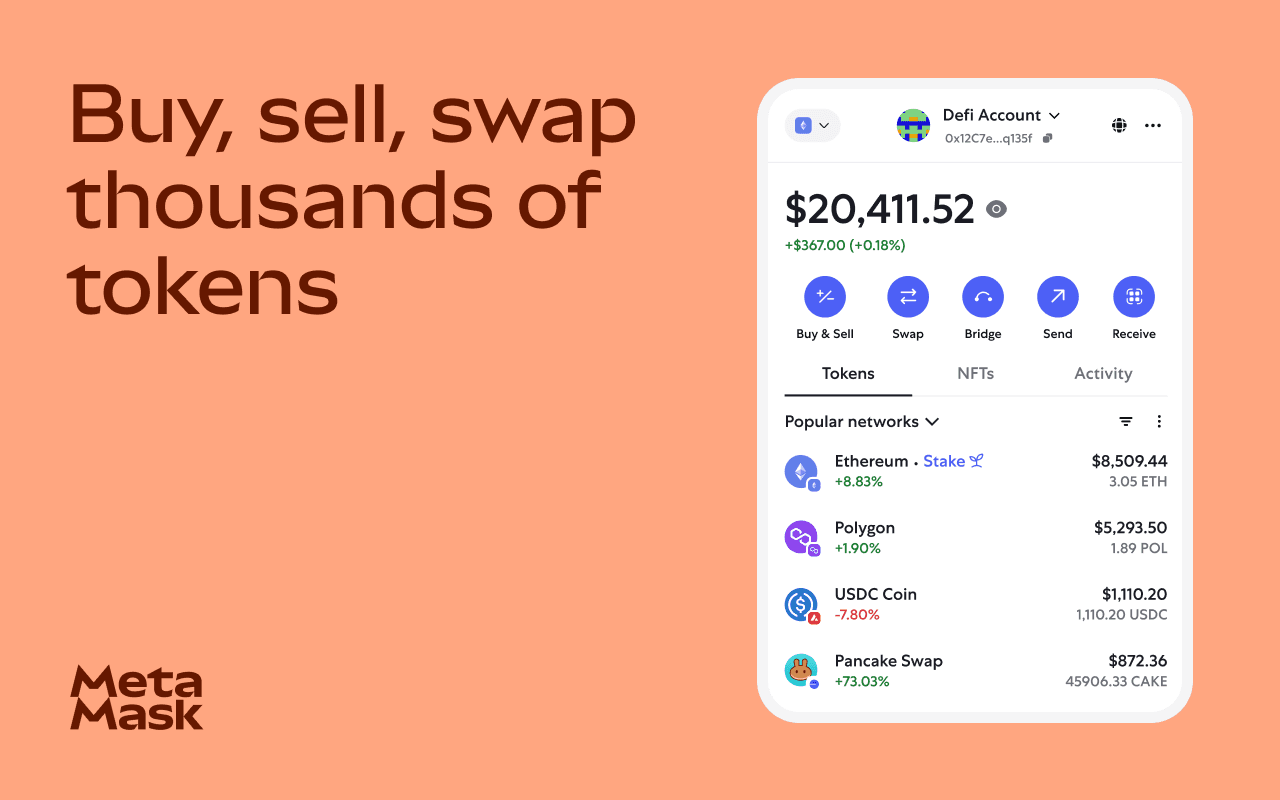
As a Chrome extension, MetaMask extends your browser with Web3 capabilities — allowing you to connect directly to blockchain applications from the browser.
Read Also: How to Create a MetaMask Wallet in the Browser Easily
Why Choose MetaMask?
Here are some main reasons why many users choose MetaMask as their primary wallet:
- Compatible with many blockchain networks (Ethereum, BSC, Polygon, and others).
- Provides full control over private keys and recovery phrase (self-custody).
- Supports connections to dApps, token swaps, staking, and other Web3 activities.
However, like all crypto tools, security and caution remain very important.
How to Download MetaMask on Chrome
Here are the easy steps to download and install MetaMask on Chrome:
- Visit the official site metamask.io/download.
- Click the “Get MetaMask” button and select the Chrome version.
- You will be directed to the Chrome Web Store — click “Add to Chrome”.

- After the extension is installed, click the MetaMask icon in the Chrome toolbar and select “Get Started”.
- Choose whether you want to create a new wallet or import an existing wallet using the recovery phrase.
Read Also: MetaMask Card, the First Blockchain-based Debit Card
How to Set Up MetaMask on Chrome
After installation, follow these steps to set up your wallet:
A. Create or Import a Wallet
- If creating a new wallet: create a strong password.
- Store the Secret Recovery Phrase very securely. Do not share it or save it online.
B. Initial Settings
- Pin the MetaMask extension to the Chrome toolbar for easy access.
- Add the blockchain networks you want (such as BSC, Polygon) via the Settings → Networks menu.
C. Security and Backup
- Never share your recovery phrase.
- Beware of fake sites or extensions. Make sure to download only from the official MetaMask site or the Chrome Web Store.
D. Use Wisely
- Connect MetaMask to dApps with caution.
- Always check transaction details before approving requests in MetaMask.
Safety Tips for Using MetaMask
- Use the latest MetaMask version from the official developer Consensys.
- Keep your Chrome browser up to date.
- Avoid suspicious links or unofficial sites.
- Use a secure device and enable additional security features if available.
- Disconnect dApps you no longer use to avoid risks from excessive permissions.
Read also: ConsenSys Launches MetaMask Delegation Toolkit
Conclusion
Downloading and setting up MetaMask on Chrome is an important step for anyone who wants to explore crypto and Web3 safely.
By following the installation, setup, and security tips above, you can use MetaMask with more confidence. However, always do your own research and understand the risks before storing any crypto assets.
How to Buy Crypto on Bittime

Want to trade or sell buy Bitcoin and invest in crypto easily? Bittime is ready to help! As an Indonesian crypto exchange officially registered with Bappebti, Bittime ensures every transaction is safe and fast.
Start with registration and identity verification, then make a minimum deposit of Rp10,000. After that, you can immediately buy your favorite digital assets!
Check the rates BTC to IDR, ETH to IDR, SOL to IDR and other crypto assets to follow today's crypto market trends in real-time on Bittime.
Also, visit Bittime Blog for various interesting updates and educational information about the crypto world. Find trusted articles about Web3, blockchain technology, and digital asset investment tips designed to enrich your knowledge in the crypto space.
FAQ
Can MetaMask be used only on Chrome?
No. Besides Chrome, MetaMask is also available for Firefox, Brave, Edge, and Opera, as well as mobile versions on Android and iOS.
Can I use the recovery phrase from another wallet in MetaMask?
Yes. You can import another wallet using the Secret Recovery Phrase or private key.
Is MetaMask installation free?
Yes, the MetaMask extension and app can be downloaded and used for free.
Is it safe to store crypto in MetaMask?
MetaMask is a self-custody wallet, meaning you hold full control. Security depends on how you protect your password, recovery phrase, and device.
How to add other networks like BSC or Polygon?
You can add a new network through the Settings → Networks → Add Network menu, then fill in the RPC data according to the network you want to add.
```
Disclaimer: The views expressed belong exclusively to the author and do not reflect the views of this platform. This platform and its affiliates disclaim any responsibility for the accuracy or suitability of the information provided. It is for informational purposes only and not intended as financial or investment advice.

.png)