5 Free AI PPT Makers: Features, Usage Limits, and Export Options
2026-09-28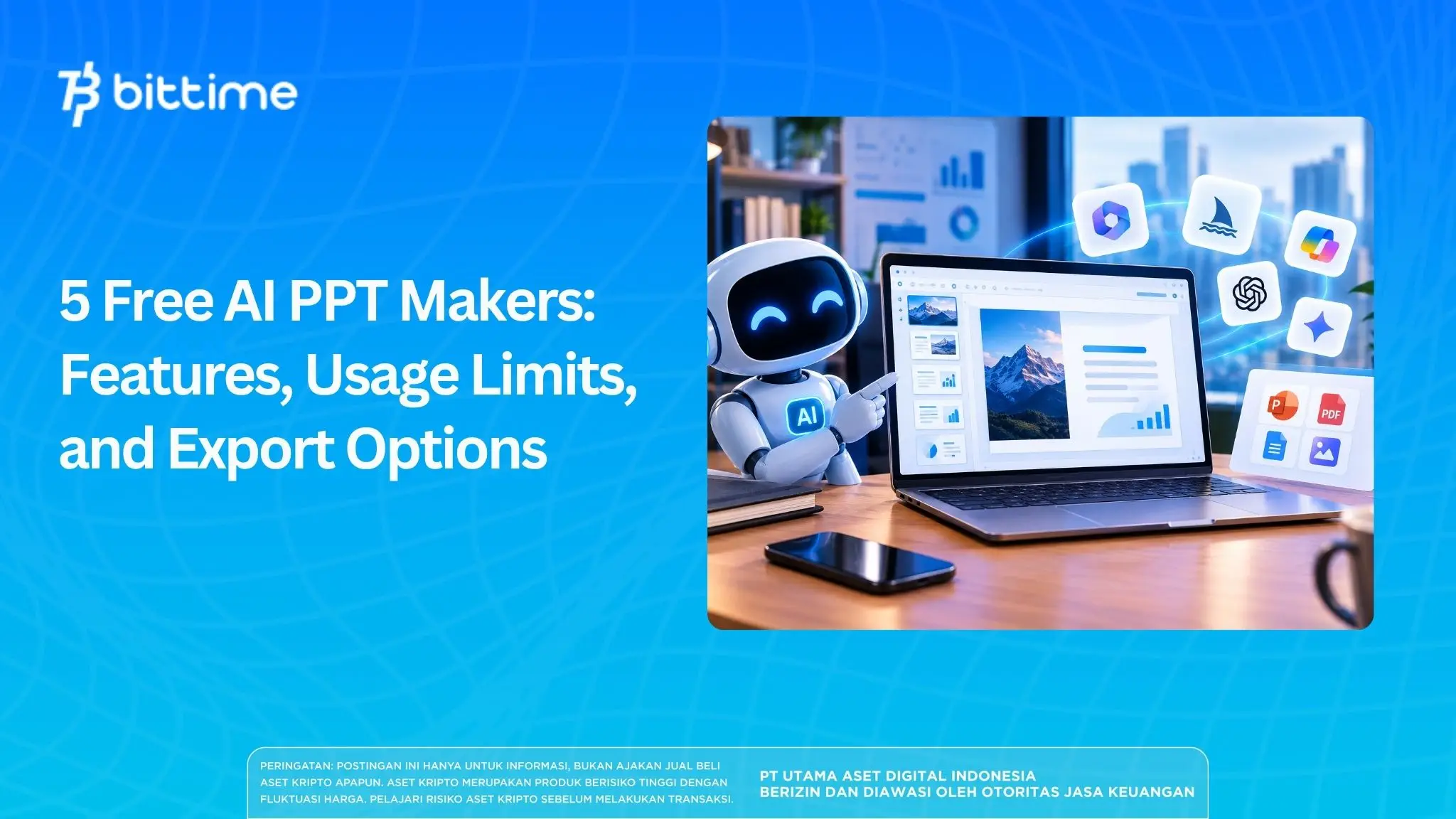
Searching for a free AI PPT maker should start with one question: can the results be used without paying?
Some services provide creation quotas, some limit design features, and others only offer trials.
Gamma, Slidesgo, Canva, SlidesAI, and Manus are all worth considering based on their different needs. Package terms were reviewed on September 28, 2026, and are subject to change.
Key Takeaways
- Gamma and Slidesgo are worth considering if your priority is exporting PPTX via free access.
- Canva stands out for visual editing, while SlidesAI is suitable for Google Slides users.
- Check the quota, branding, and payment terms; free trials are different from ongoing free plans.
Free AI PPT Maker Comparison
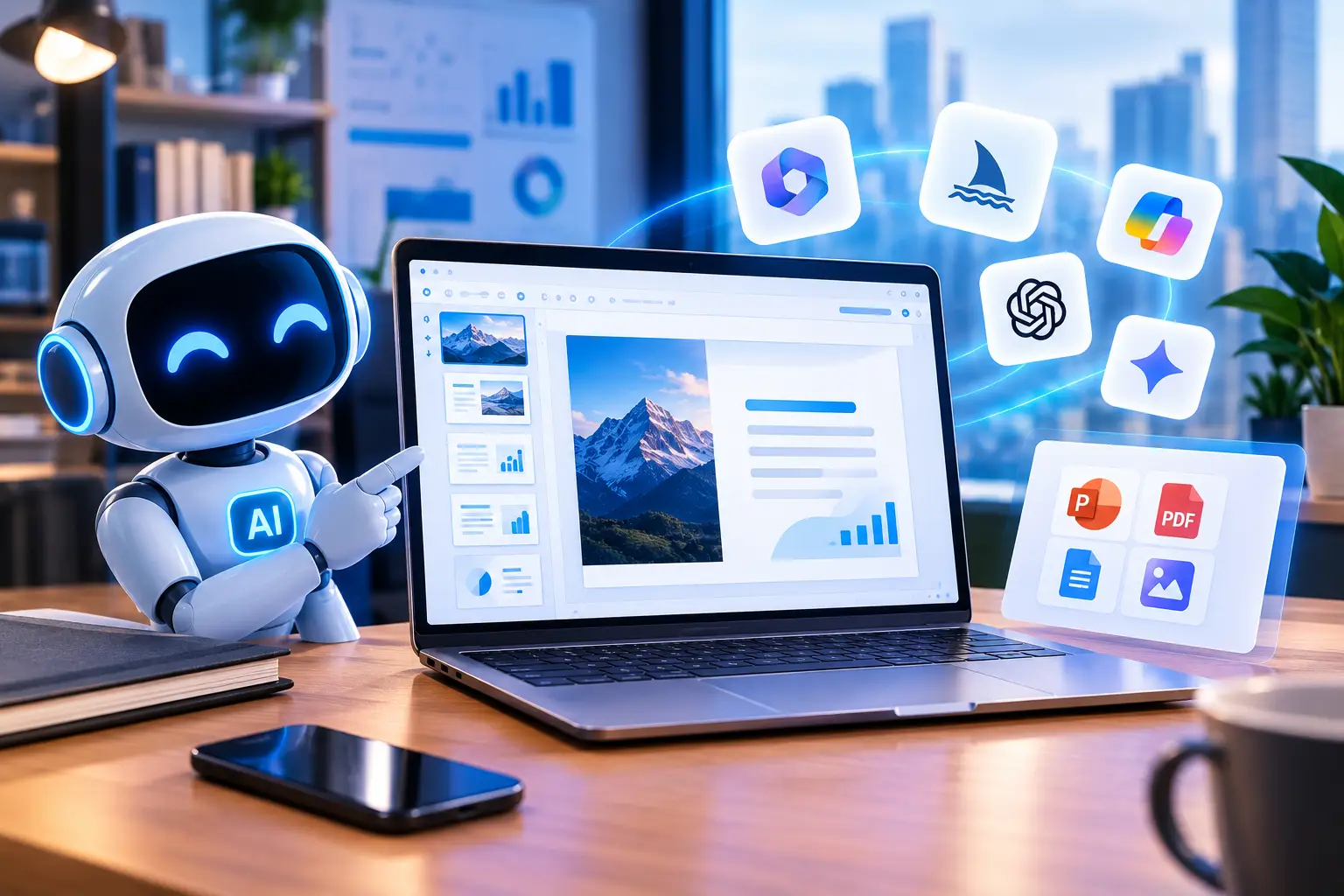
Recommendations are based on documentation and source reviews, not direct testing of the entire application.
Quota and export details follow the official pages of each service as well as the referenced reviews.
Five AI PPT Maker Options to Suit Your Needs
1. Gamma for Exportable Short Drafts
Source: gamma.app
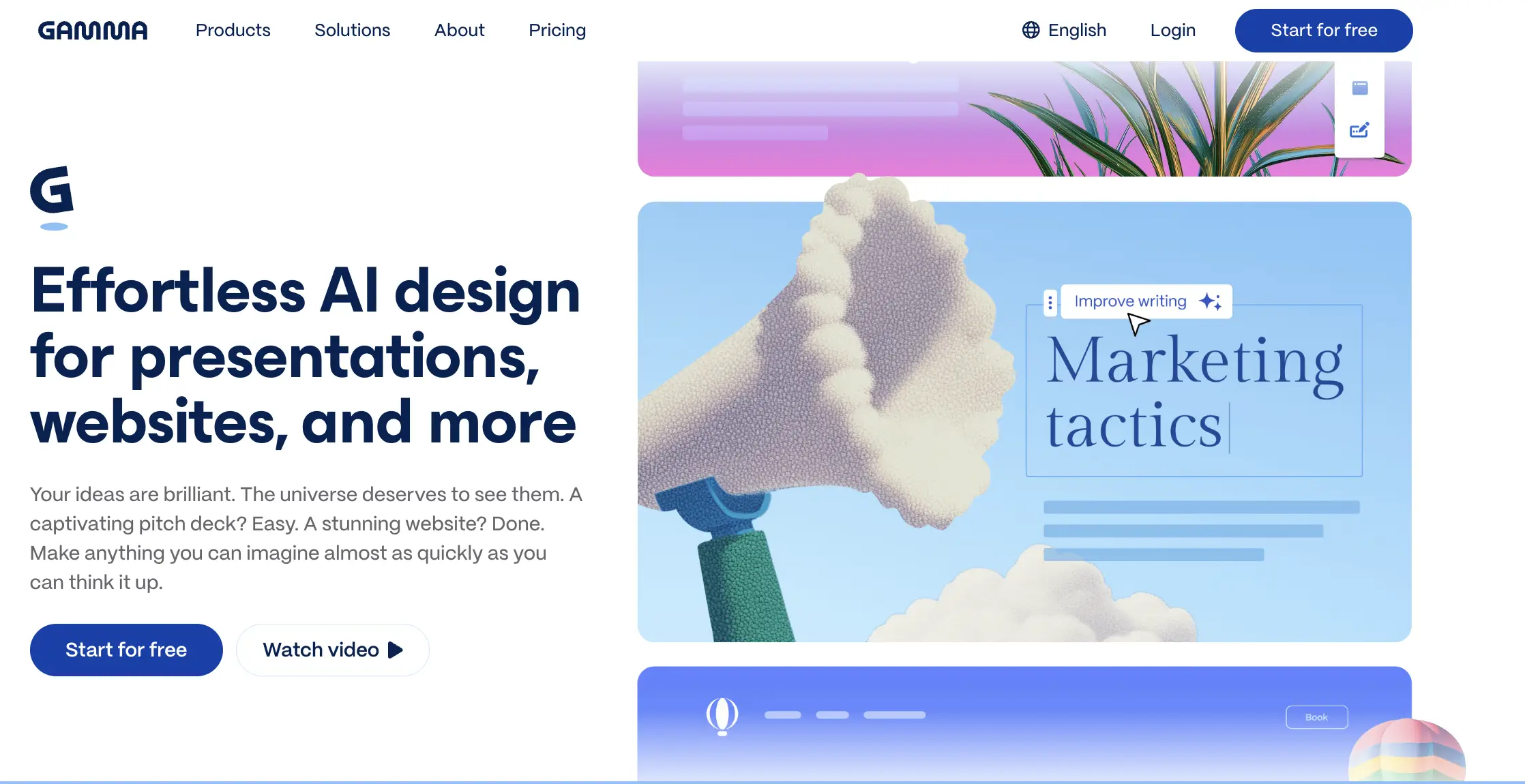
Gamma offers a free plan with up to 10 slides per prompt. Its official page lists PDF, PPTX, PNG, and Google Slides exports without requiring a payment card to get started. This makes it suitable for those seeking free PowerPoint AI tools who want to continue editing in other applications.
Branding removal is available on the Plus plan.
After exporting, reopen the file and check the position of the text and images before sending.
Read Also:AI Innovations That Are Changing the Face of Digital Finance
2. Slidesgo for Assignments with Ready-to-Use Templates
Source: slidesgo.com
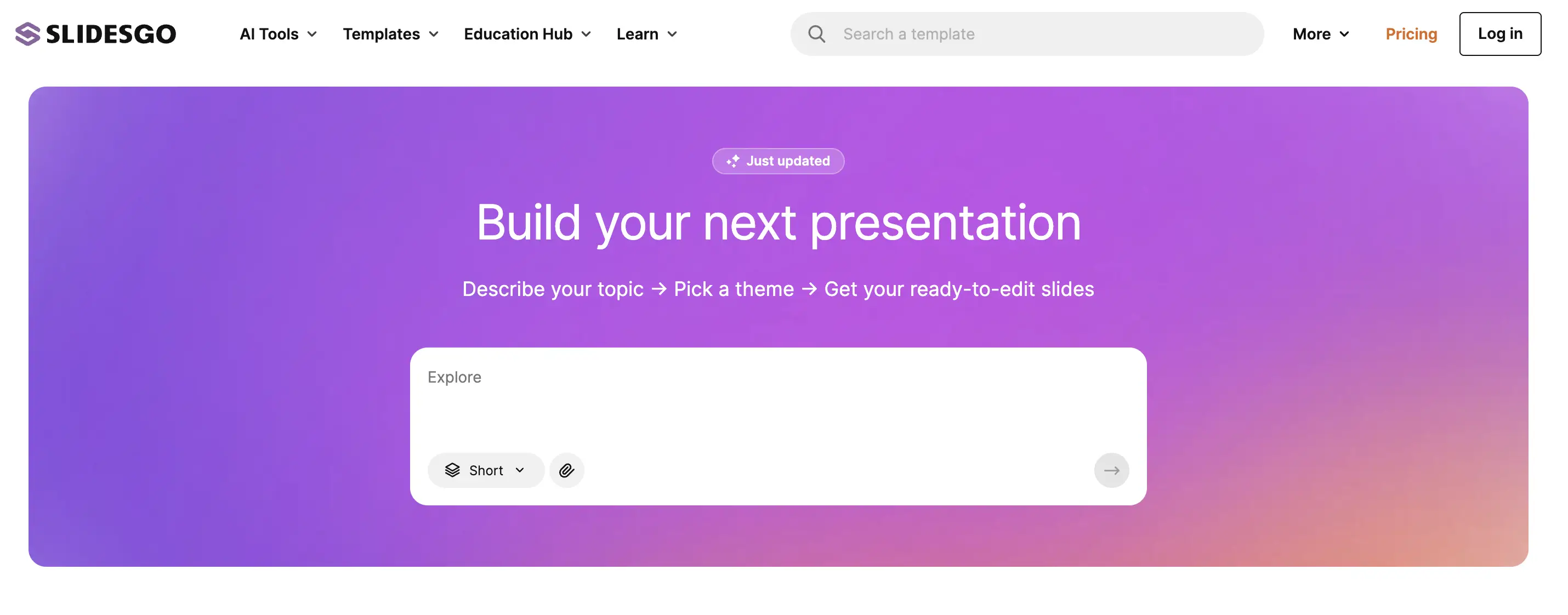
Slidesgo provides up to three free presentations per month and editable PPTX downloads.
You need to create an account to generate and download presentations.
The flow includes entering a topic, customizing the content, selecting a design, and then downloading the results.
This option makes sense for less frequent school or college assignments.
Advanced features and some templates require Premium.
Read Also:Will AI Replace Programmers? Zoho CEO Reveals Risks and Solutions
3. Canva for Greater Visual Control
Source: canva.com/presentations
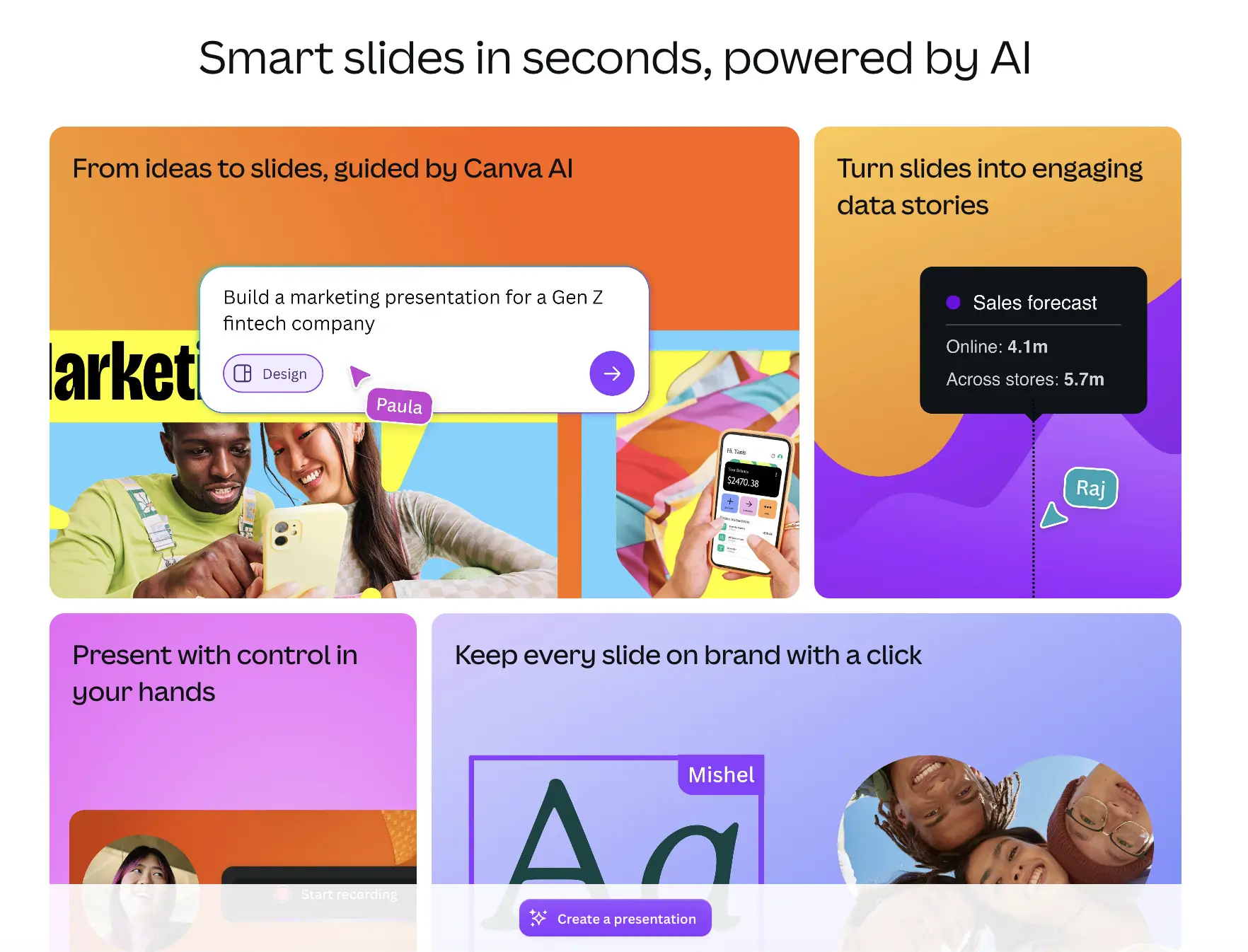
Canva provides Magic Design to help generate presentation designs from instructions.
Users can then customize the design with their own materials. Canva is ideal when you need more help with layout than leaving the entire writing to AI.
Both Manus and Plus AI's reviews highlight Canva's visual power, but also the need to refine content.
Use the free options and check if the selected elements require payment.
Don't assume all AI features are automatically included in the Free account.
Read Also:What Is Wan AI? Getting to Know Alibaba's AI Video Generator
4. SlidesAI to Convert Notes to Slides
Source: slidesai.io
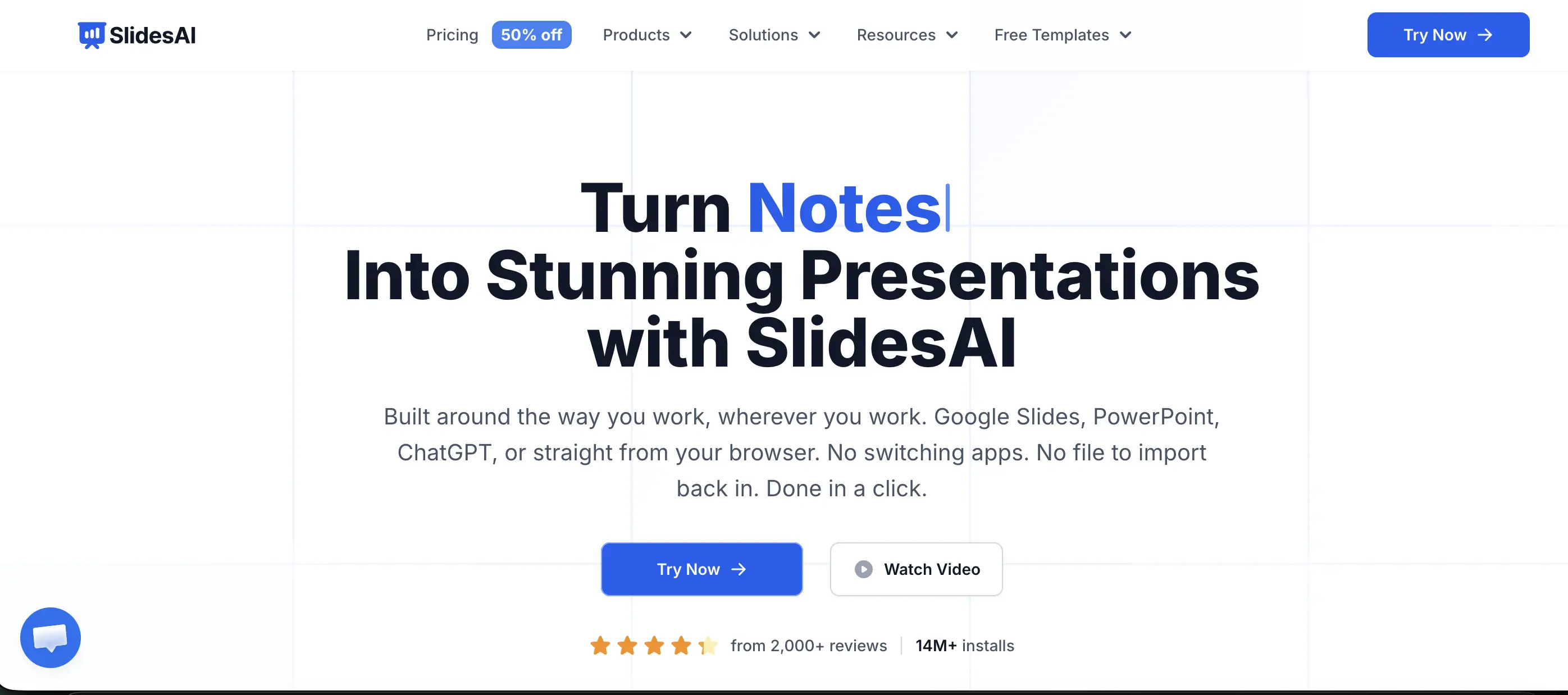
SlidesAI can be used in Google Slides to process text or prompts into presentations.
The Basic package shown during the review costs US$0, with 12 presentations per year, 1,000 character input per presentation, and 120 AI credits per year.
The character limit makes summaries of material more suitable than lengthy documents.
Choose this tool if you are comfortable editing slides in the Google environment.
Read Also:GPT-6 Sol vs GPT-5: Here's the Difference in Their New Features
5. Manus to Help Compile Materials
Source: manus.im/tools/nano-banana-pro-slides
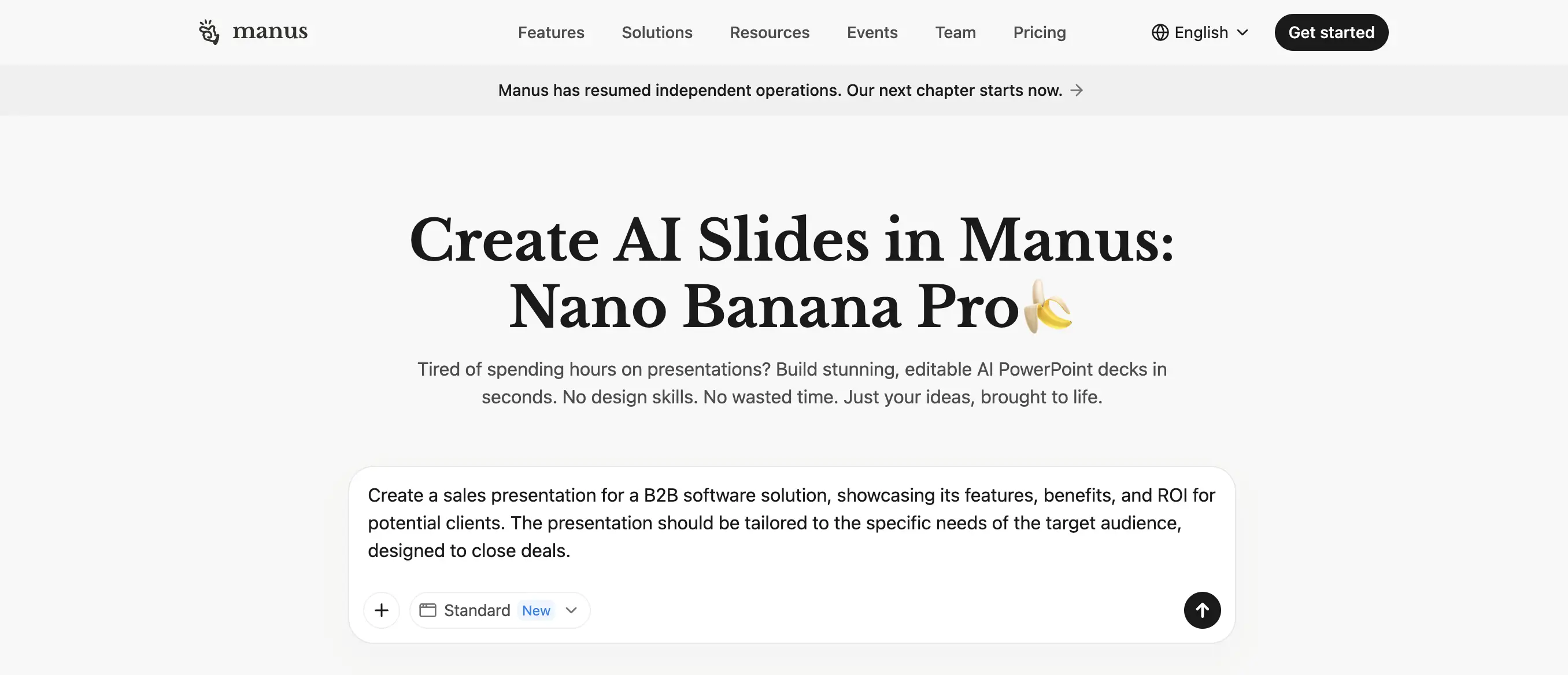
Manus is on the list of ai ppt makers because it combines material arrangement and slide creation in a conversation-based flow.
Manus' review emphasized research assistance, while Plus AI noted PPTX and PDF export support along with possible layout issues.
Free access has limitations; check credits and download options before starting a long project. Always match figures and quotes with the original source.
Let's monitor a number of gold and silver-based digital assets such as XAUT, PAXG And SLVON. All three are now available on Bittime!
Don't Confuse a Trial with Permanent Free
Plus AI is attractive to PowerPoint and Google Slides users, but it is not a permanent free option.
The plan starts with a seven-day trial and 1,000 AI credits, requires a payment card, and charges automatically after the trial period ends.
To choose a free AI presentation, try a short topic first. Assess whether the result is downloadable, easy to edit, and readable on the presentation screen.
Preparing a presentation about digital assets? Check out Bittime's educational materials and register via Bittime official website to start getting to know the platform.

Check the price of stock tokens such as Amazon Tokenized Stock Ondo (AMZNON), Netflix Tokenized Stock Ondo (NFLXON), Microsoft Tokenized Ondo (MSFTON) and more only on Bittime.
Bittime is a licensed and regulated Digital Financial Asset Trader (PAKD) supervised by Indonesia’s Financial Services Authority (OJK) — where you can buy Bitcoin in Indonesia and hundreds of other crypto assets starting from just Rp10,000. The registration process is fast, secure, and you can get started today.
Track USDT to IDR conversions and monitor your favorite crypto assets in real time. Everything is available in one crypto investment app that you can download for free on the Play Store
Ready to start? Register now on Bittime and execute your investment strategy with a platform trusted by millions of users in Indonesia.
FAQ
What free AI PPT maker can export PowerPoint?
Gamma and Slidesgo both include PPTX export in their free access, with their respective usage limits.
Which AI PPT maker is suitable for students?
Slidesgo is suitable for template-based assignments, while Gamma can be considered for short drafts with a simple flow.
Is Canva AI completely free?
Not all features are free. Check AI access, account quota, and premium elements before finalizing your design.
Is Plus AI free forever?
No. Plus AI offers a seven-day trial; subscriptions are automatically billed afterward if not cancelled.
How to make AI presentation results more accurate?
Provide source material, purpose, audience, and number of slides. Double-check facts, quotes, and images for appropriateness before using them.
Disclaimer: The views expressed belong exclusively to the author and do not reflect the views of this platform. This platform and its affiliates disclaim any responsibility for the accuracy or suitability of the information provided. It is for informational purposes only and not intended as financial or investment advice.

.png)