5 Recommended Zcash Wallets in 2026 for Storing ZEC
2026-09-24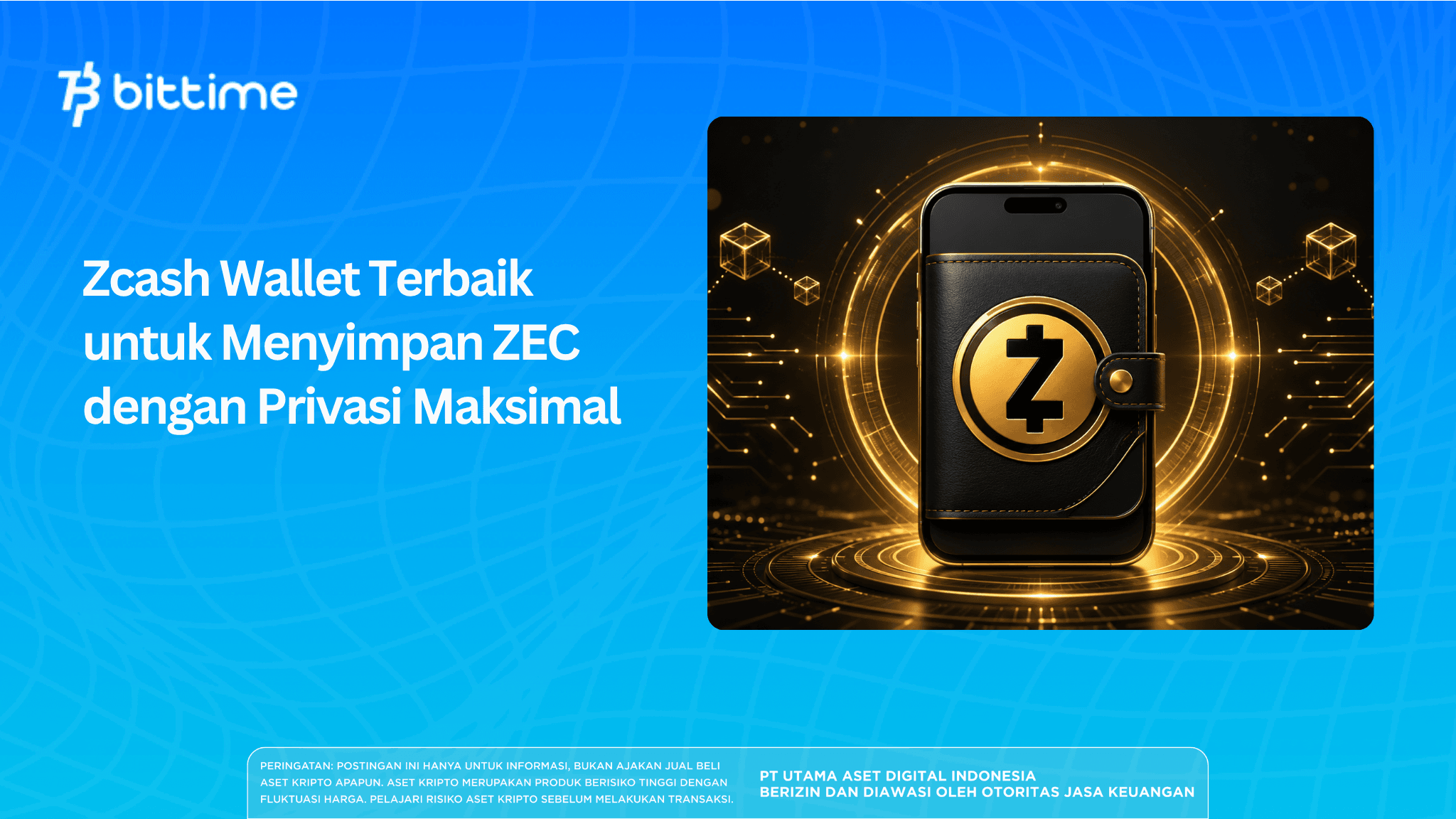
Choosing the best Zcash wallet isn't just about finding an app that can accept ZEC. Zcash provides transparent and shielded transactions, so the level of privacy depends heavily on the wallet features used. To protect addresses, balances, transaction amounts, and financial history, choose a ZEC wallet that supports shielded transactions by default.
Key Takeaways
- Zcash wallets with shielded-by-default features are more suitable for users who prioritize the privacy of ZEC transactions.
- Zashi is suitable for beginners, while Zingo and YWallet offer more in-depth transaction features and control.
- ZEC security still depends on the seed phrase, private key, device, address type, and shielded transaction support.
What Is a Zcash Wallet and Why Is It Important?
Zcash is a blockchain network that allows users to choose between transparent or private transactions. Transparent transactions work like Bitcoin transactions. Addresses, balances, and activity can be seen through a blockchain explorer.
Shielded transactions encrypt important information so that the sender's address, recipient, transfer amount, and memo are not displayed openly. This feature is the main reason many users choose ZEC.
However, not all wallets that support Zcash also support its privacy functions. Some wallets only accept transparent addresses. Users can still store ZEC, but their activity is visible on the blockchain.
Therefore, the best Zcash wallet recommendations should prioritize three things:
- support shielded transactions;
- provide Unified Addresses;
- give users control over their private keys.
Unified Address combines several types of Zcash addresses into one format. On wallets that support autoshielding, received ZEC can be moved to a private pool automatically.
Read also : Zcash ETF Coming Soon? Check the Facts and the Latest Updates!
5 Zcash Wallet Recommendations 2026
No single wallet is perfect for everyone. The best choice depends on experience, device, type of assets stored, and transaction needs.
1. Zashi for Beginners and ZEC Users
Zashi is one of the simplest choices for users who prioritize privacy. This wallet is self-custody, focuses only on Zcash, and uses a shielded-by-default approach.
Because it is specifically for ZEC, its interface is not filled with hundreds of tokens or other networks. Users can send, receive, and store ZEC without having to understand too many technical settings.
Zashi is suitable for:
- new Zcash users;
- ZEC holders who want a dedicated wallet;
- users who want private transactions by default;
- daily transactions via mobile devices.
The downside is that Zashi is not intended as a multi-asset wallet. Users who store Bitcoin, Ethereum, and other tokens still need separate applications.
2. Zingo for Practical Shielded Transactions
Zingo is a ZEC wallet that supports Orchard and Unified Addresses. This wallet also uses private memos to help users record transaction information without displaying it publicly.
Zingo is suitable for users who want a simple mobile experience but still have complete Zcash privacy features. Users can send and receive ZEC while managing payment history.
Zingo's advantage lies in its focus on Zcash transactions. However, users still need to check the app version, download source, and operating system support before installing it.
3. YWallet for Advanced Users
YWallet is a privacy-oriented wallet that supports Zcash and Ycash. This wallet provides deeper control over address types, pools, transactions, and asset management.
YWallet can be an attractive choice for users who already understand the differences between transparent, Sapling, and Orchard. More detailed settings allow users to determine how ZEC is received and sent.
This wallet is suitable for:
- experienced users;
- users who want to manage multiple Zcash pools;
- users who need more complete transaction control;
- users who want to examine the wallet's technical details.
The many features also make YWallet feel more complex for beginners. Users who are new to Zcash should understand the function of each setting before moving large balances.
4. Unstoppable Wallet for Multi-Asset Portfolios
Unstoppable Wallet can be considered by users who want to store ZEC alongside Bitcoin, Ethereum, and other digital assets. This wallet is non-custodial and listed in the Zcash ecosystem as a shielded-by-default wallet.
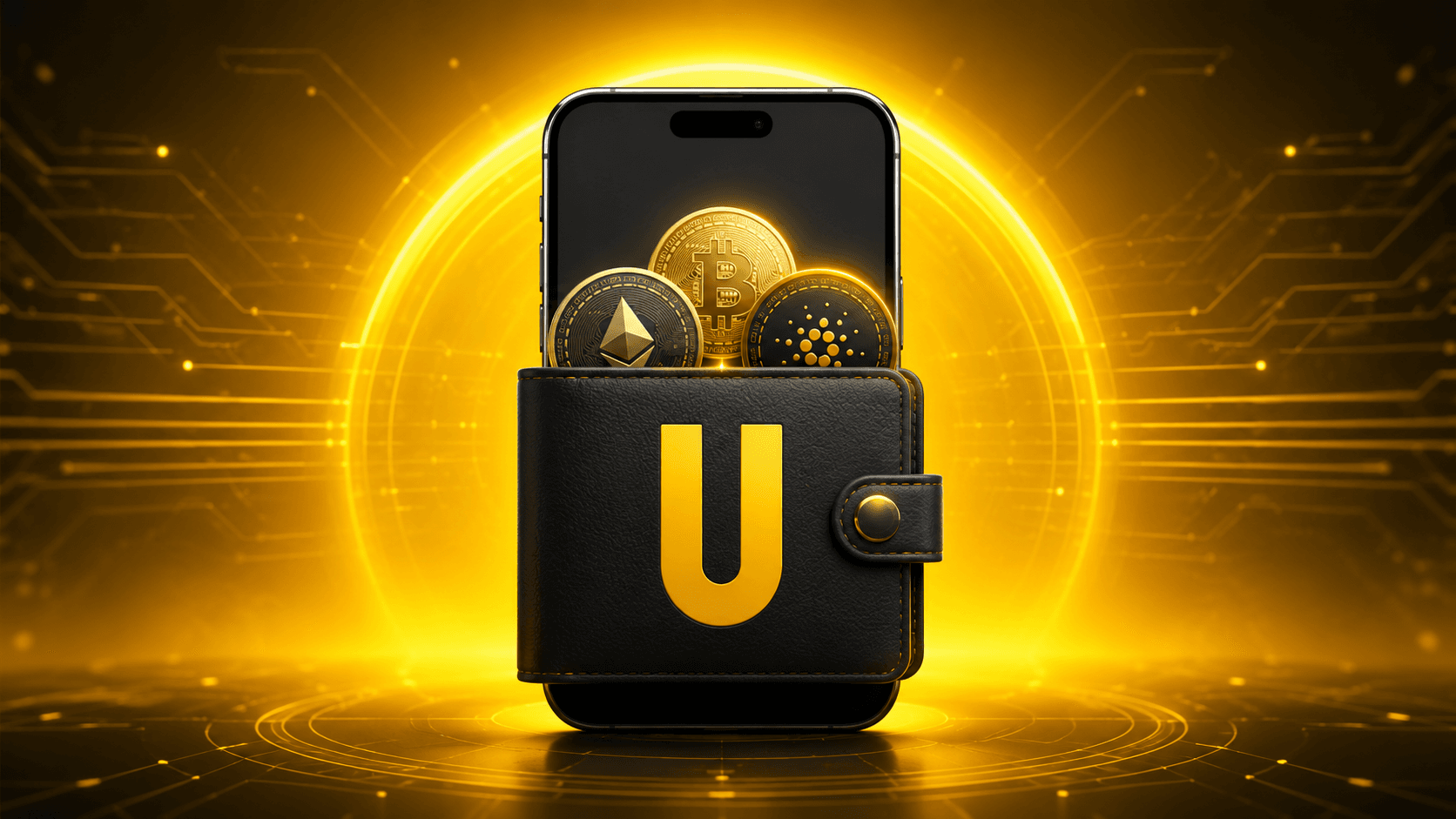
Its main advantage is the ease of managing multiple assets through one app. Users do not need to install different wallets for each network.
However, the more networks supported, the larger the space of features that must be understood. Make sure ZEC transactions actually use shielded addresses, not just the transparent addresses available in the app.
5. Keystone for Offline Key Protection
Keystone is an air-gapped hardware wallet that can help separate private keys from devices that are always connected to the internet. This approach is useful for users who store large amounts of assets.
Keystone is involved in developing integration with Zashi. However, users must check compatibility status, firmware version, supported devices, and shielded transaction flow before using it.
A hardware wallet does not automatically provide maximum privacy. The device can secure the private key, but transaction privacy still depends on shielded address support and the companion app.
Read also : 3 Best Factom Crypto Wallets 2026
Zcash Wallet Comparison
How to Choose a Safe Zcash Wallet
Make Sure It Supports Shielded-by-Default
A wallet that only supports ZEC is not necessarily able to hide transaction data. Look for mentions of shielded, Orchard, Unified Address, or autoshielding.
If privacy is a priority, avoid making a transparent address your main address for receiving and storing ZEC.
Choose Self-Custody
In a self-custody wallet, the private key and seed phrase are controlled by the user. The app provider cannot recover funds if the seed phrase is lost.
This control gives freedom, but also adds responsibility. Do not store the seed phrase in a gallery, email, cloud storage, or note-taking app connected to the internet.
Check the Download Source
Download the wallet from the official website or an app store linked by the developer. Fake apps can mimic the appearance of a genuine wallet to steal seed phrases.
Check the developer name, download count, reviews, and website address before installing. Do not install a wallet from a file sent through a chat group.
Pay Attention to App Updates
Blockchains and wallet protocols continue to evolve. Apps that are not updated can experience synchronization, compatibility, or security issues.
Enable updates only from official sources and read the version notes before moving large amounts of assets.
Test with a Small Amount
Before storing all your ZEC, send a small amount first. Make sure the wallet can synchronize transactions and balances correctly.
Test seed phrase recovery using an empty wallet or a very small balance. This step helps ensure the backup can be used when the device is lost.
Read also : 7 Most User-Friendly USDT Wallet Indonesia 2026
How to Store ZEC with Maximum Privacy
The first step is to choose a wallet that supports shielded transactions. After the wallet is created, store the seed phrase offline and do not take screenshots.
When withdrawing ZEC from an exchange, check whether the platform supports direct withdrawals to a Unified Address or shielded address. If it only supports transparent addresses, use a wallet with auto-shielding to move funds to a private pool.
To improve privacy:
- Use a shielded address as your main address.
- Avoid reusing transparent addresses.
- Do not link your public identity with your wallet address.
- Use a secure and updated device.
- Avoid public Wi-Fi networks when accessing your wallet.
- Do not share your balance or transaction history.
- Consider running your own node for advanced needs.
Blockchain privacy cannot protect users from all identity leaks. Sending an address through a personal social media account or listing it together with your full name can still link transactions to the user's identity.
Read also : 9 Best Web3 Wallets of 2026: Easy Interface and Abundant Features
Mistakes to Avoid
The most common mistake is assuming all Zcash transactions are private. ZEC sent through transparent addresses can still be analyzed through a blockchain explorer.
Users also often store seed phrases in digital form. Hackers who gain access to email or cloud storage can take all assets without needing a physical device.
Other mistakes include:
- downloading a fake wallet;
- sending the entire balance without a test transaction;
- incorrectly copying the address;
- ignoring app updates;
- using an infected device;
- not checking shielded support on the exchange;
- assuming a hardware wallet always supports private transactions.
To follow the development of Zcash and other private crypto wallets, register on Bittime and monitor the latest digital asset news. Check ZEC availability and deposit and withdrawal terms directly through the platform before making transactions.
Conclusion
The best Zcash wallet for maximum privacy is one that supports shielded transactions by default, gives control over private keys, and continues to receive security updates.
Zashi is the most practical choice for beginners who only need ZEC. Zingo offers an easy private transaction experience, while YWallet provides more complete control for experienced users. Unstoppable Wallet is more suitable for multi-asset portfolios, while a hardware wallet can be considered for additional key protection.
Whichever wallet you choose, privacy does not work automatically without proper security habits. Use shielded addresses, store seed phrases offline, perform test transactions, and always download apps from official channels.

Bittime is a licensed Digital Financial Asset Trader (PAKD) platform supervised by the Financial Services Authority — where you can buy Bitcoin in Indonesia and hundreds of other crypto assets starting from Rp10,000. The registration process is fast, secure, and can be started today.
Monitor the conversion of USDT to IDR and the price movements of your favorite crypto assets in real time. All available in one crypto investment app that can be downloaded for free on the Play Store.
Ready to start? Register now on Bittime and execute your investment strategy with a platform trusted by millions of users in Indonesia.
FAQ
What is the best Zcash wallet for beginners?
Zashi can be considered because it focuses on ZEC, is self-custody, and uses shielded transactions by default. Its interface is also simpler compared to wallets with many technical settings.
Do all ZEC wallets support private transactions?
No. Some wallets only support transparent addresses. Check for Orchard, Unified Address, autoshielding, or shielded-by-default labels before choosing.
What is the difference between shielded and transparent addresses?
Shielded addresses hide transaction information from public view. Transparent addresses display the address, balance, and transaction activity on the blockchain like the Bitcoin network.
Are hardware wallets more private?
Hardware wallets protect the private key from online devices, but they do not automatically make transactions private. The wallet and companion app must still support Zcash shielded transactions.
Is it safe to store ZEC on an exchange?
Exchanges can make trading easier, but users do not control the private key. For self-custody and higher privacy, consider a self-custody wallet that supports shielded addresses.
Disclaimer: The views expressed belong exclusively to the author and do not reflect the views of this platform. This platform and its affiliates disclaim any responsibility for the accuracy or suitability of the information provided. It is for informational purposes only and not intended as financial or investment advice.

.png)