Opera Neon Browser: Explore the Future of Agentic AI in a Browser
2025-10-01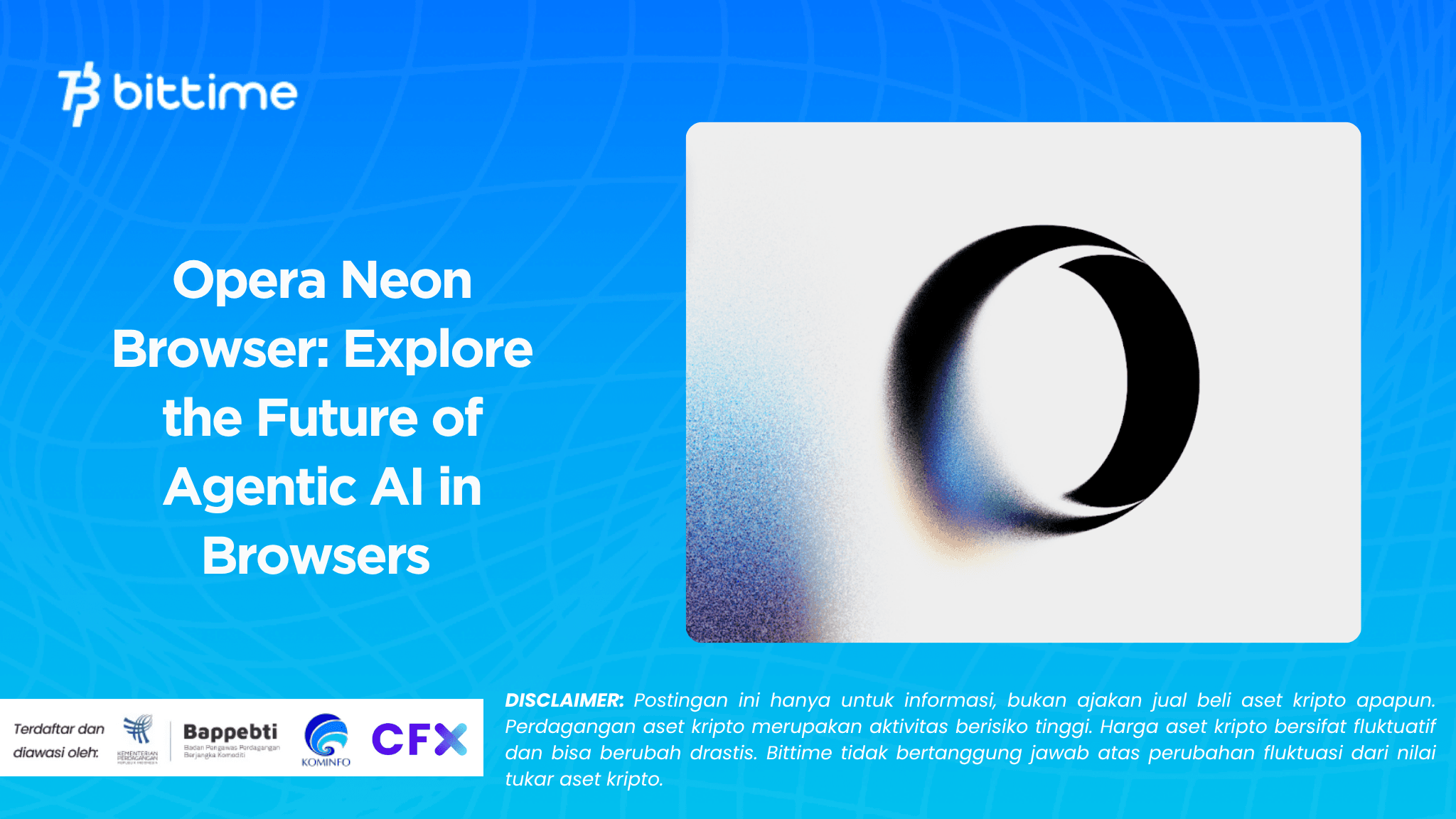
Bittime - In today's digital age, the use of AI is no longer just an additional tool — but an active partner in everyday work.
Opera Neon comes as an answer to the needs of AI-intensive users: a browser that not only loads web pages, but also act on behalf of the user.
The browser is built with agentic AI capabilities, enabling features like Neon Do that can open tabs, execute actions across sites, and complete tasks automatically within the context of your browsing.
Opera Neon is being launched for users who have already signed up for the waitlist through the Neon Founders program. The initial version will be rolled out gradually.

What is Opera Neon?
Opera Neon is an experimental browser concept that Opera first launched in 2017. Unlike traditional browsers, Neon is designed to deliver a more futuristic and visual browsing experience.
Opera Neon offers an interface similar to a mini operating system within the browser.
Instead of the standard tabs at the top, Neon uses visual circle on the right side of the screen as a shortcut to favorite sites, providing a more intuitive and immersive experience.
This browser also allows split-screen browsing, so that users can open two pages at once on one screen.
Another interesting feature of Opera Neon is integration with multimedia, such as a built-in video player that allows users to watch videos in a floating window while still surfing. Neon also comes with a snapshot tool to quickly capture and save content.
With its futuristic design and unique features, Neon is often cited as one of the boldest browser experiments of its time.
Read Also: USDC and USDT stablecoins are now available in Opera Mini Wallet.
Why Opera Neon Was Created
Traditional browsers make it easy to access the web, but they weren't designed for modern ways of working: research, comparisons, cross-tab searching, and interacting with AI. Opera Neon was built to meet those needs.
Rather than just being a window for the web, Neon acts as an assistant. You can open “Tasks” — specialized workspaces that understand the context of your task (e.g., researching destinations, comparing products, or composing documents).
Neon Do can work in the context of Tasks, opening and closing tabs, browsing information, even interrupting actions as instructed,without having to leave your browser.
Opera Neon's Featured AI Features
Tasks: Contextual Workspace
In Neon, Tasks contrast with regular tabs. If you're planning a trip to Tokyo, for example, you'd open the "Tokyo Trip" Task — this is where Neon Chat and Neon Do come into play.
All related matters (accommodation, transportation, tourist attractions) are automatically organized in Tasks without mixing with other browsing activities.
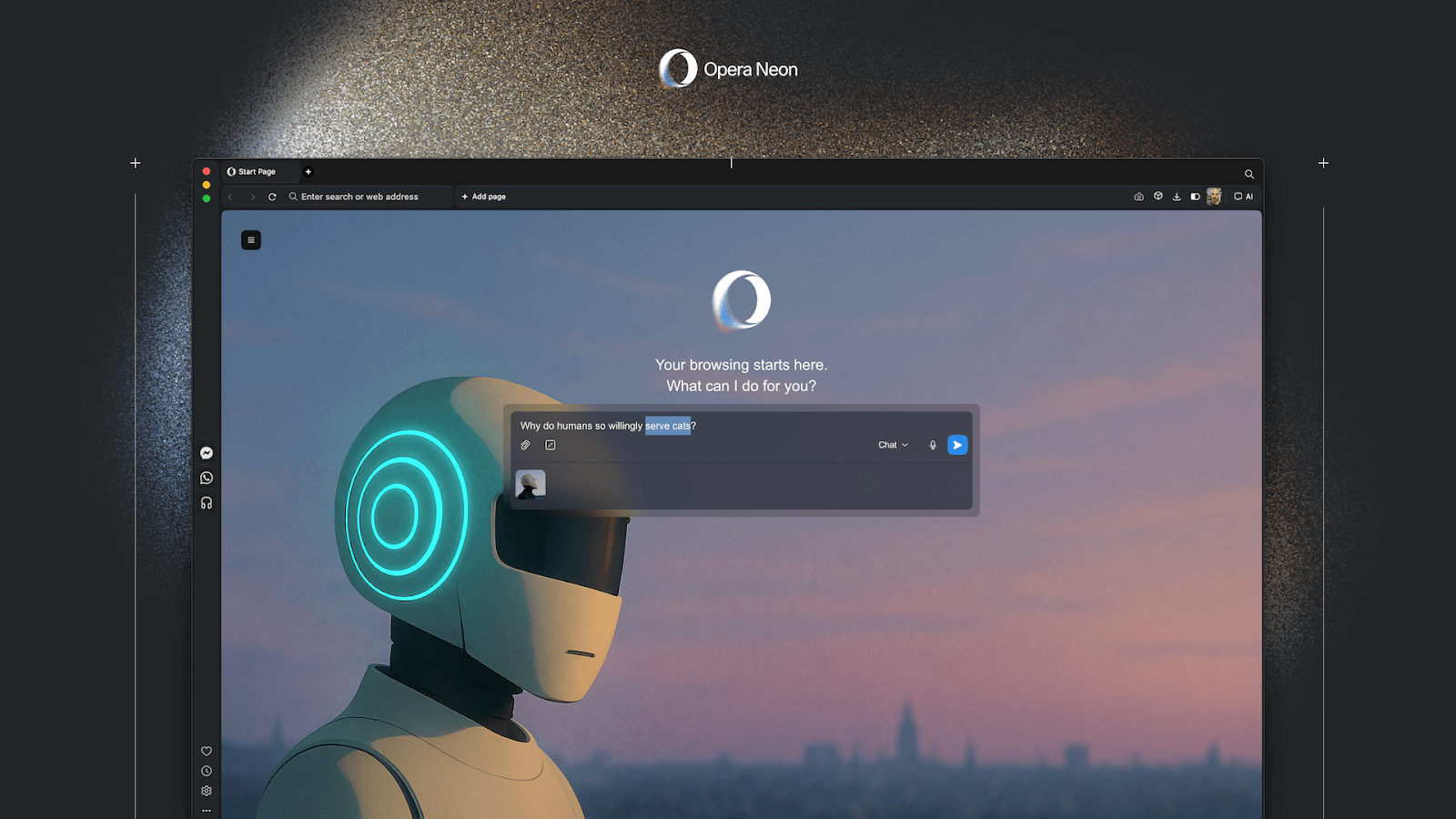
Neon Do: The Browser That ‘Works for You’
Neon Do is a core agentic function. When activated in a Task, it performs actions directly in the browser—opening websites, filling out forms, searching for data, closing tabs, and more.
Everything is done within the context of a Task, without the need to share passwords with external cloud services. You can also stop or take over a task at any time.
Cards: Instructions That Can Be Added to Prompts
Cards are a unique feature of Opera Neon—additional instructions that can be automatically inserted into your prompts.
For example, if you're comparing products, you can include a "pull-details + comparison-table" card to have Neon immediately display the comparison table. That way, you don't have to re-explain everything at each prompt.
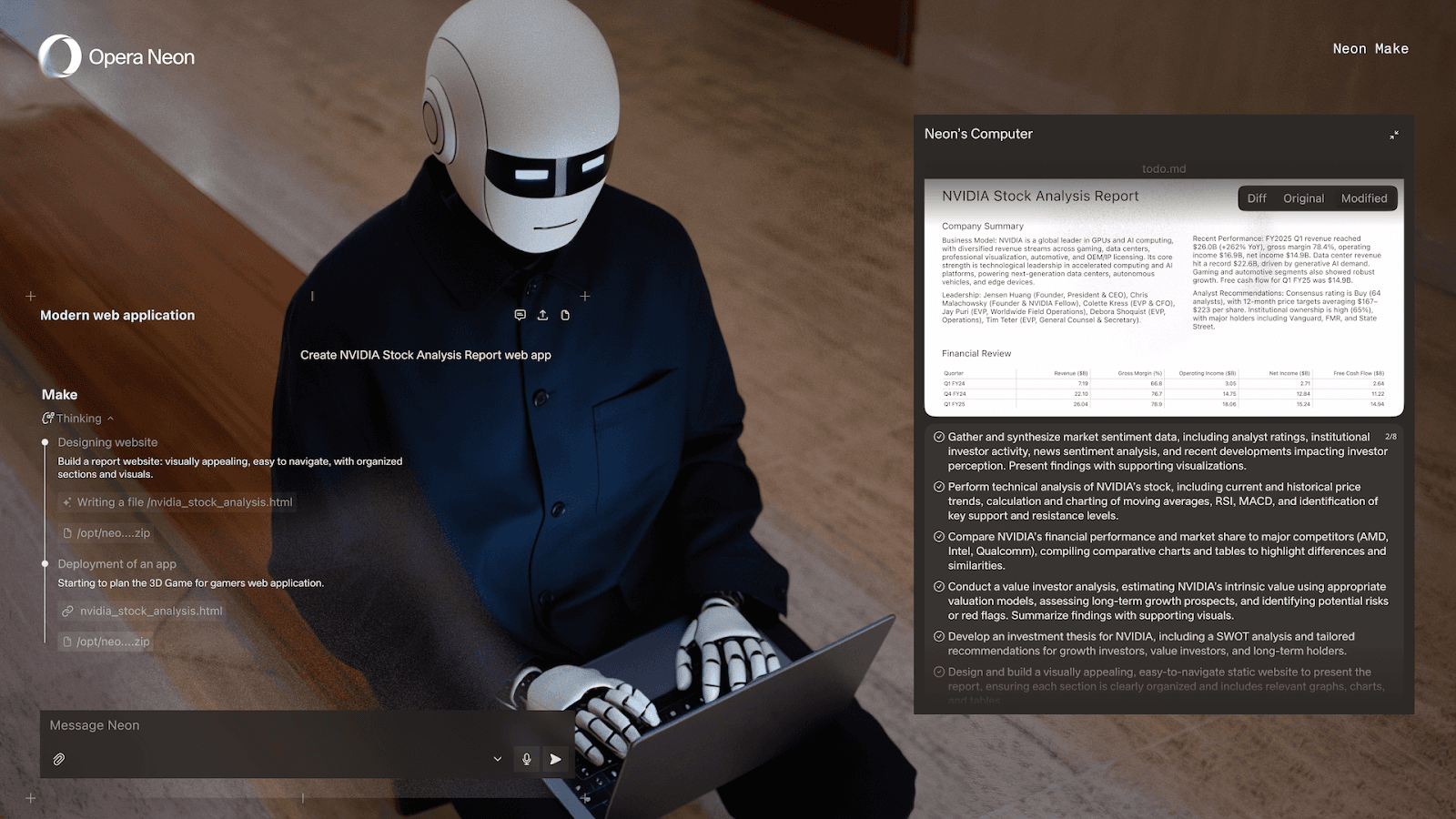
Neon Make: Automatically Create AI Content
Neon Make is an automated creation feature: websites, reports, videos, simple games, and more.
You simply ask "create report X" or "website Y," and Neon will run it in a secure environment on Opera's servers, then present the results to you. You can further edit the results.
Opera Browser Built-in Features
Opera Neon still includes the classic features you need: an ad blocker, a built-in VPN, bookmarks, sidebar tools, and sidebar integration.
With a combination of AI features and browser functionality, Neon aims to be both a daily browser and a smart assistant.
Read Also: CryptoTab: Definition, Features, Advantages and Disadvantages of Browser Mining
Opera Neon's Strengths & Challenges
Advantage
- AI agentik end-to-end in the browser, not just external extensions or plugins.
- Task Context keeping the AI informed about “what you’re up to.”
- Better privacy: Neon Do operates within your browser session, without the need to share passwords to the cloud.
- High productivity potential: automation of tasks such as research & comparison can be executed in real time.
Challenge
- Paid / subscription: unlike free browsers, Neon will require a subscription.
- Limited availability: only available for invited users (Founders).
- Agentic AI capabilities are only in their early stages: bugs or errors in execution may still occur.
- Dependence on Opera connection & serversfor Neon Make and auto tasks.
Read Also: How to Download and Setup TrustWallet on PC, Hassle-Free!
Neon User Outlook & Future
Opera says this is just the beginning of Neon's journey. In the next roadmap, Neon will add mobile support, deeper AI personalization, and the integration of additional AI models.
If Neon can execute tasks reliably, this browser could be a game-changer for AI-intensive users: researchers, content creators, analysts, and remote workers.
The combination of browsing and an automated assistant could dramatically speed up workflows.
How to Buy Crypto on Bittime

Want to trade sell buy Bitcoins and crypto investment easily? Bittime is here to help! As an Indonesian crypto exchange officially registered with Bappebti, Bittime ensures every transaction is safe and fast.
Start with registration and identity verification, then make a minimum deposit of IDR 10,000. After that, you can immediately buy your favorite digital assets!
Check the exchange rate BTC to IDR, ETH to IDR, SOL to IDR and other crypto assets to find out today's crypto market trends in real-time on Bittime.
Also, visit the Bittime Blog for interesting updates and educational information about the crypto world. Find reliable articles about Web3, blockchain technology, and digital asset investment tips designed to enrich your crypto knowledge.
FAQ
What is Opera Neon?
Opera Neon is Opera's agentic AI browser that can perform actions on behalf of the user through features like Neon Do and Tasks.
What are the main AI features of Opera Neon?
Key features include: Neon Do (automated agent), Tasks (contextual workspace), Cards (additional instructions), and Neon Make (automated content generation).
Is Opera Neon free?
No — Neon is a subscription-based product.
Is Neon Do safe in terms of privacy?
Yes, Neon Do works within your own browser session and does not ask for passwords to external cloud services.
What platforms is Opera Neon available on?
Currently available for macOS and Windows. A mobile version will be coming in the future.
Disclaimer: The views expressed belong exclusively to the author and do not reflect the views of this platform. This platform and its affiliates disclaim any responsibility for the accuracy or suitability of the information provided. It is for informational purposes only and not intended as financial or investment advice.

.png)