How to Buy NXPC (Nexpace) with Rupiah for Beginners
2026-10-22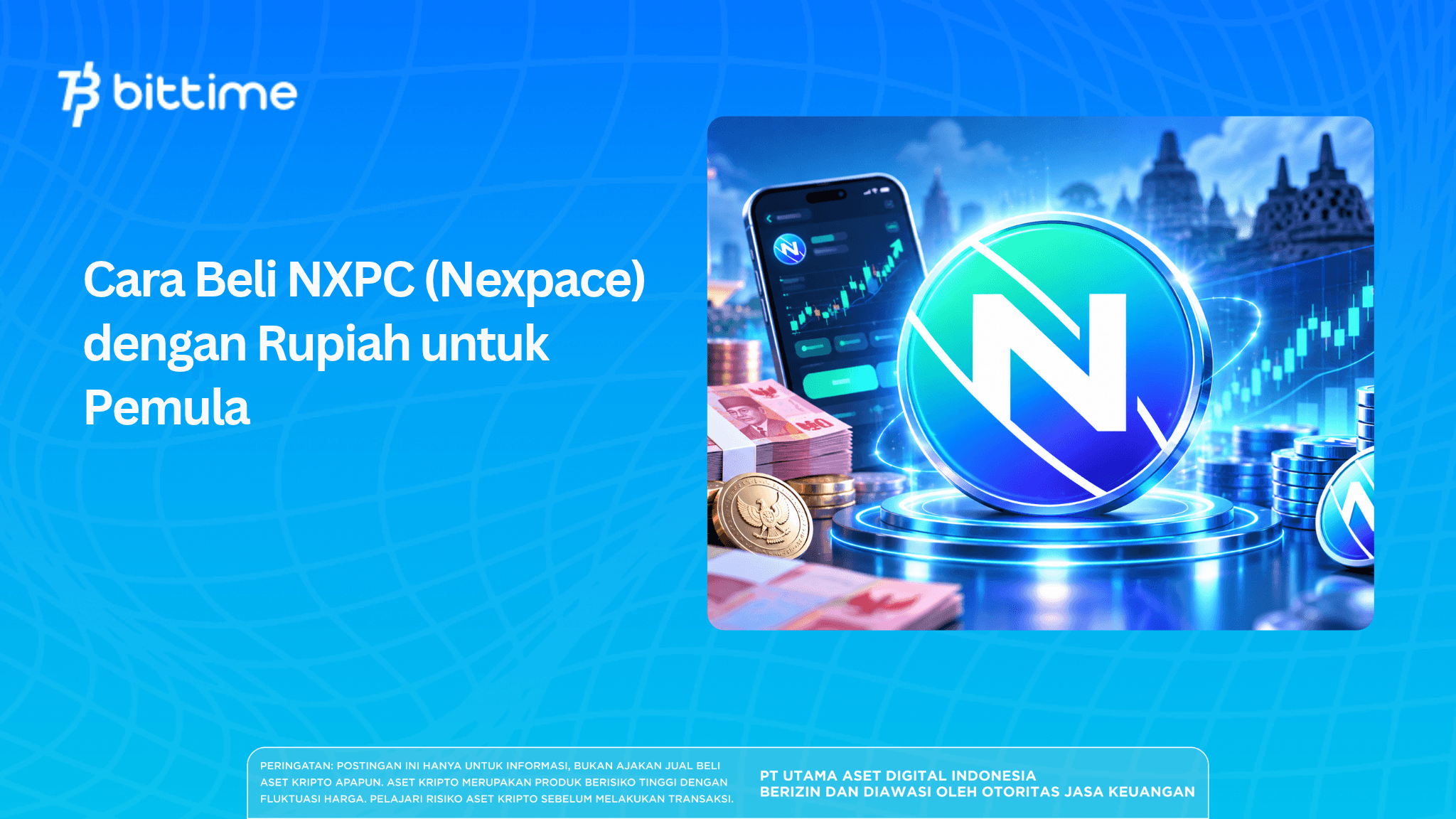
Buying NXPC with Rupiah starts with setting up an account, completing identity verification, adding funds, and then placing an order in an available market. Before confirming the purchase, check the price, fees, and number of tokens you will receive. These steps help ensure that the transaction fits your budget.
Nexpace has attracted attention because of its connection to MapleStory Universe, an ecosystem that combines gaming and blockchain. For beginners, understanding the buying process is just as important as learning about the project. This guide covers everything from preparation to checking your balance, using Bittime’s workflow and highlighting details you should verify directly before trading.
Key Takeaways
- Buying NXPC requires checking the asset, trading pair, price, and fees before confirmation.
- A successful deposit does not mean the tokens have been purchased; the order must be filled first.
- Set a clear budget and understand price risks and developments in the Nexpace ecosystem.
What Is Nexpace (NXPC)?
NXPC is a token in the MapleStory Universe ecosystem that uses blockchain technology to support interactions with in-game digital assets. Under the ecosystem’s design, NXPC can be exchanged for certain NFT collections, and those NFT collections can be converted back into NXPC. This mechanism connects the token to the use of items within the ecosystem.
Buying NXPC crypto on an exchange is different from buying shares in the developer or directly acquiring all in-game items. The transaction gives you ownership of a number of tokens recorded in your account or wallet.
Market data lists a maximum supply of 1 billion NXPC. This maximum should be distinguished from the circulating supply, since not all tokens are on the market at the same time.
For prospective buyers, token utility and changes in supply are two aspects worth understanding. A game’s popularity may attract attention, but the token’s price still depends on market supply and demand.
Read also: How to Buy SKYAI with Rupiah on Bittime: A Beginner’s Guide
Preparing to Buy NXPC
Prepare an active email address, phone number, identity documents, and access to the payment method you plan to use. Make sure your personal information is consistent so that account checks are not delayed by mismatched details.
Set your budget before adding funds as well. Keep purchase funds separate from money needed for everyday expenses, and allow room for any payment or transaction fees.
For account security, use a unique password and enable additional authentication if available. Never share your OTP, password, or transaction PIN with anyone claiming to help with the purchase.
You do not need to transfer tokens to a personal wallet immediately to complete your first purchase. If you later want to withdraw them, first learn which networks are supported and understand your responsibility for storing the assets.
How to Buy NXPC with Rupiah on Bittime
Bittime has an official NXPC page that displays NXPC/IDR price. Before depositing funds specifically for this purchase, check the market in your account to confirm that the pair is available for trading and is not subject to service restrictions.
1. Sign Up and Log In to Your Account
Download the app from an official channel, then create an account using your email address and password. Complete the required verification before proceeding with your account setup.
Make sure you can still access the email address used to register. You may need it to receive notifications or recover your account.
2. Complete Identity Verification
Follow the KYC process by entering your personal details and uploading the requested documents. Bittime’s guide includes verification of your phone number, Indonesian ID card (KTP), and selfie.
Review the information before submitting it. Uploading documents does not guarantee immediate account approval, so wait for your verification status before using features that require it.
3. Deposit Indonesian Rupiah
Select the Rupiah deposit menu, choose an available payment method, and enter the amount. Follow the payment instructions and wait for the balance to appear in your account wallet.
Use the account number or payment instructions shown in the app for that transaction. Do not reuse old transfer details without checking whether they are still valid.
Keep the payment receipt until the funds arrive. If there is a delay, check the transaction status and contact support through official channels before sending the funds again.
4. Find Nexpace and Check Its Trading Pair
Open the market menu, search for the NXPC ticker, and confirm that the asset name is correct. If the NXPC/IDR pair is available and active, you can open the order page and use your Rupiah balance.
Check the payment currency before proceeding. An IDR pair differs from a stablecoin pair, which may require you to convert your balance first.
5. Set Your Purchase Amount
Enter a purchase amount that fits your budget and check the estimated number of tokens you will receive. Choose an order type available in your account, then review its execution terms.
If you use a limit order, the transaction may remain pending until a seller is willing to accept your specified price. Depending on market conditions, an order may also be filled only partially.
6. Review and Confirm Your Order
Before pressing the confirm button, check:
- The asset name and trading pair.
- The amount of Rupiah being used.
- The purchase price or limit price.
- The estimated amount of NXPC.
- Fees and total payment.
Bittime’s transaction guide instructs users to select an asset, enter the purchase amount, and confirm using their transaction PIN. You can use your history and open orders to check the transaction’s progress.
7. Make Sure the Tokens Have Arrived
Open your order history to see whether the transaction is complete, still open, or only partially filled. Compare the purchase result with the NXPC balance in your account.
If the order has not been filled, do not immediately assume your balance is missing. Some funds may be reserved for an active order until it is completed or canceled in accordance with the platform’s rules.
Read also: How to Buy Pearl Coin (PEARL): Trading Guide
How to Check the NXPC Price in Rupiah
To find today’s NXPC price, use the IDR-denominated price display and check when it was last updated. Prices shown on market-data websites may differ from those available on the exchange where you trade.
These differences may arise from data sources, update times, and order-book conditions. Therefore, use the order summary as the final reference before confirming a purchase.
Example Purchase Calculation
For illustration, assume NXPC price is Rp3,000 and your purchase budget is Rp150,000. Before fees, you would receive 50 NXPC.
These figures are for calculation purposes only; they are not the latest market price or a trading offer. The actual amount may differ after fees, rounding, and execution price are taken into account.
A simple way to evaluate a purchase is to divide the total amount actually spent by the number of tokens received. The result shows the effective cost per token for that transaction.
Read also: How to Buy Concrete (CT) Tokens with USDT: A Beginner’s Guide
NXPC Fees and Minimum Purchase
The minimum deposit and minimum purchase are two different requirements. A successfully credited balance may still be below the minimum order value for a particular trading pair.
Check the purchase limit displayed in the NXPC transaction form. This article does not specify a minimum amount because the requirement could not be confirmed from the public pages reviewed.
The components you should review include:
- Funding fees: fees that may be charged by a bank, digital wallet, or payment method.
- Transaction fees: charges listed in the purchase details.
- Spread: the difference between the buying and selling prices.
- Withdrawal fees: apply if tokens are transferred out through a supported network.
The spread is not always charged as a separate fee, but it still affects the transaction value. Compare the buying and selling prices to understand why selling immediately after buying may result in a lower value.
Read also: How to Buy NeoSoul (DNA)
Risks to Understand Before Buying
Price Fluctuations
NXPC may rise or fall in price after you buy it. A price lower than it was in the past is not, by itself, proof that the token is cheap.
Liquidity and Execution
A thin order book may cause a large order to be filled at several price levels. As a result, the average purchase price may differ from the last price displayed on screen.
Ecosystem Development
NXPC’s utility is tied to the MapleStory Universe ecosystem. Therefore, monitor product development, item usage, and user participation when evaluating your reasons for holding the token.
Supply Changes
Check official information for token distribution or unlock schedules. An increase in circulating supply may change the market balance, but it does not automatically cause the price to fall.
Storage and Networks
Keeping tokens on an exchange means relying on the platform’s services and account security. Moving them to a personal wallet adds responsibility for securing wallet access and choosing the correct network.
Read also: How to Trade DRX Tokens: Strategies, Profit Simulations, and Risks
What Should You Do After Buying NXPC?
Record the number of tokens, total costs, and purpose of the purchase. These notes help you evaluate your decision based on the transaction outcome, rather than only on short-term price changes.
Set a review schedule to make your monitoring more focused. Pay attention to developments that affect your reasons for buying, such as changes in token utility or market conditions.
If you want to get started, you can sign up for Bittime, complete account verification, and then check the available NXPC market. Make a purchase only when the transaction amount and risks fit your plan.
Conclusion
Buying NXPC with Rupiah involves preparing your account, depositing funds, checking the trading pair, and confirming the order. The purchase is complete only when the order is filled and the token balance is recorded.
Before getting started on Bittime, review the transaction terms displayed in your account. Use a measured budget and keep purchase records for future evaluation.

Bittime is a licensed Digital Financial Asset Trader (PAKD) platform supervised by the Financial Services Authority (OJK) — where you can buy Bitcoin in Indonesia and hundreds of other crypto assets starting from Rp10,000. Registration is quick and secure, and you can get started today.
Track the conversion rate for USDT to IDR and monitor your favorite crypto assets’ prices in real time. It is all available in one crypto investment app that you can download for free from the Play Store.
Ready to get started? Sign up for Bittime now and put your investment strategy into action with a platform trusted by millions of users in Indonesia.
FAQ
How do I buy NXPC with Rupiah?
Create an account on a platform that supports NXPC, complete verification, and add Rupiah funds. Choose an available trading pair, enter the amount, and review the details before confirming the purchase.
Is NXPC available on Bittime?
Bittime has an official NXPC page with NXPC/IDR information. Check the market menu in your account to confirm that trading is active before sending funds specifically for the purchase.
What is the minimum purchase amount for NXPC?
Use the minimum amount shown on the order form when you trade. Do not confuse the minimum Rupiah deposit with the minimum NXPC purchase.
Is identity verification required to buy NXPC?
Bittime’s process includes identity verification, or KYC, before funding and trading. Complete the requirements shown in your account and wait for the review result.
How do I check the NXPC price in Rupiah?
Select IDR on the price page or open the available NXPC/IDR market. Recheck the price and token amount in the order summary, as the execution value may differ from the reference price.
Disclaimer: The views expressed belong exclusively to the author and do not reflect the views of this platform. This platform and its affiliates disclaim any responsibility for the accuracy or suitability of the information provided. It is for informational purposes only and not intended as financial or investment advice.

.png)