How to Edit Dance Videos Using Higgsfield AI? Complete Guide
2026-01-28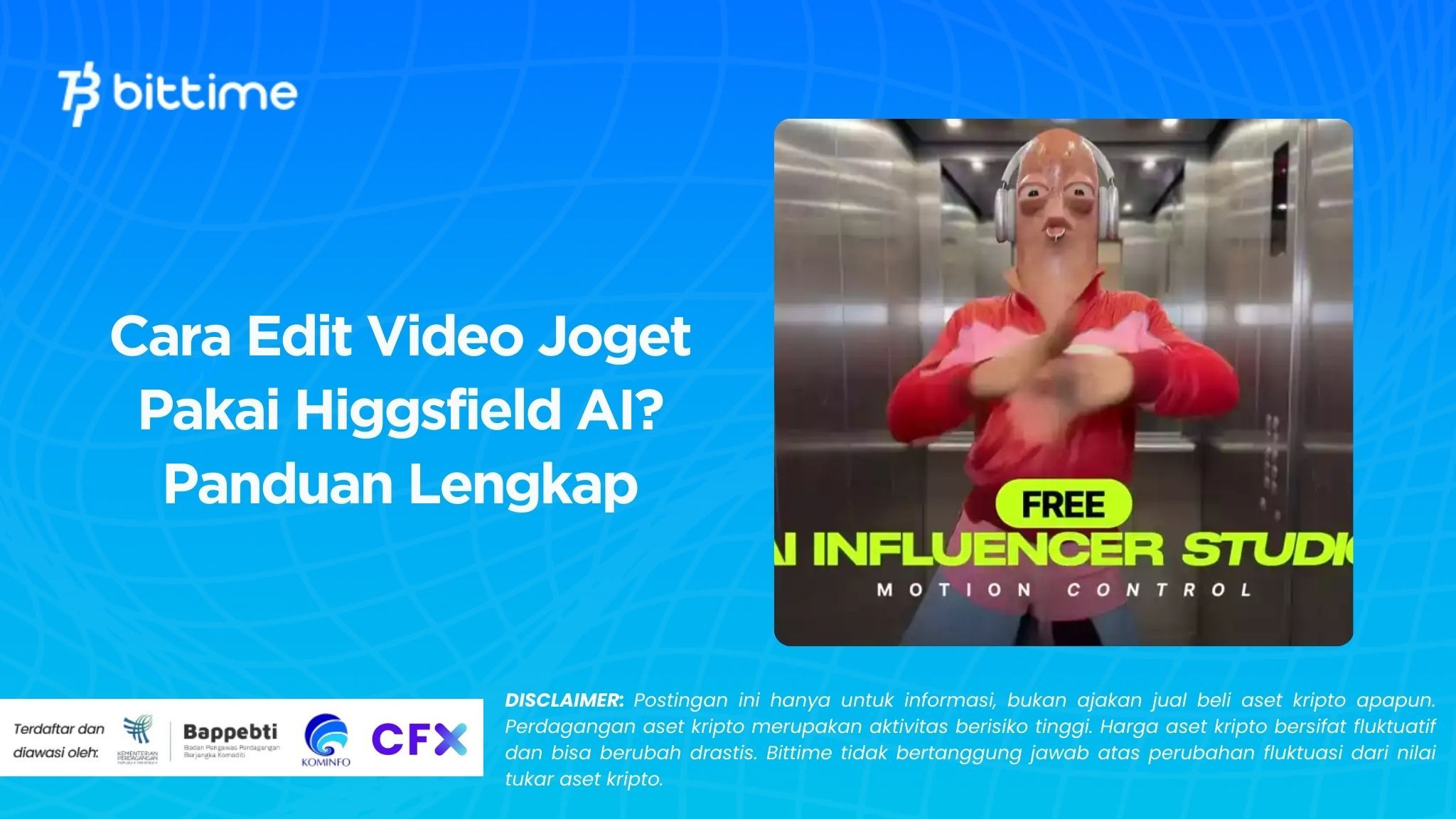
The viral phenomenon of funny dance videos is increasingly dominating social media platforms. From videos of babies to famous figures, everyone seems to be "alive" thanks to AI technology that turns static photos into moving ones.
One of the most commonly used tools to create these viral dance videos is Higgsfield AI. By utilizing AI Motion technology, Higgsfield allows you to turn photos into dance videos by simply following a few easy steps.
Let’s dive deeper into how to edit dance videos using Higgsfield AI and how its advanced features can take your creations to the next level!
Key Takeaways
- Higgsfield AI allows you to turn photos into realistic dance videos with the Kling Motion Control feature.
- The process of editing dance videos with Higgsfield AI is very easy, only requiring a photo and a reference video to get started.
- The AI Motion feature in Higgsfield AI is perfect for beginners and content creators who want to create viral videos without professional editing skills.
What is Higgsfield AI?
Higgsfield AI is an artificial intelligence-based platform that allows users to create animated videos and motion effects from static photos. One of its standout features, Kling Motion Control, allows you to edit and animate photos with motion from reference videos. By using this technology, you can easily create viral dance videos, smoothly shaking images to the beat of music or movements from other videos. This feature is especially popular among content creators who want to make fun and entertaining videos with a simple process.
Read Also: Crypto Trading Strategies for Beginners, Don’t Do This!
How to Edit Dance Videos Using Higgsfield AI?

Want to try making a viral dance video with Higgsfield AI? Here are the easy steps for you to follow:
1. Prepare the Required Materials
Prepare the photo you want to animate and the reference video whose movements you want to mimic, such as a dance or jig video.
2. Open Higgsfield AI
Access the Higgsfield AI platform via their website or app on your device.
3. Choose the Kling Motion Control Feature
After logging in, search for and select the “Kling Motion Control” feature on the Higgsfield AI dashboard.
4. Upload Reference Video
Upload the video that will serve as the reference for the movement you want to mimic. Ensure the video has good quality for smoother animation results.
5. Upload Target Photo
Upload the photo to be animated. Photos with good lighting and a clear pose will yield optimal animation results.
6. Add Prompt (Optional)
You can add prompts to provide further instructions to the AI, such as asking for smoother movements or more expressive facial expressions.
7. Click the Generate Button
Once all elements are ready, click the generate button and wait for the rendering process to complete.
8. Download the Result
Once the process is completed, the animated video will be ready for download. You can share it directly on social media.
Read Also: 7 Crypto Trading Tips for Beginners, Complete with Tips and Tricks
Higgsfield AI Review: Pros and Cons
Pros of Higgsfield AI
- Smooth AI Motion Control: Higgsfield AI offers highly smooth and realistic animations, even capable of mimicking movements with high precision.
- Ease of Use: With just uploading a photo and reference video, you can create professional-looking animation videos.
- Free Access: Although there are paid features, Higgsfield AI also provides free credits for new users, allowing access to the AI Motion feature.
Cons of Higgsfield AI
- Limited Access: Some features are only available for premium users, while free access comes with certain limitations.
- Reference Video Limitations: The quality of the animation results highly depends on the quality of the reference video used. Poor-quality videos can affect the final output.
- Sometimes Slow Rendering Process: Video rendering time can vary depending on the complexity of movements and server queues.

Conclusion
Higgsfield AI offers a great opportunity for content creators to make viral dance videos with ease, even for beginners. With the Kling Motion Control feature, you can turn static photos into videos that move to the beat of music or other movements.
Although there are some drawbacks, such as limited free access and occasional slow rendering times, Higgsfield AI remains an appealing choice for creating fun and entertaining videos. So, if you want to join the viral dance video trend, try Higgsfield AI now and start creating!\
Ready to make your viral dance video? Try Higgsfield AI now and create your fun video! Also, don’t forget to visit Bittime Exchange for trading or read the latest news on Bittime Blog.
FAQ
What is Higgsfield AI?
Higgsfield AI is an AI-based platform that allows you to edit photos and transform them into animated videos by following movements from reference videos.
How do I edit a dance video using Higgsfield AI?
To edit a dance video using Higgsfield AI, you need to upload a photo and reference video, select the Kling Motion Control feature, and wait for the rendering result.
What is Kling Motion Control?
Kling Motion Control is a feature in Higgsfield AI that allows users to animate photos by following movements from reference videos, such as dance movements.
Can I use Higgsfield AI for free?
Yes, Higgsfield AI offers free credits for new users, although some premium features require a paid subscription.
What are the pros and cons of using Higgsfield AI?
The pros are smooth animations and ease of use, while the cons are limited free access and occasionally slow rendering times.
How to Buy Crypto on Bittime
Want to trade and buy buy Bitcoin and crypto investments easily? Bittime is here to help! As an officially registered crypto exchange in Indonesia under Bappebti, Bittime ensures secure and fast transactions.
Start by registering and verifying your identity, then deposit a minimum of IDR 10,000. After that, you can immediately buy your favorite digital assets!
Check the exchange rates for BTC to IDR, ETH to IDR, SOL to IDR and other crypto assets to see real-time trends in the crypto market today on Bittime.
Disclaimer: The views expressed belong exclusively to the author and do not reflect the views of this platform. This platform and its affiliates disclaim any responsibility for the accuracy or suitability of the information provided. It is for informational purposes only and not intended as financial or investment advice.

.png)