What Is Digen AI and How to Use It?
2026-06-23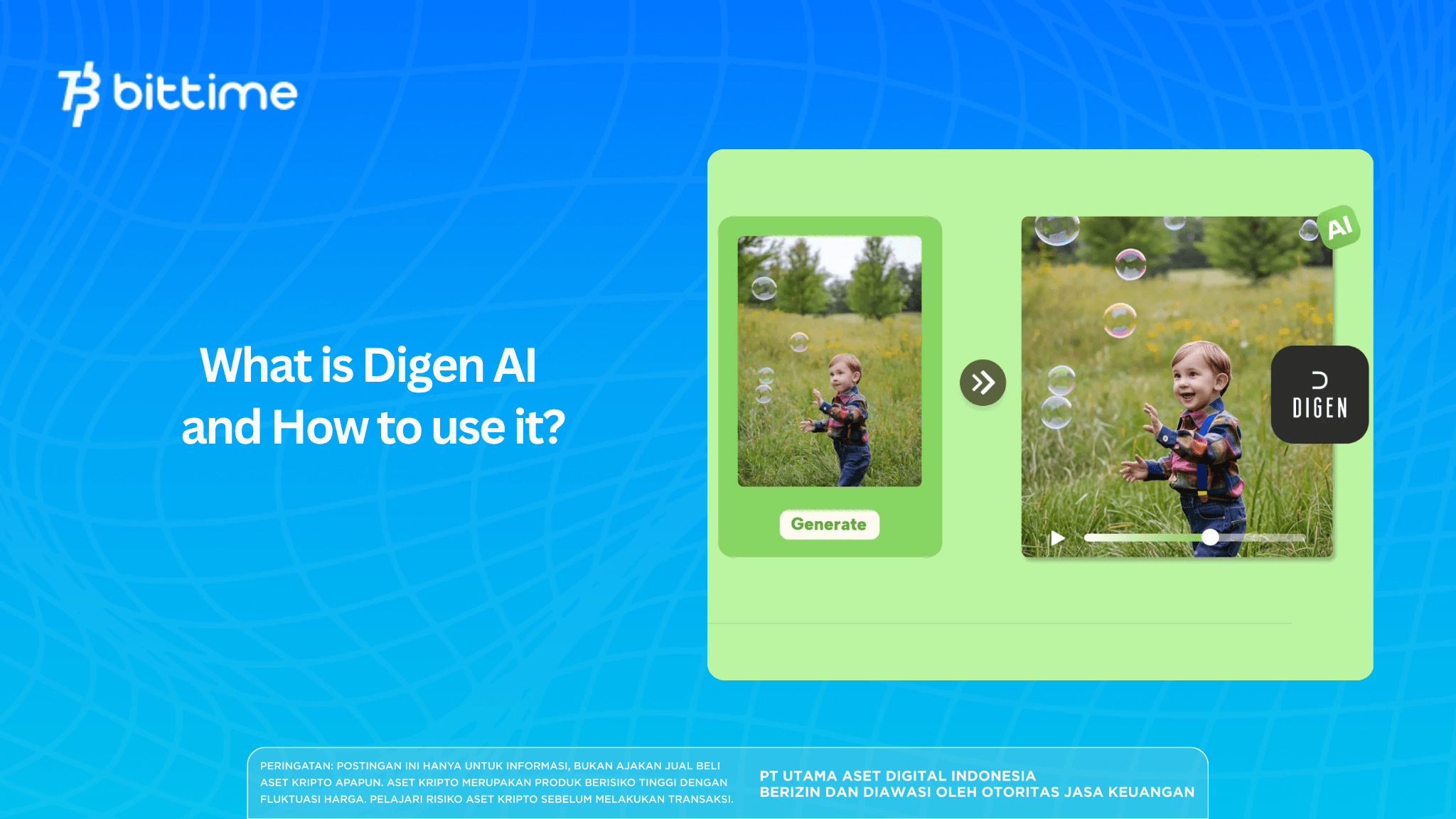
Generative AI is no longer limited to creating text and images. Today, users can turn static images into moving videos in just a few clicks thanks to platforms like Digen AI.
The popularity of AI image-to-video technology continues to grow because it allows anyone to create high-quality animations without professional editing skills.
For content creators, digital marketers, and social media users, Digen AI offers a practical way to create engaging short videos from ordinary photos.
With the help of artificial intelligence algorithms, an image can be transformed into a living-looking scene with motion effects, cinematic zoom, and realistic animation.
So, what exactly is Digen AI? How do you use it? And is this platform better than alternatives such as Dreamina AI?
Key Takeaways
- Digen AI is an image-to-video AI platform that lets users create animations from photos in just a few minutes.
- The platform offers a simple interface, making it suitable for beginners who want to create video content without editing expertise.
- Although practical, Digen AI has some limitations, so many creators also consider alternatives like Dreamina AI.
Register at Bittime now and start trading crypto with a fast, safe, and easy process in the app.
What Is Digen AI?
Digen AI is an AI-based platform designed to turn static images into animated videos.
This technology uses AI models to analyze objects in an image, understand the visual composition, and then generate natural-looking motion.
Unlike traditional video editing software that requires keyframes and manual animation, Digen AI automates the entire process.
Users only need to upload a photo, choose an animation style, and the AI will generate a video in a short time.
Because of its ease of use, Digen AI is increasingly used for:
- Social media content
- Product promo videos
- Business presentations
- Character animation
- Visual storytelling
- Educational content
It is no surprise that terms like AI animation from photos, free video generators, and image-to-video AI are becoming increasingly popular among digital creators.
Sumber: X.com/Digen_AI
Read Also: What Is Weavy AI? Browser-Based Creative Platform
How to Use Digen AI
One of Digen AI’s main advantages is how simple it is to use.
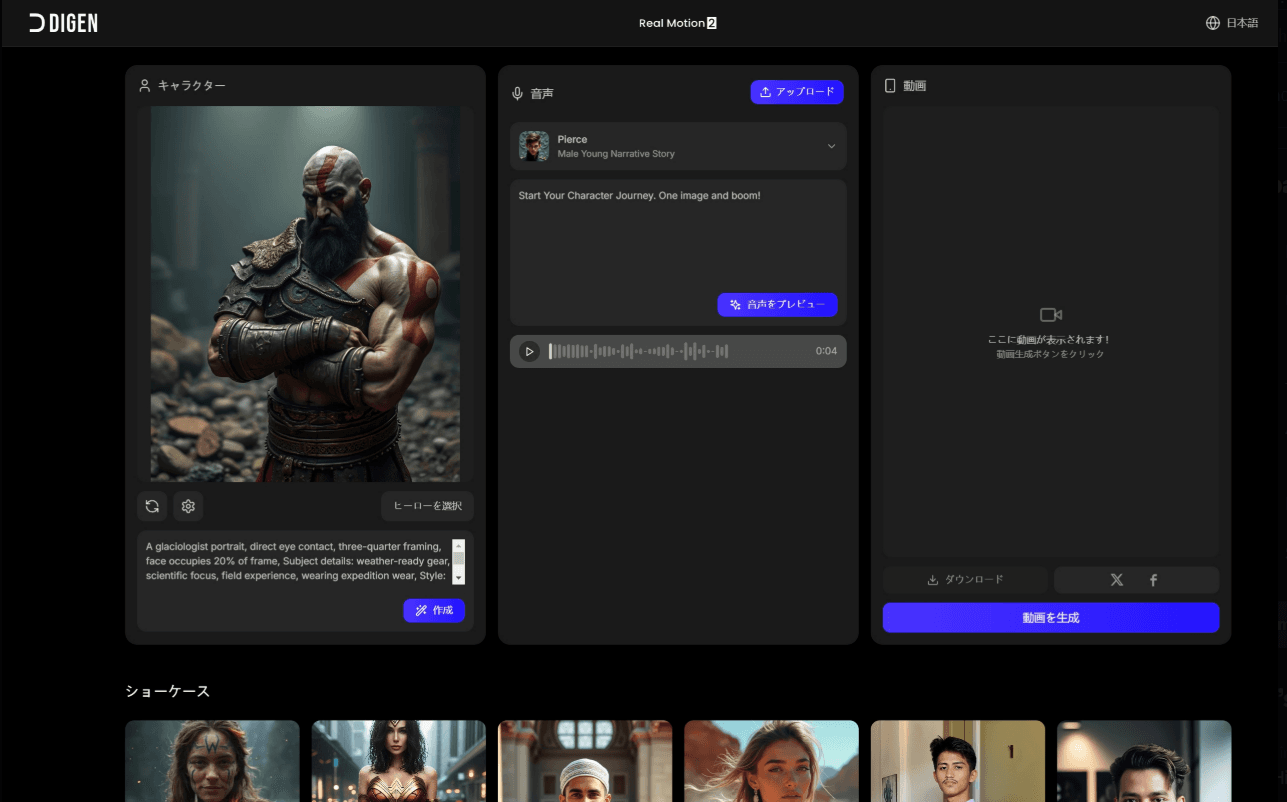
1. Create an Account
The first step is to visit the official Digen AI website and create an account. New users can usually try some features for free before upgrading to a premium plan.
After registration, users will be taken to the main dashboard.
2. Upload an Image
On the homepage, select the Create or Generate Video menu.
Upload the image you want to animate. For best results, use a high-resolution image with clear lighting.
The image types that generally produce the best output include:
- Portraits
- Digital illustrations
- Landscape photos
- Anime characters
- Product photos
3. Choose an Animation Effect
After uploading an image, users can select various animation effects such as:
- Zoom in
- Zoom out
- Horizontal pan
- Cinematic motion
- Motion loop
- Surreal effects
- Natural movement
This stage is an important factor in determining the quality of the final video.
4. Set Resolution and Duration
Digen AI lets users choose the video output quality based on their needs.
The higher the selected resolution, the better the visual quality, although rendering time will also increase.
5. Generate and Download
Once all settings are complete, click the Generate Video button.
The AI will process the image and generate a video in minutes. Once finished, the video can be downloaded and used immediately for various content needs.
Read also: How to Edit Photos with Gemini AI and Full Prompts!
Digen AI’s Standout Features
Digen AI’s popularity is driven by several standout features it offers.
Automatic AI-Based Animation
Users do not need to understand complicated video editing techniques. The entire animation process is carried out automatically by AI.
Beginner-Friendly Interface
One reason many creators choose Digen AI is its simple and easy-to-understand dashboard design.
Fast Rendering Process
Compared with conventional animation software, Digen AI can produce videos much faster.
Various Motion Styles
The platform provides various animation presets that can be adjusted to fit content needs.
Suitable for Social Media Content
The videos produced can be used directly for TikTok, Instagram Reels, YouTube Shorts, and other platforms.
Do not miss AI coin price updates such as Bittensor (TAO), Venice Token (VVV), NEAR Protocol (NEAR), and Internet Computer (ICP) on Bittime.
Digen AI Advantages and Disadvantages
Before using this platform, it is important to understand its strengths and limitations.
Advantages of Digen AI
Digen AI offers a very easy experience for new users. Video creation is fast and the visual results are quite impressive. Users also do not need to master professional editing software to produce engaging content.
In addition, its image-to-video AI capability makes the platform highly efficient for creators who want to boost productivity.
Disadvantages of Digen AI
Although practical, the available creative control is still relatively limited compared with professional software.
Users also depend on the templates and AI models provided. For projects that require detailed adjustments, Digen AI may not yet be flexible enough.
In addition, some of the best features are only available in paid plans.
Read Also: What Is Lovart AI? The Design Agent
Digen AI vs Dreamina: Which Is Better?
The comparison between Digen AI and Dreamina is a topic often discussed by AI creators today.
Digen AI excels in ease of use. It is ideal for users who want to make videos quickly without much configuration.
Dreamina, on the other hand, offers broader features. With support from the Seedance model, users can produce more complex videos with finer control over motion, composition, and visual flow.
If you only need to create a simple video from a photo, Digen AI is more than enough. But if you want a more cinematic and professional result, Dreamina can be a more attractive choice.
Read Also: 5 Free AI Apps Recommended for Faster and More Creative Work
Is Digen AI Worth Using?
Overall, Digen AI is an appealing solution for users who want to create videos from images without complicated editing.
The platform successfully simplifies video production through modern AI technology. For beginners, Digen AI offers a fast, easy, and fairly effective experience for producing engaging visual content.
Although it still has some limitations compared with more advanced platforms, Digen AI remains one of the best options for free video generators, AI animation from photos, and instant image-based video creation.

With the help of AI, crypto adoption can grow even faster. Follow the trend with Bittime!
Bittime is a licensed and Financial Services Authority-supervised Digital Financial Asset Trader (PAKD) platform — a place where you can buy Bitcoin in Indonesia and hundreds of other crypto assets starting from Rp10,000. The registration process is fast, safe, and can be started today.
Track conversions USDT to IDR and the real-time price movements of your favorite crypto assets. Everything is available in one crypto investment app that can be downloaded for free on the Play Store.
Ready to start? Sign up now on Bittime and execute your investment strategy with a platform trusted by millions of users in Indonesia.
FAQ
What is Digen AI?
Digen AI is an AI platform that lets users automatically turn static images into animated videos using artificial intelligence technology.
Is Digen AI free?
Digen AI provides free access with certain features, but some advanced capabilities usually require a subscription plan.
How do you use Digen AI?
Users simply create an account, upload an image, choose an animation effect, set the resolution, and then generate the video automatically.
Is Digen AI suitable for beginners?
Yes. The simple interface makes the Digen AI tutorial easy to follow even for users with no video editing experience.
What is the difference between Digen AI and Dreamina?
Digen AI focuses more on ease of use and speed, while Dreamina offers broader creative control and more complex AI video features.
Can Digen AI turn photos into realistic videos?
Yes. Digen AI uses image-to-video AI technology to generate natural-looking motion, especially for portraits, objects, and landscapes.
Disclaimer: The views expressed belong exclusively to the author and do not reflect the views of this platform. This platform and its affiliates disclaim any responsibility for the accuracy or suitability of the information provided. It is for informational purposes only and not intended as financial or investment advice.

.png)