Gemini AI Prompt for Self-Editing Photos: Creative Guide & Ideas 2025
2025-09-24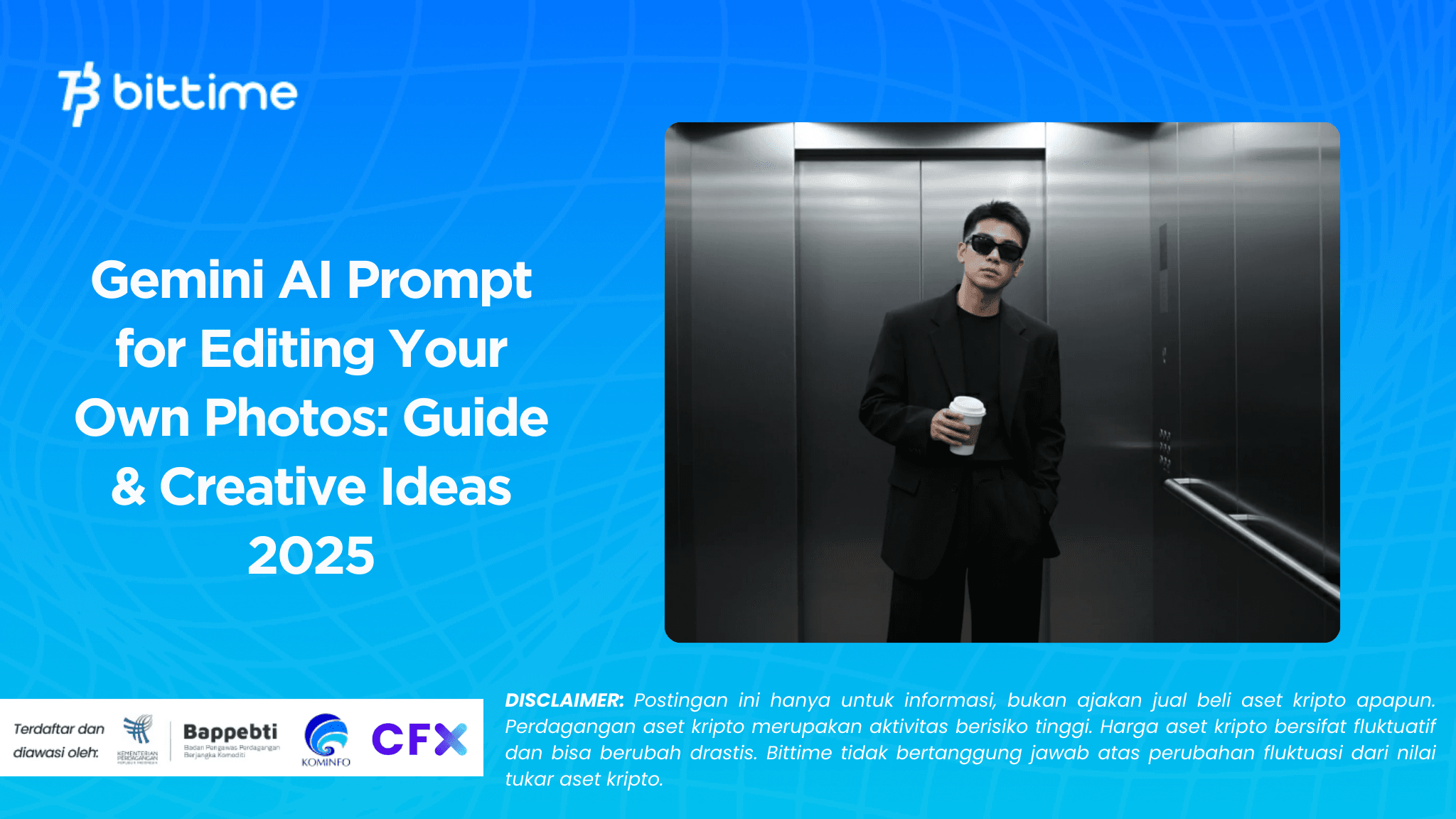
Bittime - Editing photos is now easier thanks to the latest AI capabilities such asGemini AIthat supports featuresNano Bananafor image editing.
You simply write a good prompt and Gemini will transform your photos into aesthetic masterpieces: elegant studio shots, casual portraits, and even creative works.
In this article, we'll discuss how to write effective prompts, how to use them, and examples of prompts you can try right away—including studio, casual, and light experiment themes.

Meet Gemini AI & Nano Banana
Gemini AI now has built-in image generation and editing capabilities through models Nano Banana (aka Gemini 2.5 Flash Image) which lets you upload photos and perform transformations based on text instructions.
Some of the supported features include:
- Edit local (local edits): change only certain parts without changing the whole photo
- Character consistency: maintains the subject's facial/physical identity even though the style & background are changed
- Combination of several photos: combine two photos in one frame if desired
With these features, Gemini is a perfect tool for users who want to edit their own photos instantly and creatively.
Read Also: Gemini 2.5 Flash: Features, Advantages, and Benefits
Principles of Writing Effective Prompts
To achieve the desired editing results, the prompt (text instructions) must be well-written.
According to Gemini's documentation, the following are the essential elements of a prompt: subject, composition, action/location, visual style, and editing instructions.
Some tips for effective prompts:
- Subject: Who is the object or person? (eg: a woman, yourself)
- Composition: close-up shot, full body, low/high angle
- Action / expression: smiling, looking at the camera, certain poses
- Location / background: plain studio, dramatic background, lighting effects
- Style / aesthetics: realistic, cinematic, dreamy, monochrome
- Detailed editing instructions: change background, add soft light, blur background, highlight detail
Use multi-turn prompts if you want to refine things bit by bit.
Steps to Edit Your Own Photos with Gemini AI
Here's a practical guide to get you started:
- Open the Gemini / AI Studio / Vertex AI application
Use an image editing model such as Gemini 2.5 Flash Image if available.
- Upload your photo
Choose photos with good quality and clear subjects so that AI can recognize details better.
- Write the first prompt
Start with a descriptive prompt: subject, style, setting, visual elements.
- Generate & view results
Wait for the system to process. Evaluate the results and note any discrepancies.
- Refine prompt or additional editing
For example: “change the background to dark” or “add soft light on the face”.
- Download the final results
Once satisfied, save a high-resolution version for use on social media or in your portfolio.
Read Also: Gemini AI Photo Editing: From Pre-Wedding to Wedding
Gemini AI Prompt Examples for Studio-Style Self-Photos & Creative Themes
Here's a summary of prompts based on the themes of studio, casual, and experimental light:
Elegant / Formal Studio Theme
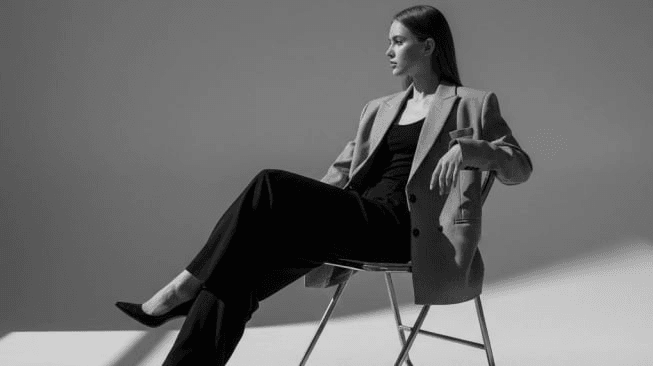
- Portrait of woman wearing black blazer, dark gray background, soft three-point lighting.
- Transformation to black and white, long flowing dresses, high contrast (chiaroscuro).
- 60s retro feel with vintage wallpaper, light grain, wavy hair.
- Fashion magazine glam: satin dress, spotlight, sheen effect, black background.
- Close-up of face with bold makeup, fine skin details.
Casual & Lifestyle Theme
- Indonesian woman relaxing in studio chair, pastel sweater & jeans, natural lighting.
- Candid pose smiling to the side with a minimalist textured background.
- Hijab woman sitting on a bean bag, warm and soft vibe.
- Streetwear + neon style, edgy outfit, dark background with neon light.
- Studio style selfie, bright face, plain background, front lighting.
Light & Experiment Theme
Golden hour studio, warm light from the side, soft shadow effect.
- Window shadow from projected light as a pattern on the face.
- Circle spotlight on face, dark background, dramatic effect.
- Neon tube light as a property: bright colors, dark background, reflection effect.
- Double exposure: combine the portrait with natural elements such as trees, night sky.
You can use the prompt above as a starting point, then modify words or elements to suit your personal style.
Important Tips & Notes for Maximum Results
- Use specific prompts but not too many so the AI can focus.
- Take note consistency character so that the face & proportions remain similar even if the style changes.
- If the results are not accurate, refine the prompt little by little.
- If available, use a Gemini model that already supports it.multi-turn editingso you can give step-by-step instructions.
- Make sure you understandterms of use & copyrighton the original photo and the AI results.
Read Also: Prompt and How to Edit Photos into Giant Statues in Gemini AI
Conclusion
Prompts are the lifeblood of Gemini AI's edits. The more detailed and structured the instructions—about subject, style, setting, and visual elements—the better your AI photos will be.
With the Nano Banana model, Gemini now makes it easier to make local edits and maintain the subject's identity. Try the example prompts above, experiment with your own style, and make your photos stand out on social media.
How to Buy Crypto on Bittime

Want to trade sell buy Bitcoins and crypto investment easily? Bittime is here to help! As an Indonesian crypto exchange officially registered with Bappebti, Bittime ensures every transaction is safe and fast.
Start with registration and identity verification, then make a minimum deposit of IDR 10,000. After that, you can immediately buy your favorite digital assets!
Check the exchange rate BTC to IDR, ETH to IDR, SOL to IDR and other crypto assets to find out today's crypto market trends in real-time on Bittime.
Also, visit the Bittime Blog for interesting updates and educational information about the crypto world. Find reliable articles about Web3, blockchain technology, and digital asset investment tips designed to enrich your crypto knowledge.
FAQ
What is Gemini AI's prompt for self-photo?
Prompts are text instructions you write to let Gemini AI know how to edit your photo—including style, background, effects, and visual details.
Do I need any previous design or editing skills?
No. Gemini AI is designed to allow novice users to produce professional-looking photos with just a few prompts, without the need for technical editing skills.
What makes a prompt “good”?
A good prompt is clear, unambiguous, includes subject, style, composition, and local editing instructions if necessary.
Can the edited results be used commercially?
Yes, as long as you own the rights to the original photo and it doesn't violate Gemini's terms of use. Check the terms of service for commercial use.
Disclaimer: The views expressed belong exclusively to the author and do not reflect the views of this platform. This platform and its affiliates disclaim any responsibility for the accuracy or suitability of the information provided. It is for informational purposes only and not intended as financial or investment advice.

.png)