How to Edit Photos of Two People Using Gemini AI: Create Romantic Photos Like Celebrity Couples!
2025-09-24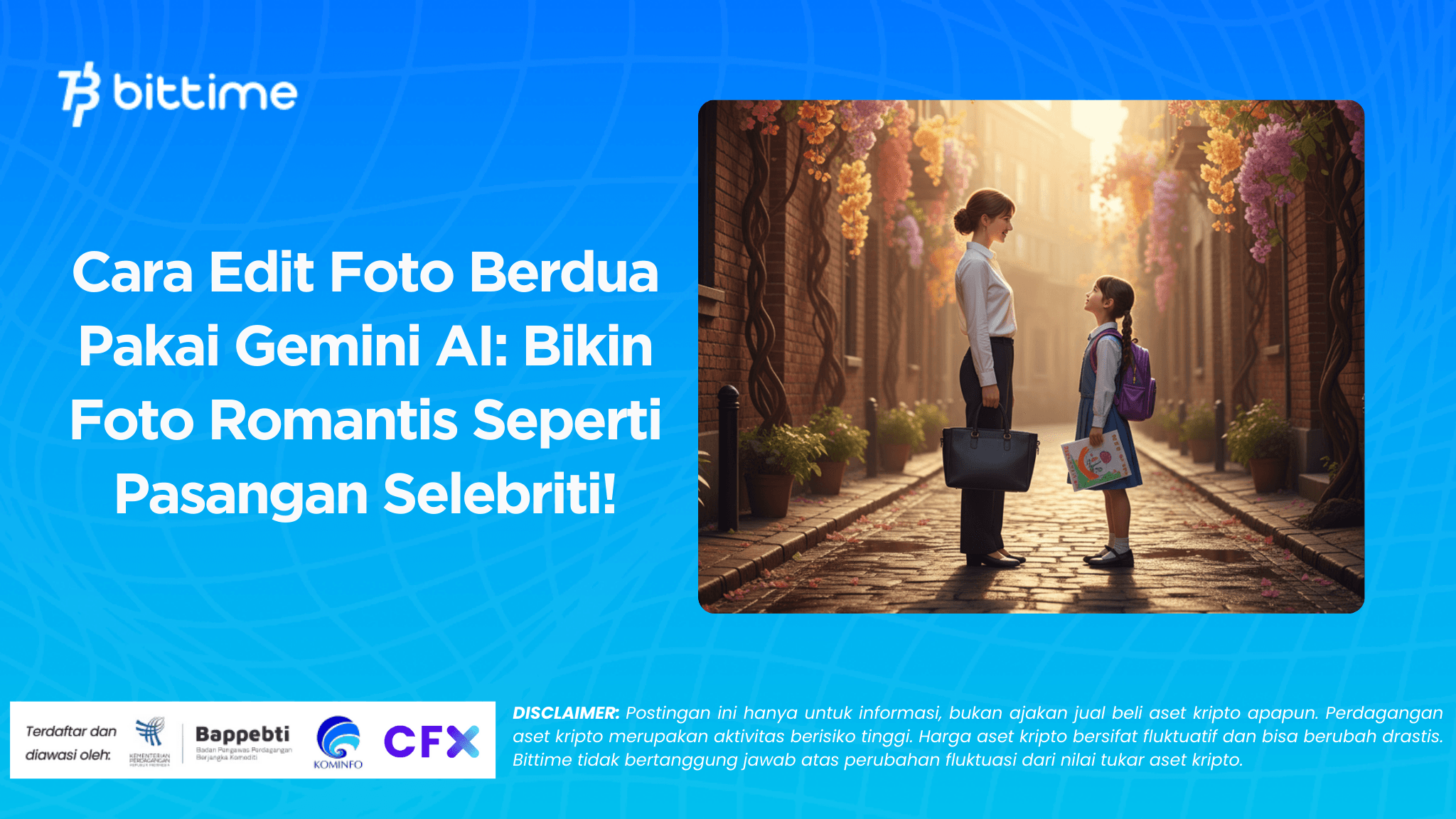
Bittime - Editing photos with your girlfriend is now easier with the help ofGemini AIphoto of the two of themGoogle's AI technology lets you transform ordinary photos into more romantic, elegant, and even celebrity-worthy results.
Enough withGemini AI prompt couple photo, you can customize the mood, effects, and even the feel of your photo to your liking. Want to look like a Korean drama couple, a modern casual look, or a romantic beach scene? It's all possible with just one generation.
This article will discussHow to edit photos of two people using Gemini AI, complete with prompt tips that you can try right away.
READ ALSO: How to Download & Use Gemini Ai for Beginners
How to Edit Photos of Two People Using Gemini AI
Here are easy steps to edit photos of two people using Gemini AI:
Gemini AI Access
Open Gemini AI via Google or your preferred browser.Login with Google Account
Make sure you are connected using an active email.Prepare the photo you want to edit
Choose a photo of the two of you with your partner that you want to give a romantic touch.Enter the Prompt
Scroll to the prompt box section, then fill it in according to the example you can use.Add Photo
Upload a photo of the two of you, then combine it with the prepared prompt.Generate Results
Click the arrow icon to start processing. Wait a few seconds for the results to appear.Download Photo
Save your edits and share them on social media or your personal collection.
Gemini AI Prompt Example: Photo of Two People
Here are some prompt ideas for taking romantic photos with your partner:
“Couple standing under cherry blossom tree, romantic soft lighting, cinematic atmosphere”
“Couple sitting in a vintage cafe, warm atmosphere, natural candid style”
“Couple on the beach during sunset, holding hands, elegant tone”
“Romantic Korean drama style couple pose, soft pastel colors, dreamy look”
“Couple with modern casual outfit in the city park, elegant but relaxed vibes”
You can copy or modify this prompt to your liking.
READ ALSO: Gemini 2.5 Flash: Features, Advantages, and Benefits
Conclusion
Use Gemini AI photo of two peopleis a practical way to make photos with your partner look more romantic and aesthetic. By simply uploading a photo and entering a simple prompt, the edits can look professional.
While the results are truly captivating, it's still important to be creative and maintain the originality of your photos. So, give it a try and see the difference!
How to Buy Crypto on Bittime

Want to trade sell buy BitcoinsLooking for easy crypto investing? Bittime is here to help! As an Indonesian crypto exchange officially registered with Bappebti, Bittime ensures every transaction is secure and fast.
Start by registering and verifying your identity, then make a minimum deposit of IDR 10,000. After that, you can immediately purchase your favorite digital assets!
Check the course BTC to IDR, ETH to IDR, SOL to IDRand other crypto assets to find out today's crypto market trends in real-time on Bittime.
Additionally, visitBittime Blogto get various interesting updates and educational information about the world of crypto. Find trusted articles on Web3, blockchain technology, and digital asset investment tips designed to enrich your crypto knowledge.
FAQ
Is Gemini AI free to use?
Yes, Gemini AI is free to use with a Google account, although there are premium features for the advanced version.
Can Gemini AI edits be downloaded?
Yes, you can save the edited results in image format to your device.
Can you edit a photo of the two of you into an anime style?
Yes, just add an anime or manga themed prompt to your liking.
Can Gemini AI be used on a mobile phone?
Yes, Gemini AI can be accessed via smartphone browser or Google app.
How to make the edits more realistic?
Use detailed prompts, natural lighting, and choose a specific photography style for more realistic results.
Disclaimer: The views expressed belong exclusively to the author and do not reflect the views of this platform. This platform and its affiliates disclaim any responsibility for the accuracy or suitability of the information provided. It is for informational purposes only and not intended as financial or investment advice.

.png)