How to Transfer USDT to DANA Easily and Safely
2026-10-23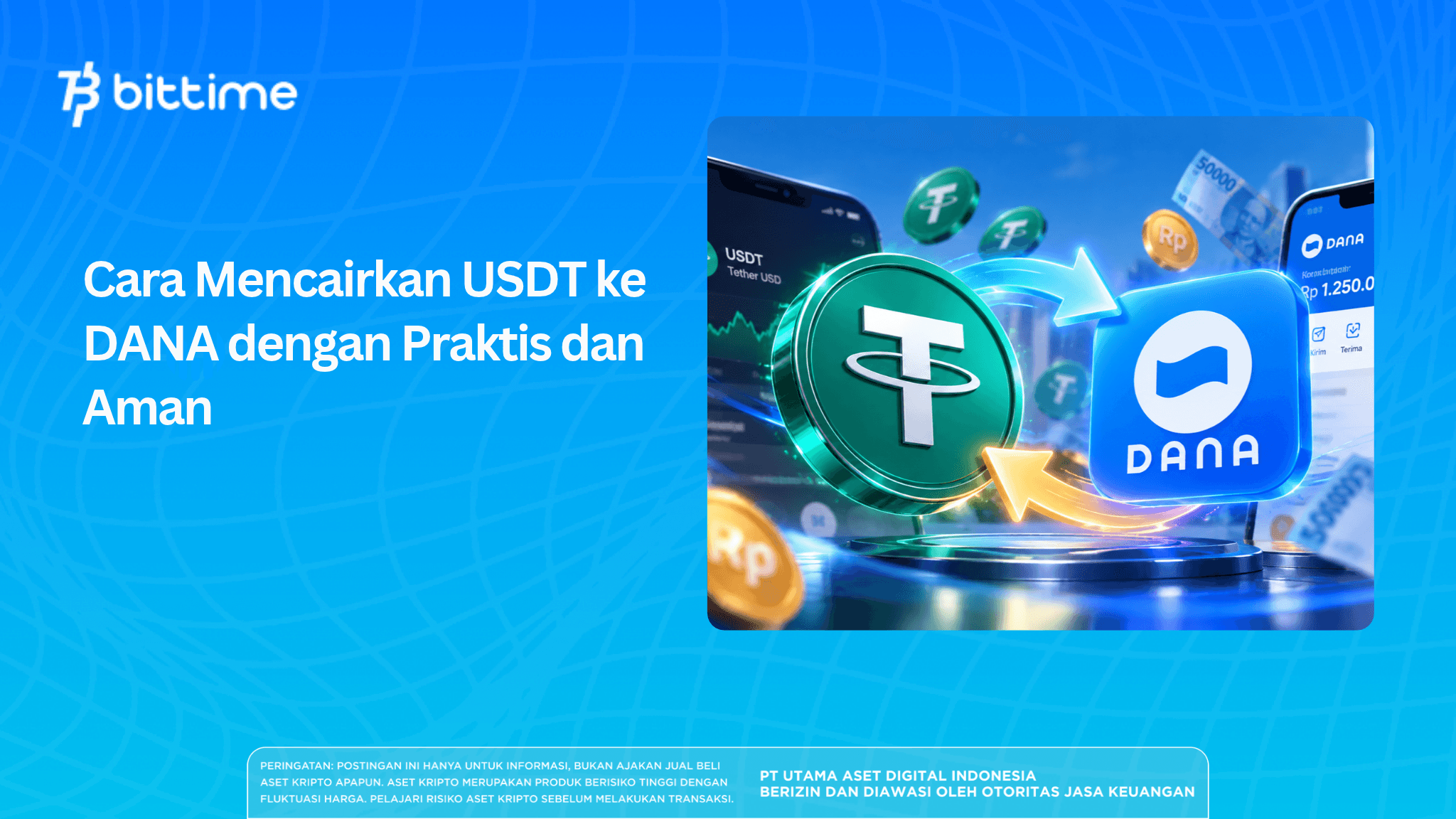
Cashing out USDT to DANA has become a common need, especially for crypto users who want to convert digital assets into cash quickly.
A complete, easy-to-understand guide to cashing out USDT into your DANA balance, from transferring USDT and selling it for rupiahto withdrawing to an e-wallet. Suitable for crypto beginners who want to cash out quickly and safely.
Key Takeaways
- The cash-out process through Bittime involves selling USDT for IDR, withdrawing to a bank account, and then topping up DANA.
- The USDT transfer network must match a deposit network available in the receiving account.
- Check fees, transaction limits, and destination details before confirming the cash-out.
How to Cash Out USDT to DANA Easily and Safely
The process is straightforward as long as you use an exchange that supports withdrawals to local banks or directly to e-wallets. Here is a complete explanation you can follow.
Transfer USDT from a Crypto Wallet to an Exchange
First, you need to move USDT from a wallet such as Trust Wallet, MetaMask, or another platform to an exchange that supports rupiah withdrawals, such as Binance.
You will usually need to:
- Log in to your exchange account
- Select the Deposit menu
- Select USDT
- Select a transfer network (for example, BEP20 / BNB Smart Chain for lower fees)
- Copy the USDT deposit address
- Paste the address into the wallet where your USDT is stored
- Send the desired amount of USDT
Make sure you select the same network in both the wallet and the exchange to avoid losing assets.
Read also: How to Buy USDT with IDR OTC: A Complete, Secure Guide
Sell USDT for Rupiah (IDR)
Once the USDT has arrived at the exchange, the next step is to sell it for rupiah.
The general steps are:
- Open the Trade or Convert menu
- Select the USDT-to-IDR pair
- Specify the amount you want to sell
- Confirm the transaction
Within seconds, the rupiah balance will be credited to your exchange account.
Withdraw Rupiah to DANA
Once your rupiah balance is ready, you can withdraw it to DANA. Most exchanges provide withdrawal methods via bank transfer or virtual accounts. If the exchange supports direct withdrawals to DANA:
- Select Withdraw
- Select the e-wallet method
- Select DANA
- Enter your DANA number
- Specify the withdrawal amount
- Confirm
For transfers through a bank, particularly BCA, you can use:
- DANA virtual account code: 3901
- Combine it with the phone number linked to your DANA account. Example: 39010812xxxxxxx
This process usually takes only 1–5 minutes, depending on the speed of the bank and exchange.
Check Your Balance in the DANA App
Once the transfer is complete, check the DANA app to confirm that the balance has been credited. Once it arrives, you can immediately use it to pay bills, shop online, or transfer money to a bank account.
How to Cash Out USDT to DANA with Bittime
Prepare a Bittime account that meets the verification requirements, a personal bank account, and the destination DANA account. If your USDT is already on Bittime, you can proceed directly to the selling stage.
1. Deposit USDT into Bittime
If your assets are still in a wallet or on another platform, open the USDT deposit option on Bittime. Select an available network, then copy the deposit address.
On the sending platform, select the same network and check the destination address before sending. Do not choose a network solely because it has the lowest fee.
Wait until the deposit is credited to your account. Save the transaction hash in case you need to track the transfer status.
2. Sell USDT for Rupiah
Open the USDT/IDR market on Bittime and specify the amount of USDT you want to sell. Check the price and transaction details before confirming.
Make sure the order has been filled and your IDR balance is available before requesting a withdrawal. A newly placed order may not be executed immediately. Bittime's guide identifies the USDT/IDR market as one way to sell USDT for rupiah.
3. Withdraw Your IDR Balance to Your Personal Bank Account
Open Wallet, select IDR, then go to Withdrawal. Add a bank account whose account holder details match the identity on your Bittime account.
Enter the amount, check the withdrawal details, and complete the requested security verification. Wait until the funds arrive in your bank account before proceeding with the top-up.
4. Top Up DANA from Your Bank Account
Open the DANA app, select Top Up, then choose the bank transfer method. Select your bank and copy the virtual account number displayed.
Continue through your banking app using the payment, virtual account, or e-wallet top-up menu according to the bank's instructions. Check the recipient information and amount before completing the transaction.
Do not enter a DANA virtual account directly as a Bittime withdrawal account without confirming that this method is supported. In this guide, a personal bank account is used as an intermediary.
5. Check Your Balance and Keep the Receipts
Check your DANA balance and transaction history to verify the top-up. Keep the Bittime withdrawal receipt and bank transaction receipt until the entire process is complete.
These two receipts serve different purposes. The withdrawal receipt helps track funds from Bittime to the bank, while the top-up receipt helps track funds from the bank to DANA.
Read also: How to Trade Crypto for Beginners: From Zero to Understanding
How Much Does It Cost to Cash Out USDT to DANA?
The net amount received depends on the selling price and the fees at each stage. Check the following components before starting:
- USDT transfer fee: applies if the assets are moved from a wallet or another platform.
- Selling fee: based on the USDT/IDR transaction details.
- Rupiah withdrawal fee: check the Bittime withdrawal confirmation page.
- DANA top-up fee: depends on the bank method used.
Bittime's cash-out guide also emphasizes checking network fees, trading fees, withdrawal fees, and transaction limits before confirmation.
Example of Calculating the Net Balance
Suppose the proceeds from selling USDT after all trading deductions are IDR 1,000,000. Assuming a withdrawal fee of IDR 5,000 and a top-up fee of IDR 1,000, the balance that can be credited to DANA is IDR 994,000.
These figures are only a simulation, not Bittime or DANA fee rates. The fee for transferring USDT from the originating platform is not included in this example.
How Long Does the USDT-to-DANA Process Take?
The cash-out time includes the USDT transfer, completion of the sell order, rupiah withdrawal, and DANA top-up. If the assets are already on Bittime, the USDT transfer stage is unnecessary.
Use the estimates displayed by each service at the time of the transaction. Avoid assuming that the entire process will definitely finish within a few minutes.
What Should You Do If the Balance Has Not Arrived?
Identify the last successfully completed stage before contacting support:
- USDT has not been credited: check the network, destination address, and blockchain transaction status.
- IDR balance is not available: check whether the sell order has been filled.
- Funds have not reached the bank: check the withdrawal status and receiving account details.
- The top-up has not reached DANA: check the bank transaction status, top-up destination, and DANA history.
Do not repeat a transfer simply because the balance has not changed. Keep the reference number and contact the official support channel of the service where the process is delayed.
Prepare to Cash Out USDT Through Bittime
If you do not have an account yet, you can sign up for Bittime and complete verification before sending USDT. First check the available deposit networks, USDT/IDR market, and withdrawal terms.
Conclusion
Cashing out USDT to DANA through Bittime starts with selling USDT for rupiah, followed by a bank withdrawal and then a DANA top-up. Verify that each stage succeeds to make the funds easier to track.
Before transacting, check that the network, account identity, destination number, and net amount to be received are correct. Use the fee details and processing estimates displayed at the time of the transaction.

Bittime is a Digital Financial Asset Trader (PAKD) platform licensed and supervised by the Financial Services Authority (OJK), where you can buy Bitcoin in Indonesia and hundreds of other cryptocurrencies starting from IDR 10,000. Registration is quick and secure, and you can get started today.
Track the USDT to IDR conversion rate and your favorite cryptocurrencies' price movements in real time. Everything is available in one crypto investment app that you can download for free from the Play Store.
Ready to get started? Sign up for Bittime now and put your investment strategy into action on a platform trusted by millions of users in Indonesia.
FAQ
Can USDT be sent directly to DANA?
For the process described in this guide, USDT must first be sold for rupiah. Do not use a DANA phone number or virtual account as a blockchain transfer address.
Does Bittime support direct withdrawals to DANA?
The sources reviewed explain IDR withdrawals to bank accounts but do not confirm a direct withdrawal feature to DANA. Use the route through your personal bank account or confirm the availability of other methods with official Bittime support.
What is the minimum amount for cashing out USDT to DANA?
The amount depends on the applicable deposit, selling, rupiah withdrawal, and top-up limits. Check all these limits so the amount is not held up at the next stage.
Which network should you use to send USDT?
Choose a network supported by both the sending platform and Bittime's USDT deposit menu. Compare fees after confirming that the network and destination address match.
Why does the DANA balance differ from the initial USDT value?
The final amount is affected by the sale execution price and applicable deductions. Check trading, bank withdrawal, and top-up details to understand the difference.
Disclaimer: The views expressed belong exclusively to the author and do not reflect the views of this platform. This platform and its affiliates disclaim any responsibility for the accuracy or suitability of the information provided. It is for informational purposes only and not intended as financial or investment advice.

.png)