How to Buy MELANIA Tokens on DEX on the Solana Network
2025-01-20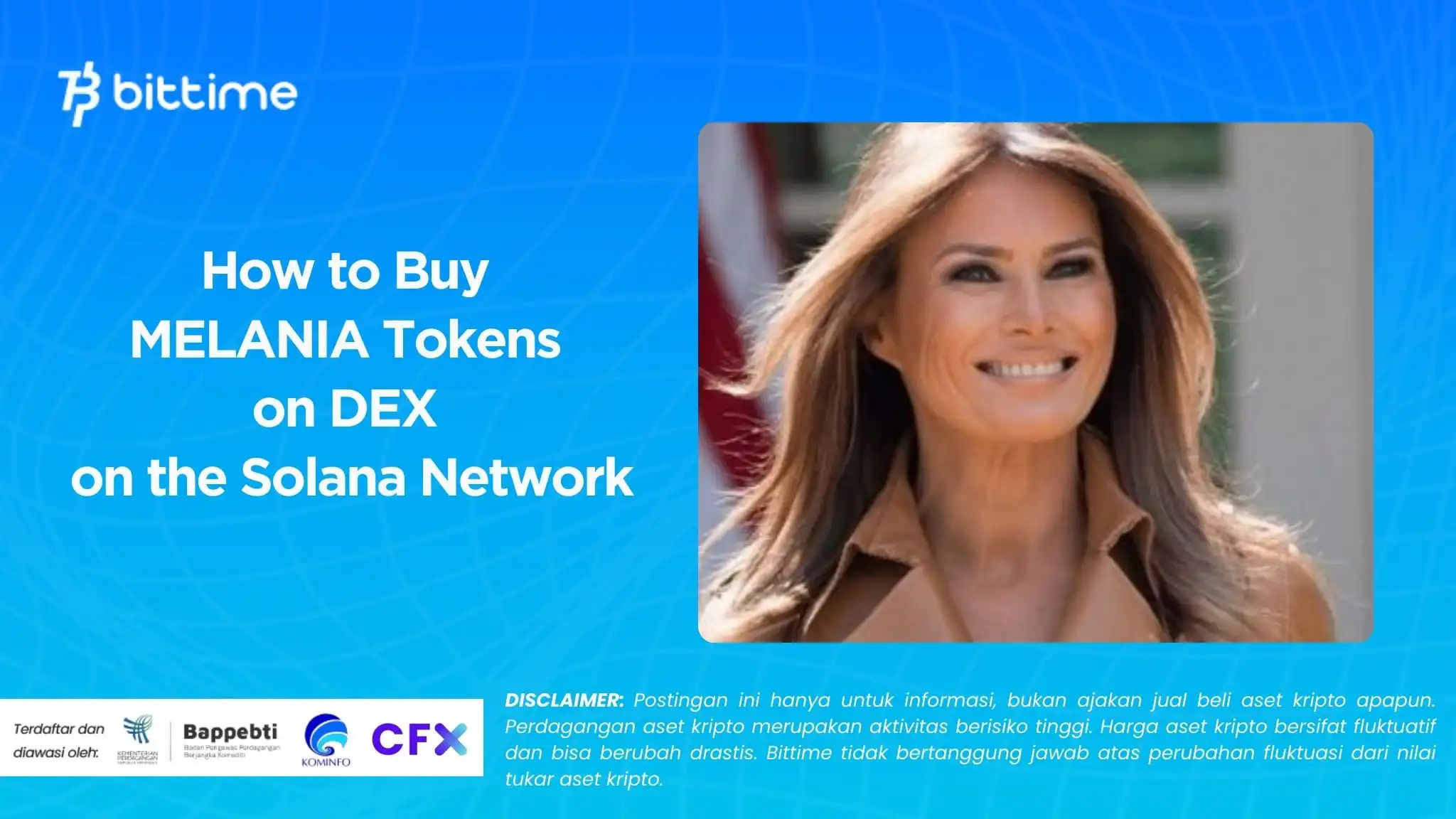
Bittime - MELANIA Token is one of them memecoin new that is attracting attention on the Solana network. Here is a step-by-step guide to buy MELANIA tokens using DEX (Decentralized Exchange):

1. Set up a Solana Wallet
To buy MELANIA tokens, you need a cryptocurrency wallet that supports the Solana network. Some popular wallets for Solana are:
- Phantom Wallet
- Solflare
- Sollet
Steps:
- Download and install the wallet of your choice.
- Create a new account or import an existing account.
- Store your seed phrase safely.
Read too 3 Crypto Narratives to Pay Attention to This January
2. Fill the Wallet with SOL
SOL (Solana) is the native currency of the Solana network used to pay gas fees. You can buy SOL on exchanges like Bittime for example. After that, send SOL to your Solana wallet address.
Read too How to Buy Solana (SOL)
3. Select DEX on the Solana Network
There are several DEXes on the Solana network that can be used to purchase MELANIA tokens, such as:
- Raydium
- Orca
- Jupiter Aggregator
4. Connect Your Wallet to DEX
- Visit the official website of the DEX of your choice. Example: Raydium or Orca.
- Click the button Connect Wallet and select the wallet you use.
- Follow the instructions to connect your wallet.
5. Add MELANIA's Contract Address
Because MELANIA is a new token, you need to add the contract address manually. The following is the MELANIA token contract address:
FUAfBo2jgks6gB4Z4LfZkqSZgzNucisEHqnNebaRxM1P
Steps:
- Search column Select Token or Input Token Address.
- Paste MELANIA's contract address in the search field.
- Once the MELANIA token appears, click to select it.
6. Exchange SOL with MELANIA
- Enter the amount of SOL you want to use to buy MELANIA.
- Make sure you leave a small SOL balance for gas fees.
- Click the button Swap and confirm the transaction in your wallet.
- Wait a few moments until the transaction is complete.

7. Check MELANIA Token Balance
After the transaction is successful, you can check your MELANIA token balance in your wallet. If the token doesn't appear automatically:
- Open your wallet.
- Click Add Token or Manage Token.
- Enter MELANIA's contract address to display the token in your wallet.
Safe Tips:
- Make sure you only use the official contract address:
FUAfBo2jgks6gB4Z4LfZkqSZgzNucisEHqnNebaRxM1P - Use DEXs and wallets from trusted sources to avoid the risk of fraud.
- Always leave a SOL balance for gas fees in transactions.
With this guide, you can now easily buy MELANIA tokens on Solana-based DEXs.
Read too AI Agents vs Memecoin: Which is Better in 2025?
FAQ
1. What is MELANIA token?
MELANIA token is one of the new memecoins operating on the Solana network, attracting the attention of cryptocurrency investors and users.
2. Where can I buy MELANIA tokens?
You can buy MELANIA tokens on several DEXs (Decentralized Exchange) on the Solana network, such as Raydium, Orca, or Jupiter Aggregator.
3. What should I do if MELANIA tokens do not appear in my wallet after purchase?
If the MELANIA token does not appear automatically, you can add it manually
How to Buy Crypto on Bittime

Want to trade sell buy Bitcoins and crypto investment easily? Bittime is here to help! As an Indonesian crypto exchange officially registered with Bappebti, Bittime ensures every transaction is safe and fast.
Start with registration and identity verification, then make a minimum deposit of IDR 10,000. After that, you can immediately buy your favorite digital assets!
Check the exchange rate BTC to IDR, ETH to IDR, SOL to IDR and other crypto assets to find out today's crypto market trends in real-time on Bittime.
Also, visit the Bittime Blog for interesting updates and educational information about the crypto world. Find reliable articles about Web3, blockchain technology, and digital asset investment tips designed to enrich your crypto knowledge.by entering the MELANIA contract address in the Add Token or Manage Token section in your wallet.
Reference
melaniameme.com, Website Your picture Melaniea Meme.com, Accessed January 20, 2025
Author: IN
Disclaimer: The views expressed belong exclusively to the author and do not reflect the views of this platform. This platform and its affiliates disclaim any responsibility for the accuracy or suitability of the information provided. It is for informational purposes only and not intended as financial or investment advice.

.png)