How to Install Clawdbot or Moltbot on Windows and Mac
2026-02-12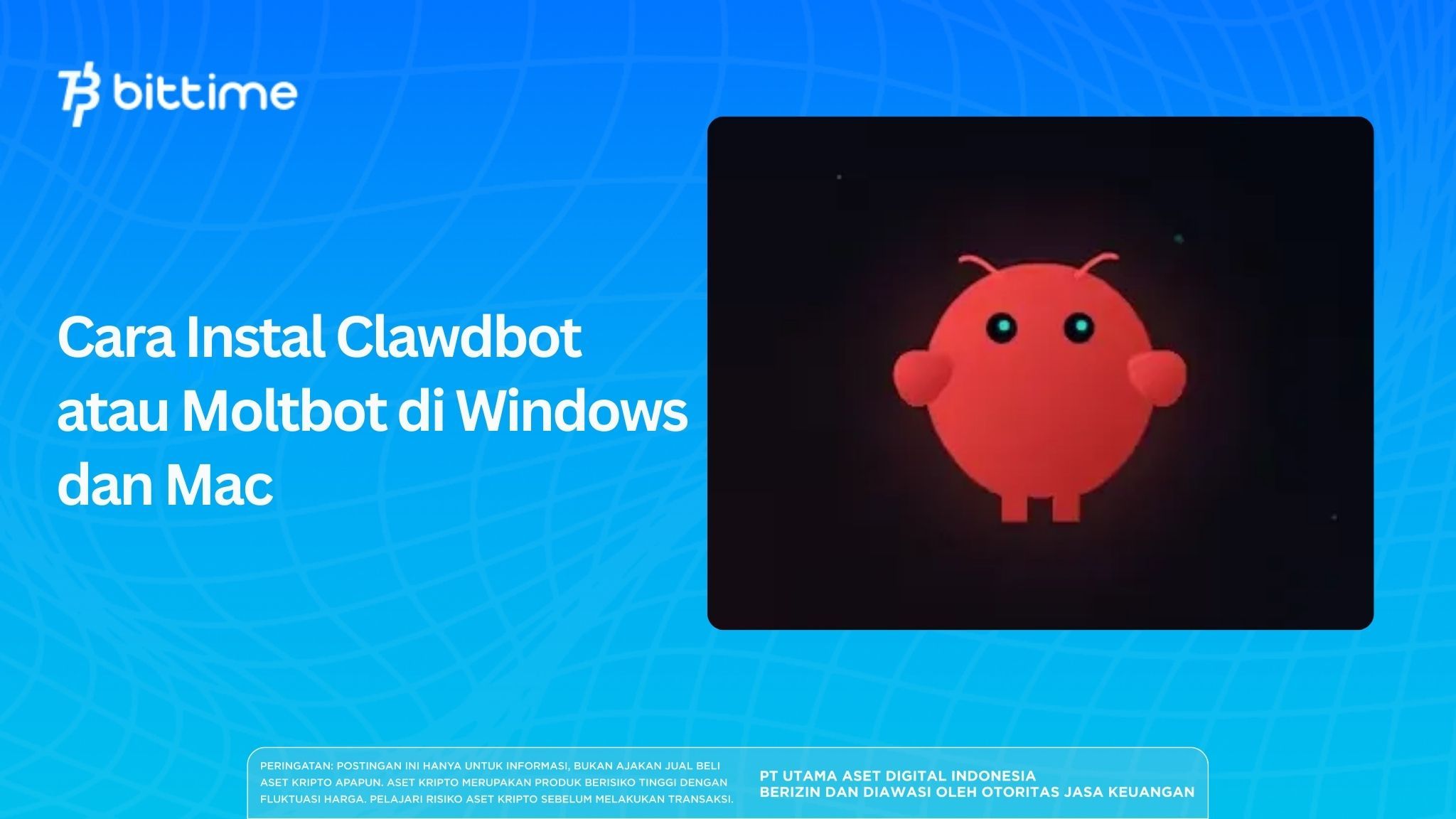
The name Clawdbot or Moltbot has been increasingly discussed recently, especially among AI users and developers.
For those of you who are curious about how to install Clawdbot or Moltbot, this article will discuss it.Step-by-step instructions on both Windows and Mac. Read this article to learn more!
Key Takeaways
- Clawdbot is an open-source chat-based AI assistant that has now been renamed Moltbot.
- Clawdbot/Moltbot installation can be done on Windows or Mac with just one command.
- This bot runs locally or on a cheap VPS, but still requires extra attention regarding API security.
What are Clawdbot and Moltbot?
Image Source: India Today
Clawdbot is an open-source AI assistant with a messaging-first concept. You don't need a dedicated website or a complicated dashboard. Simply chat via WhatsApp, Telegram, Slack, or Discord, just like you would with a coworker.
All conversations take place directly in the chat app, and Clawdbot runs in the background on your computer or server. This makes the experience feel more natural and personal than traditional chatbots.
However, Clawdbot has now officially changed its name to Moltbot. This change wasn't due to crypto or tokens, but rather a trademark issue.
Creator Peter Steinberger also emphasized that Clawdbot has never been and will never be a cryptocurrency project. The rebranding comes after scammers misused its name to promote fake tokens.
Read Also: How to Buy Moonbirds (BIRB) on Bittime: A Complete Guide for Beginners
Reasons Why Clawdbot or Moltbot Became So Popular
The main reason isn't just hype. Clawdbot offers a new approach to using AI, including:
- AI “lives” in your daily chats.
- Can remember long-term context.
- Can be proactive, not just waiting for orders.
- Can run automation and real tasks.
For users who frequently multitask, work with data, or want AI that truly helps, Clawdbot feels much more alive than a typical chatbot.
Read Also: How to Buy Clovis (CLO) with Rupiah on Bittime
How to Install Clawdbot or Moltbot on Windows
For Windows users, the installation process is relatively quick and straightforward. Just make sure you have administrator access.
Here's how to install Clawdbot or Moltbot on Windows:
1. Open PowerShell as Administrator. Click Start → type “PowerShell” → selectRun as Administrator.
2. Copy and paste the following command:
iwr -useb https://molt.bot/install.ps1 | iex
3. Select “Yes” to continue the installation process.
4. The system will automatically install Node.js if it is not already available.
5. Select an AI provider (OpenAI, Anthropic, or Claude Opus 4.5 are recommended).
6. Enter your API key. You can obtain API keys from the official OpenAI or Anthropic platforms. Free credits are usually available for new users.
7. Select an AI model (e.g. codex-mini or Claude).
8. Skip the hooks/skills option if you want a quick setup.
Once onboarding is complete, the browser will automatically open displaying the Clawdbot dashboard.
Then, to run the bot after successful installation, simply type:
clawdbot gateway
From the dashboard, you can immediately try simple commands such as data analysis, text summarization, or light automation experiments.
Read Also: How to Buy Bounce Token (AUCTION) with Rupiah on Bittime
How to Install Clawdbot or Moltbot on Mac
For Mac users, including Mac Mini, the installation process is similar, but uses Terminal.
Here's how to install Clawdbot or Moltbot on a Mac, either a MacBook or a Mac Mini):
1. Open Terminal.Press Cmd + Space → type “Terminal”.
2. Run the following command:
curl -fsSL https://clawd.bot/install.sh | bash
3. Select “Yes” and proceed to Quickstart mode.
4. Determine the AI provider (OpenAI or Anthropic).
5. Enter the API key.
6. Select the desired AI model.
7. Set up a chat channel (WhatsApp, Telegram, or Slack).
8. Activate skills if needed, then complete onboarding.

Then, to run the bot after successful installation, simply type:
clawdbot gateway
Meanwhile, to uninstall (important for privacy), just type:
clawdbot uninstall
Then, select all components and confirm deletion.
Read Also: How to Buy Dusk (DUSK) on Bittime: Easy and Safe for Beginners
Featured Features After Installation
Once Clawdbot or Moltbot is active, you can enjoy various excellent features:
- Persistent memory: Bot remembers conversations and preferences.
- Proactive: Can send automatic notifications or briefings.
- Multi-model: Can change the AI model as needed.
- Local-first: Data is more secure because it runs on its own machine.
Read Also: Complete Guide on How to Buy RAI Token (RAI)
Usage Fees and Important Tips
Clawdbot or Moltbot installation is free, but you still need to pay attention to API fees.
Some things to note:
- Light use is relatively inexpensive.
- Heavy usage (Claude or intensive automation) can be quite expensive.
- Never share API keys.
- Start with simple tasks before giving broader access.
For crypto users, Clawdbot is often used as a market analysis tool or real-time data monitoring, but still uses it wisely.
Read Also: How to Buy Codatta (XNY) on Bittime: A Complete Guide for Beginners
Conclusion
Installing Clawdbot or Moltbot isn't as complicated as you might think. On both Windows and Mac, the process can be completed in minutes with just one key command.
Clawdbot offers an AI experience that is closer to everyday life because it is present directly in the chat application.
However, because these bots have extensive system access, users should be aware of the security risks and API usage. If you're ready to experiment with a more "lifelike" AI assistant, Clawdbot or Moltbot are worth checking out.
Read Also: How to Buy DeAgentAI (AIA) on Bittime Easily for Beginners
How to Buy Crypto on Bittime
Want to trade sell and buy Bitcoins and easy crypto investing? Bittime is here to help! As an Indonesian crypto exchange officially registered with Bappebti, Bittime ensures every transaction is secure and fast.
Start by registering and verifying your identity, then make a minimum deposit of IDR 10,000. After that, you can immediately purchase your favorite digital assets!
Check the course BTC to IDR, ETH to IDR, SOL to IDR and other crypto assets to find out today's crypto market trends in real-time on Bittime.
Additionally, visit Bittime Blog to get various interesting updates and educational information about the world of crypto. Find trusted articles on Web3, blockchain technology, and digital asset investment tips designed to enrich your crypto knowledge.
FAQ
What is a Clawdbot or Moltbot?
Clawdbot is an open-source chat-based AI assistant that has now been renamed Moltbot.
Is Clawdbot safe to use?
It's safe if configured properly and run locally, but still requires caution regarding access and API keys.
Is Clawdbot paid?
Installation is free, but use of the AI model is subject to API fees.
Can you use Clawdbot without expensive servers?
Yes. Many users simply use a personal computer or a cheap VPS.
Why did Clawdbot change its name?
Due to trademark issues and identity theft by crypto scammers.
Disclaimer: The views expressed belong exclusively to the author and do not reflect the views of this platform. This platform and its affiliates disclaim any responsibility for the accuracy or suitability of the information provided. It is for informational purposes only and not intended as financial or investment advice.

.png)