What is VEO 3 AI?Cara Edit Video Veo 3 AI
2025-09-24
Artificial intelligence technology is becoming increasingly sophisticated and helping many people in their work. One of Google's latest innovations is Veo 3 AI, a generative video model that can create short videos with very realistic quality.
With the help of AI, the video creation process is faster and the results are comparable to professional productions. Many people are curious about what is Veo 3 AI? and how to edit videos using this technology.
We'll cover an introduction to Veo 3 AI, steps for creating and editing videos, and tips for maximizing video results.
Read Also: 7 Effective Crypto Trading Methods for Beginners, Complete with Tips and Tricks
What is Veo 3 AI?
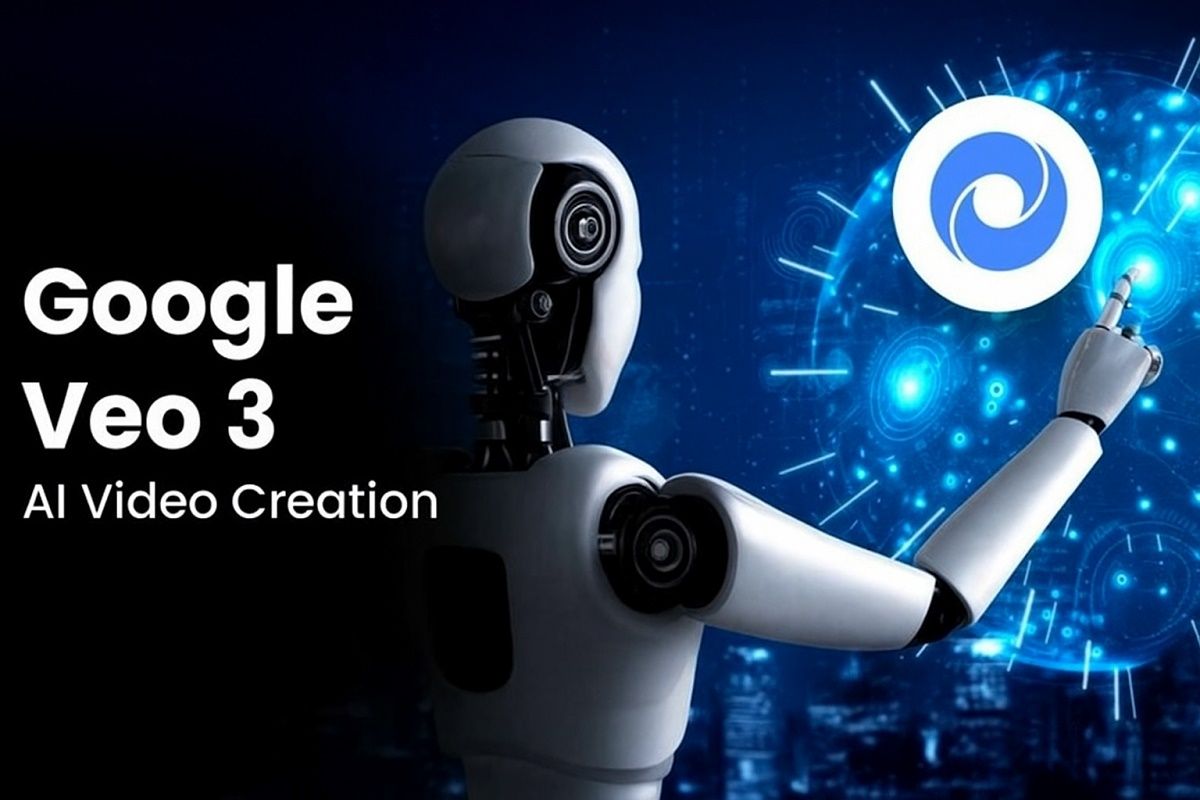
Veo 3 AI is the latest generation of Google's video technology within the Gemini Pro platform. This model is capable of producing short videos with visual quality remarkably similar to real-life footage.
Videos currently available are between 5 and 10 seconds long. Despite their short length, the image quality, movement detail, and sound synchronization are already very smooth and natural.
The Veo 3 AI's main advantage lies in its realistic-looking facial and movement rendering. Furthermore, this model supports built-in voice effects and lip sync, making the resulting videos even more lifelike.
Google provides free access through packages Free Trial, and a special student program that lasts up to 15 months. After the free period ends, users can continue with a paid plan as needed.
With this feature, anyone can create creative videos simply by writing a description. No advanced technical skills are required. Veo 3 AI is perfect for content creators, students, and creative professionals who need to generate visual ideas quickly.
Cara Edit Video Veo 3 AI
The first step is to make sure your account is subscribed. For Gemini. Open the official Google Gemini page, then select a package Free Trial or a special student package. Once Pro status is activated, you can access the video creation menu.
After that, go to the video generator interface. There is a box available there. Prompt to write a video description. For example, “A traveler walks in the desert at sunset.”
Add details like mood, lighting, or camera angles to better match your video's expectations. The generation process typically takes 3 to 10 minutes, depending on server queues.
Once the video is finished, you can review the results via the button. Play. If it is correct, click Download to save the video in MP4 format. For further editing, import the file into an editing application such as Adobe Premiere or DaVinci Resolve.
You can add text, music, transitions, or adjust the colors. This way, Veo 3 AI-generated videos will look more engaging and be ready for use on various platforms.
Read Also: IPO: Definition, Process, Benefits, and Risks
Tips for Using Veo 3 AI
To maximize your video results, here are some tips you can apply. First, use descriptive prompts. Include details about the subject, movement, location, mood, and lighting. The more detailed the description, the better the results.
Second, create a video in multiple clips if you want a longer scene. Veo 3 AI is more effective for shorter durations. Combine multiple clips in an editing app for more varied results.
Third, take advantage of additional effects. You can add music, text, or filters in an editing app.
The combination of Veo 3 AI visuals and additional creative touches will result in more professional videos. Don't forget to share your work with the community for further inspiration.

Conclusion
Veo 3 AI is an innovation from Google that simplifies the video creation process. By writing simple prompts, you can produce short, high-quality videos.
After that, the video can be edited using an editing application as needed. From the explanation aboutWhat is Veo 3 AI? until cara edit video Veo 3 AI, this technology clearly opens up new opportunities in the world of digital content.
If you want to stay up to date with technology trends and other digital opportunities, don't forget to read the latest news at Bittime Blogor try trading in Bittime Exchange. The digital world is full of opportunities, and Veo 3 AI is one of them.
How to Buy Crypto on Bittime

Want to trade, sell buy Bitcoins and crypto investment easily? Bittime is here to help! As an Indonesian crypto exchange officially registered with Bappebti, Bittime ensures every transaction is safe and fast.
Start with registration and identity verification, then make a minimum deposit of IDR 10,000. After that, you can immediately buy your favorite digital assets!
Check the exchange rate BTC to IDR, ETH to IDR, SOL to IDR and other crypto assets to find out today's crypto market trends in real-time on Bittime.
Also, visit the Bittime Blog for interesting updates and educational information about the crypto world. Find reliable articles about Web3, blockchain technology, and digital asset investment tips designed to enrich your crypto knowledge.
FAQ
What is Veo 3 AI?
Veo 3 AI is Google's generative video model that can create realistic short videos from descriptive text.
How do I access Veo 3 AI?
You need to subscribe to Google Gemini Pro, there are free plans and student plans up to 15 months available.
Can Veo 3 AI edit live videos?
Veo 3 AI focuses on video creation. For more advanced editing, use apps like Premiere or DaVinci Resolve.
How long does it take to create a video on Veo 3 AI?
It usually takes 3 to 10 minutes, depending on the length of the description and the server queue.
What formats does Veo 3 AI output?
The resulting video can be downloaded in MP4 format with high visual quality.
Disclaimer: The views expressed belong exclusively to the author and do not reflect the views of this platform. This platform and its affiliates disclaim any responsibility for the accuracy or suitability of the information provided. It is for informational purposes only and not intended as financial or investment advice.

.png)