How to Download TikTok Without Watermark: 5 Quick and Safe Methods
2026-01-26
Introduction: Saving TikTok videos to watch offline or to use as editing references is totally normal. The problem is, the Save video button on TikTok usually adds a moving watermark. If you need a clean version, there are several practical ways to download TikTok without a watermark, whether through TikTok no-watermark websites or downloader apps.
The key is simple: copy the video link, paste it into a download tool, choose the quality, then save the MP4 file. Some services also provide an MP3 option if you only need the audio.
To stay safe, avoid re-sharing someone else’s content without permission, and don’t save videos that contain personal data. That way, your collection stays neat and won’t cause problems.
Key Takeaways:
- Focus on the fastest method: copy the link, paste it, download the MP4.
- Choose a method based on your device: the web is lighter, apps are more convenient.
- Prioritize ethics: use it for personal purposes or ask permission before reposting.
How to Download TikTok Without a Watermark via Websites
The web method is usually the fastest because you don’t need to install anything. You just copy the TikTok video link, then paste it into the no-watermark TikTok downloader service you choose.
The result is typically saved directly as an MP4, and some sites also offer an audio-only option.
Pros: it works on phones or laptops, the steps are simple, and it can be a plan B if your phone storage is full. Cons: some sites show ads, so make sure you click the correct download button and don’t randomly allow notifications.
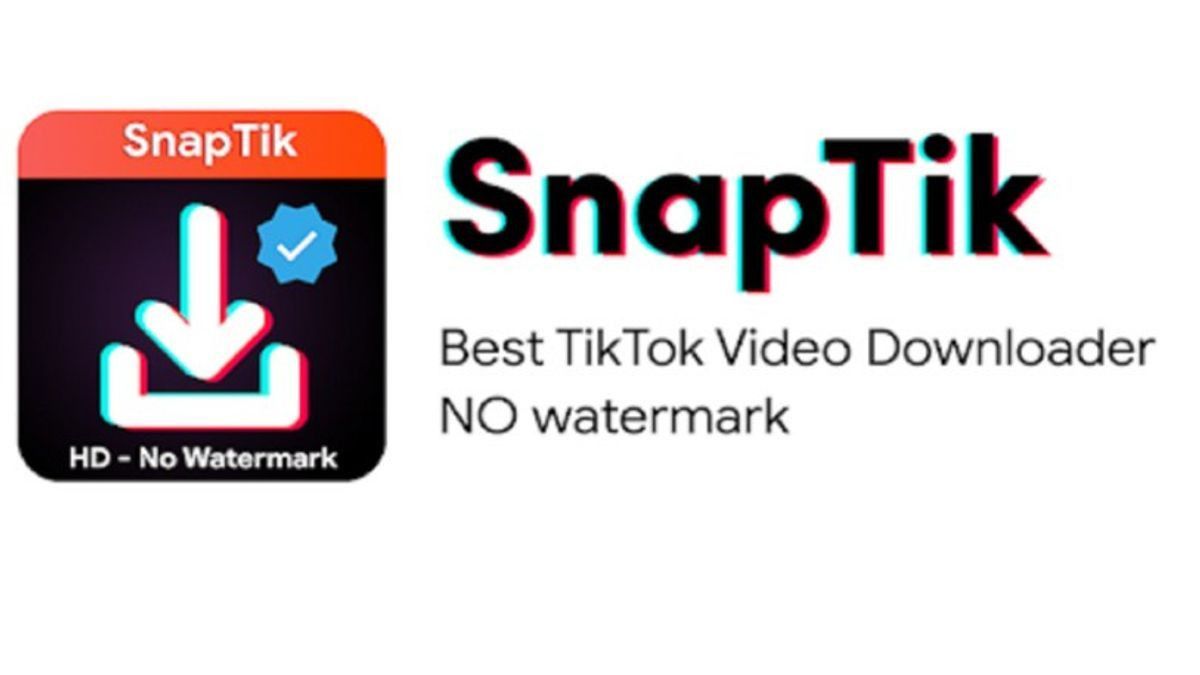
1. SnapTik (web)
SnapTik is popular because the flow is short and it usually provides multiple download servers. It’s great if you want a quick process without fiddling with settings.
- Open TikTok, tap Share, then Copy link.
- Open SnapTik in your browser.
- Paste the link, then choose Download.
- Select the “no watermark” option if available, then save the MP4.
2. SSSTik (web)
SSSTik is also often used for TikTok no watermark downloads because the steps are consistent. Usually, you just paste the link and choose from the available quality options.
- Copy the video link from TikTok.
- Open SSSTik in your browser.
- Paste the link, then tap Download.
- Choose the no-watermark download, then save it to your gallery or Downloads folder.
3. SaveFrom (web)
SaveFrom is known as a cross-platform downloader. For TikTok, the pattern is similar: paste the link, process it, then download.
- Copy the link to the video on TikTok.
- Open SaveFrom in your browser.
- Paste the link, start the process, then download the MP4.
- Check the result in your Downloads folder.
Read Also: Beginner Crypto Trading Strategies: Don’t Do This!
Download TikTok Without a Watermark Using Apps
Downloader apps usually feel more “one click” because you’re not jumping back and forth between browser tabs. This is useful if you often save videos for editing references, content research, or personal archiving.
Still, be careful: only install from official app stores, review app permissions, and avoid apps that request irrelevant access. Legit apps typically only need storage or gallery access to save files.
TikMate (app)
TikMate generally works by pasting the link and then choosing a download option.
- Install TikMate from the app store.
- Copy the video link from TikTok.
- Open TikMate, paste the link, then download.
- Select the no-watermark option if available, then save it.
Read Also: 7 Proven Ways to Trade Crypto for Beginners, Complete with Tips and Tricks
Safety Tips to Avoid Copyright and Privacy Issues
Removing a watermark doesn’t automatically make content free to reuse. A watermark is an attribution marker, while copyright still belongs to the creator. The safest approach is to use the video for personal viewing, or ask permission if you want to repost, and include credit based on the agreement.
Also, don’t re-download content that shows sensitive data, children’s faces, documents, or location information. Save only what you truly need, and organize your files so they don’t get scattered.
Quick Checklist Before Saving
- Make sure the content is safe and does not include other people’s personal data.
- Use it for personal archives, references, or with the owner’s permission.
- Save the best-quality version so it won’t degrade when replayed.

Conclusion
Downloading TikTok without a watermark can be done in a simple way: copy the link, paste it into a TikTok no-watermark service like SnapTik or SSSTik, or use an app like TikMate. Choose the most comfortable method on your device, then save an MP4 at the right quality. Most importantly, keep good digital ethics: respect copyright, avoid reposting without permission, and stay alert to content that includes private information.
To make your browsing sessions even more productive, explore the crypto market too: try trading on Bittime Exchange or read the latest news and education on Bittime Blog.
FAQ
Is downloading TikTok without a watermark legal?
It depends on how you use it. For personal archiving it’s usually safer, but reposting or commercial use without permission can risk violating copyright.
Why does the downloaded file still have a watermark?
Some videos or download tools only provide a version with a watermark. Try another method, or make sure you select the “no watermark” option when it’s available.
How do I download on an iPhone?
The principle is the same: copy the link and paste it into a downloader site using Safari. Make sure download permissions and storage settings on your device are configured correctly.
Can I download only the audio (MP3)?
Yes, on some services that provide an MP3 option. Choose MP3 when the format options appear.
What is the safest alternative for my own content?
Save the original file from your editing app before uploading, or save the final version directly from your editing project. This is the cleanest way for content you own.
Disclaimer: The views expressed belong exclusively to the author and do not reflect the views of this platform. This platform and its affiliates disclaim any responsibility for the accuracy or suitability of the information provided. It is for informational purposes only and not intended as financial or investment advice.

.png)