How to Register for a BCA myBCA Account in 2026: Digital Registration Without Queuing
2025-12-15
How to register a BCA myBCA account in 2026 has become an increasingly popular topic, as banking service patterns increasingly rely on digital applications.
BCA positions myBCA as a central transaction service, not just a complement to mobile banking. From opening an account, managing cards, to monitoring financial activity, everything is directed through a single app.
In 2026, the account opening process through myBCA will be streamlined and integrated. Prospective customers will no longer face confusing, multi-layered processes.
As long as your identity data is complete and your mobile phone supports it, registration can be completed directly from home. For existing customers, myBCA also serves as a gradual replacement for the previously separate service.
This article presents a guide on how to register for a BCA myBCA 2026 account, using a straightforward and relevant journalistic approach. Structured for ease of understanding, the information below is intended for both new users and BCA customers looking to maximize their use of the latest digital services.
What is myBCA and its Role in 2026?
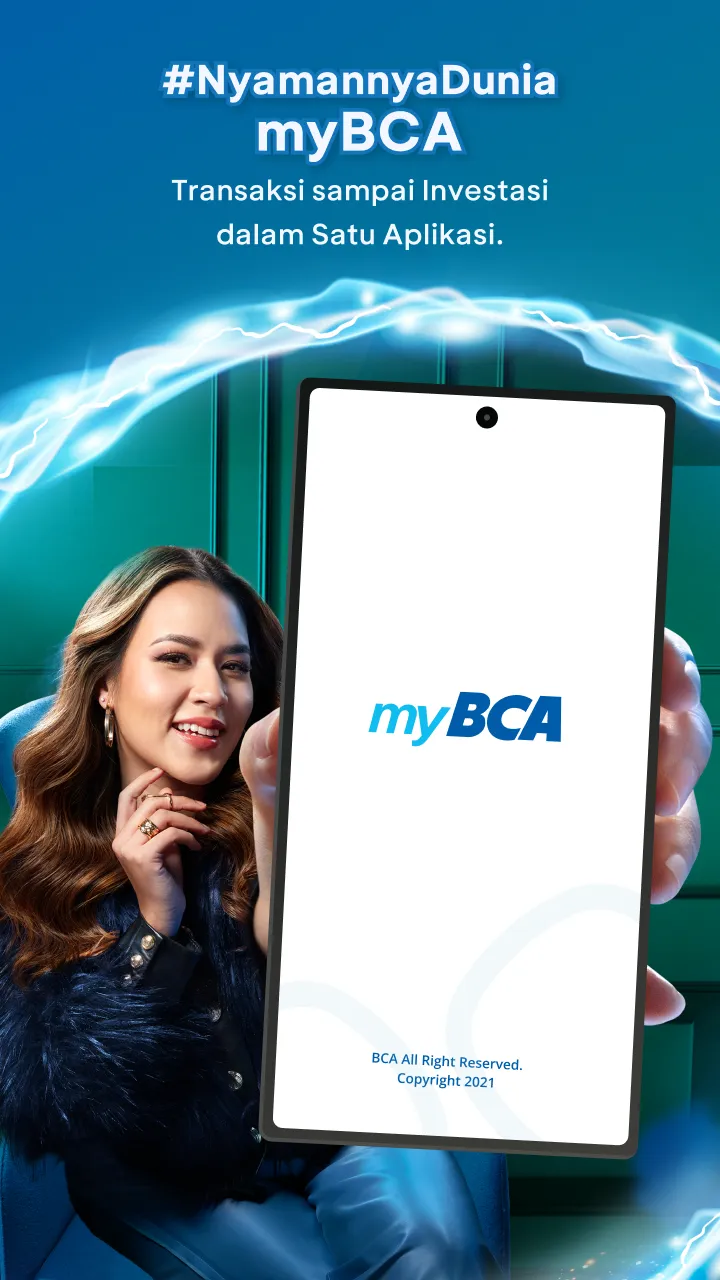
myBCA is BCA's digital service application that combines daily banking functions with account management in one system. Unlike previous generation applications, myBCA is designed as a central platform that integrates savings accounts, debit cards, credit cards, and various other financial services.
As we enter 2026, myBCA's role will become even more central. This app serves as the primary gateway for digitally opening new accounts. Users can start as non-customers, open an account, and then immediately manage their account without switching apps.
In terms of security, myBCA relies on multi-layered verification, ranging from OTP, biometrics, to device authentication.
The myBCA feature also extends to managing multiple accounts in a single interface, making it relevant for individuals with increasingly complex financial needs. In this context, understanding how to register for a BCA myBCA 2026 account is the first step to accessing BCA's full service ecosystem.
Register now at Bittime and start trading crypto assetsToday. Fast, secure, and you can buy your favorite tokens right away!
BCA myBCA Account Registration Requirements 2026
Before beginning registration, there are several basic requirements that must be met. This preparation is crucial to ensure the process runs smoothly without any need for repetition.
The primary requirement for registering for a BCA myBCA 2026 account is a valid electronic ID card (e-KTP). This identity data will be digitally verified through the population system. Furthermore, prospective customers must have an active mobile phone number and an accessible email address, as both are used for account verification and notifications.
The phone you use must have a functioning front-facing camera. This camera is required for facial verification, which is a security standard for opening a digital account. A stable internet connection is also highly recommended to ensure uninterrupted data upload and verification.
For existing BCA customers, account details must be active and match their most recent identity. If there are discrepancies, the registration process can still proceed, but may require additional adjustments through official BCA services.
How to Register a BCA myBCA Account Online in 2026
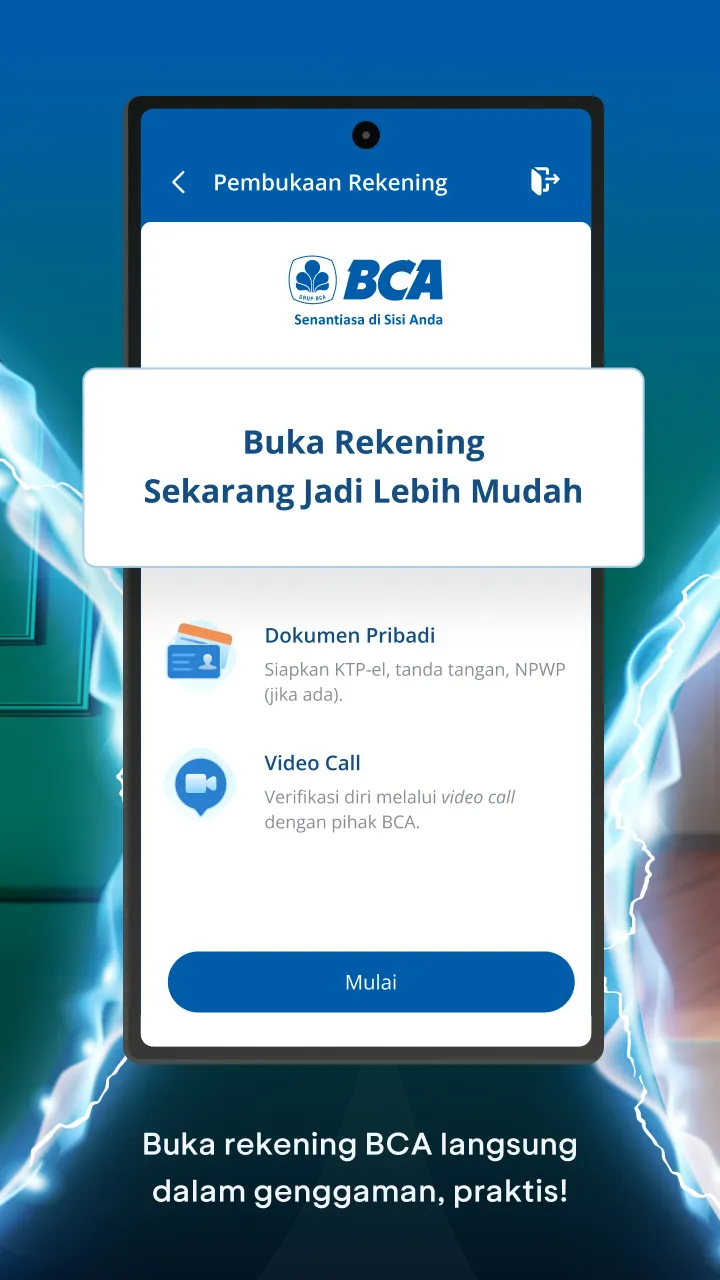
The BCA myBCA 2026 account registration process is designed to be done directly from your phone, without waiting in line or visiting a branch. Here are the steps to follow.
- Download and open the myBCA application
The myBCA app is available on official app stores. Once installed, open the app and select the registration option for new users. - Enter an active mobile number
Your mobile phone number is your account's initial identification. Ensure it's active, as it will be used to receive the verification code. - Verify OTP code
The system will send an OTP via SMS. Enter this code to continue the registration process and ensure account security. - Fill in your identity data according to your ID card
Users are asked to enter their National Identification Number (NIK) and other personal data. This information will be automatically matched with population data. - Select the type of BCA account
For new prospective customers, myBCA will display available account options. Select the one that best suits your needs and proceed to the terms and conditions approval stage. - Perform facial verification
The app will request camera access for facial verification. Ensure adequate lighting and that your face conforms to the guidelines to ensure a smooth process. - Create myBCA PIN
Your PIN is used as the primary security measure when logging in and making transactions. Choose a combination that's secure and easy to remember. - Active account and myBCA ready to use
If all steps are successful, the BCA account will be immediately active and connected to the myBCA application without additional processes at the bank.
With this process, registering for a BCA myBCA account in 2026 can be completed quickly. As long as the data is valid and the connection is stable, the entire process is online and efficient.
Common Problems When Registering for myBCA and Their Solutions
Despite its practical design, the myBCA registration process still has the potential to encounter issues. One of the most common issues is OTP failure due to an unstable signal or a faulty mobile phone number. In these situations, ensuring a strong network connection and waiting a few moments before trying again is usually effective.
Another issue arises when facial verification fails. Lighting and camera position are the main factors. Repeating the process in a well-lit environment with your face positioned according to the app's instructions often resolves the issue.
In some cases, identity data may be illegible or inconsistent. This typically occurs if population data has not been updated. If the problem persists, users are advised to contact official BCA customer service to ensure data synchronization.
By understanding these potential obstacles from the start, the process of registering for a BCA myBCA 2026 account can be carried out more efficiently without unnecessary confusion.
Conclusion
The BCA myBCA 2026 account registration process reflects the increasingly digital and integrated direction of banking services. BCA positions myBCA as a central point of customer financial control, from account opening to daily transactions.
With relatively simple requirements and a completely online process, opening an account can now be done at any time without queuing.
As long as the data is valid and the verification process runs smoothly, myBCA offers a registration experience that is fast, secure, and relevant to the needs of 2026.
FAQ
Is it possible to register a BCA myBCA account without going to the bank?
Yes. The entire registration process can be done online through the myBCA app.
Are existing customers required to use myBCA?
myBCA is BCA's main digital service platform, so it is highly recommended for use by existing customers.
How long does it take to open an account at myBCA?
If there are no obstacles, the process can be completed in a matter of minutes until the account is active.
Is myBCA safe for opening an account?
myBCA uses a multi-layered security system, including identity verification and device authentication.
What to do if registration fails?
Check the connection, ensure the data matches your ID card, and repeat the process. If it still fails, contact official BCA customer service.
How to Buy Crypto on Bittime

Want to trade sell buy Bitcoins and crypto investment easily? Bittime is here to help! As an Indonesian crypto exchange officially registered with Bappebti, Bittime ensures every transaction is safe and fast.
Start with registration and identity verification, then make a minimum deposit of IDR 10,000. After that, you can immediately buy your favorite digital assets!
Check the exchange rate BTC to IDR, ETH to IDR, SOL to IDR and other crypto assets to find out today's crypto market trends in real-time on Bittime.
Also, visit the Bittime Blog for interesting updates and educational information about the crypto world. Find reliable articles about Web3, blockchain technology, and digital asset investment tips designed to enrich your crypto knowledge.
Disclaimer: The views expressed belong exclusively to the author and do not reflect the views of this platform. This platform and its affiliates disclaim any responsibility for the accuracy or suitability of the information provided. It is for informational purposes only and not intended as financial or investment advice.

.png)