Apple to Introduce Siri Assistant with Gemini Support in February, Here's the Explanation!
2026-01-26
Introduction: Interesting news for iPhone users and the Apple ecosystem. Apple’s Siri is reportedly set to get a new “brain” with Gemini support in the second half of February, making Siri’s capabilities more relevant for everyday needs.
In short, Siri is expected to better understand personal context, read what’s on the screen, and complete tasks more smoothly than the older version.
And if you’re wondering, “How is this different from AI chatbots like ChatGPT?” and “What should I prepare to stay safe?”, the answers are here. The focus is simple: understand the changes, check compatibility, and set up privacy from the start.
Key Takeaways:
- Siri is expected to become more personal by leveraging the Gemini model and user context.
- This update is said to be an early step, before a more “chatbot-like” version of Siri follows.
- Users should be prepared for system updates, access permissions, and privacy habits.
A Smarter Apple Siri with Gemini?
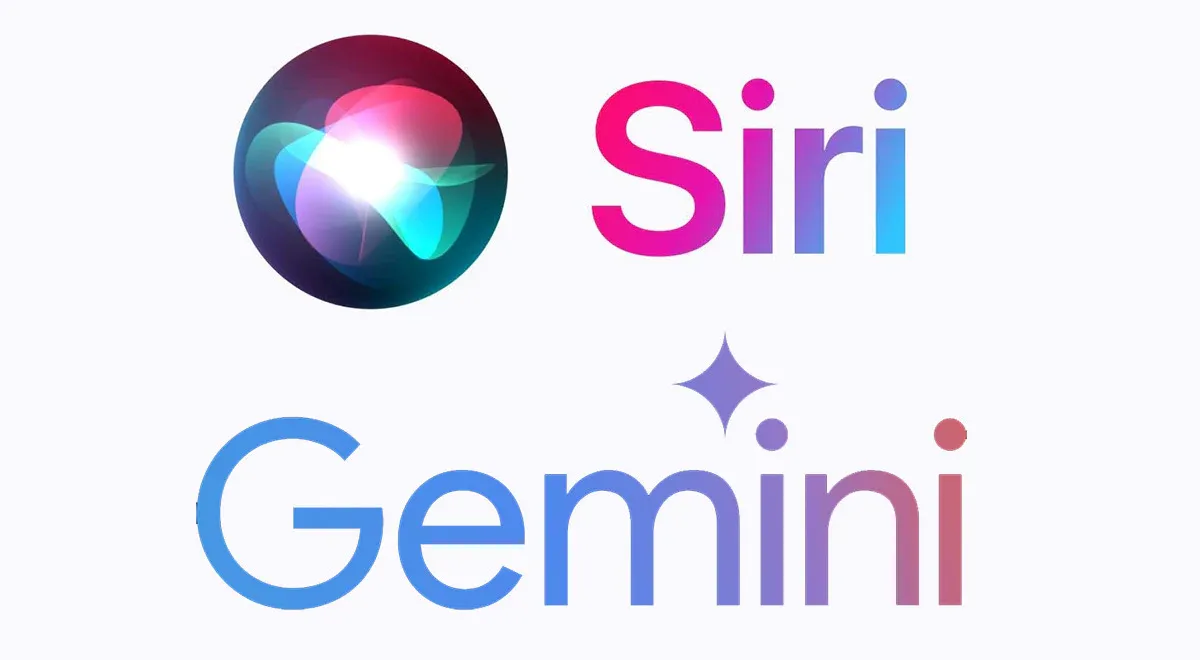
According to circulating reports, Apple plans to showcase a new version of Siri in the second half of February as a tangible result of the partnership between Apple AI and Google. The initial focus isn’t just “Siri is smarter,” but “Siri is more useful,” because it can execute tasks by using permitted personal data and on-screen context.
That aligns with the direction of Apple Intelligence, which since 2024 has emphasized understanding personal context and AI-based features that still prioritize privacy.
It’s worth noting that this is still in the realm of “launch plans and demos,” so it’s normal for details to change as testing schedules and public releases evolve.
What’s clear is that the public will get a real look at how Apple’s Siri is moving from a “simple Q&A” voice assistant toward an assistant that can help complete small day-to-day tasks.
Why is Gemini Siri in the spotlight?
- Because Gemini is expected to serve as the foundation model for Apple’s next AI features, including a more personal Siri.
- Because Apple wants to catch up to a modern, AI-chatbot-like experience while staying tightly integrated with iOS.
When might it be available?
- The demo or announcement is said to be targeted for the second half of February.
- Public releases often follow after beta testing and refinements, depending on system readiness and region.
Read Also: Crypto Trading Strategies for Beginners, Don’t Do This!
Gemini Siri vs. the Old Siri: What’s Different for Users?
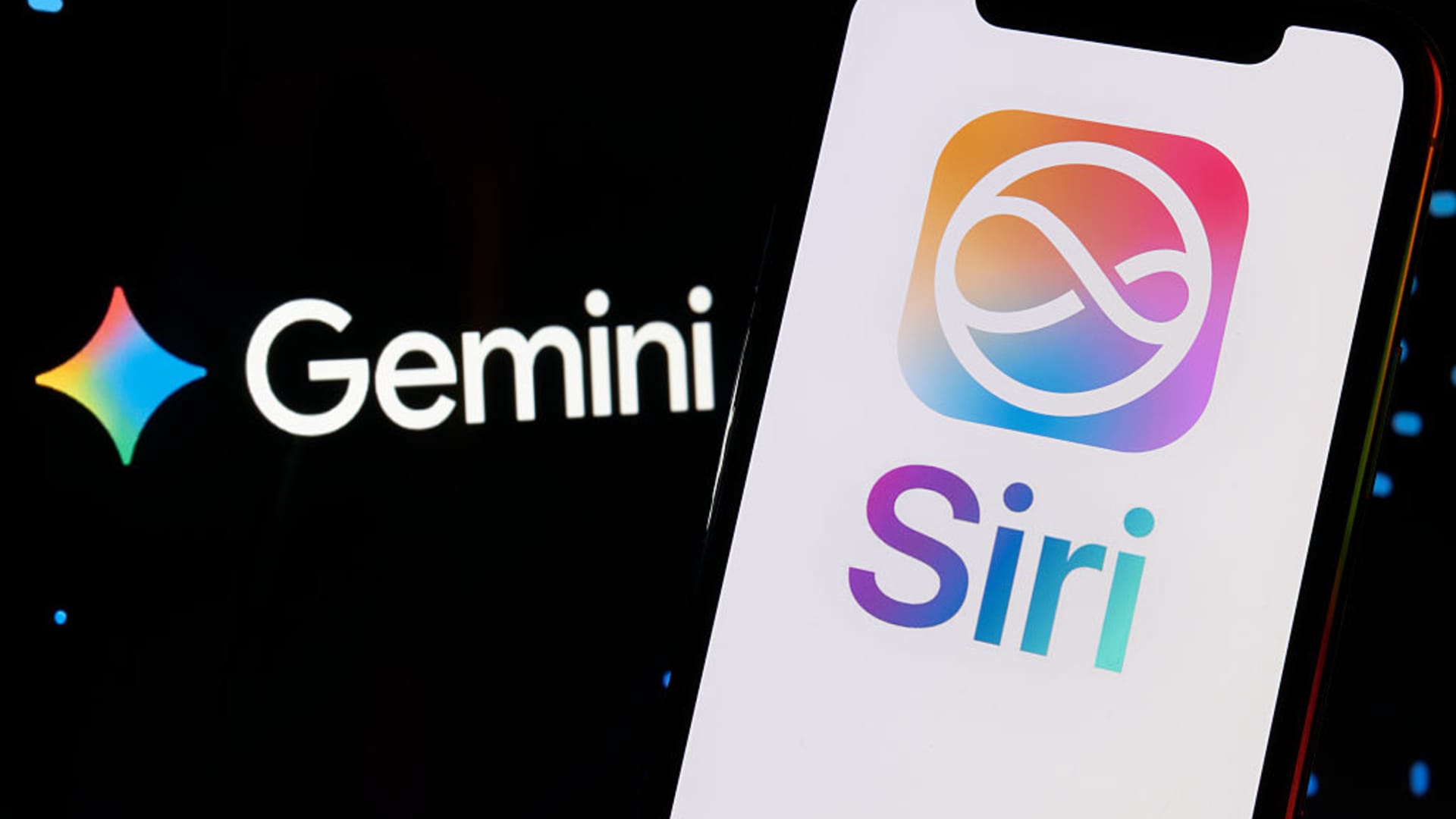
The old Siri is great for quick commands like setting an alarm, making a call, or playing music. But for tasks that require context, such as “summarize this chat” or “find the file I just looked at,” Siri often feels limited.
That’s where the idea of a Gemini-powered Siri becomes interesting: Siri is expected to understand intent, context, and next steps without you having to repeat instructions over and over.
The most noticeable changes will likely fall into three areas: language understanding (more natural), multi-step capability (less likely to hit a dead end), and app integration (more aware of what you’re working on).
But the deeper Siri can “understand,” the more important user control over access permissions becomes.
Examples of changes you’re most likely to notice
- Longer, more natural commands, without having to speak “robot language.”
- Chained tasks, for example: search for information, then create a note, then send it to a contact.
- More relevant responses because it understands on-screen context and the activity you currently have open.
Will this become a full AI chatbot?
Not necessarily in the early phase. There are reports that Apple is also preparing a more “chatbot-like,” more conversational version of Siri for a later phase, potentially becoming a focus announcement at WWDC around June.
Read Also: 7 Solid Crypto Trading Methods for Beginners, Complete with Tips and Tricks
How to Prepare So the New Siri Experience Feels Better and Safer
A major update isn’t just about features, it’s also about habits. As Siri becomes more “context-aware,” users need to be more mindful of privacy settings, app permissions, and data synchronization patterns.
From the start, Apple has positioned Apple Intelligence with an emphasis on privacy and securely designed processing, so it makes sense that there will be more detailed control menus.
If you want the best results, preparing is simple: keep your device and system updated, tidy up app permissions, and get used to checking what Siri is allowed to access.
That way, you get the benefits without feeling like “why does this assistant know so much?”
Quick checklist before a major update
- Update iOS and key apps as soon as the official release is available.
- Review permissions: contacts, calendar, location, photos, and notification access.
- Enable only the features you truly need, especially those tied to personal data.

Conclusion
Apple’s Siri, backed by Gemini Siri, is projected to be a major step toward an assistant that’s more relevant, more contextual, and closer to the modern AI chatbot experience.
The key to avoiding confusion is understanding the release phases, adjusting expectations, and preparing privacy settings from the start. If you like technology that feels more “alive” in your hands, February should be an exciting month to watch.
While following AI trends, you can also explore other opportunities: try trading on Bittime Exchange or read the latest crypto news and insights on Bittime Blog.
FAQ
What is Gemini Siri?
This refers to Siri that is reportedly using the Gemini model as its main support for more personal and contextual AI features.
When will Gemini AI-powered Siri be introduced?
Reports mention the second half of February as the timing for the demo or an early announcement.
Will Siri turn into an AI chatbot like ChatGPT?
There are indications Apple is preparing a more conversational version of Siri in the next stage, but the early phase usually focuses on task execution and context.
Is this feature safe for personal data?
Conceptually, Apple emphasizes user control and privacy. Still, it’s important to set access permissions according to your needs.
What should I do if the feature doesn’t appear yet?
Make sure you’re on the latest iOS version that supports it, check regional availability, and wait for the public release after any beta phase.
Disclaimer: The views expressed belong exclusively to the author and do not reflect the views of this platform. This platform and its affiliates disclaim any responsibility for the accuracy or suitability of the information provided. It is for informational purposes only and not intended as financial or investment advice.

.png)


