Apple Mac Hacked, Hackers Use Macs to Mine Monero
2026-08-18
The Apple Mac hacking case involving Monero highlights the risk of cryptojacking for macOS users. Hackers were found to exploit an authentication flaw in the Screen Sharing feature to gain access without valid credentials, obtain root control, and then install a Monero mining program. The attacks were found on devices exposing port 5900 directly to the internet.
Key Takeaways
- The Screen Sharing flaw can give attackers access to vulnerable systems without valid credentials.
- After gaining root access, hackers install a Monero miner and use Mac resources to mine cryptocurrency.
- Users are advised to update macOS and avoid leaving Screen Sharing directly exposed to the internet.
How Are Apple Macs Hacked to Mine Monero?
This issue is related to CVE-2026-65400, an authentication vulnerability in macOS Screen Sharing. The flaw is triggered by inadequate state management during authentication. As a result, network-based attackers can authenticate when they should otherwise be denied.
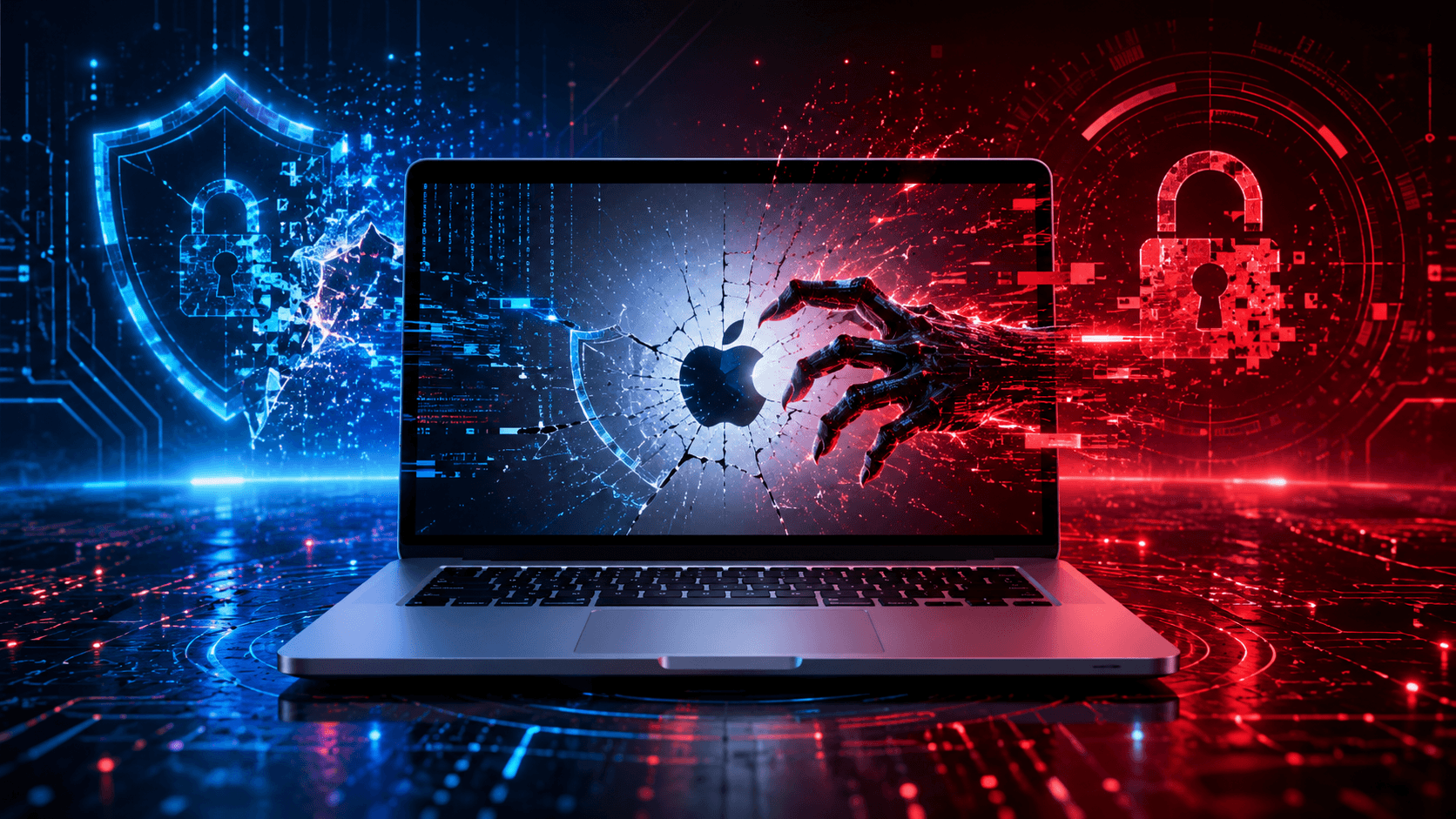
Active exploitation has been reported on several systems with port 5900 accessible from the internet. On affected devices, attackers gain root access and install Monero mining software. The vulnerability has a CVSS score of 7.1, and a public proof of concept is available.
Read also: Trezor Hit by Data Breach: Are Hardware Wallets Also at Risk?
Why Do macOS Hackers Choose Monero?
Monero is often associated with cryptojacking because of its focus on transaction privacy. In this type of attack, the perpetrators do not necessarily steal the victim’s crypto assets. Instead, they use the device’s CPU or computing resources to run mining operations and direct the proceeds to the attacker.
macOS Monero mining can cause CPU usage to increase, the device to run hotter, the battery to drain faster, and performance to decline. A more serious risk is that the attacker has already obtained root privileges, meaning the unauthorized access is not limited to mining activity.
macOS Versions That Have Received a Fix
Fixes have been released for macOS Sequoia 15.7.9, Sonoma 14.8.9, and Tahoe 26.6.1. The updates strengthen credential validation and state-management mechanisms so that unauthorized authentication attempts are rejected.
Mac users should check their operating system version, install the latest updates, and review their Screen Sharing configuration. If the feature is not needed, disabling it can reduce the attack surface. Avoid exposing the service directly to the internet without appropriate network protections.
Read also: Coinsbuy Hacked: US$7.9 Million in Ethereum and Tron Assets Stolen
Signs of a macOS Monero Miner to Watch For
A slow Mac is not automatically a sign of cryptojacking. However, several indicators are worth checking:
- high CPU usage for an extended period;
- the device runs hot even when no intensive tasks are running;
- unfamiliar processes appear in Activity Monitor;
- the battery drains faster;
- Screen Sharing is active without a clear need.
If these signs appear, disconnect suspicious connections, update the system, inspect running processes, and perform a security scan using trusted software.
Read also: Kalshi and Polymarket Draw CFTC Scrutiny: Could Trading Incentives Face Tighter Rules?
How to Protect Your Mac from Hackers and Monero Miners
Make sure macOS is running a patched version. Check the Screen Sharing settings and ensure the service is not publicly accessible when it is not needed. Use a strong password, restrict network access, and watch for unusual system activity.
To keep up with developments in crypto security, Monero, and digital-asset trends, you can also register on Bittime through its official channels and check the latest news updates regularly. Always prioritize device security before carrying out activities related to crypto assets.
Conclusion
The case of Apple Macs being hacked to mine Monero shows that macOS can still become a target when network services are exposed and systems have not been updated. CVE-2026-65400 can enable unauthorized access through Screen Sharing, which can then be exploited to gain root access and install a Monero miner.
Users should update macOS, restrict Screen Sharing, and monitor device performance. Keeping up with the latest security news can also help users respond to risks more quickly.

Bittime is a licensed Digital Financial Asset Trader (PAKD) platform supervised by the Financial Services Authority (OJK) — where you can buy Bitcoin in Indonesia and hundreds of other crypto assets starting from Rp10,000. Registration is fast and secure, and you can get started today.
Track the conversion of USDT to IDR and the price movements of your favorite crypto assets in real time. Everything is available in one crypto investment app that can be downloaded for free from the Play Store.
Ready to get started? Register on Bittime now and execute your investment strategy on a platform trusted by millions of users in Indonesia.
FAQ
Can Hackers Use a Mac to Mine Monero?
Yes. If hackers gain access to the system, Mac resources can be misused to run mining software without the owner’s permission.
What Is CVE-2026-65400?
CVE-2026-65400 is an authentication vulnerability in macOS Screen Sharing that can allow access to vulnerable systems without valid credentials.
Which macOS Versions Have Been Fixed?
Fixes are available in macOS Sequoia 15.7.9, Sonoma 14.8.9, and Tahoe 26.6.1. Users should install the latest updates.
What Are the Signs of Cryptojacking on a Mac?
Signs can include high CPU usage, an unusually hot device, rapid battery drain, slower performance, or unfamiliar processes. These symptoms should still be verified.
How Can You Prevent Hackers from Using a Mac to Mine Monero?
Update macOS, restrict Screen Sharing, do not expose service ports directly to the internet, and regularly monitor system processes.
Disclaimer: The views expressed belong exclusively to the author and do not reflect the views of this platform. This platform and its affiliates disclaim any responsibility for the accuracy or suitability of the information provided. It is for informational purposes only and not intended as financial or investment advice.

.png)