What is Claude AI: How to Use It, Its Advantages, and How It's Different from ChatGPT
2026-01-26
If you've heard the name Claude often and are wondering what Claude AI actually is, you've come to the right place. Claude AI is an AI assistant designed to help with daily tasks like writing, summarizing documents, analyzing text data, and even assisting with coding.
Interestingly, Claude is also available in multiple ways. You can access it via the web, the app, or via the API for more technical work. So, you can choose the method that's most convenient for you without having to significantly change your work style.
Key Takeaways
- Claude AI is an AI assistant for language, analysis, and coding tasks, available via web, app, or API.
- The quickest way to use Claude AI is to start with a clear prompt, then proceed with gradual revisions and upload documents as needed.
- The differences between Claude AI and ChatGPT are usually seen in the ecosystem features, application experience, and your preferred work needs.

What is Claude AI and its Most Noticeable Advantages for Beginners
Claude AI is an AI platform focused on language and reasoning capabilities. In practice, you'll find Claude incredibly helpful for tasks that require order.
For example, compiling meeting summaries, drafting articles, organizing presentation ideas, or analyzing long documents for better understanding. Claude is also often used for coding because it can help explain errors, provide code examples, and suggest structural improvements.
The most readily apparent advantages of Claude AI are usually three things. First, a neat and consistent writing style when giving clear instructions.
Second, the ability to understand the context of long conversations, so you don't have to repeat the same details over and over again.
Third, it's great for collaboration, as you can treat chat like a workspace that can be iterated on and refined.
For beginners, the simplest way is to start with a concrete need. You don't need to use technical terms. Simply state the problem, its context, and your desired outcome. If the answer isn't quite right, simply say, "Make it more concise" or "Please use simpler language." Claude is usually quick to follow directions.
To make the process more enjoyable, use an easy-to-remember prompt pattern:
- Explain your goal in one sentence.
- Provide brief context, such as who the audience is or the style of language.
- Set limits, such as the length of the text or the format you want.
- Ask for results, then ask for gradual revisions.
With this pattern, you can use Claude for many purposes without feeling like you have to learn anything complicated. And if you want more consistent results, get into the habit of providing small examples. For example, say, "Please make a paragraph like this example," then paste a paragraph in your preferred style.
Read also:AI for Side Hustle & Productivity 2025: Maximize Time & Income
How to Use Claude AI from the Web, Claude AI App, to Claude AI Download
Now we move on to the practical part. Using Claude AI can be divided into three paths: the web path for everyday use, the app path for quick access, and the API path for more technical needs.
Here are the most common steps for beginners, in an easy-to-follow list format.
Open Claude via the official website or app
If you want quick access, you can use the Claude AI app. For installation, use the official download page to be safe and avoid downloading the wrong app.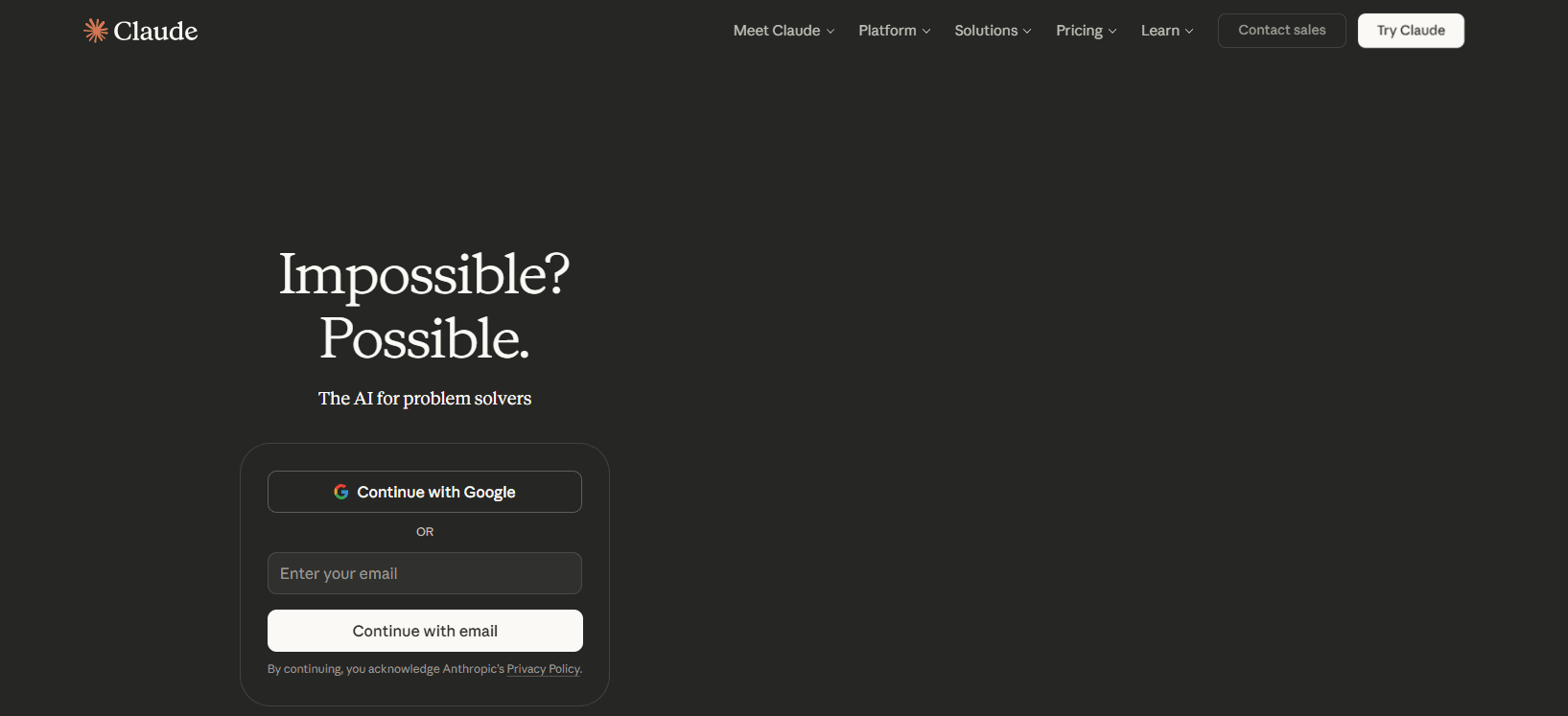
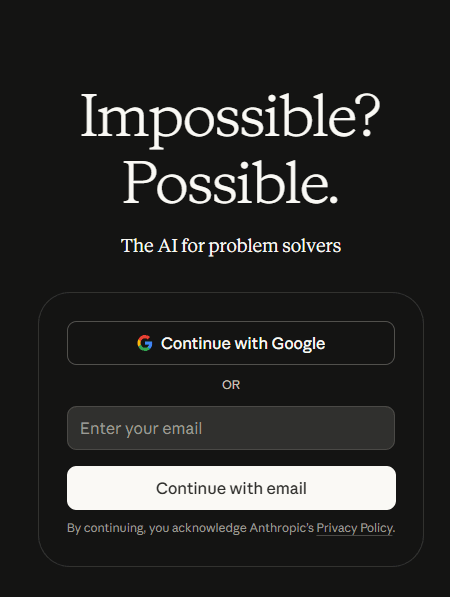
- Create an account and log in
Once logged in, you can immediately type questions or instructions. For work, it's more convenient to set up one chat per topic, for example, one chat for research and one chat for drafts.
- Write a clear first prompt
Start with the purpose and context. A simple example: "Help me summarize this document into 5 points, Indonesian, neutral tone."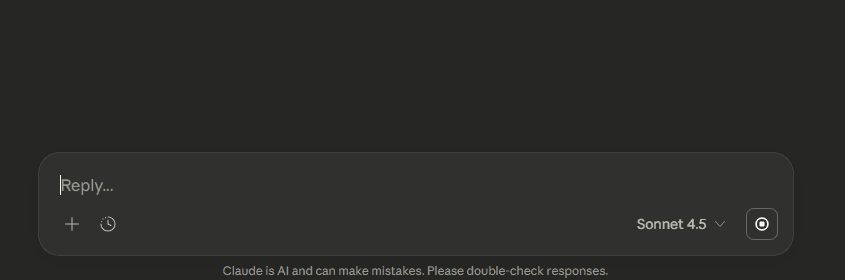
- Upload documents if necessary
If you have a long file, upload it and ask Claude to extract key points, create a summary, or compare two documents. - Repeat with minor revisions
If the result is too long, ask for it to be condensed. If it's too general, ask for more examples. - Save the results and create a prompt template.
If you frequently perform the same tasks, save a prompt template. This will make your work more consistent.
If you also manage digital assets outside of AI, choose a platform that prioritizes account security. Bittime is a crypto trading platform that prioritizes security, with a clear transaction flow and account security features you can activate.
Download the Bittime app, activate security, then buy crypto assets according to your needs in small amounts to keep them measurable.
If you're a more technical user, Claude can also be used via API. This path is suitable for product, data, or engineering teams looking to embed AI capabilities into internal applications, service bots, or work automation. But for most people, the web and app paths are sufficient for daily productivity.
Read also:5 Best Crypto AI Agents for January 2025
The Difference Between Claude AI and ChatGPT: How to Choose the One That Best Suits Your Needs
A frequently asked question is what's the difference between Claude AI and ChatGPT? The safest answer is to look at it from a user's perspective, not a fanbase. Both can write, summarize, and assist with many tasks. However, the focus of experience and feature details typically differ, so the best choice depends on your work style.
To make it easy, use the following simple comparison method.
- The need to write and organize documents
If your focus is writing, summarizing, and organizing long documents, Claude often feels comfortable because you can work in stages, then refine your style with small instructions. - The need for an ecosystem of features and visual creativity
If you need a lot of features, including creating images directly from chat, ChatGPT is usually a better fit because it has an image creation feature integrated into the chat. - Application requirements and work synchronization
Claude offers cross-device applications, allowing you to move from web to desktop or mobile with a consistent experience. This is helpful if you're working across devices. - Technical usage requirements for the team
Both have developer paths. However, documentation, API structure, and tooling ecosystems can differ. If you're a technical team, compare documentation and implementation examples to see which one best fits your stack.
So that you don't get confused, use these questions before choosing:
- I most often need to write, summarize, or code?
- Do I need the live image feature or not?
- I want quick access from desktop and mobile apps or just the web?
- I need developer integration or just personal use?
If your goals are clear, you don't need to force one tool to do everything. Many people use one tool for text and analysis, then another for visual creative needs. What matters is that your work is faster, neater, and easier to repeat.
Read also:Is DeepSeek AI Free?
Conclusion
Claude AI is an AI assistant that can help with a wide range of tasks, from writing to analysis and coding. The easiest way to use Claude AI is to start with a clear prompt, then gradually revise it, and utilize document uploads when working with long files.
If you're comparing, the most obvious differences between Claude AI and ChatGPT are their feature focus and visual requirements. For daily use, choose the one that best suits your routine and use it consistently.
How to Buy Crypto on Bittime?

Want to trade sell buy Bitcoins and crypto investment easily? Bittime is here to help! As an Indonesian crypto exchange officially registered with Bappebti, Bittime ensures every transaction is safe and fast.
Start with registration and identity verification, then make a minimum deposit of IDR 10,000. After that, you can immediately buy your favorite digital assets!
Check the exchange rate BTC to IDR, ETH to IDR, SOL to IDR and other crypto assets to find out today's crypto market trends in real-time on Bittime.
Also, visit the Bittime Blog for interesting updates and educational information about the crypto world. Find reliable articles about Web3, blockchain technology, and digital asset investment tips designed to enrich your crypto knowledge.
FAQ
What is Claude AI
Claude AI is an AI assistant to help with writing, analysis, and coding tasks, available via web, app, or API.
How to use Claude AI for beginners how
Start with a clear prompt, provide brief context, ask for results, and then revise gradually until appropriate.
What are the advantages of Claude AI?
Its advantages are usually felt in text-based work, document summaries, and a neat revision flow.
What is the difference between Claude AI and ChatGPT?
The differences are generally seen in the feature focus. ChatGPT is more powerful for integrated image creation, while Claude is often more suitable for text and document work.
Claude AI app and Claude AI download where
Use Claude's official download page for both desktop and mobile installations to be safe, then log in with the same account.
Disclaimer: The views expressed belong exclusively to the author and do not reflect the views of this platform. This platform and its affiliates disclaim any responsibility for the accuracy or suitability of the information provided. It is for informational purposes only and not intended as financial or investment advice.

.png)


