Is BrainText AI Free or Paid? Check Out Its Features and How to Use It
2026-10-09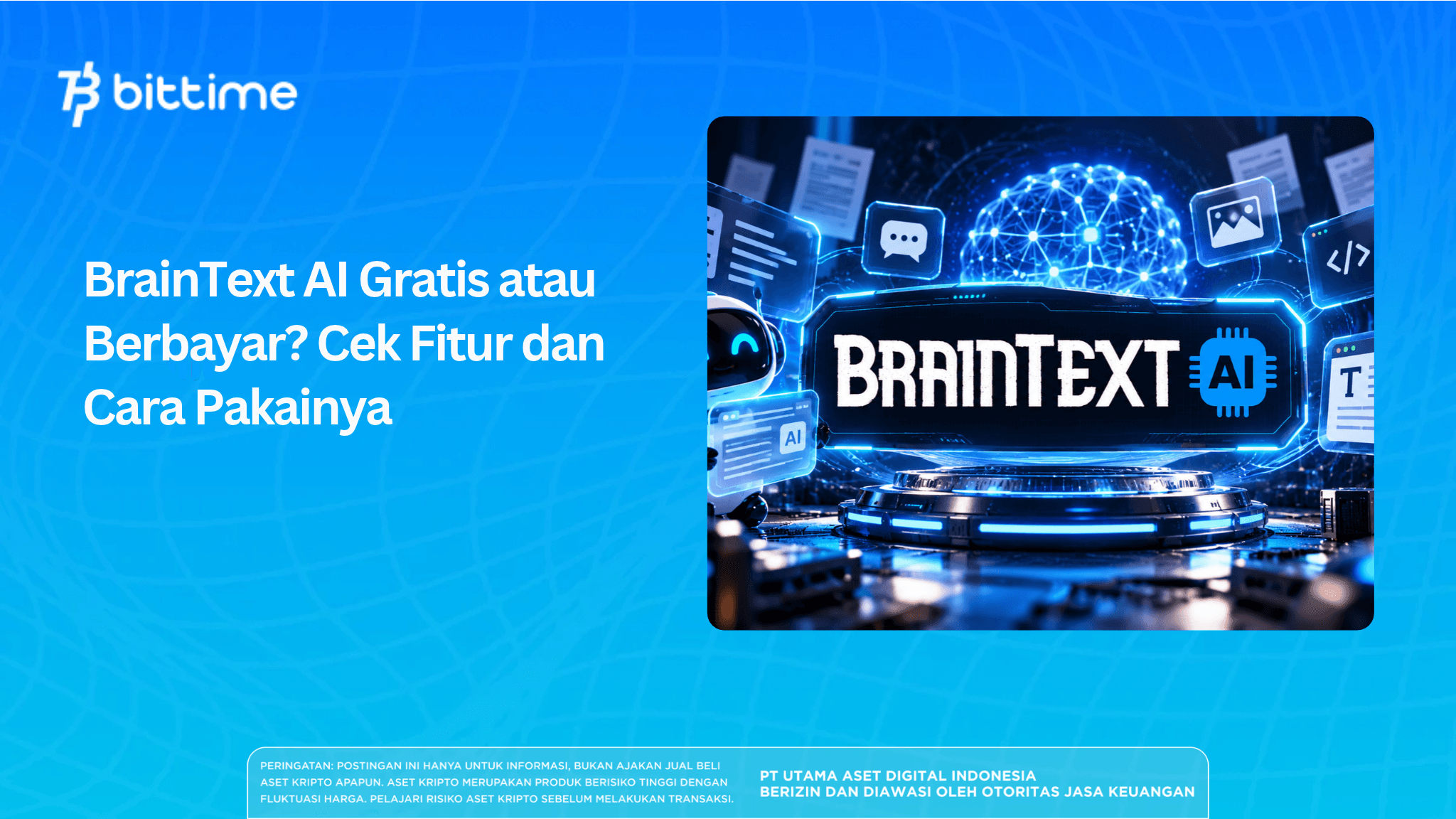
BrainText AI provides writing assistance tools with both free and premium access. Before trying it, check the features and usage quota on your account to determine whether the free access is sufficient for your work.
Plan information on public pages is not consistent, so pricing should be confirmed before making a payment. This guide covers braintext.ai, from its features and how to use it to factors to consider when choosing a plan.
Key Takeaways
- BrainText AI helps create academic drafts and marketing content.
- Free access comes with terms and limits that should be checked in your account.
- Generated writing still requires fact-checking and editing.
What Is BrainText AI?
BrainText AI is a web-based platform that helps users draft and refine written content. Users select a tool, provide instructions, and then review the results.
This article focuses on braintext.ai. Do not assume that its features or plans are the same as those of braintext.io without confirmation.
Read also: Free ChatGPT Now Gets GPT-6: What Are the New Features?
BrainText AI Features
1. Academic Writing
The academic category covers papers, proposals, undergraduate theses, master's theses, doctoral dissertations, and journal articles. Use the drafts as a starting point for developing your work, then check the data, arguments, and references.
2. Marketing Content
The marketing category includes social media, e-commerce, and email. Provide accurate product details and communication objectives so the results stay relevant and do not contain unsupported claims.
3. Language Processing
The interface offers rewriting, summarizing, text improvement, and language simplification functions. Compare the output with the original text to ensure the meaning is preserved.
4. AI Chat and AI Code
Chat and programming assistance options appear in the public interface. Check their availability in your account, as the presence of a menu does not guarantee access under every plan.

Is BrainText AI Free?
BrainText AI offers free and premium access. However, free access does not necessarily mean that all features are available or that usage is unlimited.
Before getting started, check:
- The usage quota and how it is calculated.
- The features included in your account.
- The access period and storage terms.
Try one short task to evaluate the results. Avoid preparing a lengthy project before you understand the usage limits.
BrainText AI Pricing: What to Check Before Paying
A single definitive price for BrainText AI cannot be established because the offers shown on public pages differ. Compare the plan information with the checkout details and request clarification if anything is inconsistent.
Check the final amount, access period, quota, and included features. Also review the renewal, cancellation, and refund terms, if available.
Keep a record of the offer you select. This documentation can help if your account access does not match the purchase information.
Read also: What Is OpenAI Dots? Meet the New AI Agent Powered by GPT-6 Astra
How to Use BrainText AI
1. Open the Correct Website
Visit braintext.ai and follow the registration or login link. Check the page address before entering your account details.
2. Choose a Specific Task
Decide what output you need, such as a product introduction email of no more than 150 words. Choose the tool that matches that task.
3. Prepare Supporting Facts
Enter accurate information and mark anything that is still unknown. For academic work, use references you have already read.
If you need further reading about document-processing tools, see the Humata AI guide.
4. Write Clear Instructions
Specify the audience, objective, format, length, and limits on claims. Here is an example prompt you can try:
Write a product introduction email for store owners, with a maximum of 150 words. Use professional language and only the facts I provide. End with an invitation to discuss further.
5. Review and Save the Results
Check names, figures, references, and whether the message is appropriate. Correct any mistakes, then save the final version in your own working document.
Read also: What Is Instinct AI? Features, Access, Pricing, and Privacy
Advantages and Limitations
The available categories can help users choose the type of content they need. Initial drafts can also be used to compare structure and wording options.
However, fluent writing is not necessarily accurate. Overly broad instructions, insufficient source material, and inadequate review can reduce output quality.
For video-related needs, you can explore other tool categories through the articles on Hypernatural AI and Hedra AI.
3 Things to Consider Before Choosing a Plan
- Test routine tasks. Compare the time spent writing prompts, checking outputs, and making revisions with the manual process.
- Review the data terms. Avoid entering confidential documents before understanding the privacy policy.
- Match the plan to your needs. Choose based on the features you actually use, not the number of features advertised.
After testing it, decide whether the benefits justify the cost and review time. For academic work, follow your institution's rules on AI use.
If you also want to use cryptocurrency services, you can register with Bittime. That registration is separate from access to BrainText AI.
Conclusion
BrainText AI can help with drafting, but its usefulness depends on your needs, account limits, and review of the results. Start with a small task before choosing a plan.
To compare other options, read Bittime's coverage of technology and AI tools on Bittime.

Bittime is a licensed Digital Financial Asset Trader (PAKD) regulated and supervised by Indonesia's Financial Services Authority (OJK) — where you can buy Bitcoin in Indonesia and hundreds of other crypto assets starting from Rp10.000. Registration is quick, secure, and you can get started today.
Track the conversion of USDT to IDR and the real-time price movements of your favorite crypto assets. Everything is available in one crypto investment app that you can download for free from the Play Store.
Ready to get started? Sign up with Bittime now and put your investment strategy into action on a platform trusted by millions of users in Indonesia.
FAQ
What Is BrainText AI Used For?
BrainText AI helps users draft and refine written content. How you can use it depends on the selected tool and the access available in your account.
Is BrainText AI Free?
Both free and premium access are available. Check the quotas and features before starting work.
How Much Does BrainText AI Cost?
Plan information on public pages is not consistent. Confirm the price, access period, and quota before paying.
How Do You Use BrainText AI?
Select a tool, enter instructions and supporting facts, then review the output. Save the version you have checked.
Can BrainText AI Help With an Undergraduate Thesis?
Its academic category includes undergraduate theses. You remain responsible for the data, references, originality of your work, and compliance with university rules.
Disclaimer: The views expressed belong exclusively to the author and do not reflect the views of this platform. This platform and its affiliates disclaim any responsibility for the accuracy or suitability of the information provided. It is for informational purposes only and not intended as financial or investment advice.

.png)