Photon Crypto Is: A Token Trading Platform on the Solana Network
2025-01-12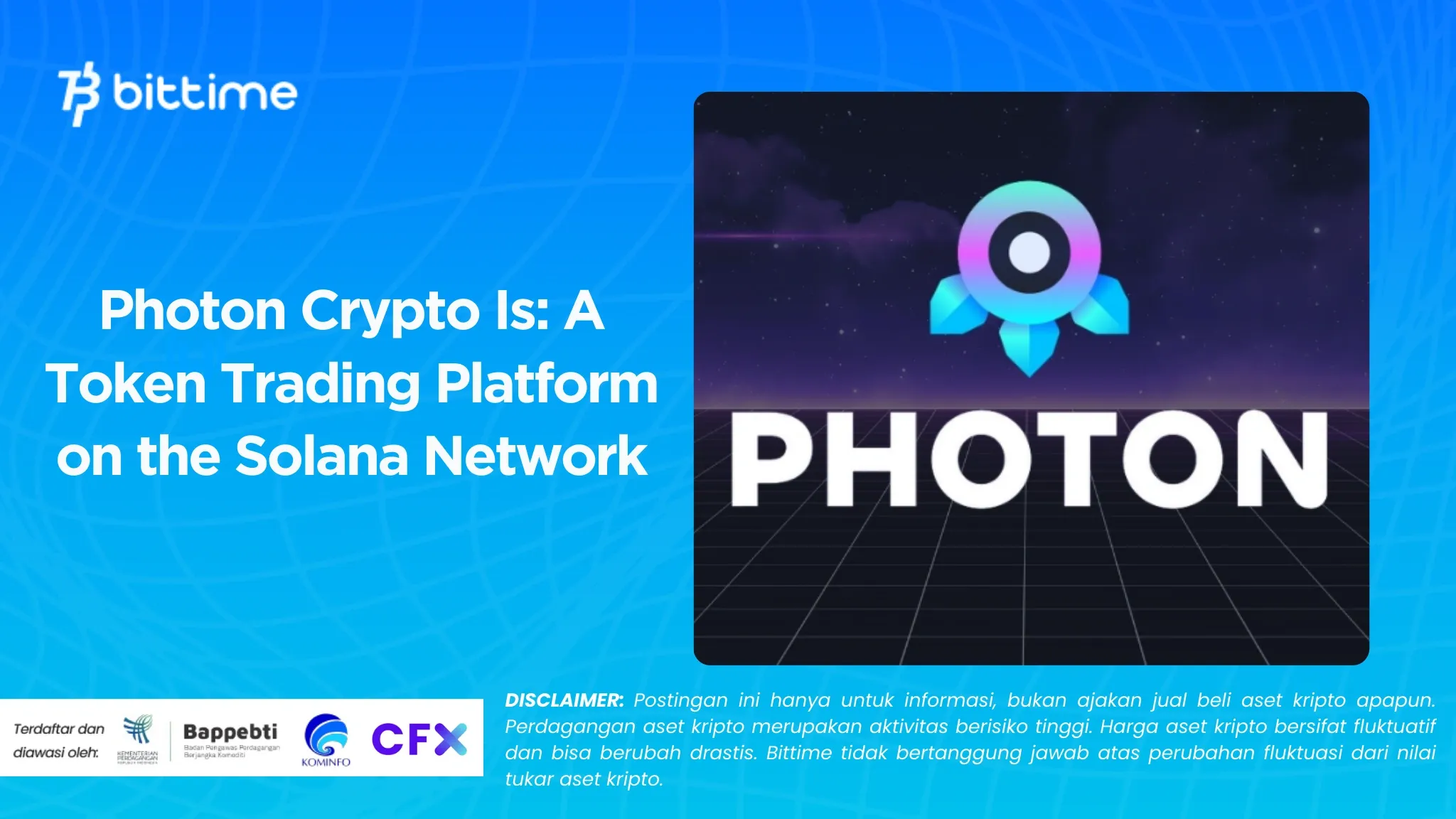
Bittime - In the world of crypto trading, speed and efficiency are essential, especially when dealing with meme coins whose prices can change drastically in a matter of seconds. Photon, developed by TinyAstro, comes as a solution to improve the trading experience on the Solana network.
The platform offers a faster and easier way to buy and sell tokens, providing a better trading experience compared to other platforms such as Raydium or Jupiter.

What is Photon?
Photon is a trading platform designed to simplify transactions on the Solana network. Compared to other trading platforms, Photon offers incredible speed, almost on par with Telegram bots like Trojan, but with an easy-to-use interface, similar to a web application.
Read also: Impact of XRP Adoption by Bank of America (BoA) for XRP in 2025!
Photon not only focuses on speed, but also provides important data regarding tokens such as creation time, liquidity, market capitalization, and more, which can help you make more informed trading decisions.
Why Use Photon?
Maybe you're wondering why Photon is better than other platforms like Jupiter. The answer is simple: Photon gives you a competitive advantage. In meme coin trading, every second is precious because token prices can change so quickly. Photon allows you to buy and sell coins with just one click, without needing to move to another platform.
Read also: XRP Price Analysis is Stable Even though the Crypto Market is Crashing
In addition, Photon also makes it easy to adjust slippage and priority fee settings, which ensures transactions run smoothly. You can immediately access important data about the tokens to be traded, making it easier to make quick decisions.
How to Use Photon
To start trading on Photon, here is the step-by-step guide you need to follow:
Step 1: Create a Photon Wallet
The first step is to create a Photon wallet. Visit the official Photon website at photon-sol.tinyastro.io and connect the Phantom wallet. It is recommended to use a wallet burner for additional security.
Once connected, click the "Generate" button to create a new Photon wallet. It is important to save the private key that appears only once in this step, because this is your only chance to store it safely.
Step 2: Deposit Funds to Photon Wallet
Once the Photon wallet is created, the next step is to deposit Solana into the wallet. Copy your Photon wallet address and send Solana funds to it.
Step 3: Adjusting Photon Settings
Before starting trading, you need to adjust some settings in Photon. You can set slippage, priority fees, and quick buy or sell buttons via the settings page. For example, the slippage setting can generally be set at 30% and the priority fee is around 0.01 SOL.
Step 4: Searching for a New Pair
Once the settings are ready, you can start looking for a new token pair. Visit the "New Pairs" page to see all newly created token pairs. Trading on this new pair is quite risky, but Photon provides a filter feature that can help you avoid risks such as rug pulls.
Some filters that you can use include checking whether the token has LP Burned or Mint Auth Disabled, as well as ensuring sufficient liquidity for safe transactions.
Step 5: Buying and Selling Coins
Once you find a coin you're interested in, click to see more details. Here, you can see price charts and other important data. When you are ready to buy, determine the number of coins you want to buy, adjust the slippage and priority fee settings, then click "Quick Buy" to make the purchase. Photon will automatically try to buy the coins using the Solana funds you have.
To sell coins, go to the "Sell" tab, select the percentage of coins you want to sell, adjust the slippage and priority fee settings, then click "Quick Sell". Photon will try to sell the coins according to the settings you have specified.
Step 6: Viewing Portfolio
To monitor your portfolio, visit the "Holdings" page. Here, you can track all the coins you own and monitor profit or loss (PnL). This page is very useful for seeing your overall trading progress and makes it easier to make decisions about selling or buying further coins.
Risks of Trading on Photon
Please remember that trading meme coins or other tokens on a decentralized platform like Photon carries high risks. Coin prices can fluctuate greatly, and there is no guarantee that a transaction will always be profitable. Therefore, it is important to only use funds that you are prepared to lose, and always do your research before starting to trade.
With Photon, you get the advantage of speed and ease of trading, which is especially useful in fast-changing markets. Make sure to always prioritize security and caution when making transactions, and adjust the settings to your trading needs.

FAQ tentang Photon Crypto
What is Photon?
Photon is a trading platform on the Solana network that allows you to buy and sell tokens quickly and efficiently.
BHow do I get started at Photon?
Create a Photon wallet, deposit Solana, set settings, and start trading.
Is trading on Photon safe?
Trading on Photon is high risk. Make sure to only use funds you are prepared to lose and do your research before making a transaction.
How to Buy Crypto on Bittime

Want to trade sell buy Bitcoins and crypto investment easily? Bittime is here to help! As an Indonesian crypto exchange officially registered with CoFTRA, Bittime ensures every transaction is safe and fast.
Start with registration and identity verification, then make a minimum deposit of IDR 10,000. After that, you can immediately buy your favorite digital assets!
Cek course BTC to IDR, ETH to IDR, SOL to IDR and other crypto assets to find out today's crypto market trends in real-time on Bittime.
Additionally, visit Bittime Blog to get various interesting updates and educational information about the world of crypto. Find trusted articles about Web3, blockchain technology, and digital asset investment tips designed to enrich your knowledge in the world of crypto.
Reference
Solanageek, How To Use Photon Solana Trading Platform, accessed January 12, 2025.
Author: MF
Disclaimer: The views expressed belong exclusively to the author and do not reflect the views of this platform. This platform and its affiliates disclaim any responsibility for the accuracy or suitability of the information provided. It is for informational purposes only and not intended as financial or investment advice.

.png)