Complete Guide on How to Use Dola AI
2026-09-02
Artificial intelligence is now not only used to answer simple questions.
Dola AI offers a digital workspace that can help users write, learn new topics, summarize information, and even create images from text commands.
Users can interact via text or voice, making the service relatively easy to use, even for beginners.
However, the name “Dola AI” is used by more than one service.
This article mainly discussesDola: Smart AI Assistantfrom SPRING (SG) PTE. LTD., which is available through the Dola website,Android, and iOS.
The service is different from Dola AI at dolai.video which focuses on image and video creation.
Key Takeaways
Dola AI can be used for writing, learning, summarizing, finding ideas, and producing visual works.
Results will be more relevant if instructions contain clear objectives, context, format, and limitations.
Do not include passwords, financial information, or confidential documents in AI conversations.
Dola AI Is an Assistant for Writing, Learning, and Creating
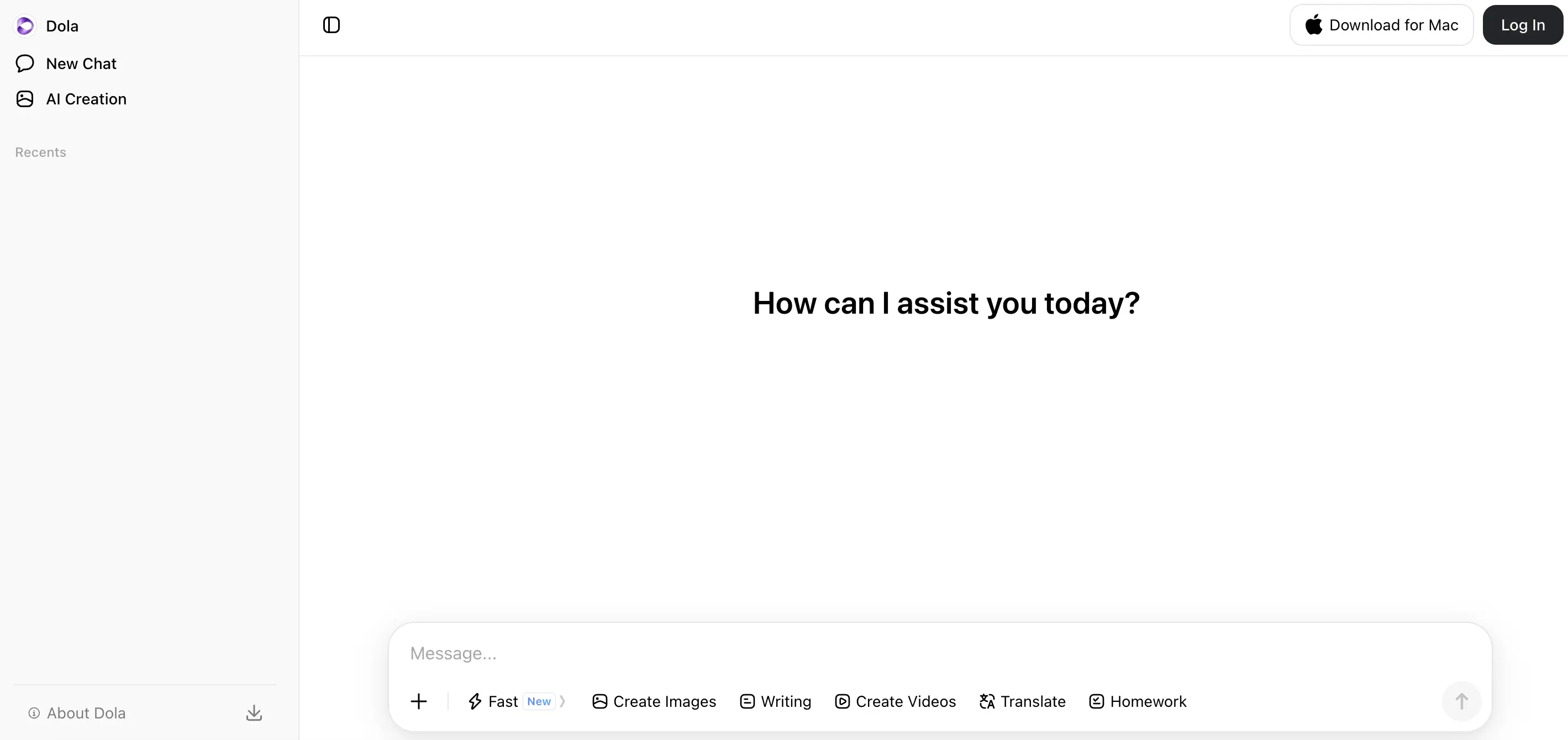
Source: dola.com
The AI doll is an artificial intelligence-based assistant that is designed to support work, learning and creativity activities.
Users can ask Dola to compile a report, correct a piece of writing, explain a lesson, plan a trip, find a recipe, or develop a content idea.
The app's official description also lists the ability to summarize meetings, articles, documents, and web pages.
Dola supports voice input as well as image creation in a variety of styles, including anime and cyberpunk.
Available features may vary by device, region, and app version. This information can be checked on the official page. Google Play Dola And App Store Dola.
Read Also:AI Innovations That Are Changing the Face of Digital Finance
How Dola AI Works in Order Processing
Simply, How Dola AI worksstarts when a user sends text, voice,image, or file.
The system then reads the context of the instruction, recognizes the user's intent, and generates a response based on the patterns and information processed by the AI model.
Dola doesn't automatically detect user intent if the command is too general. The command "write an article about investing," for example, might generate a broad response.
Instructions that specify the audience, length of the writing, style, focus of discussion, and output format will provide stronger direction.
Read Also:What Is Micro1 AI? The Startup Behind AI Training Data
How to Use Dola AI from Scratch
1. Access Dola via the website or app
Visit Dola official website (https://www.dola.com/chat/)via browser or install the app from the official app store.
Some functions can be tried as a guest, but access is limited.
Creating an account helps users save conversation history and use features that require authentication.
2. Select the interaction method
Users can type questions in the chat box or use the voice feature if available.
For specific tasks, Dola provides a variety of AI bots or personas, such as language learning companions, social media content editors, quizzes, and conversational characters.
Choose the bot that best suits your needs so that its response style is more appropriate.
For general work, standard conversation is usually sufficient.
3. Create a directed prompt
The essence of an easy way to use Dola AIlies in the quality of the prompt.
Use the following structure: tasks, context, provisions, and forms of results.
For example: “Summarize this document into five paragraphs for students. Avoid technical terms, use formal language, and include three main conclusions.”
These instructions are easier to process than simply writing “please be concise.”
4. Use features as needed
To write, enter your topic, target audience, tone, and length. To learn, ask Dola to explain concepts step by step, provide examples, and then create exercises.
When uploading files or links, please describe the sections that need to be analyzed so that the system does not discuss irrelevant material.
When creating an image, include the subject, setting, lighting, composition, color, visual style, and image ratio. Avoid using just one or two words, as the results can be difficult to control.
5. Check and correct the results
Don't immediately assume all of Dola's answers are factual. Check names, dates, quotes, figures, and sources with reliable references.
If the results are not yet satisfactory, provide specific corrections, for example asking for paragraphs to be shortened or arguments to be strengthened with a particular point of view.
Read Also:Looking at Future Technology 2030: What Will Be Booming?
Tips for Getting More Accurate AI Dollar Results
Maintain a single, central purpose in each conversation. Provide sufficient background information, request a clear output format, and change one element of the prompt with each revision.
This method makes it easier for users to identify which instructions improve or degrade the quality of the results.
For long projects, break the process down into stages: creating an outline, developing the content, checking for consistency, and then editing the language.
A stepwise approach is generally more controlled than having a complex script completed in a single command.
If you are studying digital assets after compiling research with the help of AI, you can register at Bittime to access the crypto trading platform.
Privacy and Security When Using Dola AI
Dola's privacy policy states that the service may process user-provided prompts, conversation history, files, voice recordings, and photos. Device technical information, service usage, and approximate location information based on IP address may also be collected.
Therefore, avoid uploading identity data, passwords, card numbers, confidential contracts, or internal documents without adequate protection. A more detailed explanation is available in Dola Privacy Policy.
Parents also need to supervise their children's use.
Dola has content filters and reporting mechanisms, but does not provide specific parental controls within the app.
Users can block specific bots as well as review options related to AI personalization and training through the available settings.
Read Also:TH-AI Passport: How to Get Free Premium AI Access
The Difference Between Dola Assistant and Dola AI Video
Dolla in dola.com works as a versatile assistant for conversation, learning, writing, and creativity.
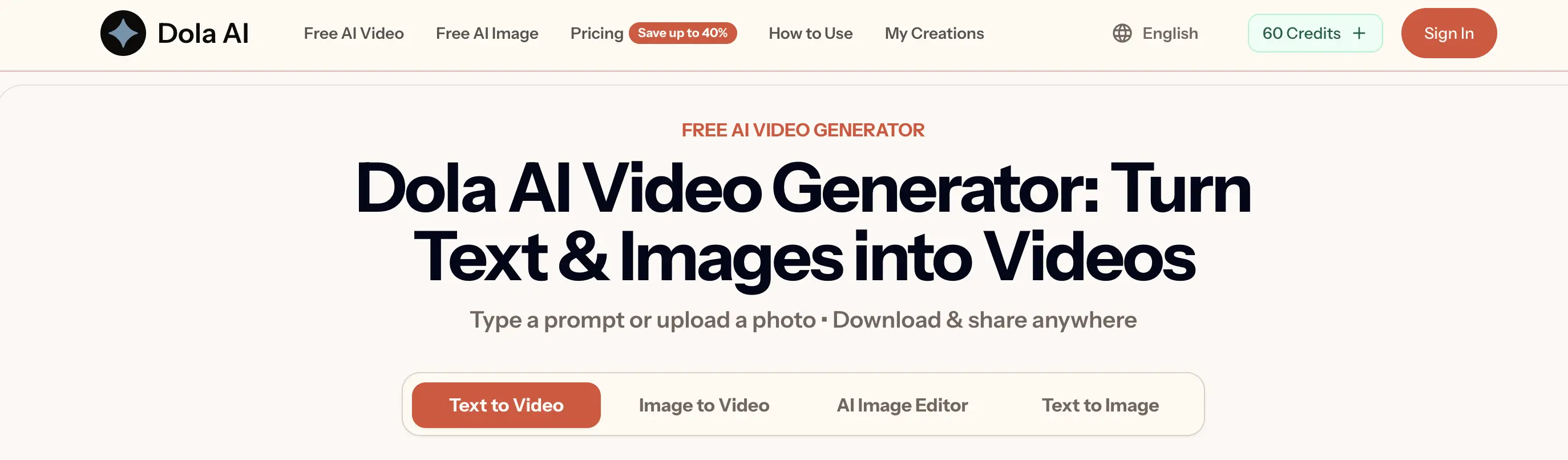
Source: dolai.video
Meanwhile, dolai.videois an independent creative studio to produce images and videos through modes such as text-to-image, text-to-video, and image-to-video.
If your goal is to create videos, be sure to open the second platform. If you need an assistant for studying, writing, or processing information, use the Dola Smart AI Assistant.
Read Also: How to Use Belajarn AI: Learn Fast with AI (Complete Tutorial)

Bittime is a licensed and regulated Digital Financial Asset Trader (PAKD) supervised by Indonesia’s Financial Services Authority (OJK) — where you can buy Bitcoin in Indonesia and hundreds of other crypto assets starting from just Rp10,000. The registration process is fast, secure, and you can get started today.
Track USDT to IDR conversions and monitor your favorite crypto assets in real time. Everything is available in one crypto investment app that you can download for free on the Play Store
Ready to start? Register now on Bittime and execute your investment strategy with a platform trusted by millions of users in Indonesia.
FAQ
Is Dola AI free to use?
Dola is free to access, but some features or usage limits may depend on your account, device, region, and current service policies.
Does Dola AI support Indonesian?
Yes. The App Store language list lists Indonesian as one of the supported languages.
Can Dola AI create images?
Yes. Users can create or modify images by describing the desired objects, styles, moods, colors, and visual details.
Are Dola AI's answers always correct?
No. AI can generate information that is incorrect, incomplete, or outdated. Important facts should still be verified through official documents and trusted sources.
Is it safe to upload documents to Dola AI?
Upload only documents that do not contain personal or confidential information. Read the privacy policy, check data usage settings, and obscure sensitive information before submitting files.
Disclaimer: The views expressed belong exclusively to the author and do not reflect the views of this platform. This platform and its affiliates disclaim any responsibility for the accuracy or suitability of the information provided. It is for informational purposes only and not intended as financial or investment advice.

.png)