Evil Twin WiFi Can Steal Crypto Accounts While Traveling: How to Use Public WiFi Safely
2026-01-19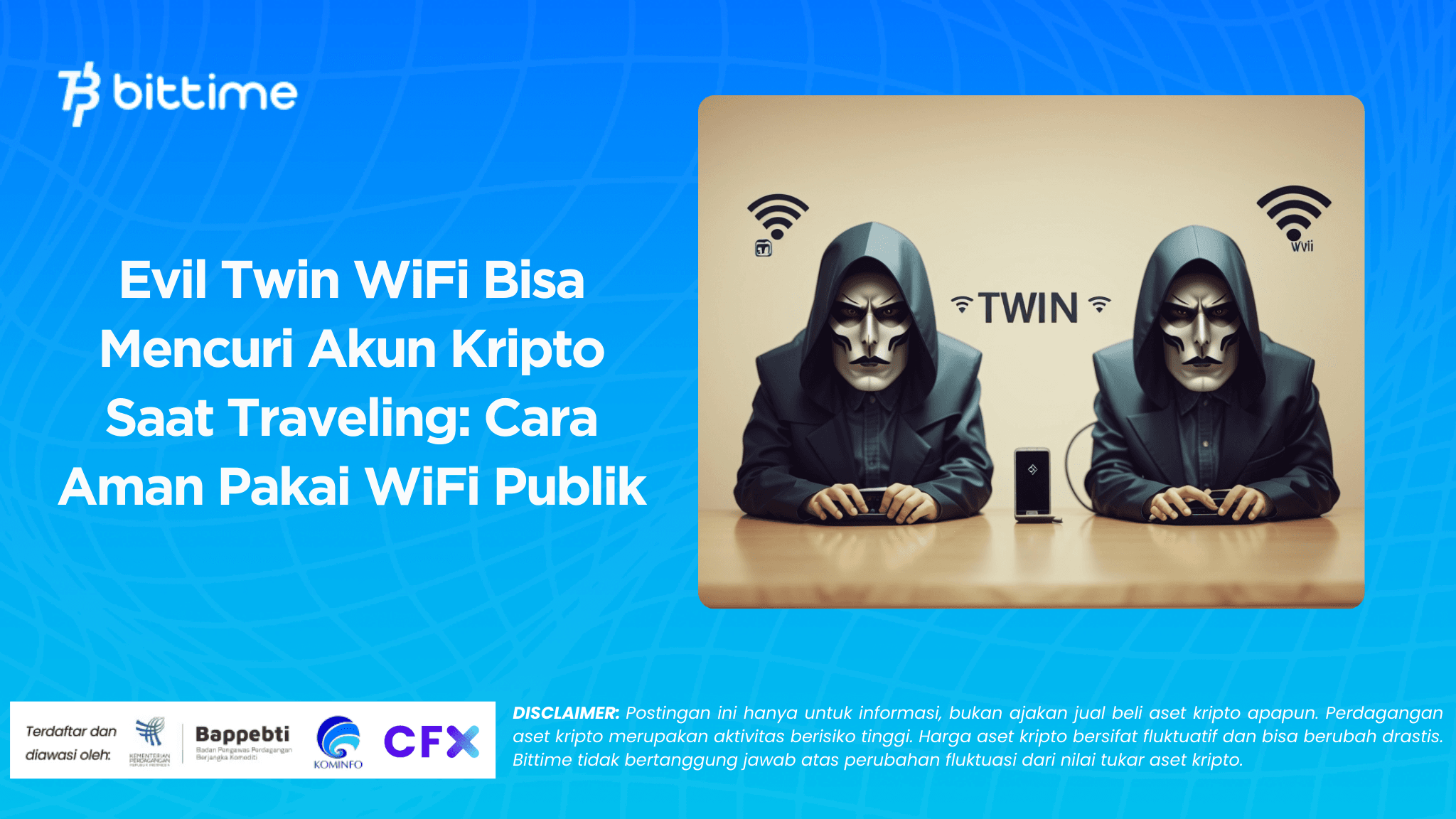
Evil twin WiFi stealing crypto accounts is a risk that often arises when people use free WiFi. Hotels and cafes do provide convenient connections.
However, fake networks can be made to look very similar to official networks. One wrong choice of network, and you will be directed to a login portal that looks convincing. That's where the theft of access can begin.

Get the latest crypto updates and insights on Bittime Blog, or start buying your favorite crypto easily and securely on Bittime.
What is an evil twin WiFi and why is it dangerous for crypto accounts
An evil twin is a fake WiFi network that mimics the official network in a specific location. The network name is made the same or almost the same to trick your device. Perpetrators can place fake access points in crowded areas and make the signal stronger than the original network, so your phone tends to choose it first.
Once connected, perpetrators can try to monitor traffic, redirect you to fake pages, or lure you into typing sensitive information through a portal that looks official.
The most common targets are areas with high foot traffic. Airports, hotels, cafes, transit centers, and conference venues have two characteristics that attackers love.
Many people need fast internet, and many devices enable automatic connection. Tiredness or rushing also make people more likely to accept requests that seem reasonable.
The risk to cryptocurrency is heightened because access to assets often depends on a series of accounts. Email is used to reset passwords and confirm transactions. Exchange accounts are used to buy, sell, or withdraw assets.
Two-step authentication is used to secure these processes. If attackers manage to obtain your email or exchange credentials, and you enter the verification code on a fake page, your account can be taken over quickly. This is why attackers rarely just provide WiFi.
They usually add fake portals, warning messages, or verification pages that prompt you to type in data that should not be shared.
There is one important thing that allows you to be more measured. Connecting to a fake network does not automatically result in the loss of assets. Losses usually occur after you perform sensitive actions, such as logging in, transferring, changing passwords, or entering seed phrases.
So, the main danger is not the complicated technology, but the combination of fake networks and social engineering that makes you let your guard down at the wrong moment.
Read also: Hirohito's Viral AI Prompt Tutorial: How to Turn Photos into Hyper-Realistic Imperial Images
How to recognize fake WiFi when traveling in bkamura, hotels, and cafes
Recognizing fake WiFi when traveling doesn't have to be complicated. You just need to get into the habit of checking quickly before connecting. Evil twin networks usually leave small traces, especially in the network name, portal, and connection behavior. Here are the most common ones that appear on public WiFi.
- There are two networks with almost the same name. The difference can be one letter, number, or an additional word such as guest and free. If in doubt, ask the staff and have them tell you the correct network name.
- The portal asks for your email and password, or asks you to log in via a social media account. Normal public WiFi usually asks for a voucher, room number, or agreement to the terms of use, not personal account credentials.
- There are unreasonable requests, such as being asked to enter a seed phrase, install additional applications, or download files to activate the internet.
- The device often disconnects and reconnects, or the connection feels strange even though the signal is strong. Disconnections can cause the device to switch networks automatically.
- Security warnings appear when opening a website, such as certificate warnings, slightly different website addresses, or login pages that appear with unusual designs.
The most common mistake is assuming that the login portal belongs to that place. Fake portals can neatly imitate hotel or bkamura logos. Therefore, you should access exchanges through official apps or bookmarks that you save yourself. Avoid opening exchanges from links on WiFi portals, search ads, or pop-up messages.
If you are unsure, postpone any sensitive crypto activities. Waiting until you can use a private hotspot is usually much safer. This small habit can often be the difference between “staying safe” and “having to go through the hassle of recovering your account.”
Read also: X Revoke API Access to Rewards for Posting Apps to Avoid AI Slop and Spam
Easy-to-practice tips for crypto safety on public WiFi
Crypto safety tips on public WiFi should be realistic, as travel conditions are not always ideal. Start with two principles. Reduce exposure to public networks, then limit the impact if something happens.
The first principle is easiest to implement with a personal hotspot from your phone. This doesn't make you invulnerable, but it reduces the chance of connecting to a fake network around you. If your data plan is limited, prioritize the hotspot for sensitive activities only, such as logging in or confirming transactions.
If you must use public WiFi, use a trusted VPN to make traffic more difficult to intercept. Turn off automatic connection and set your device to not automatically connect to previously used networks.
When you're done, delete the network from the list so your device won't connect to it on its own in the future. This habit is very helpful in hotels or cafes that you visit often.
The second principle focuses on accounts and assets. Enable two-step authentication on exchanges and email, then use unique passwords. If available, choose authentication methods that are stronger than SMS.
Separate your main wallet and traveling wallet. The traveling wallet is sufficient for daily needs, while the main wallet is stored for the long term and rarely used when you are away.
Amid the need for price monitoring, you can also choose a platform that emphasizes account security and regulatory compliance. Bittime can be an option for monitoring the market and making transactions.
Make sure you enable two-step authentication and device verification. If you want to get started, open the Bittime app and tidy up your account security settings before making a transaction.
For those of you who are active in the digital, crypto, and technology world, don't forget to register on the Bittime platform.
To make it easier, use this checklist before taking sensitive actions.
- Use a private hotspot or make sure the network name is verified by staff.
- Use the official exchange app, not links from WiFi portals.
- Check the website address carefully when using a browser.
- Avoid large transfers and account security changes on public WiFi.
- If there is a certificate warning or a strange portal, disconnect and change networks.
Read also: How to Download the Free & Official Hytale Launcher: Complete Guide
Conclusion
Evil twin WiFi works by imitating a network and luring you into entering important data. The biggest risk arises when you log into an exchange on free WiFi, open emails, or enter verification codes.
Preventive measures are simple and can become a habit: verify the network name, prioritize private hotspots, use a VPN when necessary, strengthen account security, and separate your travel wallet from your main wallet. This way, you can still enjoy your trip while keeping your crypto accounts safe.
How to Buy Crypto on Bittime?

Want to trade sell buy Bitcoins and crypto investment easily? Bittime is here to help! As an Indonesian crypto exchange officially registered with Bappebti, Bittime ensures every transaction is safe and fast.
Start with registration and identity verification, then make a minimum deposit of IDR 10,000. After that, you can immediately buy your favorite digital assets!
Check the exchange rate BTC to IDR, ETH to IDR, SOL to IDR and other crypto assets to find out today's crypto market trends in real-time on Bittime.
Also, visit the Bittime Blog for interesting updates and educational information about the crypto world. Find reliable articles about Web3, blockchain technology, and digital asset investment tips designed to enrich your crypto knowledge.
FAQ
What is an evil twin WiFi?
An evil twin is a fake WiFi that mimics the official WiFi in a public location. Its purpose is to lure users into entering sensitive data.
Will my crypto immediately disappear if I connect to a fake WiFi?
Usually not immediately. The risk increases when you log in, enter verification codes, or perform other sensitive actions.
What is the quickest way to recognize fake WiFi while traveling?
Check the network name with staff and be wary of portals that ask for your email and password. Avoid duplicate networks with similar names.
Is it safe to log in to an exchange on free WiFi?
It's more risky. If you have to, use a VPN, make sure the network is verified, and avoid large transactions or account security changes.
What are the most effective steps for crypto security while traveling?
Use a private hotspot for sensitive activities, enable two-step authentication, and separate your travel wallet from your main wallet.
Disclaimer: The views expressed belong exclusively to the author and do not reflect the views of this platform. This platform and its affiliates disclaim any responsibility for the accuracy or suitability of the information provided. It is for informational purposes only and not intended as financial or investment advice.

.png)