What Does CSRF Token Mean? How to Fix Invalid CSRF Token Errors on Websites
2026-06-03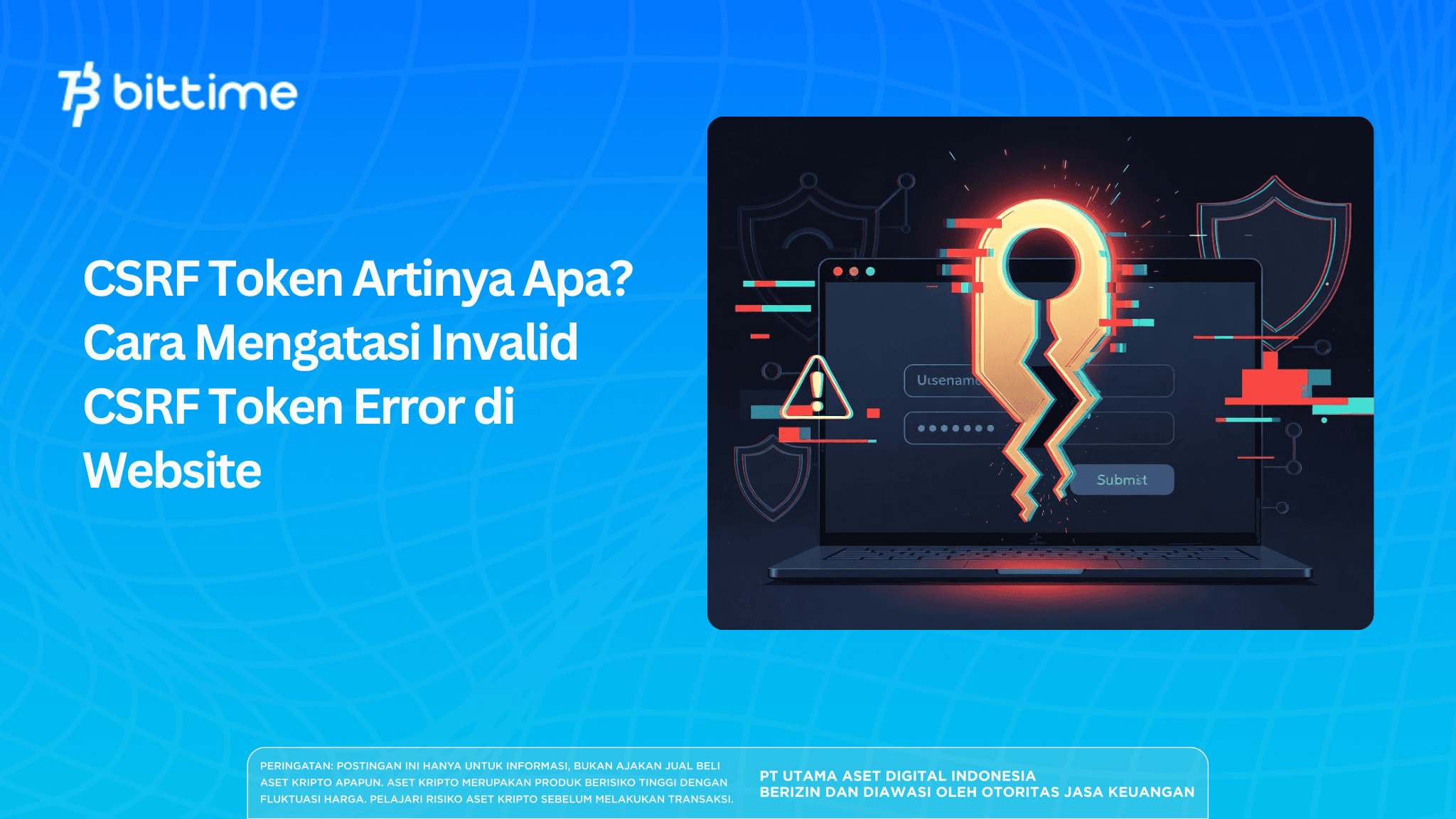
Have you ever filled out a login form or submitted data on a website, only to suddenly receive an "Invalid CSRF token" error message?
It can be confusing and frustrating. Don't worry, this error isn't a common problem. It's part of the website's security system, working to protect your account and data from malicious attacks.
Key Takeaways
- CSRF token is a random security code that websites generate to ensure every request comes from a genuine user, not from an outside attack.
- Invalid CSRF tokens usually occur because the token has expired, was not sent, or there is interference in the browser such as a blocking extension.
- You can solve this with simple steps such as refreshing the page, trying incognito mode, or fixing the configuration on the website side.
Register at Bittime now and start trading crypto with a fast, safe, and easy process in the app.
CSRF Token: What It Means and How It Works
CSRF stands for Cross-Site Request Forgery. This is a type of attack where a malicious actor attempts to exploit your login session to perform actions you don't want.
For example, hackers can create hidden links or forms that, when you click on them, will send your browser a request to change your password or transfer money to their account without you realizing it.

To prevent this type of attack, modern websites use CSRF tokens. These tokens are long, random strings of letters and numbers. Every time you open a page that requires a login or form, the website server generates a new token and sends it to your browser.
Tokens are typically stored in three ways: as hidden input within an HTML form, in a cookie, or in a meta tag in the page's head section. When you click a submit button or send data via JavaScript, the browser will include the token in the request.
The server then checks whether the sent token matches the token stored in your session. If it matches, the request is considered valid and processed. If it doesn't match or doesn't exist at all, the server rejects the request and displays an invalid CSRF token message.
With this mechanism, even if a hacker manages to trick you into visiting a fake website, they can't steal or guess the token, which exists only in your browser.
That's why CSRF tokens have become a standard security feature on almost all modern websites, from online stores and forums to ticketing systems and enterprise applications.
New to crypto investing? Bitcoin (BTC) and Ethereum (ETH) are among the most popular starter cryptocurrencies to explore and trade on Bittime.
Many popular frameworks like Spring Security, Django, Laravel, and others already provide automatic CSRF protection. So, if you're using a website built with these frameworks, this feature is likely already enabled behind the scenes.
Read also: OpenAI vs. Anthropic: GPT-5.5 Cyber Infiltrates 9 UK Banks, Regulators Concerned
Why Does the Invalid CSRF Token Error Often Appear? Here's the Main Cause
The invalid CSRF token error can appear at any time and on various types of websites. The cause is usually simple, but it can sometimes be confusing. Here are some of the most common causes reported by users:
- The token has expired. The CSRF token is tightly tied to your login session. If you leave the page open for too long without doing anything, the session may time out and the token may become invalid.
- The token wasn't sent in the request. This often occurs with AJAX or fetch requests. The developer forgot to add the token to the request header, causing the server to reject it.
- Overly restrictive browser extensions. Extensions like ad blockers, privacy protectors, or script blockers often block cookies or scripts needed to store and transmit tokens. This can result in tokens being lost or unreadable.
- Network, VPN, or CDN issues. Some users reported the error disappearing after disabling the VPN or using a different network. Sometimes CDNs or proxies also interfere with cookie flow.
- Session not found or corrupted. After logging out, or because multiple tabs are open, the session on the server and browser may become out of sync. A browser cache storing old data can also cause incompatibilities.
- Improper server configuration, especially in applications that use REST APIs. If CSRF protection is still active on endpoints that shouldn't require sessions (for example, APIs that use JWTs), every request will be rejected.
According to various reports on technology forums, this error frequently appears on wiki platforms, helpdesk systems, custom applications, and websites using specific frameworks. It can also sometimes occur due to bugs in application versions that haven't been updated in a while.
By knowing the cause, you can choose the way to deal with it that best suits your situation.
Read also: Fed Up With Google's AI? DuckDuckGo Offers an AI-Free Search Extension
How to Easily Overcome Invalid CSRF Token Error
For regular users, try the following steps in order:
- Refresh the page or press Ctrl + Shift + R for a hard refresh. Sometimes a new token is created immediately, and the error disappears.
- Open the website in incognito or private browsing mode. This mode temporarily disables extensions. If the error doesn't appear, the problem is with one of the extensions you're using.
- Disable browser extensions one by one. Start with ad blockers and privacy extensions. After disabling them, try refreshing the page. If the error disappears, you can add the website to the exceptions list in the extension.
- Make sure cookies are allowed in your browser. In Chrome, for example, go to Settings > Privacy and security > Cookies and other site data. Ensure the "Allow all cookies" option is enabled, or add the website domain to the "Sites that can always use cookies" list.
- Try a different network. Turn off your VPN if it's active, or try using your phone's hotspot. Sometimes the problem stems from your network configuration or internet provider.
- Clear the cache and cookies specific to that website. In your browser settings, look for an option to clear data for that specific site only. This often resolves the old token mismatch issue.
If you've tried all the steps above but the error persists, the problem is likely on the website side. You can contact the support team or website admin and explain the error you're experiencing and the steps you've tried.
Check out the price movements of popular AI coins such as Bittensor (TAO), which are available for direct trading on Bittime.
For developers or website owners, there are several server-side improvements that can be made. Ensure all forms have a hidden CSRF token input. For AJAX requests, ensure the token is read from a meta tag or cookie and sent via the correct header.
If your application uses a stateless REST API, consider disabling CSRF protection on that endpoint. Additionally, set reasonable session times and handle session expirations appropriately to avoid confusing errors for users.
With a combination of improvements on both the user and developer side, the invalid CSRF token issue can be minimized or even eliminated altogether.
Read also: Google Search Has Taken a Crazy Turn After 25 Years! AI Is Now Taking Over Everything
Conclusion
The CSRF token is a crucial security feature that protects websites and their users from malicious attacks. While it may sound technical, the invalid CSRF token error can actually be resolved with simple browser-based steps or server-side configuration corrections.
If you frequently encounter this error, try refreshing the page, using incognito mode, and checking your browser extensions. Developers should ensure tokens are always sent correctly and that security configurations are appropriate for the type of application they're building.
With proper understanding, you can avoid confusion and keep your browsing or website development experience smooth.

Interested in getting started with crypto investing? Learn how to buy Bitcoin (BTC) or Ethereum (ETH), some of the most popular coins for beginners!
Bittime is a licensed and regulated Digital Financial Asset Trader (PAKD) supervised by Indonesia’s Financial Services Authority (OJK) — where you can buy Bitcoin in Indonesia and hundreds of other crypto assets starting from just Rp10,000. The registration process is fast, secure, and you can get started today.
Track USDT to IDR conversions and monitor your favorite crypto assets in real time. Everything is available in one crypto investment app that you can download for free on the Play Store
Ready to start? Register now on Bittime and execute your investment strategy with a platform trusted by millions of users in Indonesia.
FAQ
What does CSRF token mean?
CSRF token is a random code that a website generates to ensure every request comes from a legitimate user, not from a Cross-Site Request Forgery attack.
Why do I often get invalid CSRF tokens?
The most common causes are expired tokens due to session timeouts, browser extensions blocking cookies, or tokens not being sent in AJAX requests.
Are invalid CSRF tokens dangerous?
It's not harmful to you. This error actually indicates that the website's security system is working to protect your account.
How to quickly resolve invalid CSRF token in browser?
Try refreshing the page, opening it in incognito mode, disabling ad blocker extensions, or ensuring cookies are allowed in your browser settings.
Can developers prevent this error from occurring?
Yes. Developers can ensure tokens are always included in forms and AJAX headers, use the CookieCsrfTokenRepository for modern applications, and disable CSRF protection on API endpoints that don't require sessions.
Disclaimer: The views expressed belong exclusively to the author and do not reflect the views of this platform. This platform and its affiliates disclaim any responsibility for the accuracy or suitability of the information provided. It is for informational purposes only and not intended as financial or investment advice.

.png)