Clash of Clans Creator Codes November 2025 – Support Your Favorite Creators!
2025-11-10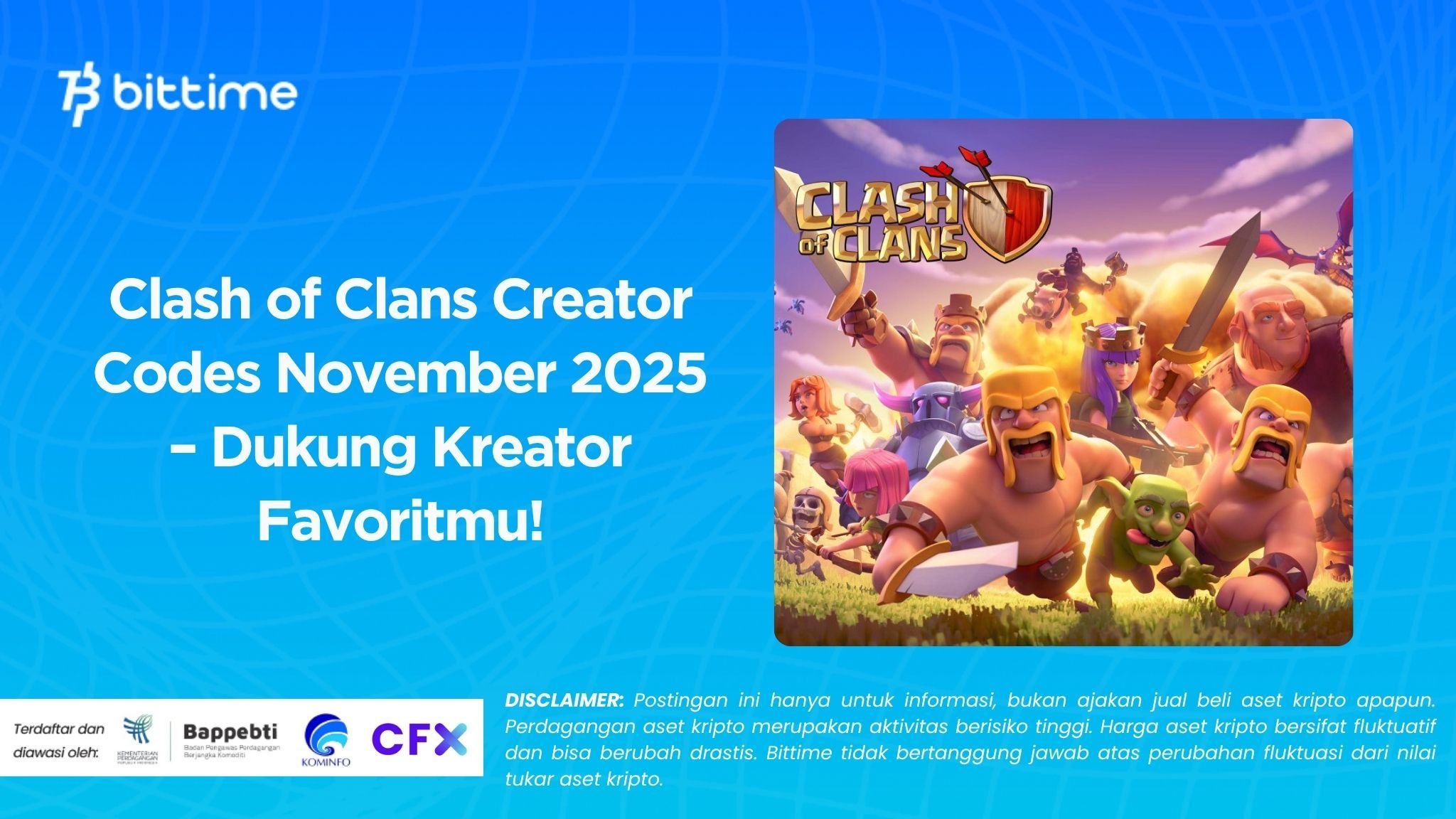
Want to support your favorite YouTuber or streamer while buying Gems and the Gold Pass? Easy. The Creator Boost feature lets you enter Clash of Clans creator codes for November 2025 so a portion of your purchases supports them.
The issue is, many players don’t know the proper way to redeem a Supercell creator code, the code’s active period, or how to check whether support is active. We’ll summarize practical guidance, safe tips, and how to choose the most relevant 2025 CoC creator codes.
Follow the steps, enable support before shopping, and make sure every transaction you make helps creators grow.
Read also: 7 Spot-On Crypto Trading Tips for Beginners, Complete with Tricks
Creator Boost Guide: How It Works, Redeem, and Confirm Activation in Clash of Clans
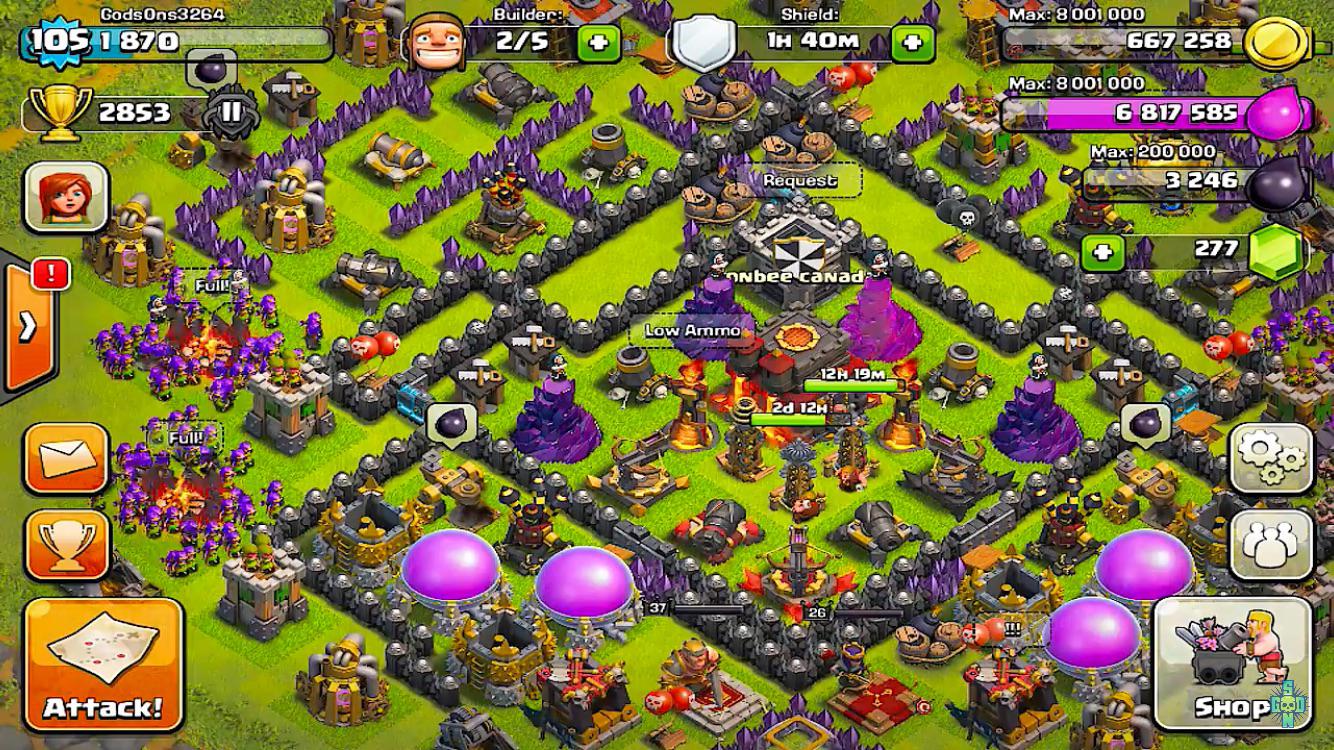
A Creator Code is a unique code belonging to a creator that you can activate in-game or on Supercell’s official site. When support is active, a portion of your purchase value goes to that creator with no extra cost to you.
Practically speaking, the code doesn’t affect troop performance or building levels, but it does have a real impact on the creator ecosystem. Ideally, activate a code before buying the Gold Pass, Wall Rings, or seasonal offers.
Codes usually have a limited active duration per support session, so make a habit of checking and refreshing periodically. Choose creators whose content you frequently watch—war guides, base designs, or the latest TH strategies—so your support aligns with the benefits you receive.
Redeeming a Supercell creator code is very simple. In Clash of Clans, open Settings, find the Support a Creator button, enter the code, and confirm. You can also use Supercell’s official support page and link it to the game through your Supercell ID.
Once active, you’ll see a support indicator in the game. Before making a purchase, make sure the indicator is still on so the transaction is recorded. If support has expired, simply re-enter the code.
For convenience, keep a list of your favorite creator codes so you can switch easily during shopping events or rotate support to other creators.
- Open CoC Settings, go to Support a Creator, enter the creator’s code, save.
- Ensure support is active before buying the Gold Pass or any shop offer.
- Support sessions are usually limited—always check the status before transactions.
- Use Supercell ID so everything stays in sync across devices.
- Save the latest 2025 CoC creator codes you use most frequently.
- If the support indicator disappears, re-enter the code and repeat the purchase.
- Avoid third-party sites that ask for your account data or password.
Tips for Choosing the Latest 2025 CoC Creator Codes
Choosing a creator isn’t just about popularity; it’s about content relevance to your needs. If you focus on competitive war, pick creators who regularly cover attack comps, anti-meta bases, and update reviews.
If you’re a casual player, look for creators with TH progression guides, efficient farming, and beginner-friendly seasonal events. Pay attention to upload consistency, explanation quality, and transparency when they mention sponsors.
Creators who actively reply in comments and provide an official linktree are usually easier to track for their latest codes. Don’t hesitate to rotate support monthly so the ecosystem stays healthy and diverse.
- Browse content by goal: war, TH progression, or base design.
- Check upload consistency and the quality of strategic explanations.
- Prioritize creators who deliver quick updates when patches drop.
- Keep a few backup codes to rotate support monthly.
- Pick creators with active communities so Q&A is easy.
- Align shopping with seasonal discount events to maximize impact.
- Evaluate the real value you get from the content you consume each week.
Read also: Crypto Trading Strategies for Beginners—Don’t Do This!
Clash of Clans Code Management: Duration, Monthly Updates, and Troubleshooting

Many players forget that support sessions aren’t permanently active. Make it a habit to reactivate Clash of Clans creator codes for November 2025 before major purchases. Schedule checks at the start of a Gold Pass season, when limited-edition decorations appear, or when a value pack pops up.
If you play across devices, ensure all devices are connected to the same Supercell ID to avoid losing support status.
Entering a code early gives you time to confirm the support indicator appears, so upcoming transactions are safely recorded. With this small habit, every purchase impacts the creator you choose.
If support isn’t detected, follow a quick troubleshooting sequence. First, make sure your connection is stable, then restart the game. Second, re-enter the Supercell creator code via Support a Creator and wait for the support indicator to light up.
Third, check if you recently switched devices or accounts without syncing. Fourth, only make a purchase after the support indicator shows to minimize the risk of it not being recorded.
Lastly, save screenshots before and after activation in case you need to contact support.
- Reactivate a code before buying the Gold Pass or a value pack.
- Use the same Supercell ID on all your devices.
- Make sure the support indicator is on before any transaction.
- Relog after entering the code to refresh the status.
- Avoid transactions when your connection is unstable.
- Document activation as proof if needed.
- Rotate creator support based on the content you enjoy most this month.
Strategies to Maximize Support and Spending
Creator support is most impactful when paired with high-value shopping moments—e.g., at the start of a season, during a resource bundle, or for exclusive decorations. Make a simple one-month shopping plan, then choose which creator you’ll support during that period.
If you play multiple Supercell games, remember that support may apply across games that offer this feature.
This way, purchases in other games still flow to the same creator while the support session is active. It’s an easy way to keep support consistent without memorizing lots of steps.
- Plan monthly purchases so support is recorded on big transactions.
- Sync support across the Supercell games you play.
- Note activation dates and schedule reactivations.
- Pick one primary creator and one rotating backup.
- Leverage seasonal events to maximize shopping value.
- Match support to the creator whose content helps your progress the most.
- Re-evaluate at month’s end so support stays on target.

Conclusion
Supporting your favorite creators is easy. Activate Clash of Clans creator codes for November 2025 before shopping, check the support indicator, and rotate codes based on the content that benefits you most.
With these simple habits, every Gold Pass or seasonal purchase helps strengthen the creator ecosystem.
Need digital finance inspiration and crypto market updates? Explore Bittime Exchange for simple trading, or read the latest insights on the Bittime Blog. Happy supporting, and may your TH progress get even faster.
How to Buy Crypto on Bittime

Want to trade and buy Bitcoin and invest in crypto easily? Bittime is ready to help! As an Indonesian crypto exchange registered with Bappebti, Bittime ensures every transaction is safe and fast.
Start by registering and verifying your identity, then make a minimum deposit of Rp10,000. After that, you can immediately buy your favorite digital assets!
Check the rates for BTC to IDR, ETH to IDR, SOL to IDR and other crypto assets to see today’s crypto market trends in real time on Bittime.
Also visit the Bittime Blog to get interesting updates and educational information about the crypto world. Find trusted articles on Web3, blockchain technology, and digital asset investing tips designed to enrich your knowledge of crypto.
FAQ
Do creator codes affect gameplay or stats?
No. Creator Codes simply direct a portion of your purchase value to support creators; they don’t change troop or building performance.
How long is creator support active after I enter a code?
Support is active for a limited session. Get used to checking the indicator before transactions and reactivate if needed.
How do I redeem a Supercell creator code in Clash of Clans?
Open Settings, choose Support a Creator, enter the code, confirm, then make sure the support indicator appears before shopping.
Does creator support apply across Supercell games?
Support can apply in multiple games that offer the Support a Creator feature. Make sure you use the same Supercell ID account.
Why wasn’t my purchase recorded as support?
Usually the support indicator wasn’t active at the time of purchase. Re-enter the code, relog, then repeat the purchase once the indicator is on.
Disclaimer: The views expressed belong exclusively to the author and do not reflect the views of this platform. This platform and its affiliates disclaim any responsibility for the accuracy or suitability of the information provided. It is for informational purposes only and not intended as financial or investment advice.

.png)