How to Create Indonesian Language Videos Using Veo 3 AI
2026-02-10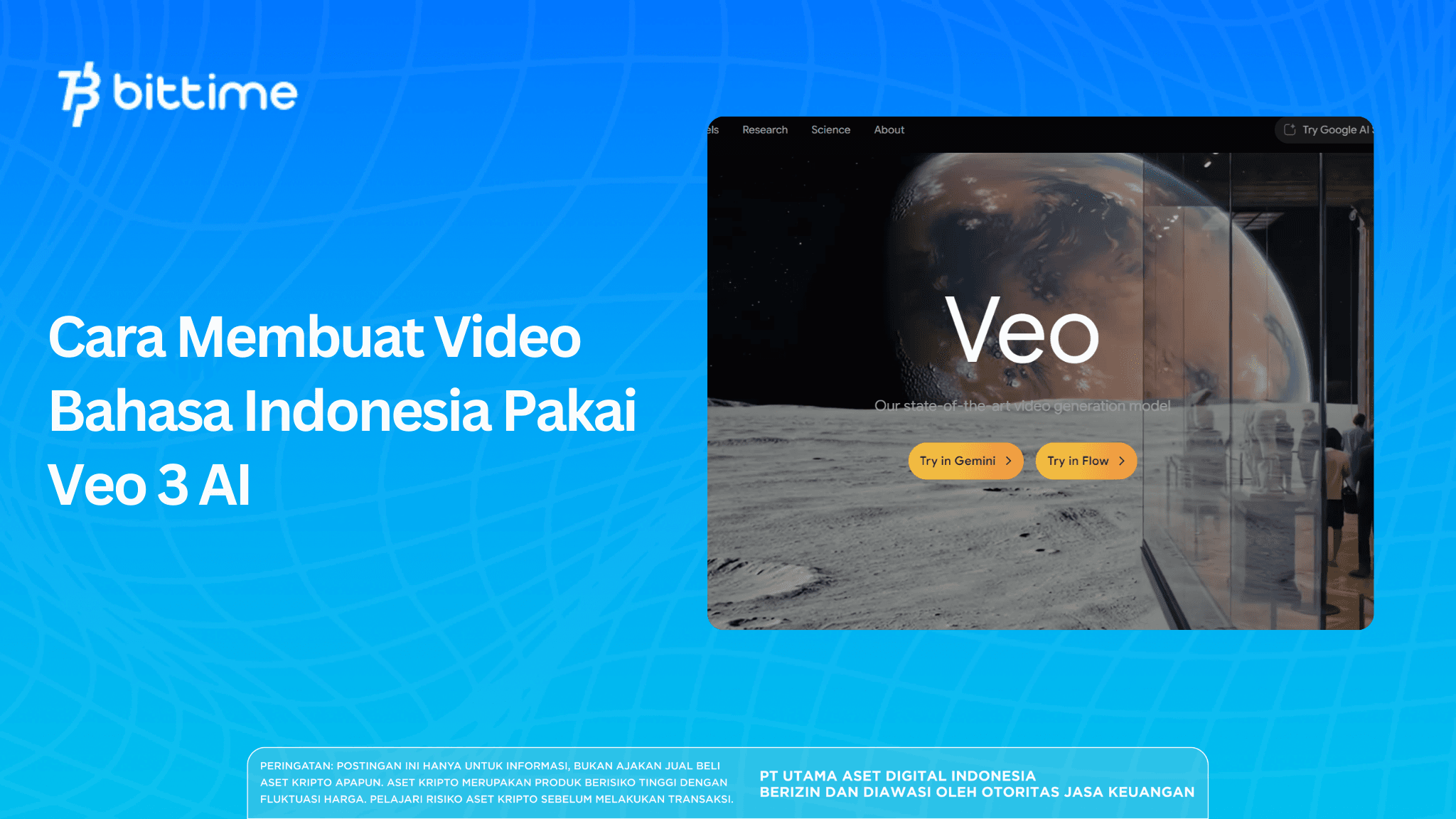
Artificial intelligence technology increasingly simplifies the process of creating digital content, including video. One notable tool is Google Veo 3, an AI video generator that can transform text into realistic video. Interestingly, Veo 3 already supports Indonesian dialogue and voice. This feature makes it relevant for content creators, educators, and tech and crypto communities who want to present information visually and more efficiently.
Key Takeaways
- Veo 3 can create videos from text with Indonesian voice support
- Veo 3 is accessible through Gemini with Google AI Pro
- A detailed prompt strongly influences AI video quality
Register on Bittime now and start trading crypto with a fast, secure, and easy process in the app.
What Is Google Veo 3 and Why It’s Widely Used
Google Veo 3 is a generative AI model from Google specifically designed to produce text-based video. The technology can understand visual descriptions, character expressions, camera movements, and voice dialogue contextually. The result is short videos that appear considerably more realistic compared to previous generations of AI video tools.
In practice, Veo 3 is often used for education, storytelling, simulation, and short digital content. For the crypto and blockchain ecosystem, AI video can help explain complex concepts such as transaction flows, wallet security, or introductions to Web3 technology without having to produce videos manually.
The main advantage of Veo 3 lies in its ability to combine visuals and audio in a single process. Users simply write a scene description and dialogue, and the system converts it into a video. Although the duration is limited, Veo 3 is considered effective as a visualization tool and a support for informative content.
Read also: Gemini 2.5 Flash: Features, Advantages, and Benefits
How to Access Veo 3 via Google AI Pro
Before creating videos, users must access Veo 3 through Gemini with a Google AI Pro subscription. Veo 3 is not freely available, so activating access is an important step. The process is relatively simple and can be done with a regular Google account.
Google AI Pro provides access to advanced AI features, including video creation with Veo 3. During certain periods, Google may offer a free trial for users in Indonesia. Once access is active, the video creation menu will appear directly in the Gemini interface.
For users who follow tech and crypto developments closely, access to Gemini and Veo 3 also opens opportunities to explore other AI features, such as data analysis, creating educational content, and visual experiments based on text.
Read also: What Is Perplexity AI? An AI Search Engine with Verified Sources
How to Create Indonesian-language Videos with Veo 3
Once you have access to Gemini with Google AI Pro, the process of creating Indonesian-language videos with Veo 3 can be done directly. Here are the brief steps:
- Open the Gemini website and log in with a Google account that has Google AI Pro access
- Select the Video menu to use the Veo 3 feature
- Write a prompt describing scenes, characters, atmosphere, and dialogue in Indonesian
- Ensure the dialogue is written clearly so the generated voice matches the context
- Submit the prompt and wait a few minutes for video generation
- Once complete, the video can be previewed and downloaded
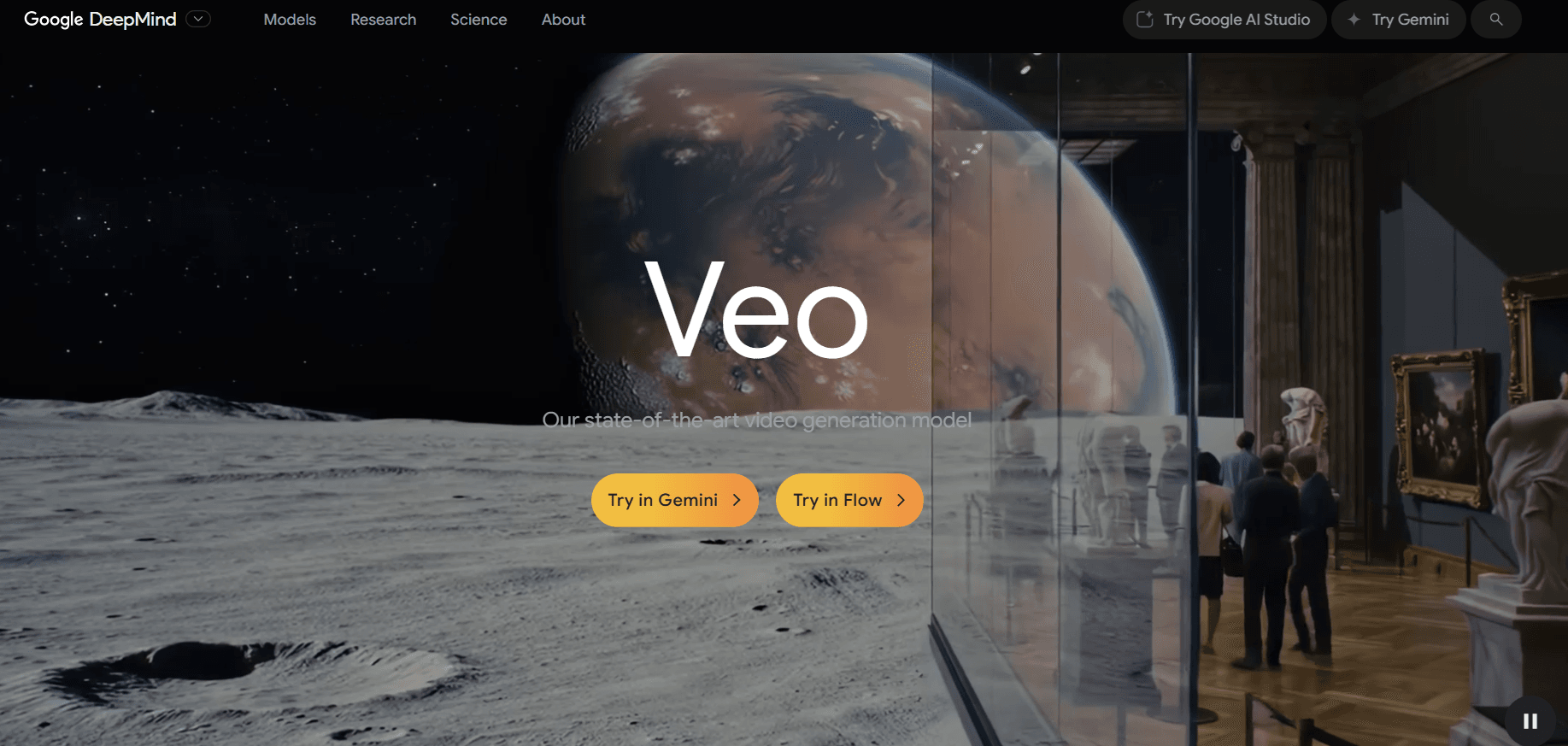
To get results closer to your intention, prompts should be detailed but concise. Users can describe setting, time, character expressions, and the tone of conversation. Veo 3 will process all of that into a short video with synchronized visuals and audio.
Note that Veo 3 has duration limits of a few seconds per video and may restrict the number of creations per day. Therefore, careful prompt planning is advised so that each usage quota yields optimal results.
Read also: How to Edit Video with Seedance: Meet ByteDance’s Advanced AI Video Generator
Conclusion
Google Veo 3 offers a new way to create AI-based videos, especially for Indonesian users who need local language support. With a relatively simple process, users can turn text into videos complete with visuals and dialogue. Although access and duration limits exist, Veo 3 remains relevant as a tool for exploring AI technology, including for educational and crypto-themed content. Responsible and thoughtful use is key to getting the most benefit from this technology.
How to Buy Crypto on Bittime?

Want to trade or sell buy Bitcoin and invest in crypto easily? Bittime is ready to help! As an Indonesian crypto exchange officially registered with Bappebti, Bittime ensures every transaction is secure and fast.
Start by registering and verifying your identity, then make a minimum deposit of IDR 10,000. After that, you can immediately buy your favorite digital assets!
Check exchange rates BTC to IDR, ETH to IDR, SOL to IDR and other crypto assets to see real-time crypto market trends on Bittime.
Also, visit Bittime Blog for various interesting updates and educational information about the crypto world. Find reliable articles on Web3, blockchain technology, and digital asset investment tips designed to enrich your knowledge in the crypto space.
FAQ
What is the primary function of Google Veo 3?
Veo 3 is used to create short videos from text with automatic visuals and voice.
Can Veo 3 use Indonesian?
Yes, Veo 3 supports dialogue and voice in Indonesian.
How can I access Veo 3?
Veo 3 can be accessed via Gemini with a Google AI Pro subscription.
How long are Veo 3 videos?
Typically short, around a few seconds per video.
Is Veo 3 safe to use?
It is safe when used ethically and in compliance with applicable rules and laws.
Disclaimer: The views expressed belong exclusively to the author and do not reflect the views of this platform. This platform and its affiliates disclaim any responsibility for the accuracy or suitability of the information provided. It is for informational purposes only and not intended as financial or investment advice.

.png)