How to Transfer Bitcoin from Bittime to Trust Wallet: A Simple Safe Guide
2026-01-29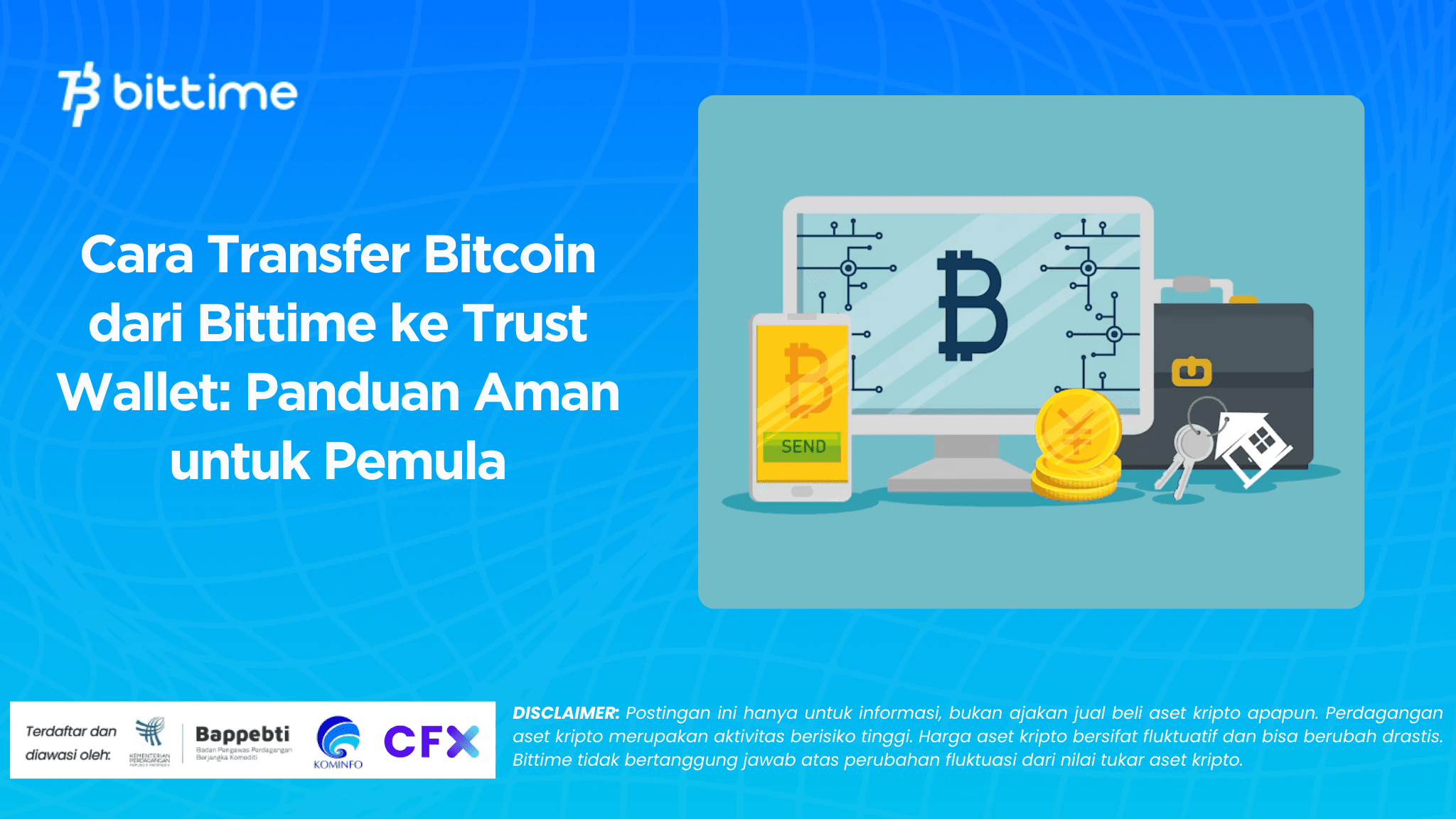
If you are new to Bitcoin, it is normal to ask how to transfer bitcoin and how to transfer bitcoin from Bittime to Trust Wallet. The good news is the process is straightforward. What matters most is accuracy when you copy the wallet address and when you select the correct network. This guide walks you through preparation, the withdrawal steps in Bittime, and how to track your transaction until it is confirmed.
Key Takeaways
- Use your Bitcoin address in Trust Wallet and select the BTC network when withdrawing.
- Send a small test amount first if it is your first transfer to a new address.
- Track the TXID and be patient because Bitcoin confirmations can take minutes to hours.

What to Prepare Before You Send BTC to Trust Wallet
Before you hit withdraw, take a moment to prepare. These small checks often prevent stressful mistakes. First, make sure Trust Wallet is installed from the official app store. Open Trust Wallet, find Bitcoin, and tap Receive to display your BTC address. Copy the address. Avoid typing it manually because one wrong character can break the transfer.
Second, confirm the correct network. On Bittime, you will select a blockchain network during withdrawal. For Bitcoin, you should select the BTC network. This match between asset, address, and network is essential. If the network does not match, the transfer may fail or the funds may become hard to recover.
Third, check your available balance and network fee. Bitcoin transfers include a network fee that changes with network demand. Ensure your BTC balance covers the amount you want to send plus the fee. If you want smoother fees and faster confirmation, consider avoiding peak network hours.
Fourth, tighten your account security. Enable transaction PIN and 2FA if available. This reduces the risk of unauthorized withdrawals. Finally, use a simple beginner strategy: send a small test transfer first, confirm it arrives, and then send the main amount. It is a calm and effective approach.
Read also : How to Buy GNS on Bittime: Gains Network Coin Guide for Beginners
How to Transfer Bitcoin from Bittime to Trust Wallet
This is the main part of the guide. The workflow is simple: copy your BTC address from Trust Wallet, then withdraw BTC from Bittime using the BTC network.
Step by step withdrawal in Bittime
- Open the Bittime app and go to Wallet.
- Select Bitcoin or BTC.
- Tap Withdraw.
- Choose the BTC network.
- Paste your Trust Wallet BTC address into the recipient address field.
- Enter the amount of BTC you want to send.
- Review the transaction details, including fees and estimated received amount.
- Tap Withdraw to proceed.
- Complete the required security checks, such as transaction PIN, email code, and 2FA if prompted.
- Wait for the transfer to be processed, then monitor the withdrawal status in Bittime.
After you submit the withdrawal, open Trust Wallet and check the Bitcoin transaction history. It may show as pending at first. If you do not see it immediately, do not panic. Network detection can take a few minutes.
While you are managing transfers, it helps to use a platform with a clear flow and strong account security. Bittime offers a structured withdrawal process with verification steps. If you want a more organized way to manage popular crypto assets, you can start on Bittime, enable security protections, and trade with more peace of mind.
One more safety note: never use a BTC address sent by random accounts or comments. Always copy the address directly from your own Trust Wallet. If you are unsure, repeat the small test transfer method.
Read also : How to Buy SLVON on Bittime: SLVON Coin Guide and Official Contract Address
Fees, Confirmation Time, and How to Track Your Transfer
After the withdrawal is submitted, the next question is usually timing. Bitcoin speed depends on network congestion and the fee level used by the network at that moment. In many cases, the transaction is detected within minutes, but full confirmation can take longer, especially during busy periods.
The best way to track progress is with the TXID, also called Transaction ID. You can usually find the TXID in your withdrawal details inside Bittime. Copy it and check it in a Bitcoin block explorer. You will see whether the transaction is unconfirmed, how many confirmations it has, and whether it is completed.
If your transaction stays pending for a long time, common reasons include high congestion, lower fee priority compared with other transactions, or a short delay before broadcast. In this situation, the safest action is to monitor the TXID and wait. Avoid sending another transfer just because you do not see the balance yet, because you could accidentally send twice.
Quick tips to make transfers smoother:
- Do a small test transfer first when using a new address.
- Always select the BTC network for Bitcoin withdrawals.
- Never share verification codes or screenshots of sensitive details.
- Keep the TXID saved until the transfer is confirmed.
- If something looks abnormal, contact official support through the app.
With these habits, transferring BTC from Bittime to Trust Wallet becomes routine and less stressful.
Read also : How to Buy USUAL on Bittime: USUAL Coin Guide and Official Contract Address
Conclusion
To transfer Bitcoin from Bittime to Trust Wallet, you withdraw BTC from Wallet, select the BTC network, and paste your Trust Wallet BTC address. Success depends on correct address, correct network selection, and safe habits like test transfers. After sending, track your TXID until confirmations are complete. With careful steps, you can move BTC confidently.
How to Buy Crypto on Bittime?

Want to trade sell buy Bitcoins and crypto investment easily? Bittime is here to help! As an Indonesian crypto exchange officially registered with Bappebti, Bittime ensures every transaction is safe and fast.
Start with registration and identity verification, then make a minimum deposit of IDR 10,000. After that, you can immediately buy your favorite digital assets!
Check the exchange rate BTC to IDR, ETH to IDR, SOL to IDR and other crypto assets to find out today's crypto market trends in real-time on Bittime.
Also, visit the Bittime Blog for interesting updates and educational information about the crypto world. Find reliable articles about Web3, blockchain technology, and digital asset investment tips designed to enrich your crypto knowledge.
FAQ
Can I transfer Bitcoin from Bittime to Trust Wallet anytime?
Yes, as long as withdrawals are available and your account meets security requirements.
Why must I select the BTC network for Bitcoin?
Because Bitcoin must be sent on the Bitcoin network. A wrong network can cause failure.
How long does BTC take to arrive in Trust Wallet?
From minutes to hours, depending on network congestion and required confirmations.
What is a TXID and why is it important?
A TXID is a transaction ID. It lets you track your transfer transparently on the blockchain.
What should I do if my transfer is pending for a long time?
Check the TXID, wait for confirmations, and avoid sending again without a clear reason.
Disclaimer: The views expressed belong exclusively to the author and do not reflect the views of this platform. This platform and its affiliates disclaim any responsibility for the accuracy or suitability of the information provided. It is for informational purposes only and not intended as financial or investment advice.

.png)