Easy Ways to Check Your E-Money Balance on Your Phone Without NFC 2026
2026-03-24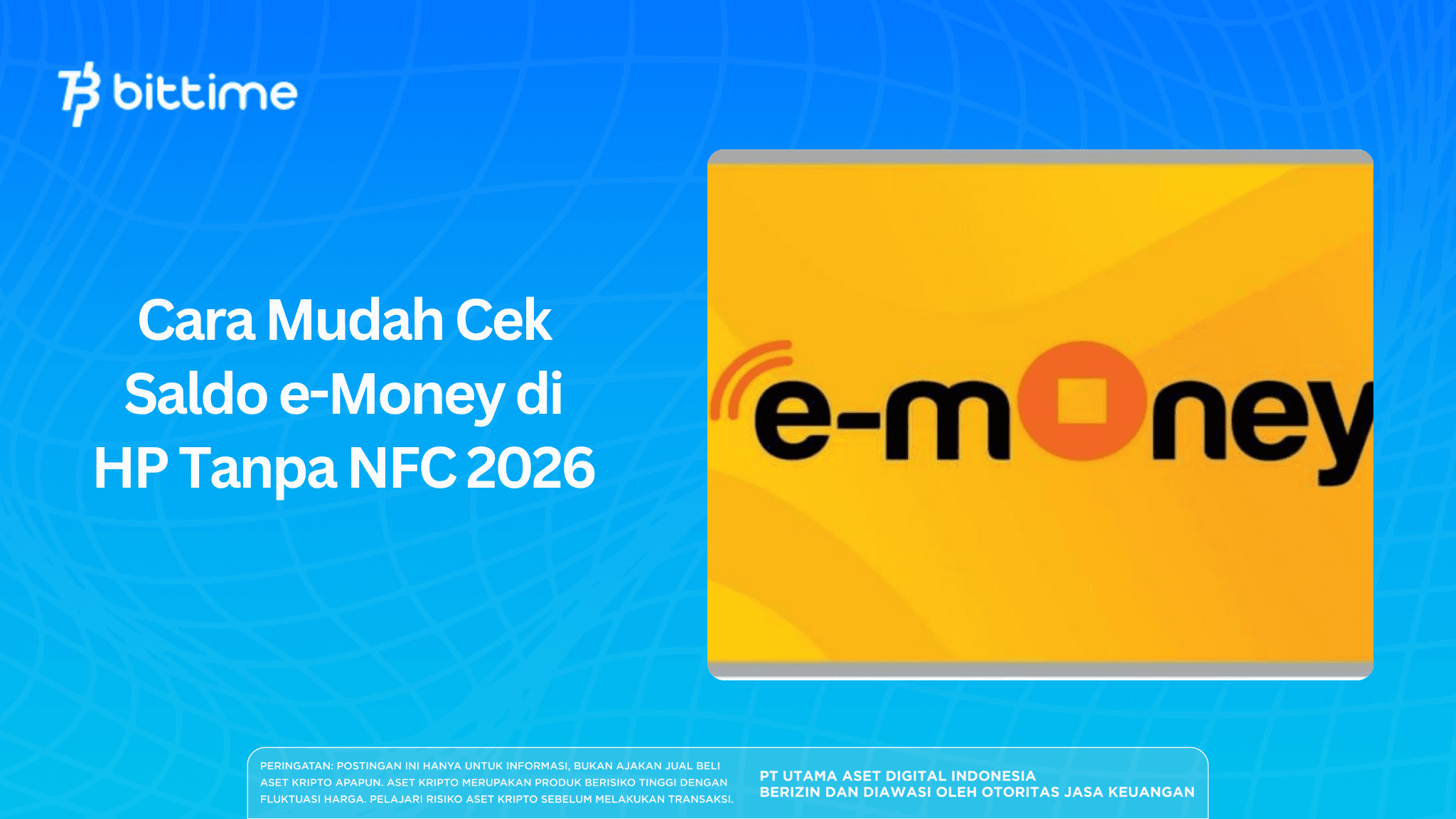
The use of e-money is becoming increasingly widespread in Indonesia, from toll payments, parking, to public transportation. However, not all smartphones have the NFC feature that is usually used to check balances.
The good news is, there are several ways to check e-money balances on your phone without NFC that are still practical and easy to do.
This article will discuss in full the best methods you can use in 2026.
Key Takeaways
- Checking e-money balance without NFC can still be done via ATM, internet banking, and minimarkets.
- Not all methods require a high-end phone; some can even be done offline.
- Knowing your e-money balance is important so transactions don’t fail when needed.
What is e-Money and Why Do You Need to Check It?
e-money is electronic money in the form of a card used for fast cashless transactions. Examples include:
- Mandiri e-Money
- BCA Flazz
- BRI Brizzi
- BNI TapCash
Because the system is based on balance stored on the card, it is important to regularly check your e-money balance without NFC so you don’t run out during transactions.
Also read: How to Buy Digital Gold Safely, Cheaply, and Easily on Bittime
How to Check e-Money Balance on Your Phone Without NFC
Here are the most effective methods for checking e-money balance on your phone without NFC:
1. Through ATM
The most common and easiest way is through an ATM.
Steps:
- Go to an ATM that supports e-money
- Select the e-money menu
- Tap the card on the reader
- Select “Balance Information”
The balance will appear directly on the screen without needing NFC on your phone.
2. Through Internet Banking
This method is suitable if you want to check your e-money balance on your phone without NFC online.
Steps:
- Log in to internet banking
- Select the electronic money menu
- Enter your e-money card number
- Click check balance
However, this method is generally only available for certain cards such as Mandiri e-Money.
3. Through Digital Wallet Applications
Some applications like DANA or e-commerce platforms can be used to check or top up.
How to do it:
- Open the application
- Select the e-money menu
- Enter the card number
- View balance or transaction information
Although not all support direct balance checking, this method still helps for monitoring transactions.
4. Check at Minimarkets
If you don’t have access to an ATM or internet banking, you can go to a minimarket.
How to do it:
- Go to the cashier
- Ask to check e-money balance
- Tap the card on the EDC machine
The balance will be immediately informed by the cashier.
5. Through Payment Machines (Toll/Parking)
Another quick way is during a transaction.
When you tap the card:
- The balance usually appears on the screen
- It can be known immediately without additional steps
This method is practical even though it is not specifically designed for balance checking.
Also read: How to Withdraw Bitcoin to BCA Balance via Bittime
Tips for Safely Using e-Money
To make e-money usage more optimal, here are some tips:
1. Check Balance Regularly
Always check before traveling so you don’t run out of balance.
2. Top Up Regularly
Top up before it runs out, especially if you frequently use toll roads.
3. Use More Than One Card
As a backup if the main card has problems.
4. Store the Card Properly
Avoid physical damage that could disrupt transactions.
Advantages of Checking Balance Without NFC
Even without NFC, these methods still have advantages:
- Can be used on all types of phones
- Does not depend on specific technology
- More flexible (offline & online)
This makes checking e-money balance on your phone without NFC still relevant in 2026.
Also read: How to Buy Bitcoin (BTC) with QRIS: Practical Guide for Beginners
Conclusion
Not having a phone with NFC is no longer a problem. There are many practical ways to check e-money balance without NFC, from ATMs and internet banking to minimarkets.
By understanding how to check e-money balance on your phone without NFC, you can ensure transactions run smoothly anytime without issues.
How to Buy Crypto on Bittime
Want to easily trade, sell, buy Bitcoin and invest in crypto? Bittime is ready to help! As an officially registered Indonesian crypto exchange under Bappebti, Bittime ensures every transaction is safe and fast.
Start with registration and identity verification, then make a minimum deposit of Rp10,000. After that, you can immediately buy your favorite digital assets!
Check real-time rates for BTC to IDR, ETH to IDR, SOL to IDR and other crypto assets to see today’s real-time crypto market trends on Bittime.
In addition, visit the Bittime Blog for various interesting updates and educational information about the crypto world. Find trusted articles on Web3, blockchain technology, and digital asset investment tips designed to enrich your knowledge in the crypto space.
FAQ
How do I check e-money balance on my phone without NFC?
You can do it through internet banking, certain applications, or with help from ATMs and minimarkets.
Can I check e-money balance without NFC on all cards?
Most can, but online features are usually limited to certain cards like Mandiri e-Money.
Is checking e-money balance at minimarkets free?
Usually free for balance checks, but top-ups may incur admin fees.
Is there a way to check e-money balance without any device at all?
Yes, when making transactions at tolls or parking, the balance will appear on the screen.
Why can’t all phones check e-money balance?
Because some methods require the NFC feature, which is not available on all devices.
Disclaimer: The views expressed belong exclusively to the author and do not reflect the views of this platform. This platform and its affiliates disclaim any responsibility for the accuracy or suitability of the information provided. It is for informational purposes only and not intended as financial or investment advice.

.png)