How to Withdraw USDT to GoPay via Bittime
2025-11-25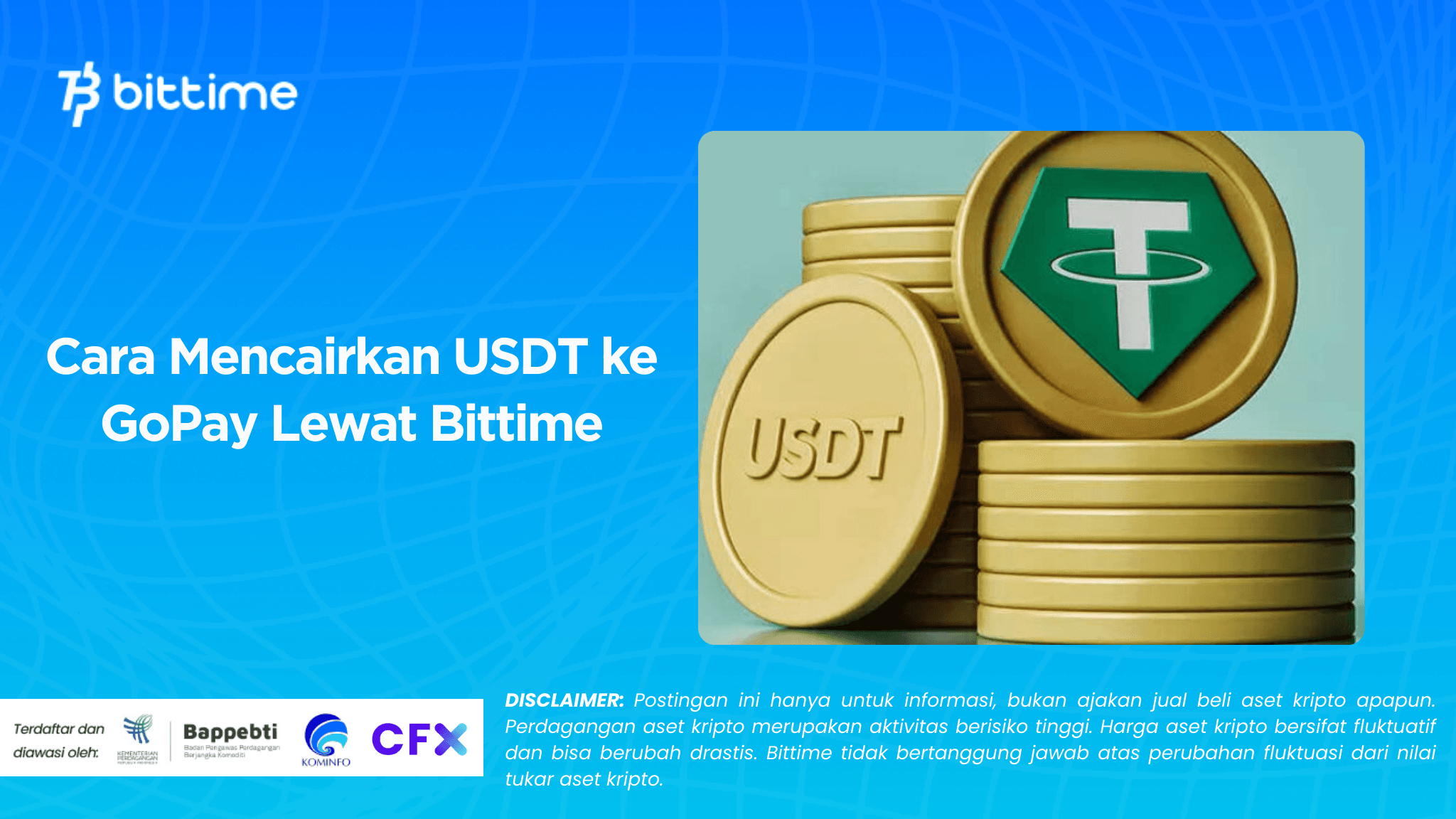
For those of you who want to cash out crypto assets, especially USDT to your GoPay balance, the process is quite easy to do.melalui platform Bittime.
However, it's important to understand that withdrawing USDT to GoPay isn't possible directly. You must first convert USDT to rupiah (IDR), withdraw it to a bank account, and then top up GoPay through a virtual account (VA) provided by your bank.
Withdraw USDT to GoPay on Bittime

Here's a comprehensive and easy-to-understand guide to safely and hassle-free transfers of USDT to GoPay.
Convert USDT to Rupiah on Bittime
The first step you need to take is to convert your USDT to rupiah. Here's how:
- Open the Bittime app.
- Go to the Trade menu.
- Select the USDT/IDR asset pair.
- Sell your USDT according to the amount you want to cash out.
- After the transaction is successful, the IDR balance will be added to your Wallet.
Make sure the selling price meets your needs. You can use a market order to process the transaction faster.
Read Also:Complete Guide to ShopeePay Virtual Account Codes
Withdraw Rupiah Balance from Bittime to Bank Account
After USDT changes to rupiah, proceed by withdrawing funds to your bank account. Here's how:
- Go to the Wallet menu.
- Select IDR Balance.
- Click the Withdrawal menu.
- Enter your bank account details. Ensure the account holder's name matches the name registered with Bittime to avoid withdrawal failures.
- Enter the nominal amount of rupiah you wish to withdraw.
- Confirm the withdrawal and wait for the funds to enter your bank account.
Usually, the withdrawal process does not take long, depending on the bank's operating hours.
Read Also:How to OTC Buy USDT to IDR: Complete, Safe Guide
Top Up GoPay via Virtual Account Bank
Once the funds have successfully entered your bank account, the next step is to top up your GoPay balance via a virtual account.
Nearly all major banks in Indonesia now support GoPay top-ups via VA, including BCA, BRI, BNI, Mandiri, BTN, and others. For example, here's how to top up GoPay via BCA Mobile:
- Open the BCA Mobile application.
- Select the m-Transfer menu.
- Select BCA Virtual Account.
- Enter the company code 70001 + your GoPay mobile number. Example: 7000108123456789
- Enter the top up amount.
- Confirm and complete the transaction.
This method is very commonly used and has varying admin fees, ranging from free to around Rp. 6,500, depending on the bank you use.
Once the payment is complete, your GoPay balance will automatically increase within seconds.
Read Also:Here's How to Withdraw and Transaction Fees at Bittime
Register at Bittime

Before you start trying this process, make sure you havehave a Bittime accountIf you haven't already, register now on the Bittime platform to enjoy the convenience of buying and selling crypto, converting USDT to rupiah, and fast and convenient withdrawals.
Conclusion
Transferring USDT to GoPay via Bittime is actually quite easy, although the process isn't straightforward. You only need to follow three main steps: convert USDT to IDR on Bittime, withdraw the IDR to your bank account, and then top up GoPay through your bank's virtual account. This method is very common and supports many major banks in Indonesia.
By following the guide above, you can withdraw USDT to GoPay safely, quickly, and efficiently. Make sure you're registered with Bittime to ensure the process runs smoothly.
FAQ
How to withdraw USDT to GoPay?
You need to convert USDT to Rupiah on Bittime, withdraw it to your bank account, and then top up your GoPay through your virtual bank account.
Can I withdraw USDT directly to GoPay?
No, you can't. Withdrawals must be made through a bank first, then topped up to GoPay.
How much is the GoPay top up admin fee?
Depending on the bank, it ranges from free to around Rp. 6,500.
How long does it take to withdraw rupiah from Bittime to a bank?
Usually only a few minutes, but it can take longer depending on operating hours and the bank involved.
Do all banks support GoPay top up via VA?
Yes, most major banks such as BCA, BRI, BNI, Mandiri, and others support this service.
Disclaimer: The views expressed belong exclusively to the author and do not reflect the views of this platform. This platform and its affiliates disclaim any responsibility for the accuracy or suitability of the information provided. It is for informational purposes only and not intended as financial or investment advice.

.png)