How to Cash Out Bitcoin into BCA Balance via Bittime
2025-11-25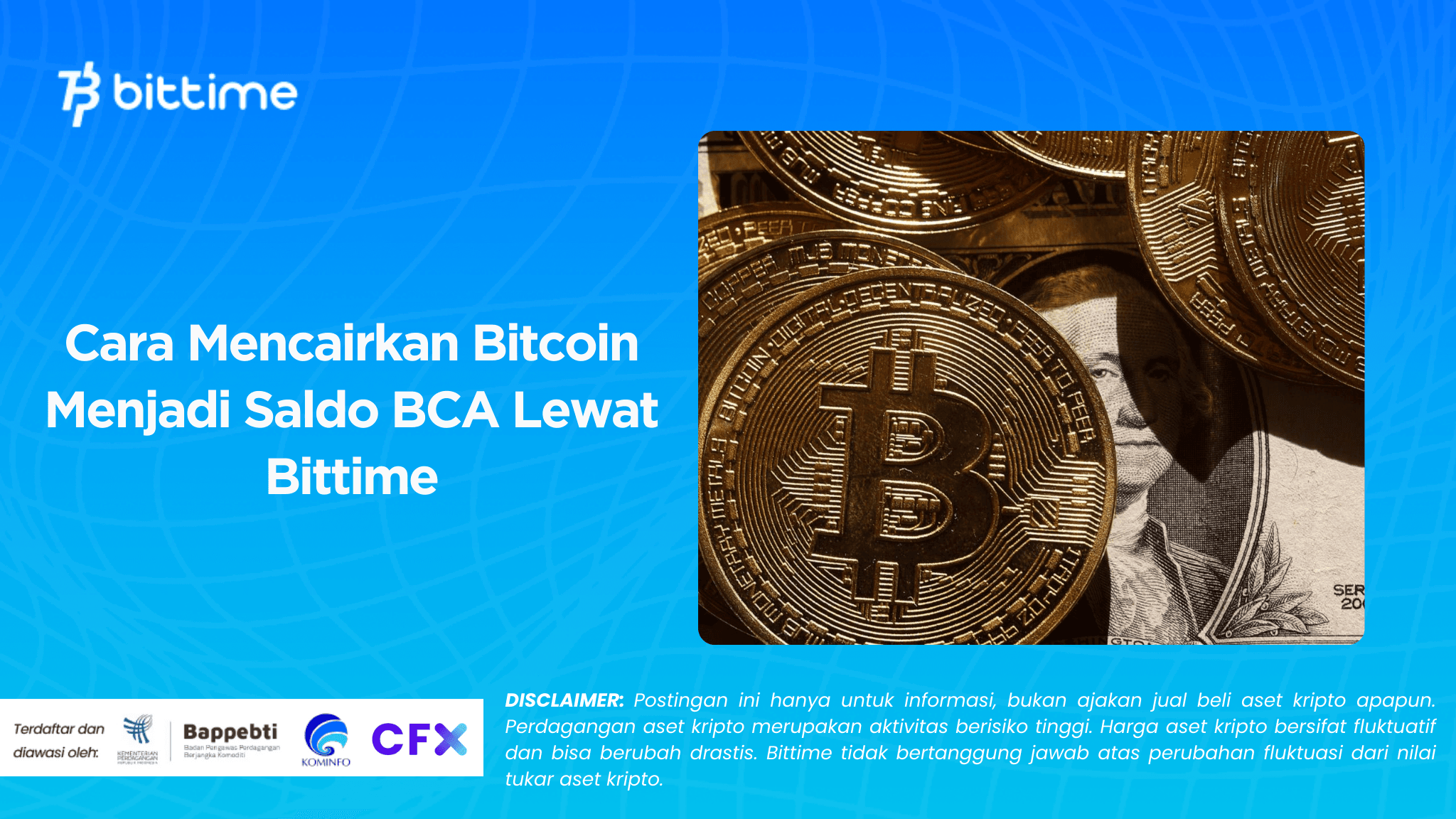
With the increasing popularity of crypto assets in Indonesia, the need to liquidate Bitcoin into bank balances, including BCA, continues to increase.
One of the most convenient and secure ways to do this is through the Bittime app, a local government-regulated crypto trading platform that offers easy-to-use bank withdrawal features.
For new users,Bitcoin withdrawal processIt may seem complicated. But in reality, the steps are quite simple.
All you need to do is sell Bitcoin, convert it to Rupiah (IDR), and then withdraw it to your registered BCA account. This article will guide you from start to finish with communicative, clear, and up-to-date explanations.

Steps to Cash Out Bitcoin into BCA Balance
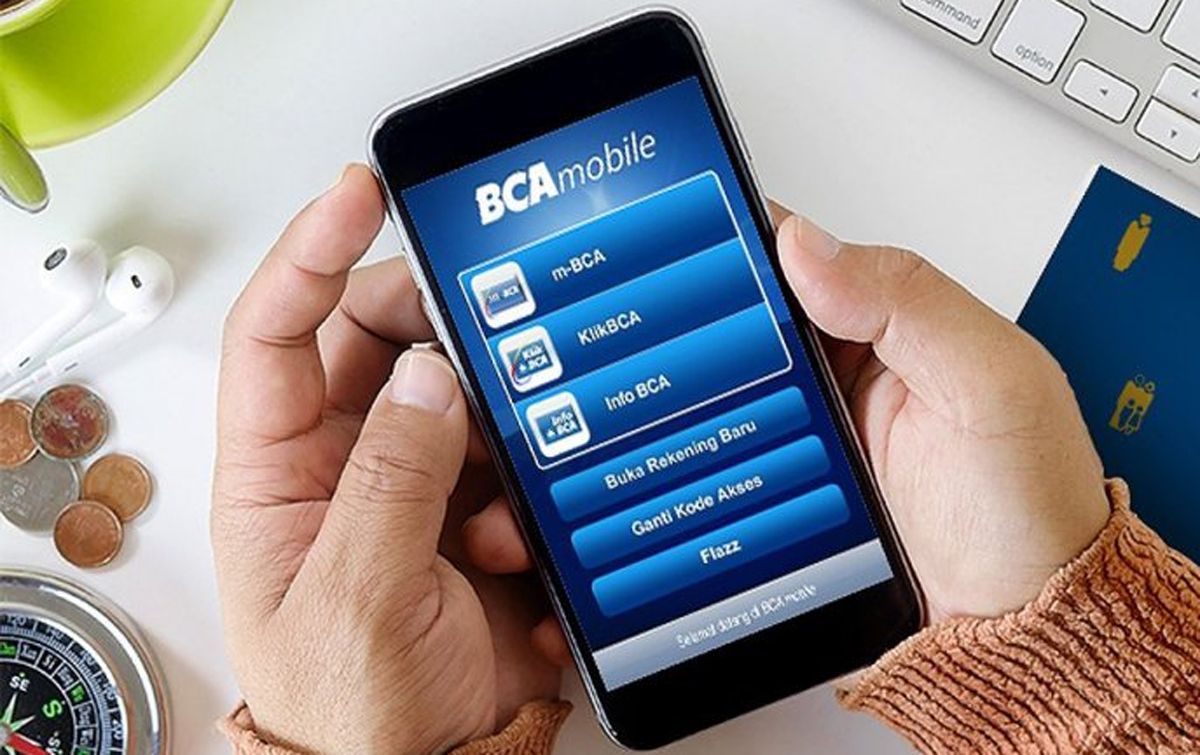
Here are the complete steps that you can follow through the Bittime application:
Login to Bittime Account
Make sure the Bittime app is installed on your device. Log in using your registered email or phone number. If you have activatedextra security like OTPor PIN, please complete the verification first.
Sell Bitcoin in the Trade Menu
In order to be able to withdraw your Bitcoin to BCA, you must first convert it into Rupiah.
- Open the Trade menu in the Bittime app.
- Select the BTC/IDR market.
- Determine the amount of Bitcoin you want to sell.
- Make sales at market prices or use limit orders as needed.
After a successful transaction, your Rupiah (IDR) balance will automatically be added to your IDR Wallet in the app.
Read Also:Cara Withdraw Token $GRASS Airdrop
Open the Wallet Menu and Select IDR Balance
After selling your Bitcoin, you'll need to go to the Wallet menu. Here, you'll see the Rupiah balance from the sale.
- Select IDR Wallet or Rupiah Balance.
Select the Withdraw Menu
To withdraw funds to BCA:
- Click Withdraw.
- If you haven't added a bank account, the system will prompt you to add one.
Add your BCA account
Enter:
- Bank name: BCA
- BCA account number
- Account holder name (must be the same as Bittime account name to avoid failure)
Make sure the data you enter is correct, because errors can hinder the disbursement process.
Enter Withdrawal Amount
Select the Rupiah amount you wish to transfer to your BCA account. Ensure the amount is available in your IDR balance.
Click Confirm, then follow the instructions that appear on the screen, including OTP or PIN verification if required.
Wait for the Transfer Process
Withdrawing funds from Bittime to BCA usually takes a short time, ranging from a few minutes to several hours depending on the system queue or bank operating hours.
If the withdrawal is successful, you will receive a notification from Bittime and the funds will automatically be transferred to your BCA account.
Read Also:Complete Guide to ShopeePay Virtual Account Codes
Security and Tips for a Successful Process
- Make sure the account number is correct to avoid delays.
- Use KYC compliant personal data.
- Make sure the network is stable when making transactions.
- If any problems occur, you can contact Bittime customer support via the application or the official website.
Read Also:Bittime OTC - Bursa Crypto
Don't have a Bittime account? Register now!

Before we get to the conclusion, if you don't have a Bittime account yet, it is highly recommended to create one.register now.
The registration process is easy and fast, and you can immediately start buying, selling, and cashing out Bitcoin at any time. Register now and enjoy a safe and convenient crypto trading experience.
Conclusion
Converting Bitcoin to a BCA balance through the Bittime app is a simple and secure process. Simply sell your Bitcoin in the Trade menu, verify that the Rupiah balance has been credited to your wallet, and then withdraw it to your BCA account.
By following the steps described, anyone, both beginners and experienced users, can carry out this process easily.
Bittime offers fast transactions, a user-friendly interface, and high security, making it one of the best options for transferring crypto assets to bank accounts in Indonesia.
FAQ
Is Bittime safe to cash out Bitcoin?
Yes. Bittime is a government-registered and regulated crypto platform, making it safe for buying and selling and withdrawing funds.
How long does the withdrawal process take to BCA?
Usually only a few minutes, but it can take longer depending on queues or bank operating hours.
Is there a withdrawal fee from Bittime to BCA?
There are certain withdrawal fees, and the amount is subject to change at Bittime's discretion. You can check them directly in the app.
Do I have to sell Bitcoin first before withdrawing it to BCA?
Yes. Withdrawals can only be made in Rupiah (IDR), so you'll need to convert your Bitcoin first.
What if my withdrawal fails?
Double-check your account information. If it's correct but still fails, contact Bittime customer support for further assistance.
Disclaimer: The views expressed belong exclusively to the author and do not reflect the views of this platform. This platform and its affiliates disclaim any responsibility for the accuracy or suitability of the information provided. It is for informational purposes only and not intended as financial or investment advice.

.png)