How to Edit Scene-Style Photos in Gemini AI, Make More Aesthetic!
2025-09-19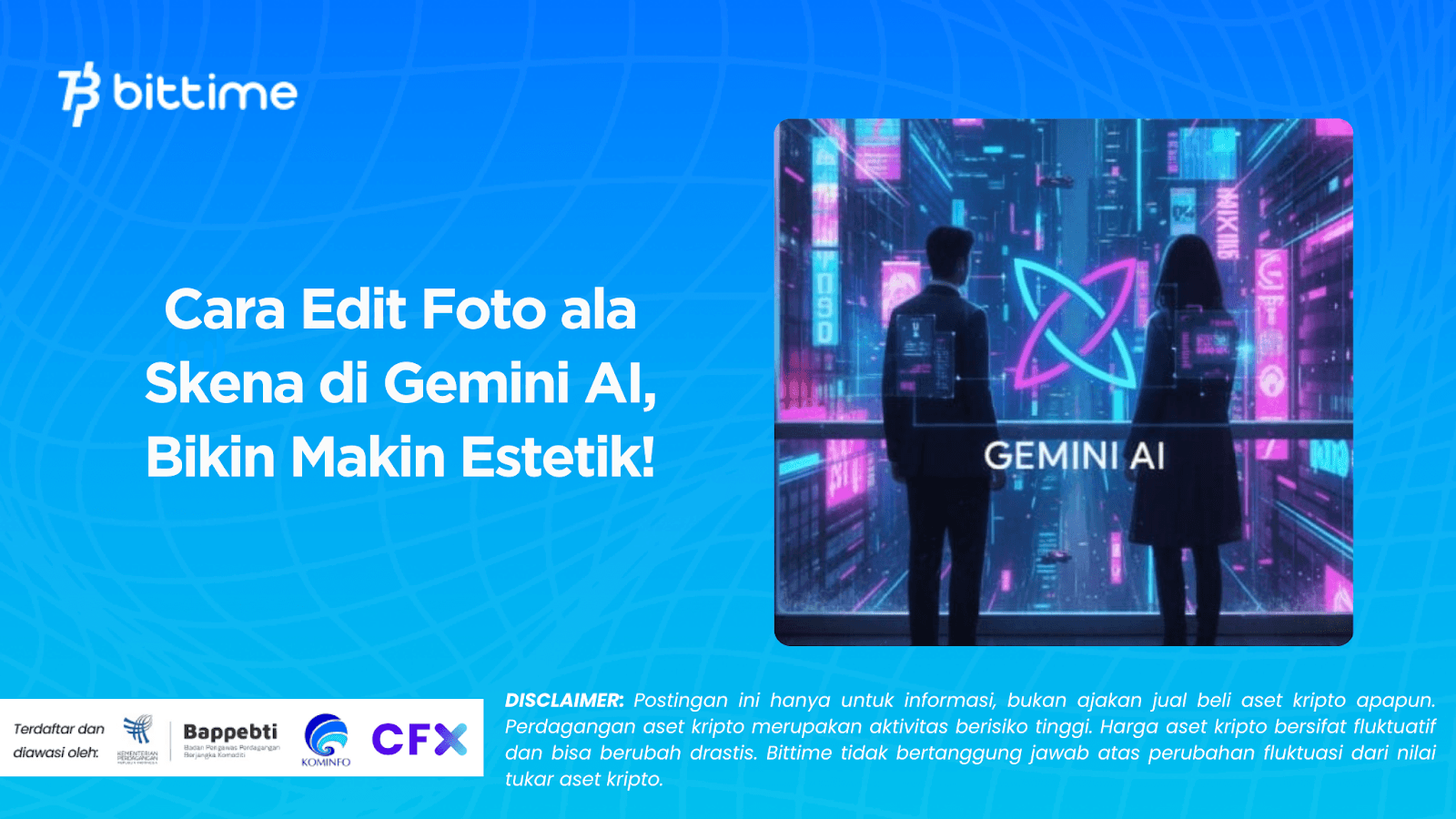
Scene kids photos are currently trending on social media. Their distinctive edgy, colorful, and aesthetic style is now inspiring many. The good news is, you don't need to go through the hassle of manual editing to achieve such results.
With Gemini AIYou can transform a regular photo into a scene-style one with just a few clicks. This article will discuss this in detail.How to edit photos in a scene style in Gemini AI, including sample prompts that can be used immediately.
Photo Editing Trend in Gemini AI
Gemini AI is an AI-powered platform that can transform your photos to be more creative and on-trend. One of the latest trends is the youth scene style, which is synonymous with unique fashion, vintage or neon effects, and signature poses on stairs.
Reasons why this style is popular:
1. Gives an edgy, urban, and artistic impression.
2. Suitable for Instagram feeds, TikTok, and other creative content.
3. The results look professional without the need for complicated editing skills.
By simply entering the appropriate prompt, Gemini AI can generate a scene-style photo ready to upload to social media.
Read Also: Prompt and How to Edit Photos into Giant Statues in Gemini AI
How to Edit Scene-Style Photos in Gemini AI
Here are the general steps you can follow to get a scene-style photo:
1. Prepare Base Photo:Select the photo you want to edit, preferably in the stair area or with a plain background so that the AI can more easily detect the object.
2. Open Gemini AI:Log in to the Gemini AI app or website. There's usually a menu for uploading photos and entering prompts.
3. Enter the Style Prompt:Copy the prompt that matches the style of scene you want (example prompts are below).
4. Adjust Parameters:Some versions of Gemini AI offer additional filter options, such as lighting, color tone, or grain effects. You can customize these to create a more personalized result.
5. Download and Share:Once finished, download the edited results and post them directly to social media.
Read Also: How to Edit Your Overseas Vacation Photos Using Gemini AI
Example Prompt for Scene-Style Photo Editing in Gemini AI
Here is an example prompt for scene-style photo editing, that trending for you to try on Gemini AI:
1. Sit back and relax with the sunset nuances
“Scene kid sitting casually on the stairs during golden hour, soft warm dusk light, wearing an oversized band t-shirt and ripped jeans, a vintage film aesthetic with grain and flare.”
2. Stylish Pose with a Neon Touch
“Scene kid styled on the stairs with neon blue and pink, wearing reflective glasses and leather jacket, urban cyberpunk vibe, high contrast moody lighting.”

3. Scene with a Futuristic Touch
“Scene kid on a modern geometric staircase with holographic projection, futuristic silver clothing and neon accessories, sci-fi art style of vibrant colors and glowing effects.”
4. Artistic with Oversized T-Shirts
“Scene kid sitting on stairs wearing an oversized graphic t-shirt and checkerboard shoes, soft natural light, shallow depth of field with dreamy bokeh.”
5. Cinematic with Ultra Wide Lens
“Cinematic scene photo of kid on wide stairs, shot with ultra wide lens, dynamic perspective, streetwear fashion, natural daylight with dramatic shadows.”
You can input all these prompts directly into Gemini AI to produce authentic, scene-style aesthetic photo effects.
In addition, here are some tips for getting the best photo results:
- Use photos with enough lighting so the AI can process them more easily.
- Try a few different prompts to see which one works best.
- Don't be afraid to experiment with color tones and filters to make it more personal.
Read Also: How to Edit Photos in an Elevator Using Gemini AI with Prompts
Conclusion
That's how to edit scene-style photo in Gemini AI. It's easy and will definitely make your photos more aesthetically pleasing. All you need is a base photo, access Gemini AI, and then enter the appropriate prompt.
In seconds, your photos can be transformed into the trendy aesthetics trending on social media. With a variety of prompts like neon, futuristic, or vintage, your edits are even more creative and unique.
How to Buy Crypto on Bittime
Want to trade sell and buy Bitcoins and easy crypto investing? Bittime is here to help! As an Indonesian crypto exchange officially registered with Bappebti, Bittime ensures every transaction is secure and fast.
Start by registering and verifying your identity, then make a minimum deposit of IDR 10,000. After that, you can immediately purchase your favorite digital assets!
Check the course BTC to IDR, ETH to IDR, SOL to IDR and other crypto assets to find out today's crypto market trends in real-time on Bittime.
Additionally, visit Bittime Blog to get various interesting updates and educational information about the world of crypto. Find trusted articles on Web3, blockchain technology, and digital asset investment tips designed to enrich your crypto knowledge.
FAQ
FAQ
What is Gemini AI?
Gemini AI is an artificial intelligence platform that allows users to edit photos with creative prompts to produce a specific style.
Is Gemini AI free?
Some features may be free, but premium versions usually offer more detailed results and a wider variety of effects.
Do I need to have photo editing skills?
No. You just need to upload a photo and enter the desired prompt.
Can the scene prompt be used for all photos?
Yes, but the best results are usually in photos with good lighting and clear objects.
Can edits in Gemini AI be downloaded?
Yes, once you're done editing, you can immediately download the results to share on social media.
Disclaimer: The views expressed belong exclusively to the author and do not reflect the views of this platform. This platform and its affiliates disclaim any responsibility for the accuracy or suitability of the information provided. It is for informational purposes only and not intended as financial or investment advice.

.png)