How to Create QRIS for All Payments in 2026 – Complete Guide
2026-03-24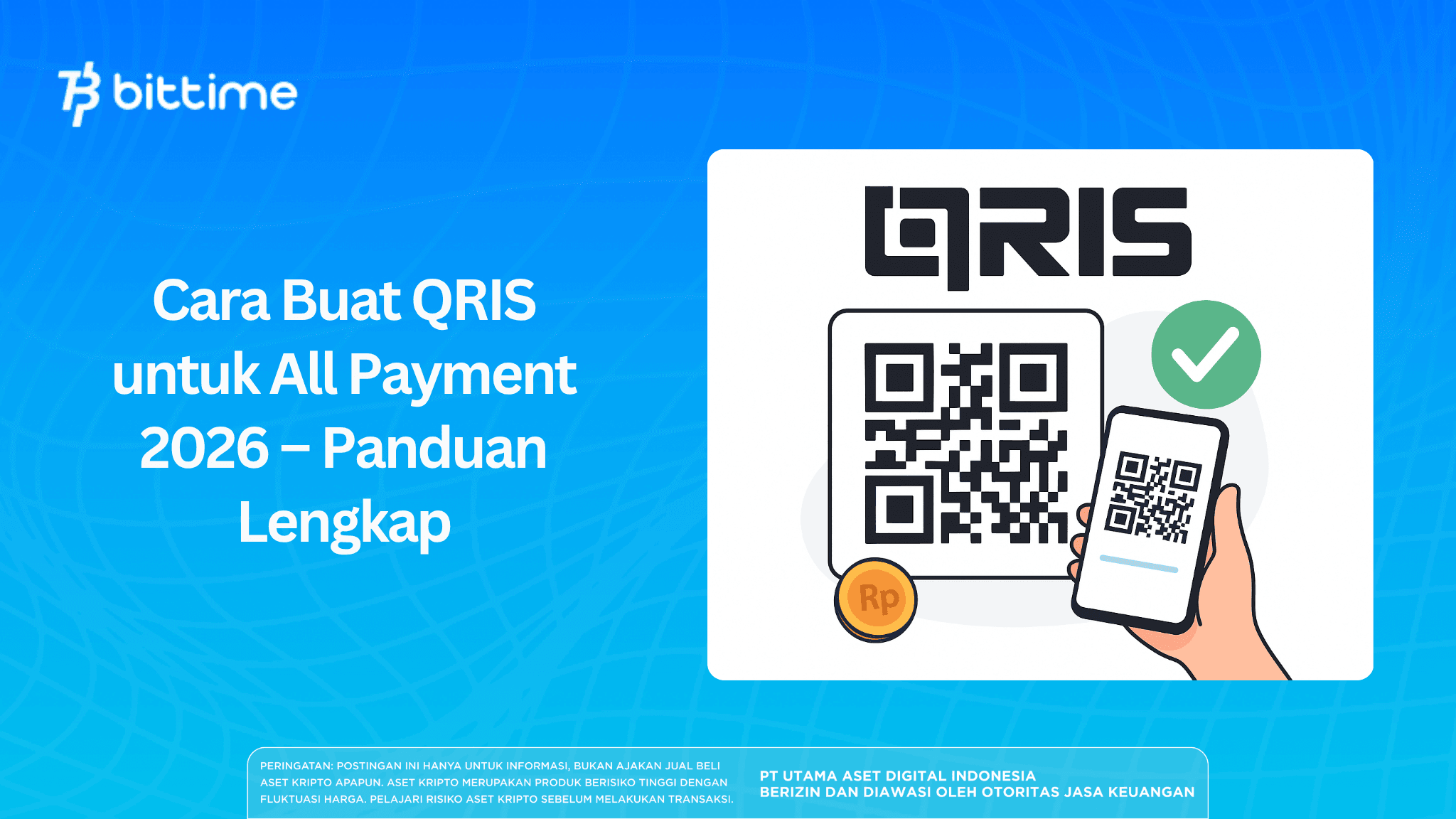
In the digital era of 2026, cashless payments have become a primary need for business owners.
One of the best solutions is QRIS (Quick Response Code Indonesian Standard), which allows businesses to accept various payment methods with just one code.
It’s no wonder that more and more MSMEs are looking for ways to create QRIS all payment to increase sales and operational efficiency.
This article provides a complete guide on how to create your own QRIS, the requirements, and tips to maximize its use.
Key Takeaways
- QRIS allows one code to accept all digital payments (e-wallets & mobile banking).
- Creating a QRIS code is very easy and can be done online through official providers.
- QRIS helps increase revenue, efficiency, and transaction security for businesses.
What is QRIS All Payment?
QRIS All Payment is a QR-based payment system that allows merchants to accept payments from various applications such as:
- GoPay
- OVO
- DANA
- ShopeePay
- Mobile banking
With one code, all transactions can be processed. This is why many business owners are looking for ways to create QRIS for their businesses.
Also read: What is QRIS? Complete Guide and How to Deposit via QRIS on Bittime
Benefits of Using QRIS for Business
Using QRIS provides many benefits, especially for MSMEs:
1. Increasing Sales
Customers can pay with their preferred method, increasing transaction opportunities.
2. More Practical
No need for multiple different QR codes — just one code for everything.
3. Operational Efficiency
No need for change or cash deposits to the bank.
4. Higher Security
Reduces the risk of counterfeit money and cash loss.
5. Automatic Bookkeeping
All transactions are recorded digitally.
Requirements to Create QRIS in 2026
Before learning how to create a QRIS code, prepare the following documents:
- Business owner’s KTP (ID card)
- Active mobile number
- Bank account or e-wallet
- Photo of business location
- NPWP (optional for small MSMEs)
These requirements are quite simple, even for small businesses.
Also read: How to Pay with QRIS and How to Deposit via QRIS on Bittime
How to Create QRIS All Payment (Step-by-Step)
Here is the complete guide on how to create QRIS all payment:
1. Choose a Payment Service Provider (PJP)
Choose an official PJP such as:
- Banks (BRI, BCA, Mandiri, BNI)
- E-wallets (GoPay, DANA, OVO, ShopeePay)
Make sure the provider is registered with Bank Indonesia.
2. Register via App or Website
Visit the official website or download the merchant app, then:
- Fill in personal data
- Fill in business data
- Verify mobile number (OTP)
3. Upload Documents
Upload:
- KTP photo
- Business photo
- Bank account information
Make sure the data is accurate so the process is approved quickly.
4. Verification Process
The PJP team will verify your data. It usually takes:
- 1–3 working days (fast)
- Maximum 7 working days
5. Receive and Activate QRIS
After approval:
- You will receive an NMID
- QRIS is ready to use
- It can be printed or displayed digitally
Types of QRIS You Should Know
Static QRIS
A fixed QR code that can be used repeatedly without changes. Usually printed and placed at the cashier, then customers enter the payment amount themselves.
This type is most suitable for MSMEs or small businesses because it is easy to use and does not require additional systems.
Dynamic QRIS
A QR code automatically generated for each transaction with the amount already filled in. Usually integrated with cashier systems or POS applications to minimize customer input errors.
This type is more suitable for businesses with high transaction volumes that require higher accuracy.
QRIS TAP (NFC)
A contactless payment method using NFC technology. Customers simply tap their phone on an EDC machine that supports QRIS to complete the transaction.
This system offers greater speed and convenience, especially in fast-transaction environments like modern retail or transportation.
Also read: How to Buy USDT with QRIS: Easy Guide for Beginners!
QRIS Fees and Processing Time
Here is important information:
- Registration fee: FREE
- MDR (transaction fee): around 0.3% for MSMEs
- Activation process: 1–7 working days
These fees are relatively low compared to the benefits received.
Tips to Maximize QRIS Usage
To optimize QRIS:
1. Place QR in a Strategic Location
Make sure it is clearly visible to customers.
2. Educate Customers
Inform customers that you accept QRIS.
3. Use Transaction Reports
Monitor daily sales automatically.
4. Follow Promotions
Take advantage of e-wallet cashback to attract buyers.
Also read: How to Buy Bitcoin (BTC) with QRIS: Practical Guide for Beginners
Conclusion
How to create QRIS all payment in 2026 is very easy and can be done by anyone, even small businesses. With one QR code, your business can accept various digital payment methods practically, safely, and efficiently.
If you want to increase revenue and follow cashless trends, understanding how to create your own QRIS is a must-do step right now.
Start your crypto journey with a trusted local platform — register on Bittime today!
How to Buy Crypto on Bittime
Want to trade, sell, buy Bitcoin and invest in crypto easily? Bittime is ready to help! As an officially registered crypto exchange in Indonesia under Bappebti, Bittime ensures every transaction is safe and fast.
Start with registration and identity verification, then make a minimum deposit of Rp10,000. After that, you can immediately buy your favorite digital assets!
Check real-time rates for BTC to IDR, ETH to IDR, SOL to IDR and other crypto assets to see today’s real-time crypto market trends on Bittime.
In addition, visit the Bittime Blog for various interesting updates and educational information about the crypto world. Find trusted articles on Web3, blockchain technology, and digital asset investment tips designed to enrich your knowledge in the crypto space.
FAQ
What is QRIS All Payment?
QRIS All Payment is a payment system with one QR code that can accept all digital payment methods.
How to create your own QRIS?
You can register through official banks or e-wallets, fill in the data, upload documents, and wait for verification.
Is creating QRIS free?
Yes, QRIS registration is free. There is only a small transaction fee (MDR).
How long does the QRIS creation process take?
Usually 1–3 working days, maximum around 7 days.
Can QRIS be used with all e-wallets?
Yes, as long as the e-wallet supports QRIS, it can be used.
Disclaimer: The views expressed belong exclusively to the author and do not reflect the views of this platform. This platform and its affiliates disclaim any responsibility for the accuracy or suitability of the information provided. It is for informational purposes only and not intended as financial or investment advice.

.png)