How to Buy USDT with DANA on Bittime
2026-01-09
Bittime - Bittime, an official crypto exchange licensed and supervised by the OJK, provides convenience for investors in Indonesia to buy USDT using DANA balance.
This process is carried out through a Rupiah deposit to the BCA Utama Aset Digita Indonl account with a unique code system for fast automatic identification.
With deposits starting from IDR 10,000, Bittime offers high accessibility for anyone who wants to own the world's most popular stablecoin without expensive conversion fees, while remaining within the safe confines of local regulations.
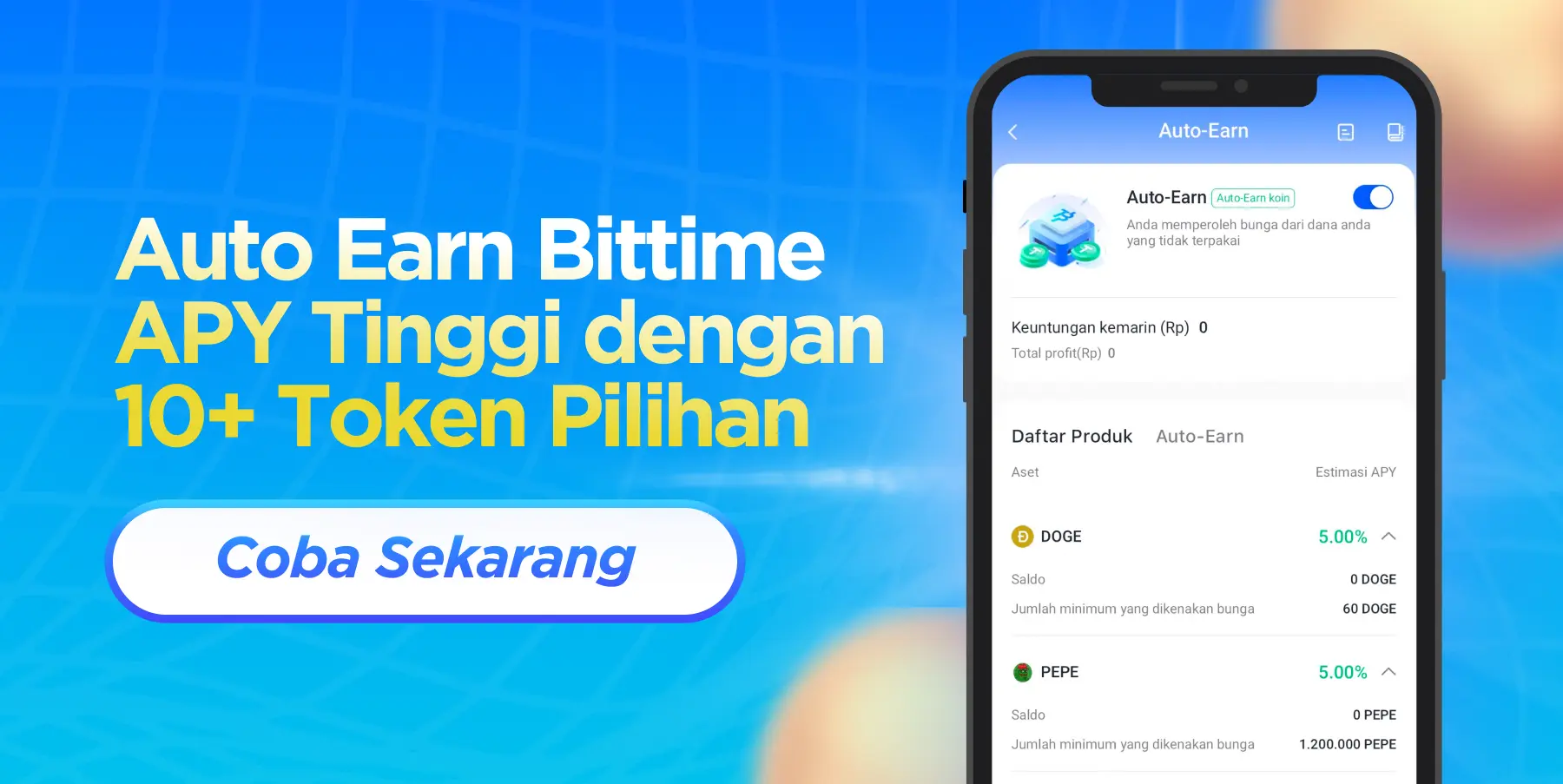
Key Points
Users can make instant deposits using the bank transfer feature in the DANA application to a Virtual Account or Bittime's official account.
The purchasing process using the USDT/IDR pair on the Bittime spot market allows for competitive and transparent price execution.
All transactions on Bittime are monitored by the Indonesian government, providing extra legal protection compared to foreign exchanges.
The unique code feature ensures that funds enter the account balance within a short time, usually less than an hour if the banking system is normal.
What is USDT and why choose Bittime?
USDT (Tether) is a stablecoin digital asset whose value is pegged 1:1 to the US Dollar, making it a prime choice for avoiding the volatility of other crypto assets like Bitcoin.
Bittime has been the platform of choice in Indonesia since 2022 due to its beginner-friendly interface and integration of local payment methods like DANA.
Recent market data shows that USDT trading volume continues to dominate the global market, making it a highly liquid asset to trade at any time.
Read also:Crypto Investment with USDT in Indonesia for Beginners
Benefits of Buying USDT via DANA on Bittime
Using DANA as a deposit method provides flexibility for users who may not want to use their primary bank account for crypto activities.
DANA allows real-time fund transfers to Bittime's PT Utama Aset Digital BCA account.
Besides being convenient, Bittime doesn't charge IDR balance deposit fees, although users should be aware of the DANA app's free or paid transfer fee policy.
This method is very popular among the local crypto community because of its ease in bridging fiat money to digital assets.
Step 1: Registration and Account Verification (KYC)
Download the Bittime app via the Google Play Store or App Store, or visit the official website at www.bittime.com.
Register an account using an active email and create a strong password for security.
To make a deposit, you must complete identity verification (KYC) by uploading a photo of your ID card and performing facial verification.
This verification process usually takes 1 to 2 business days, after which you are advised to enable two-factor authentication (2FA).
Step 2: Deposit Bittime IDR Balance Via Bank Transfer
Log in to the Bittime app, select the Deposit menu, and choose the IDR option via Bank Transfer (BCA). Note the PT Utama Aset Digital account number and ensure you receive the unique transaction code provided by the system.account number: 0353264050, debt: Home Digital Assets INDON)
Open the DANA app, select the Send to Bank Account feature, then enter the correct transfer amount along with the unique code displayed on the screen.
Make sure the name on your DANA account matches the name registered with Bittime to ensure the automatic verification process runs smoothly.
Read also:Buy USDT Cheapest in Indonesia
Step 3: Execute USDT Purchase with IDR Balance
Once the Rupiah balance appears in your Bittime wallet, navigate to the Market menu.
Search for the USDT/IDR asset pair to start converting from Rupiah to Tether.
You can choose a Market Order to buy immediately at the current price, or a Limit Order if you want to determine your own purchase price.
Enter the amount of Rupiah you wish to use, confirm the transaction, and the USDT balance will be added to your portfolio immediately.
Read also:How to Cash Out USDT to Rupiah on Bittime
Step 4: USDT Asset Management and Security
Once you have USDT, you can store it in your Bittime wallet to earn interest through the staking feature or use it to buyother coins.
Conclusion
For added security, you can withdraw your USDT to an external wallet like Ledger or Trust Wallet. Always use a secure internet connection when making transactions, and never share your OTP with anyone.
How to Buy Crypto on Bittime
Want to trade sell buy Bitcoins and crypto investment easily? Bittime is here to help! As an Indonesian crypto exchange officially registered with Bappebti, Bittime ensures every transaction is safe and fast.
Start with registration and identity verification, then make a minimum deposit of IDR 10,000. After that, you can immediately buy your favorite digital assets!
Check the exchange rate BTC to IDR, ETH to IDR, SOL to IDR and other crypto assets to find out today's crypto market trends in real-time on Bittime.
Also, visit the Bittime Blog for interesting updates and educational information about the crypto world. Find reliable articles about Web3, blockchain technology, and digital asset investment tips designed to enrich your crypto knowledge.
FAQ
How to deposit Bittime via DANA?
Use the bank transfer menu in DANA to the BCA account of PT Utama Aset Digital, include the unique transaction code.
What is the minimum limit to buy USDT on Bittime?
The minimum deposit is IDR 10,000, and you can purchase USDT based on your available IDR balance.
Does the name on DANA have to be the same as the name on Bittime?
Yes, name matching is very important for automatic verification and the security of your funds.
How long does it take for funds to arrive in Bittime after a DANA transfer?
Generally, funds arrive within 30 minutes to 2 hours after the transfer process is complete.
Can I withdraw USDT to another wallet from Bittime?
Yes, USDT purchased can be withdrawn to an external wallet address with competitive withdrawal fees.
Disclaimer: The views expressed belong exclusively to the author and do not reflect the views of this platform. This platform and its affiliates disclaim any responsibility for the accuracy or suitability of the information provided. It is for informational purposes only and not intended as financial or investment advice.

.png)