How to Buy Cheap TikTok Coins on Google: Guide to Official TikTok Coin Top Up
2026-02-12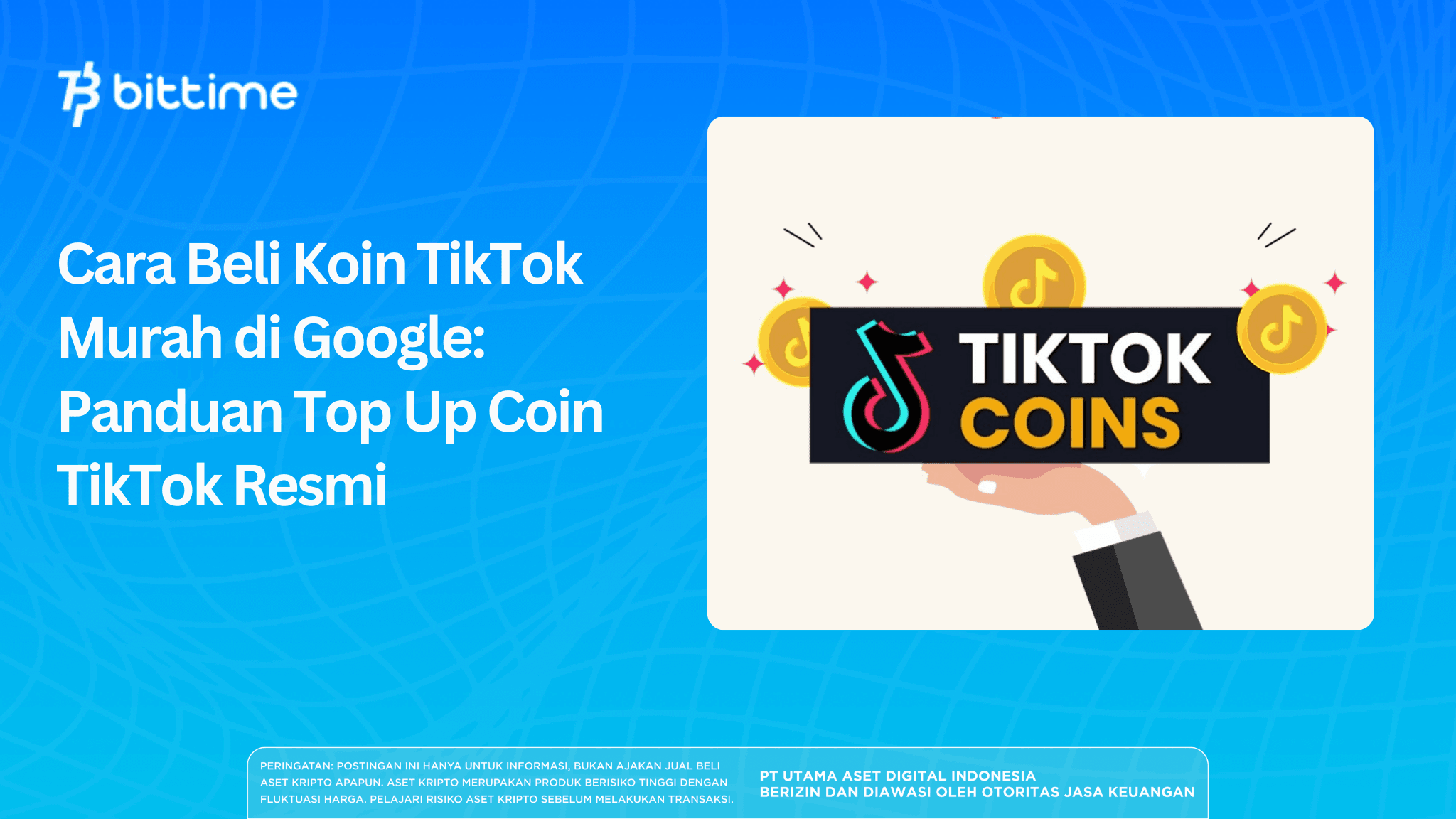
If you are looking for how to buy cheap TikTok coins on Google, you likely mean buying coins through a browser on your phone or laptop, not directly inside the app.
This method often feels cheaper because you purchase through TikTok’s official coin page and pay using available web payment options, instead of going through in app purchase flows. In this article, you will get a clear guide on how to buy TikTok coins, how to top up TikTok coins properly, plus safety tips so you do not take risky shortcuts.
Key Takeaways
- Buying TikTok coins through a browser on Google is often seen as more cost effective than purchasing inside the app.
- The safest TikTok coin top up is done through official channels with the correct account and a clear payment confirmation.
- After your top up is complete, check your coin balance and save the receipt in case you need support.

Why Buying TikTok Coins via Google Can Feel Cheaper
TikTok coins are a virtual balance used mainly for sending gifts during LIVE streams and supporting creators. Because coins are purchased with real money, many people look for a more affordable approach that still stays safe. That is why buying via Google or a browser has become popular.
One key reason is that in app purchases can involve store related fees or pricing differences. Meanwhile, TikTok’s official web coin page may show different coin packages and pricing. The important rule is to always review the final price shown before you pay, because totals can change based on location, taxes, payment method, and TikTok pricing updates.
Another advantage is control. Buying on the web usually makes it easier to compare packages, review totals, and double check what you are paying for before confirming. This helps reduce impulse spending. If your goal is just to top up for a specific LIVE session or event, web buying can feel more organized.
However, “cheaper” should never mean “less safe.” Outside official channels, you will see many offers that claim extremely cheap coins. These are risky. Common problems include account issues, failed transactions with money still deducted, or purchases from unreliable third parties. The simple principle is: save money through official methods, not shortcuts.
If you are a beginner, focus on two things first. Make sure you are logged into the correct TikTok account, and make sure you are using TikTok’s official coin purchase page through your browser. Next, we move into the step by step process.
Read also: How to Avoid Phishing? Secure Your Personal and Financial Data
How to Buy Cheap TikTok Coins on Google via the Official Website
This is the practical core: how to buy cheap TikTok coins on Google through the official browser method. You can do it on a phone or a laptop. The most important part is using a trusted browser, stable internet, and not rushing.
Here is the step by step list:
- Open a browser and search on Google
Use your phone or laptop browser. Search for “TikTok Coin” and open the official TikTok coin page. - Log in to your TikTok account
Make sure you are logged into the account you want to top up. If you have multiple accounts, double check. - Choose the coin purchase option
On the coin page, you will see coin packages. Choose the package that fits your needs. - Review the payment summary
Check the final total displayed. You will also see available payment methods. Pick the one that is most convenient for you. - Complete the payment
Follow the on screen steps until you receive a success confirmation. - Check your TikTok coin balance
After payment succeeds, return to TikTok and check your coin balance. If it does not appear immediately, wait a few minutes and refresh.
If you also manage digital assets and want a more structured way to trade crypto, Bittime is a crypto trading platform that emphasizes account security and a clear transaction flow. Download the Bittime app, complete verification, enable account security features, then buy crypto assets in a measured amount that fits your plan.
A small habit that helps is saving proof of payment. A screenshot or confirmation email is useful if coins do not show up or if you need to track a transaction later. It is a simple step that saves time.
Read also: How to Keep Your OTP Code Safe? Don't Let It Slip Away!
Safe Tips to Buy Cheaper TikTok Coins and Fixes If Your Top Up Fails
Now that you know the process, these tips will make your top up safer and smoother. Many people can already top up coins, but still lose money due to small mistakes. These steps reduce risk.
Here are the safety tips in list format:
- Stick to official channels
Buy coins through TikTok’s official website or official in app options. Avoid random third party sellers offering unrealistically cheap coins. - Compare packages before paying
Do not pick the first package immediately. Compare several packages and choose the one that matches your goal. - Start with a small package first
If it is your first time, test with a small amount. Once it works and coins arrive, you can consider a larger top up. - Avoid unsafe devices or public networks
Do not top up using unknown public Wi Fi. Risks of account compromise or payment issues are higher. - Save your receipts
Keep payment confirmation and timestamps. This helps if you need support.
What if payment succeeded but coins do not show up?
- Wait a few minutes and refresh
Sometimes there is a processing delay. Reload the page or reopen the app. - Confirm you used the correct account
Check that the account you logged into is the same one you intended to top up. - Check your payment status
Make sure the payment is completed, not pending or reversed. - If money was deducted but coins are missing
Use your proof of payment to contact TikTok support through the app help section or the relevant payment support channel.
With these steps, you reduce panic and avoid common losses. The goal is simple: top up successfully, coins arrive, and you can support creators smoothly.
Read also: How to Top Up Robux at a Low Price in Indonesia
Conclusion
The safest way to buy cheaper TikTok coins on Google is through the official TikTok coin page in your browser. The process is straightforward: open the official page, log in, choose a package, pay, and check your balance.
How to Buy Crypto on Bittime?

Want to trade sell buy Bitcoins and crypto investment easily? Bittime is here to help! As an Indonesian crypto exchange officially registered with Bappebti, Bittime ensures every transaction is safe and fast.
Start with registration and identity verification, then make a minimum deposit of IDR 10,000. After that, you can immediately buy your favorite digital assets!
Check the exchange rate BTC to IDR, ETH to IDR, SOL to IDR and other crypto assets to find out today's crypto market trends in real-time on Bittime.
Also, visit the Bittime Blog for interesting updates and educational information about the crypto world. Find reliable articles about Web3, blockchain technology, and digital asset investment tips designed to enrich your crypto knowledge.
FAQ
Why can buying TikTok coins on Google be cheaper
Because buying via a browser can show different package pricing than buying inside the app. Always check the final price before paying.
How do I buy TikTok coins via browser
Open the official TikTok coin page, log in, choose a coin package, complete payment, and confirm your coin balance.
Is topping up TikTok coins outside the app safe
It is safe if you use TikTok’s official website. Avoid third party sellers offering extremely cheap coins.
Why did my TikTok coins not show up after payment
It may be a processing delay or the wrong account. Refresh, confirm your account, and keep payment proof for support.
Are TikTok coin prices always the same
Not always. Prices can vary by location, taxes, payment method, and the package you select.
Disclaimer: The views expressed belong exclusively to the author and do not reflect the views of this platform. This platform and its affiliates disclaim any responsibility for the accuracy or suitability of the information provided. It is for informational purposes only and not intended as financial or investment advice.

.png)