What Is a Trojan Horse? Complete Guide and Discussion
2026-03-09
Have you ever heard of a "Trojan Horse"? In the world of cybersecurity, a Trojan Horse refers to a type of hidden malware within a program that appears legitimate and harmless.
The term comes from an Ancient Greek legend, in which Greek forces smuggled their soldiers into the city of Troy by disguising them inside a large wooden horse that the Trojans believed was a gift.
Once accepted, the Greek soldiers came out and attacked from within. In the digital world, Trojans work the same way: they look like legitimate programs or files, but contain malicious code that can damage your system.
Key Takeaways
- Trojan Horse Is Malware: A Trojan disguises itself as a legitimate program, but it can damage devices and steal data.
- How Trojans Spread: Usually through phishing emails or software downloads that appear legitimate.
- Prevention: Update your devices, avoid suspicious emails, and use trusted antivirus software.
What Is a Trojan Horse?
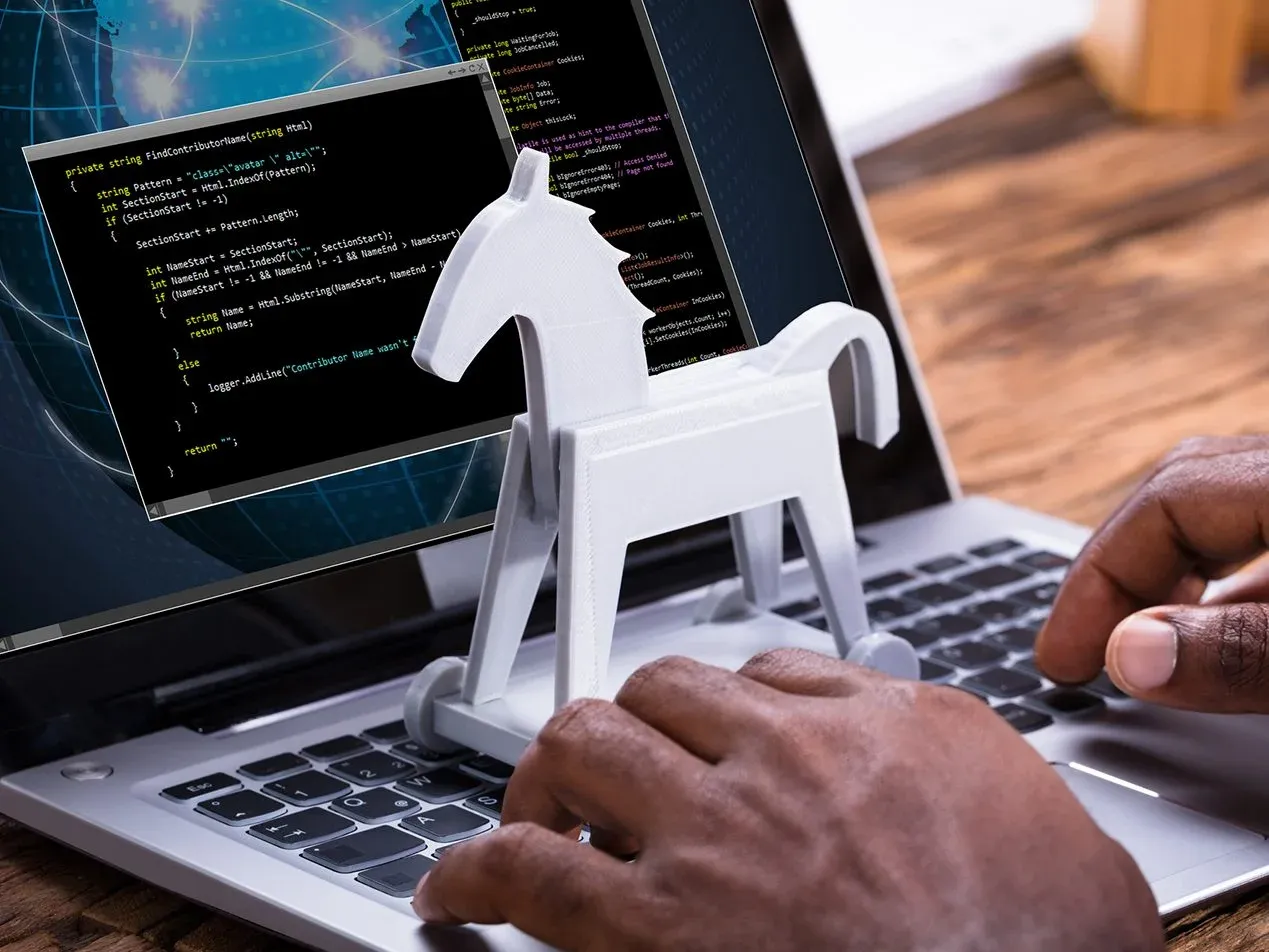
A Trojan Horse, often shortened to Trojan, is a type of malware that infiltrates your computer system by disguising itself as harmless software.
Usually, this Trojan is found in the form of files downloaded through emails that appear legitimate or as part of free software downloads that we come across on the internet.
Once it successfully enters a device, the Trojan will carry out commands given by the attacker, such as stealing data, accessing the device remotely, or spreading more malware.
Unlike a virus, a Trojan cannot copy itself or spread on its own. Instead, it requires action from the user to activate it, such as opening an email or downloading a certain file.
Once active, the Trojan can execute commands that have been programmed by cybercriminals.
Read Also: 7 Effective Ways to Trade Crypto for Beginners, Complete with Tips and Tricks
A Guide to Understanding Trojan Horses
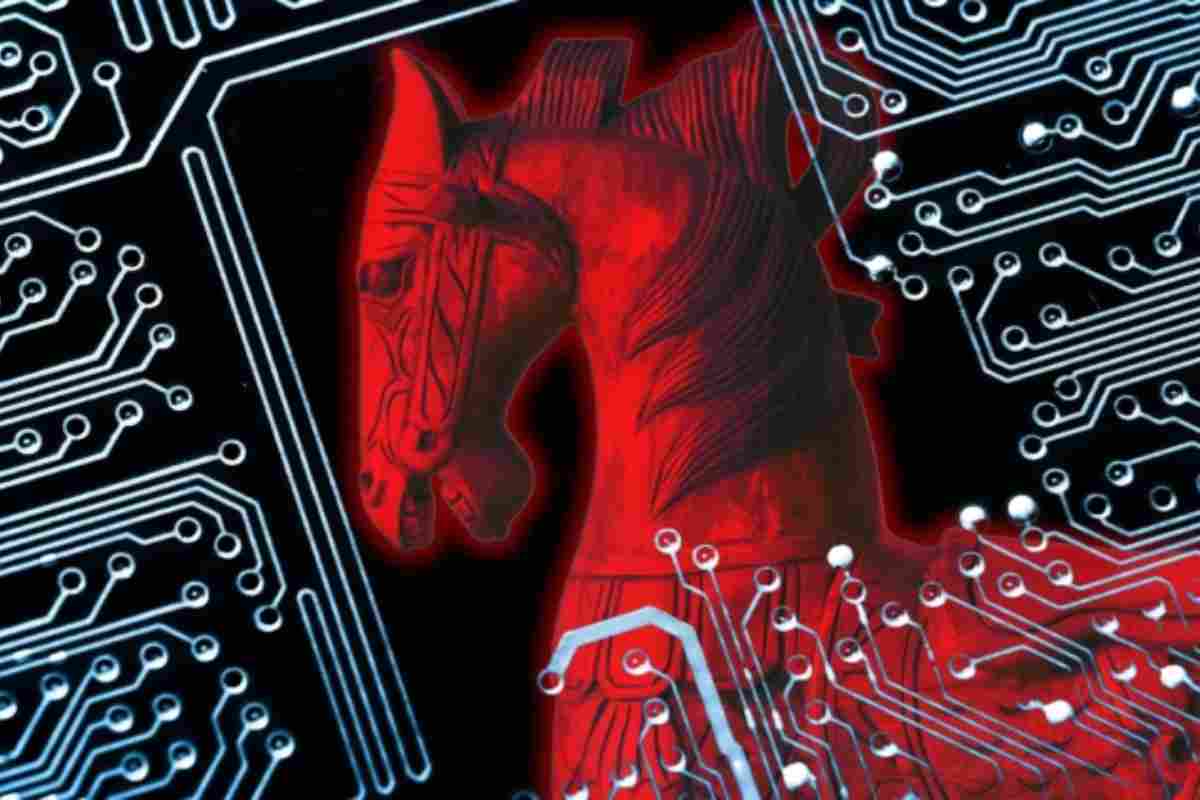
To protect yourself from Trojan attacks, it is important to understand how this malware works, the ways Trojans can enter your system, and how to prevent and deal with them.
How Does a Trojan Work?
Trojans rely on social engineering techniques to trick victims into downloading and running malicious files. Usually, Trojans are spread through phishing emails that include attachments or links that appear legitimate.
After the file is downloaded and executed, the malware will access your device and perform various actions that can damage the system or steal data.
Some types of Trojans can even hide themselves within the system and become active only when you visit certain websites or use certain applications, such as online banking apps.
At that point, the Trojan will take control and carry out harmful actions, such as stealing sensitive information or damaging files.
Read Also: Join the Bittime Futures Public Beta Waitlist and Get Trial Funds Rewards of up to 1500 USDT
Types of Trojan Malware
There are various types of Trojans used by attackers to achieve specific goals. Some of the most common include:
- Backdoor Trojan: Grants remote access to the victim’s device and allows the attacker to control the system without the owner’s knowledge.
- Banker Trojan: Designed to steal bank account information, including credit card details and online banking data.
- Downloader Trojan: Once installed on a device, this Trojan downloads and installs additional malware into the system.
- Exploit Trojan: Exploits gaps or vulnerabilities in software to infiltrate the victim’s device.
- Ransom Trojan: Locks files or devices and demands a ransom from the victim to restore access.
Read Also: Crypto Trading Strategies for Beginners, Don’t Do This!
Signs That a Device Is Infected with a Trojan
One of the biggest challenges in recognizing a Trojan is that it often hides itself very well, so you may not immediately realize that your device is infected. Some signs you can watch for include:
- Changes to device settings that you did not make.
- A sudden drop in computer performance.
- Unusual activity, such as apps running on their own or missing files.
- The computer starts behaving strangely, such as apps that cannot be opened or corrupted files.

Conclusion
A Trojan Horse is a highly dangerous threat that can damage systems and steal your sensitive data. By understanding how Trojans work and identifying the signs of infection, you can be better prepared to protect your device from these attacks.
Always be cautious with unknown downloads and email attachments, and make sure your device is protected with up-to-date security software.
Keep your online habits safe and avoid unnecessary clicks! Don’t forget to make use of security features and perform software updates regularly.
For more information about digital security, or to explore the world of crypto, visit Bittime Exchange and read interesting articles on Bittime Blog.
FAQ
What is a Trojan Horse in the computer world?
A Trojan Horse is a type of malware that disguises itself as legitimate software and tricks users into downloading and running it, thereby giving attackers access to the system.
How does a Trojan get into my device?
A Trojan usually enters through email attachments or links that appear legitimate, which then download harmful files when clicked by the user.
What does a Trojan do after infecting a device?
After infecting a device, a Trojan can steal data, take over system control, damage files, or spread additional malware.
How can I protect myself from Trojans?
Some ways to protect yourself include updating software regularly, not opening suspicious emails or attachments, and using trusted antivirus software.
Can a Trojan permanently damage my device?
Depending on the type of Trojan and its purpose, some Trojans can damage a device or steal important data. However, with the right protective measures, the damage can be minimized.
How to Buy Crypto on Bittime?
Want to trade and buy Bitcoin and invest in crypto easily? Bittime is ready to help! As an Indonesian crypto exchange officially registered with Bappebti, Bittime ensures every transaction is safe and fast.
Start by registering and verifying your identity, then make a minimum deposit of Rp10,000. After that, you can immediately buy your favorite digital assets!
Check the exchange rate for BTC to IDR, ETH to IDR, SOL to IDR and other crypto assets to find out today’s crypto market trends in real time on Bittime.
In addition, visit Bittime Blog to get various interesting updates and educational information about the crypto world. Find reliable articles about Web3, blockchain technology, and digital asset investment tips designed to enrich your knowledge in the crypto space.
Disclaimer: The views expressed belong exclusively to the author and do not reflect the views of this platform. This platform and its affiliates disclaim any responsibility for the accuracy or suitability of the information provided. It is for informational purposes only and not intended as financial or investment advice.

.png)