What Is Odysseus AI? A Complete Guide to Use, Setup, and Review
2026-06-08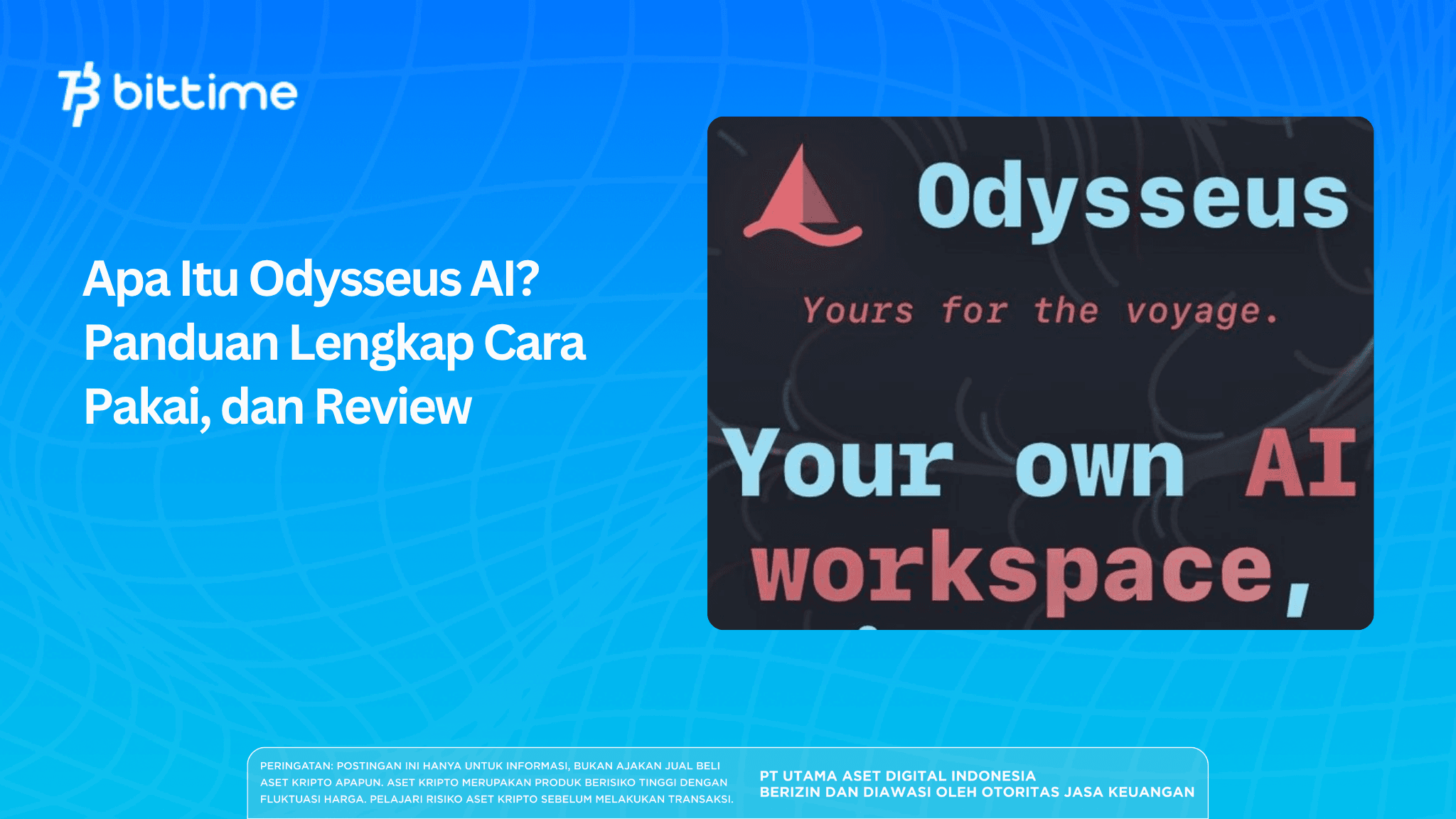
Odysseus AI is a workspace AI that's free and open source. It's designed to run directly on your own computer without relying entirely on large companies' cloud servers.
Unlike traditional chatbots, this tool functions as a one-stop shop, combining AI chat, automated tasks, in-depth research, document management, and email support all in one place. All conversations, files, and memories are stored on your device. This approach maintains privacy because there is no external data tracking.
This project was born out of PewDiePie's long journey exploring AI for over a year. He wanted to create a solution that gave users complete control over their personal information.
Many people who worry about their data being stored or traded welcome the arrival of tools like this. Odysseus AI doesn't require a subscription for its core features. All you need is a capable computer and a little initial setup time.
Key Takeaways
- Odysseus AI is a complete AI interface that combines chat, autonomous agents, deep research, persistent memory, and productivity tools in a single workspace that runs locally on your computer.
- All data remains on the device itself so privacy is maintained and most features can be used offline with local AI models.
- Setup is done independently through simple commands in the terminal and can be adjusted to the hardware available without subscription fees.
Register at Bittime now and start trading crypto with a fast, safe, and easy process in the app.
What is Odysseus AI and its Background
Odysseus AI isn't a new language model. It's a self-hosted AI workspace. The entire system runs on your personal computer or server.
You can interact with various AI models, both running locally and connected via APIs. The primary focus is on local first and privacy first, with zero telemetry. This means no data is sent to third parties without your knowledge.
In everyday use, Odysseus AI provides a web interface that can be accessed through a regular browser. You simply access a local address like http://localhost:7000. There are various integrated tools available.
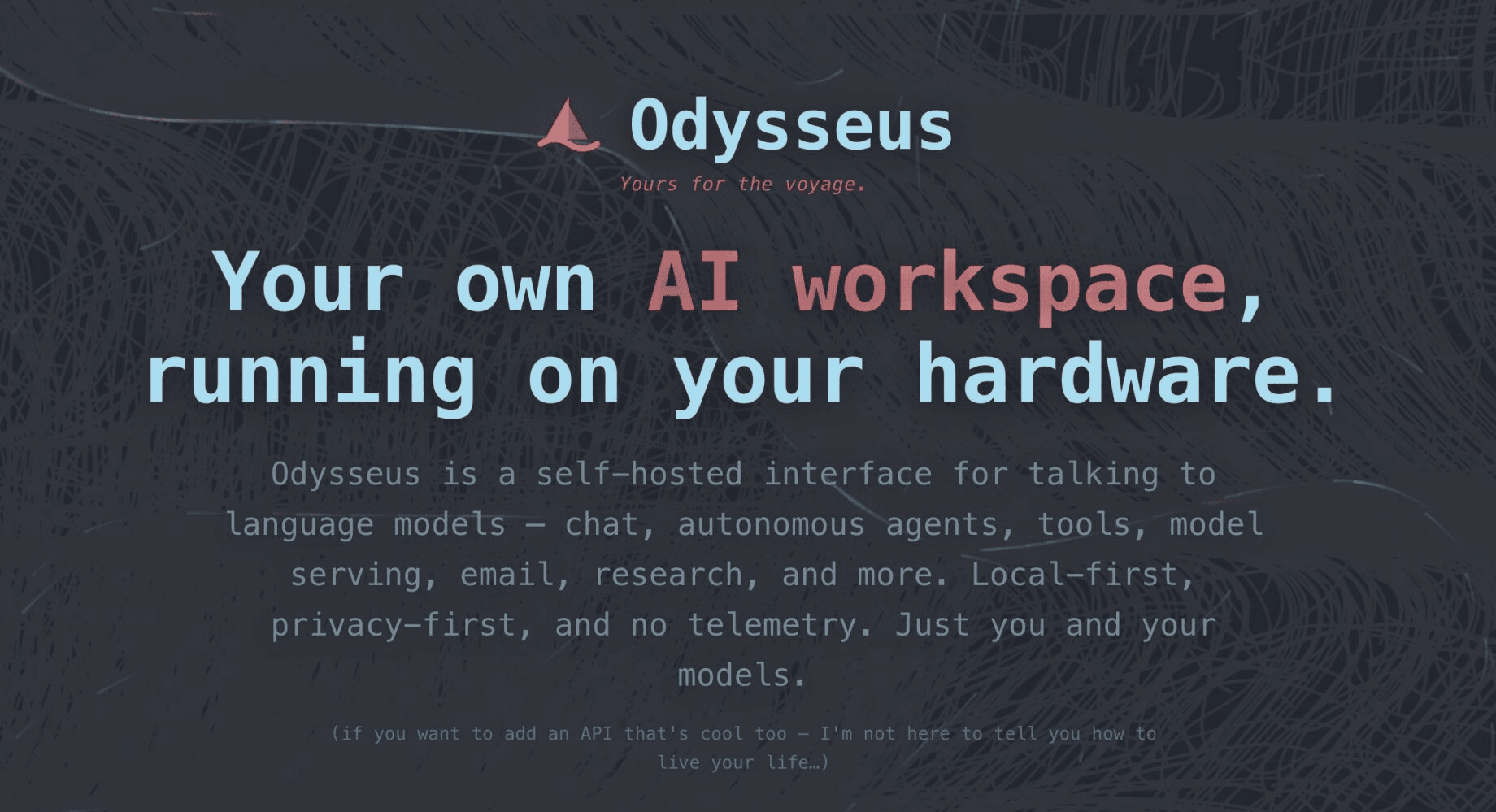
One of these is a memory system that stores information between conversations using technologies like ChromaDB. The result is a more consistent and personal interaction over time.
The background is interesting because it stems from real privacy concerns. Many cloud AI services store user data on their servers. Odysseus AI offers the option to run almost everything locally.
This is incredibly helpful for content creators, students, or professionals who frequently handle sensitive information. You can still take advantage of modern AI capabilities without sacrificing control over your data.
Additionally, Odysseus AI supports flexible model integration. You can use lightweight local models or connect to external services if needed. There's also a feature for comparing the output of multiple models side-by-side.
This way, you can choose the one that best suits your specific needs. Everything is packaged in one centralized, easily customizable location.
Read also: Slendro AI - All-in-One AI Claims to Be Trusted by Over 1,000 Customers Since 2025
Key Features That Make Odysseus AI Stand Out
Odysseus AI is packed with features rarely found in a single application. These features are designed to support real-world productivity. Here's a look at its key features.
Mode AI agent autonomous allows you to issue complex task commands. The system will plan the steps, call the necessary tools, such as file access or bash commands, and then complete the work step by step with minimal intervention.
For example, you could ask an agent to find the latest information on a topic and then compile it into a concise report.
The deep research feature is extremely useful for tasks requiring accurate data. The system performs several automated steps, from gathering sources and analyzing content to generating structured reports complete with references. You no longer need to manually open multiple browser tabs.
A persistent memory system makes conversations feel continuous. The AI remembers details from previous conversations, allowing you to continue projects without having to start over each time you open the app.
Email and document assistance is also available. This feature can summarize long emails, craft responses with the appropriate tone, and organize incoming messages. For documents, there's an editor that supports live AI-assisted writing. You can upload a file and have the AI correct or complete its content.
The Cookbook model provides automatic recommendations. The system scans your computer's hardware and suggests the most suitable AI model. Compare mode allows you to test multiple models side by side and see the difference in results in real time.
Support for local and cloud models makes it flexible. You can run models like Ollama, llama.cpp, or vLLM on your own device. Or connect to OpenAI and OpenRouter via a private API. This combination makes Odysseus AI suitable for a wide range of needs and hardware.
All features work within a single interface. While the interface may not be as polished as commercial applications, the level of customization and control offered is far greater. For those who frequently work with sensitive data, the privacy benefits are a key reason to try it.
Read also: Anthropic Calls Pause on Global AI Development: Risks of Recursive Self-Improvement
How to Setup Odysseus AI on Your Computer
Setting up Odysseus AI is quite easy if you follow the steps carefully. This process can be done on Windows, macOS, or Linux. The easiest way is to use Docker because it's cleaner. Make sure Docker and Git are installed on your computer.
Here is a complete guide on how to setup odysseus ai.
- Open a terminal or command prompt.
- Clone the repository with this command:
text - git clone https://github.com/pewdiepie-archdaemon/odysseus.git
- Go to that folder:
text - cd odysseus
- Run with Docker (recommended way):
text - docker compose up -d --build
- This command builds and runs all services in the background.
- For the method without Docker, create a Python virtual environment:
text
python -m venv venv
source venv/bin/activate
- pip install -r requirements.txt
- (Use venv\Scripts\activate on Windows).
- Run the initial setup process:
text - python setup.py
- Start the application server:
text - python -m uvicorn app:app --host 127.0.0.1 --port 7000
- Open the browser and type http://localhost:7000.
- Login with the automatically created admin account.
- Go to Settings, use the Cookbook to select the model according to your hardware, and connect your email if you want to use the mail assistance feature.
Once all steps are complete, Odysseus AI is ready to use. If errors occur, check that Python is at least 3.11 or ensure Docker is running properly. The initial process may take a few minutes to download the components. After that, everything should run smoothly on your device.
Read also: What Is Question AI? An AI Learning App That Helps You Do Homework Easily
How to Use Odysseus AI for Everyday Activities
Once setup is complete, using Odysseus AI feels quite intuitive. Open a browser and access http://localhost:7000. You will see a chat-like interface with an additional menu on the side.
For a regular chat, select a model and type your question. Answers will appear based on your settings. If you need more in-depth assistance, enable agent mode. Give instructions like, "Create a summary of the latest technology news and save it to a new file." The agent will work independently, completing each step.
For research, use the deep research feature. Enter a topic, then let the system collect data, analyze it, and generate a comprehensive report. The results can be edited directly in the provided document editor.
The memory feature makes it smarter over time. The more you use it, the more it understands your personal context. For writing, take advantage of the autocomplete agent, which can correct text, check facts, or expand on ideas.
You can also upload documents to the workspace. AI will read and process them. Use the compare mode to test multiple models at once and choose the best fit.
In daily use, many appreciate the flexibility and privacy of this tool. There are no subscription restrictions, and all data is secure on your device. For best results with the local model, ensure your computer has sufficient RAM and processor capacity. If your hardware is modest, it's best to use the cloud API for heavy-duty tasks.
Conclusion
Odysseus AI offers a new way of using artificial intelligence with a more autonomous approach. Its self-hosted and free nature provides freedom and data security that are difficult to find in other services.
You can enjoy autonomous agent features, in-depth research, and document management without worrying about information leaks. While it requires initial setup, the results are worth it for those who value privacy and complete control.

Now that you’ve learned about the latest developments in AI, it’s time to explore AI-based cryptocurrencies on Bittime, such as AI digital assets, AI, AGI, RENDER, TAO and many more AI coins.
Bittime is a licensed and regulated Digital Financial Asset Trader (PAKD) supervised by Indonesia’s Financial Services Authority (OJK) — where you can buy Bitcoin in Indonesia and hundreds of other crypto assets starting from just Rp10,000. The registration process is fast, secure, and you can get started today.
Track USDT to IDR conversions and monitor your favorite crypto assets in real time. Everything is available in one crypto investment app that you can download for free on the Play Store
Ready to start? Register now on Bittime and execute your investment strategy with a platform trusted by millions of users in Indonesia.
FAQ
What is Odysseus AI?
Odysseus AI is a free, open-source, self-hosted AI workspace. It serves as a hub for chat, autonomous agents, deep research, persistent memory, document management, and email assistance, all running on your own computer.
Is Odysseus AI really free?
Yes. The core of Odysseus AI is completely free and open source. You can download, modify, and run it without any subscription fees. Using a paid cloud model is optional through a private API.
How to setup Odysseus AI?
You'll need Git and Docker (or Python). Clone the repository from GitHub, run docker-compose up -d --build or install via pip, then start the server and open http://localhost:7000in the browser. Follow the complete steps in the guide above.
What are the advantages of Odysseus AI over ChatGPT or Claude?
The advantages include complete privacy because data remains local, no telemetry, the flexibility to choose between on-premises and cloud models, and powerful autonomous agent and deep research features. You have complete control without relying on another company's servers.
What AI models does Odysseus AI support?
It supports local models like Ollama, llama.cpp, and vLLM. You can also connect to cloud APIs like OpenAI or OpenRouter. The Cookbook feature automatically recommends the most suitable model for your computer's hardware.
Disclaimer: The views expressed belong exclusively to the author and do not reflect the views of this platform. This platform and its affiliates disclaim any responsibility for the accuracy or suitability of the information provided. It is for informational purposes only and not intended as financial or investment advice.

.png)