What Is Google Antigravity AI? Features, How It Works, and How It's Used
2026-11-24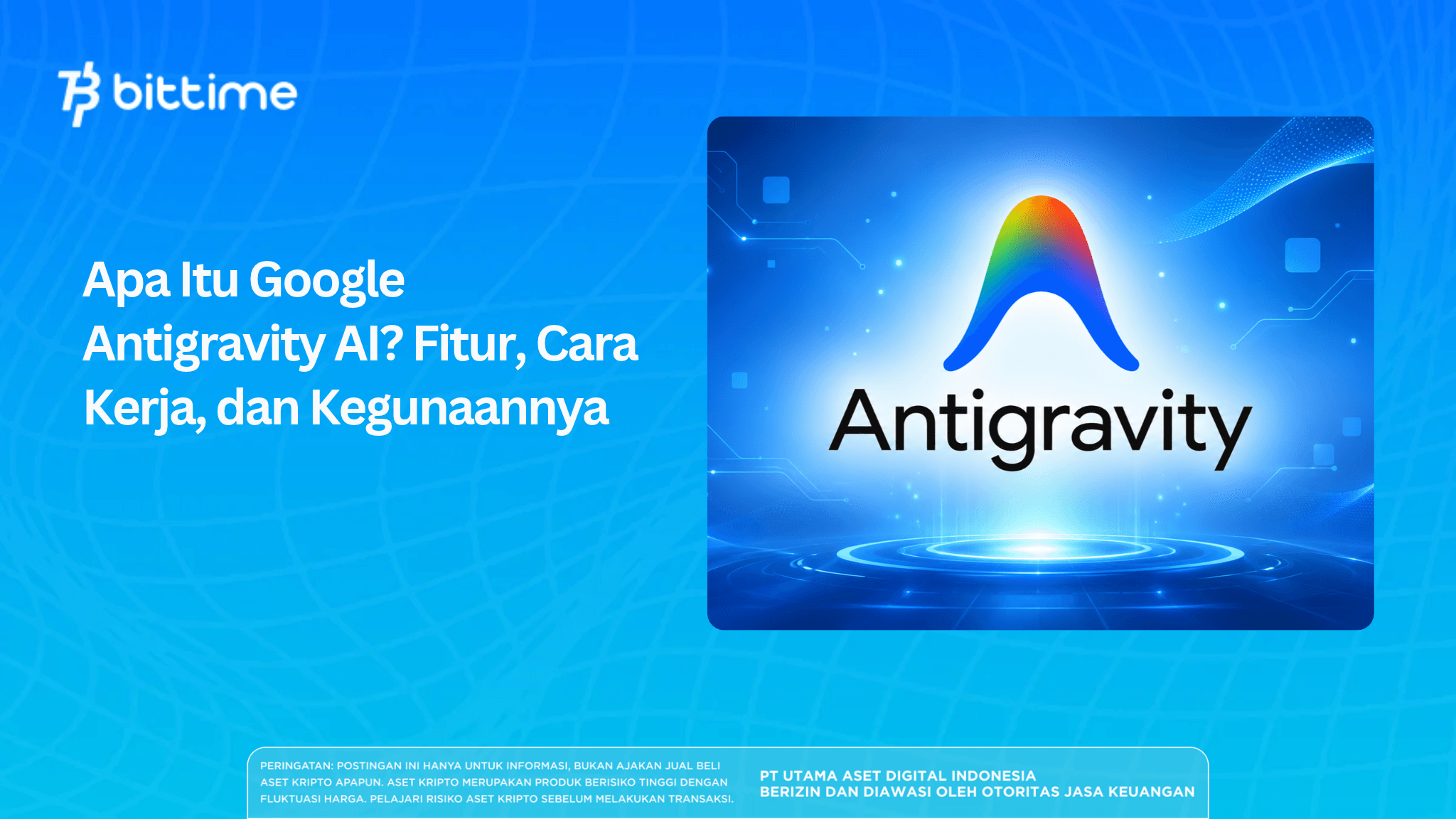
Google Antigravity AI is an AI agent-powered software development platform that helps users build, test, and improve applications through natural-language instructions. Unlike AI coding assistants that primarily suggest code, Antigravity can carry out several stages of a development task autonomously under user supervision.
Since its launch in November 2025, Antigravity has evolved from an AI-powered coding environment into a platform that supports managing multiple agents through Antigravity 2.0. The technology can be used to build websites, applications, and even crypto analytics tools. So how does it work, and what sets it apart from other AI coding tools?
Key Takeaways
- Google Antigravity AI is an AI agent-powered software development platform that helps carry out coding tasks step by step.
- Its key features include AI Agent, Agent Manager, debugging, browser testing, and development workflow automation.
- Antigravity can also be used to build crypto applications through third-party integrations, although appropriate oversight and security measures remain essential.
What Is Google Antigravity AI?
Google introduced Antigravity on November 18, 2025, alongside the launch of Gemini 3.
The initial version was introduced as an Integrated Development Environment (IDE) based on Visual Studio Code, allowing programmers to work alongside AI agents within a single development environment.
With an agentic codingapproach, users simply describe what they want to accomplish. The AI then helps plan the steps, modify code, run authorized tools, and check the results.
How Does It Differ from a Conventional AI Coding Assistant?
AI coding assistants typically help write code snippets, explain errors, or suggest improvements.
Antigravity is designed to handle longer sequences of tasks. For example, when asked to create a login page, an agent can help build the interface, implement authentication functions, and run tests.
Although the process is more automated, the results still need to be reviewed, especially when an application involves sensitive data or production systems.
Read Also: Kie AI Review: Its Advantages and Disadvantages
How Does Google Antigravity Work?
Google Antigravity begins with a user's instructions, which are then translated into development tasks.
In general, the process consists of five stages:
- Providing instructions. The user describes the application, feature, or problem they want to address.
- Creating a plan. The AI agent analyzes the requirements and determines the steps needed.
- Developing the code. The agent creates or modifies files according to the plan.
- Running tests. Available tools are used to check functionality and identify errors.
- Reviewing the results. The user evaluates the changes, provides feedback, or approves the work.
For example, you might ask Antigravity to build a product catalog website with a search feature. The AI can help design the layout, implement the search function, and verify that the feature works.
Tasks that would normally require several manual steps can be coordinated in a single workflow, although success still depends on the project's complexity.
Read Also: What Is ClipCoin? Get Paid to Watch Videos: How to Earn Money and Crypto from Videos
5 Key Features of Google Antigravity AI
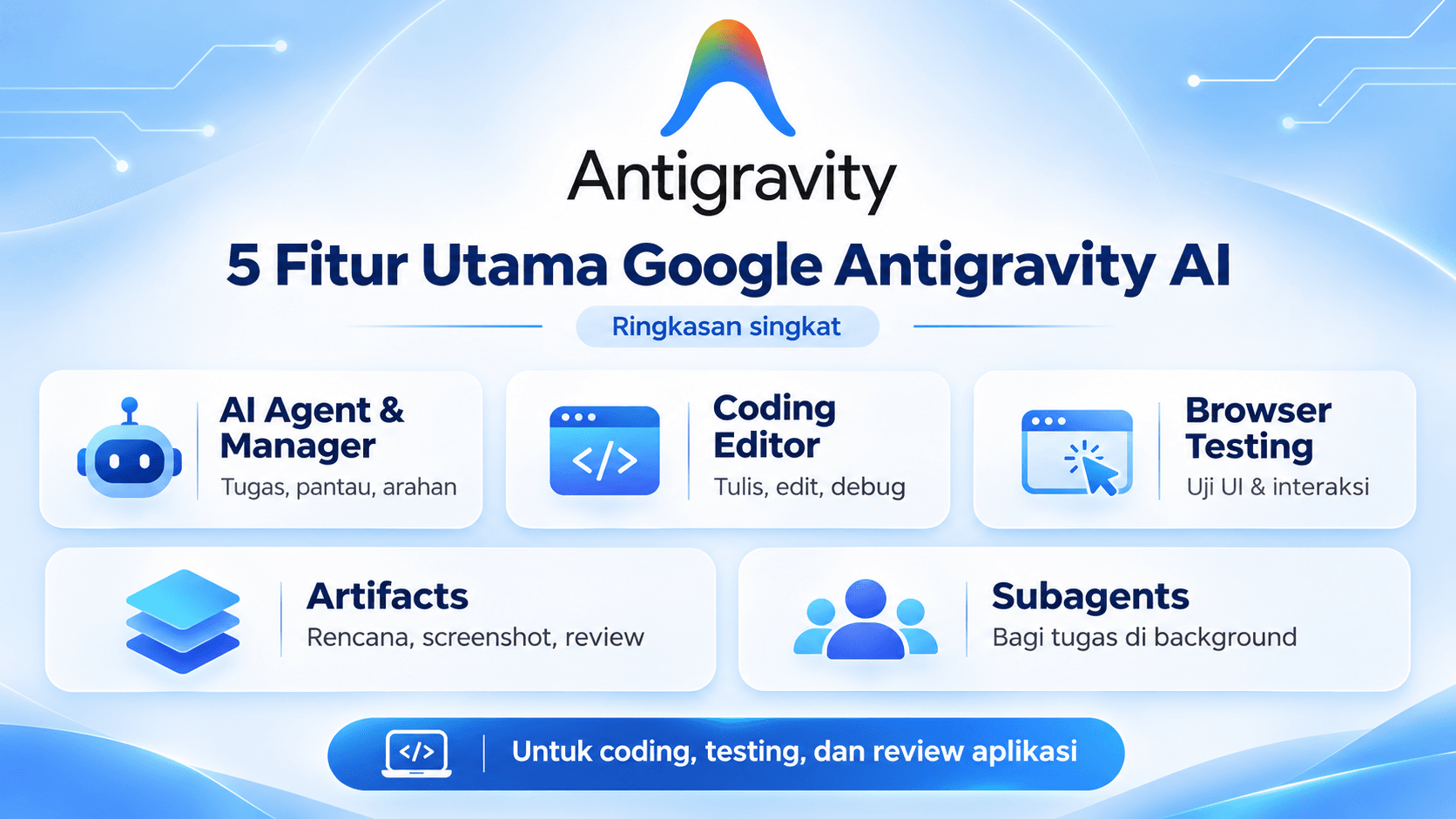
Google Antigravity offers several features to support software development, from writing code to testing applications.
1. AI Agent and Agent Manager
AI agents help carry out tasks based on user instructions.
Through Agent Manager, developers can monitor progress, review ongoing work, and provide guidance when results need improvement.
2. AI Coding Editor and Debugging
The Antigravity IDE provides an editor that supports creating, editing, and fixing code with AI assistance.
This feature helps programmers add new functions or trace the causes of errors without having to review all the code manually.
3. Browser Automation and Testing
Agents can use a browser to test an application's appearance and interactions with the appropriate permissions.
This testing is useful for identifying problems such as unresponsive buttons, incorrect navigation, or forms that fail to submit.
4. Artifacts for Reviewing Work
Antigravity provides Artifacts such as implementation plans, screenshots, and work outputs that users can review.
This allows developers to inspect important changes before deciding whether work should continue or be revised.
5. Subagents and Background Tasks
In Antigravity 2.0, the main agent can delegate different tasks to subagents.
This version also supports parallel workflows and scheduled tasks, allowing users to manage multiple development activities without handling them one at a time.
Advances in AI technology extend beyond software development and are also part of the digital asset ecosystem. If you are interested in following this sector, you can track the Bittensor (TAO) price on Bittime as an example of an AI-focused crypto project, although it has no direct connection to Google Antigravity.
Differences Between Antigravity IDE and Google Antigravity 2.0
Google introduced Antigravity 2.0 on May 19, 2026, as a separate desktop application focused on managing AI agents.
Unlike Antigravity IDE, the 2.0 application does not include a built-in code editor.
Antigravity IDE is better suited to developers who want to write and review code directly.
Meanwhile, Antigravity 2.0 is designed to manage agent work through broader workflows, including tasks spanning multiple projects.
Read Also: Google AI Ultra vs Google One: Pricing, Features, and Storage Capacity
How to Use Google Antigravity for Beginners
To try Google Antigravity, you can start with a simple project.
Follow these steps:
- Visit the official Google Antigravity website.
- Choose a suitable product, such as Antigravity IDE or the 2.0 application.
- Download and install the application if necessary.
- Sign in with an eligible Google account.
- Create a new project or open an existing one.
- Write instructions describing the task you want to complete.
- Review the plan, access permissions, and results produced by the agent.
For practice, you can use the following prompt:
Create a simple dashboard displaying Bitcoin and Ethereum prices, including price changes and a responsive layout for mobile devices. Use sample data initially.
Clear instructions help the AI understand the expected outcome. For more complex projects, include feature requirements, technical constraints, and testing criteria.
If you want to see examples of how crypto market data is presented, you can explore the Bitcoin (BTC) price and Ethereum (ETH) pages on Bittime. Both can serve as references when designing a dashboard interface, but this does not mean Antigravity automatically connects to Bittime data.
Is Google Antigravity Free?
Google Antigravity offers free access options for individual users, subject to certain usage limits.
Google also offers AI Pro and Ultra plans with higher capacity. For organizations, service options tailored to team usage are available.
Usage limits, model access, and features may change according to Google's policies. Therefore, check the official pricing page before choosing a paid plan.
Uses of Google Antigravity for Coding and Application Development
Antigravity can assist with various development tasks, from creating new applications to improving existing projects.
Some examples of its applications include:
- Business websites: Creating product pages, forms, and search features.
- Application prototypes: Developing an early version of an application to test a concept.
- API integration: Connecting applications to external services.
- Software testing: Helping identify issues and verify application functionality.
- Data dashboards: Building interfaces to display information from different sources.
These capabilities can also be used to develop applications related to blockchain and cryptocurrency.
Can Google Antigravity Be Used for Crypto?
Yes. Google Antigravity can help developers build crypto applications, particularly those requiring data processing or integration with external services.
One example is a Coinbase connection through Composio that uses the Model Context Protocol (MCP).
Through this integration, AI agents can access certain Coinbase functions after users provide the necessary authentication and permissions.
Potential applications include monitoring wallet balances, retrieving account information, and developing crypto portfolio dashboards.
However, it is important to understand that connecting Coinbase through Composio is a third-party integration, not a built-in trading feature of Google Antigravity.
When developing a portfolio dashboard, developers also need to understand how asset data is presented. For reference, you can view the Tether (USDT) price on Bittime, especially to learn how stablecoin information is displayed in a crypto application.
For security, use read-only permissions if the application only needs balance or price information. Avoid entering seed phrases, private keys, or sensitive credentials into AI instructions.
Google Antigravity vs Cursor and GitHub Copilot
Google Antigravity, Cursor, and GitHub Copilot all use AI to assist with software development, but they take different approaches.
Antigravity emphasizes the coordination of AI agents to execute development tasks. Cursor focuses on an editor-based coding experience, while GitHub Copilot provides AI assistance integrated into various developer environments.
All three offer agentic capabilities in different forms and at varying levels of integration.
The best choice therefore depends on the project's requirements, a programmer's working habits, and how much control they want to maintain during development.
Read Also: What Is Gemini 4 Hydrogen? Discover Google's Latest AI Model
Advantages, Disadvantages, and Risks of Google Antigravity
One advantage of Google Antigravity is its ability to reduce repetitive coding tasks. Developers can use AI to help build prototypes, run tests, and manage multiple development tasks.
However, using AI agents still involves limitations:
- Generated code may still contain errors.
- Automated testing may not detect every issue.
- Usage quotas may limit certain tasks.
- Access to files, terminals, and external services requires oversight.
- Applications handling sensitive data require additional security reviews.
For projects involving finance or crypto, code reviews and permission management become even more important.
AI can speed up developers' work, but users remain responsible for the security and reliability of their applications.
Conclusion
Google Antigravity AI introduces a new approach to software development through AI agents that can help with tasks from planning to testing. With Antigravity IDE and the 2.0 application available, users can tailor their working environment to their coding needs or automated task management requirements.
This technology can also be used to develop crypto applications through external integrations, provided that security and work outputs are carefully reviewed. If you want to follow developments in AI and digital assets, you can sign up for Bittime to access market information and explore various crypto assets based on your needs.

Bittime is a licensed Digital Financial Asset Trader (PAKD) platform regulated and supervised by Indonesia's Financial Services Authority (OJK) — where you can buy Bitcoin in Indonesia and hundreds of other crypto assets starting from IDR 10,000. Registration is fast and secure, and you can get started today.
Track the USDT to IDR conversion rate and real-time price movements of your favorite crypto assets. Everything is available in a single crypto investment app that you can download for free from the Play Store.
Ready to get started? Sign up for Bittime now and put your investment strategy into action on a platform trusted by millions of users in Indonesia.
FAQ
What Is Google Antigravity AI?
Google Antigravity AI is an AI agent-powered software development platform that helps users create, test, and improve code. Users can provide natural-language instructions and then review the work performed by the agents.
Is Google Antigravity Free to Use?
Yes. Google provides a free access option with certain usage limits. Paid plans offering additional capacity and features are also available under the applicable terms.
What Is the Difference Between Antigravity IDE and Antigravity 2.0?
Antigravity IDE is a coding environment with an integrated editor. Antigravity 2.0 is a separate desktop application focused more on managing AI agents without a built-in code editor.
Can Google Antigravity Build Applications Without Coding?
Google Antigravity can help build applications through natural-language instructions, so users do not have to write all the code manually. However, basic programming knowledge remains useful for checking functionality, fixing problems, and ensuring application security.
Can Google Antigravity Be Used for Crypto?
Yes, particularly for developing dashboards, market analysis applications, and integrations with crypto services. One example is a Coinbase connection through Composio, which requires authentication and access permissions to be configured.
Disclaimer: The views expressed belong exclusively to the author and do not reflect the views of this platform. This platform and its affiliates disclaim any responsibility for the accuracy or suitability of the information provided. It is for informational purposes only and not intended as financial or investment advice.

.png)