How to Make AI Videos with Google Veo 3 on Gemini
2025-09-17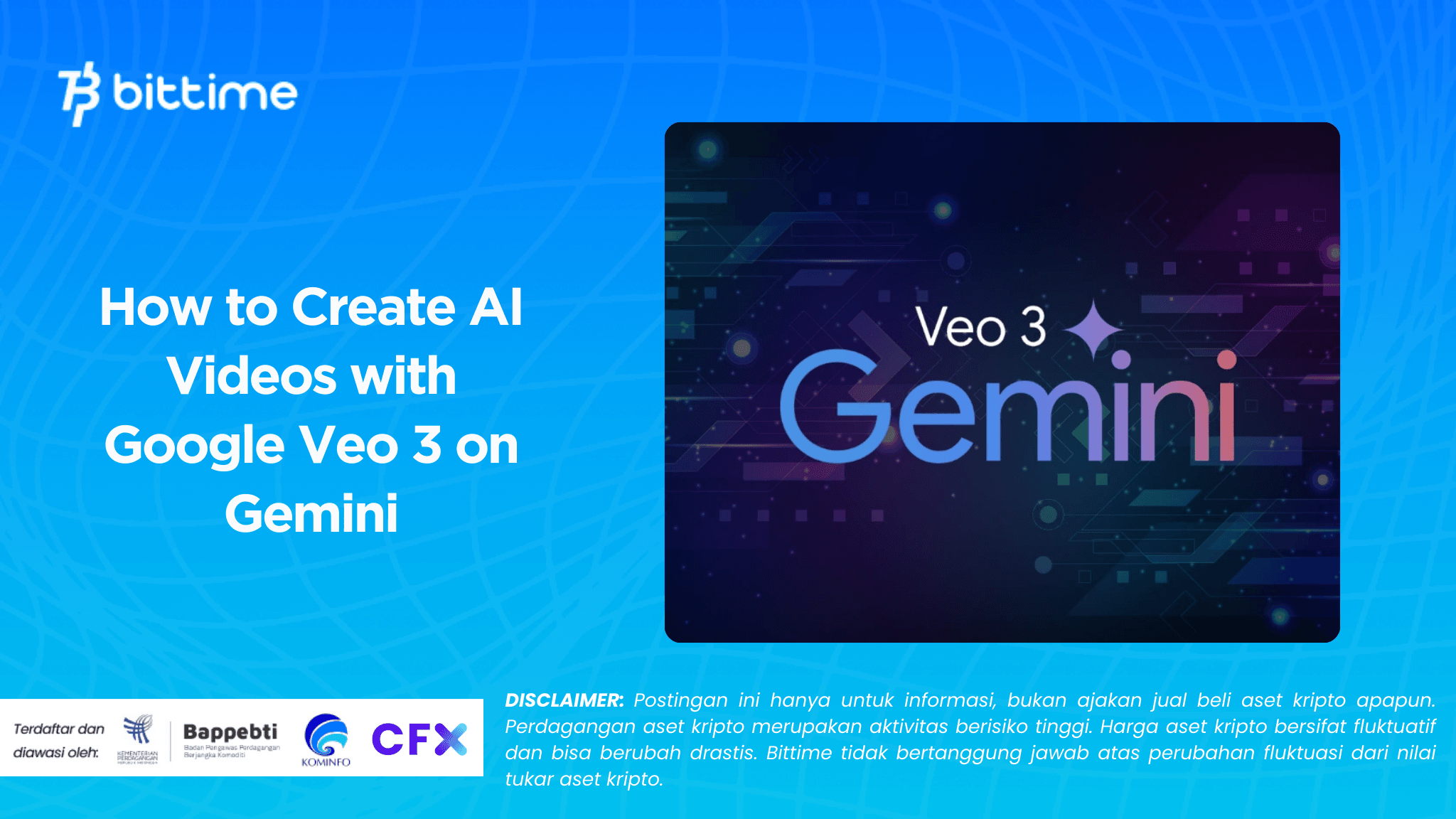
Bittime - Google just launched Veo 3, the next generation of artificial intelligence (AI) models for video creation.
This technology is now integrated with Google Gemini and the Google Flow editing system, allowing anyone to create cinematic-quality videos with just text commands.
This article will discuss what Veo 3 is, its superior features, and practical steps on how to create AI videos using Gemini.

What is Google Veo 3?
Veo 3 is a third-generation AI video model developed by Google. This technology can produce short, high-quality 8-second videos, complete with:
- Resolution up to 1080p or higher
- Cinematic camera movements and smooth transitions
- Realistic lighting effects
- Built-in native audio support
The main differences between Veo 3 and the previous generation are better understanding of text context, more precise visual control, and results that are closer to professional quality.
Additionally, all videos created using Veo 3 will feature a SynthID digital watermark to indicate that the content was created by AI.
Read Also: How to Day Trade Crypto Smarter with Gemini AI: The Complete Guide 2025
Veo 3's Advantages over Gemini and Flow
Veo 3's integration with Gemini and Flow offers a number of benefits, including:
- Ease of access:can be used directly through the Gemini app without coding.
- Cinematic quality:supports visual styles such as timelapse, slow motion, or dramatic close-ups.
- Editing flexibility:Users can fine-tune the results in Flow, from transitions, color filters, to audio.
- Scalability:available in the Google AI Pro (Veo 3 Fast) and Google AI Ultra packages for the highest quality.
How to Make AI Videos with Veo 3 on Gemini
Here are the practical steps to create AI videos using Veo 3:
1. Enter Gemini
Open Geminiand log in with your Google account. Make sure you have Pro or Ultra access to use Veo 3.
2. Create a Descriptive Prompt
Write a video description in natural language. Example:
“A little boy running in the meadow at sunset, in cinematic style and slow motion.”
Veo 3 will process the prompt and generate a video according to the description.
3. Edit di Google Flow
Once the video is generated, open Google Flow for fine-tuning. You can:
- Increase duration or adjust transitions
- Setting color filters and lighting
- Add audio or text narration
4. Download or Share
Once satisfied with the results, the video can be downloaded in various formats or shared directly to YouTube, Google Drive, and social media.
Read Also: Awesome! 20 Gemini AI Prompts: Studio Photo or Suit Photo
Potential Uses of Veo 3
This technology has a wide range of potential uses, ranging from:
- Content creator:create short videos for social media.
- Education:produce interactive visual materials.
- Business:create advertisements or product presentations.
- Indie film: cinematic experiments without the need for a large crew.
Read Also: How to Prompt Gemini Retro AI Portrait, Make Your Posts Cool on Social Media!
Conclusion
Google Veo 3 represents a major leap forward in the world of generative AI video. With integrations in Gemini and Flow, anyone can create high-quality videos simply by typing text commands.
Although the duration is currently limited to 8 seconds, the potential for future development promises major transformations in the creative industry and content production.
How to Buy Crypto on Bittime

Want to trade sell buy Bitcoins and crypto investment easily? Bittime is here to help! As an Indonesian crypto exchange officially registered with Bappebti, Bittime ensures every transaction is safe and fast.
Start with registration and identity verification, then make a minimum deposit of IDR 10,000. After that, you can immediately buy your favorite digital assets!
Check the exchange rate BTC to IDR, ETH to IDR, SOL to IDR and other crypto assets to find out today's crypto market trends in real-time on Bittime.
Also, visit the Bittime Blog for interesting updates and educational information about the crypto world. Find reliable articles about Web3, blockchain technology, and digital asset investment tips designed to enrich your crypto knowledge.
FAQ
What is Google Veo 3?
Veo 3 is Google's latest AI model for creating cinematic-quality videos with just text commands.
How to create AI videos with Veo 3 on Gemini?
Enter the Gemini app, type a description (prompt), then the resulting video can be edited in Flow before being downloaded or shared.
Is Veo 3 free to use?
Veo 3 is available through the Google AI Pro (Veo 3 Fast) and Google AI Ultra subscription plans.
Do videos from Veo 3 have a watermark?
Yes, all videos have a SynthID visual and digital watermark to indicate that the content is AI-generated.
Disclaimer: The views expressed belong exclusively to the author and do not reflect the views of this platform. This platform and its affiliates disclaim any responsibility for the accuracy or suitability of the information provided. It is for informational purposes only and not intended as financial or investment advice.

.png)