Apple Siri AI: New Features, How It Works, and Which iPhones Support It
2026-09-15
Apple Siri AI brings changes to the way users search for information and carry out activities via iPhone.
This update puts conversation and personal context understanding at the heart of the Siri experience.
However, getting the iOS 27 update doesn't automatically make all AI capabilities available on every device.
To know whether this feature is useful for everyday needs, users need to understand three things: the capabilities it offers, how Siri uses context, and its device requirements.
Language support is also worth considering before trying.
Key Takeaways
Siri AI combines conversation, personal context, and screen content understanding to assist users.
iOS 27 support is broader than the list of iPhones that meet Siri AI requirements.
The initial launch is taking place in an English-language beta version, with availability depending on region and device.
What Is Siri AI in iOS 27 Update?
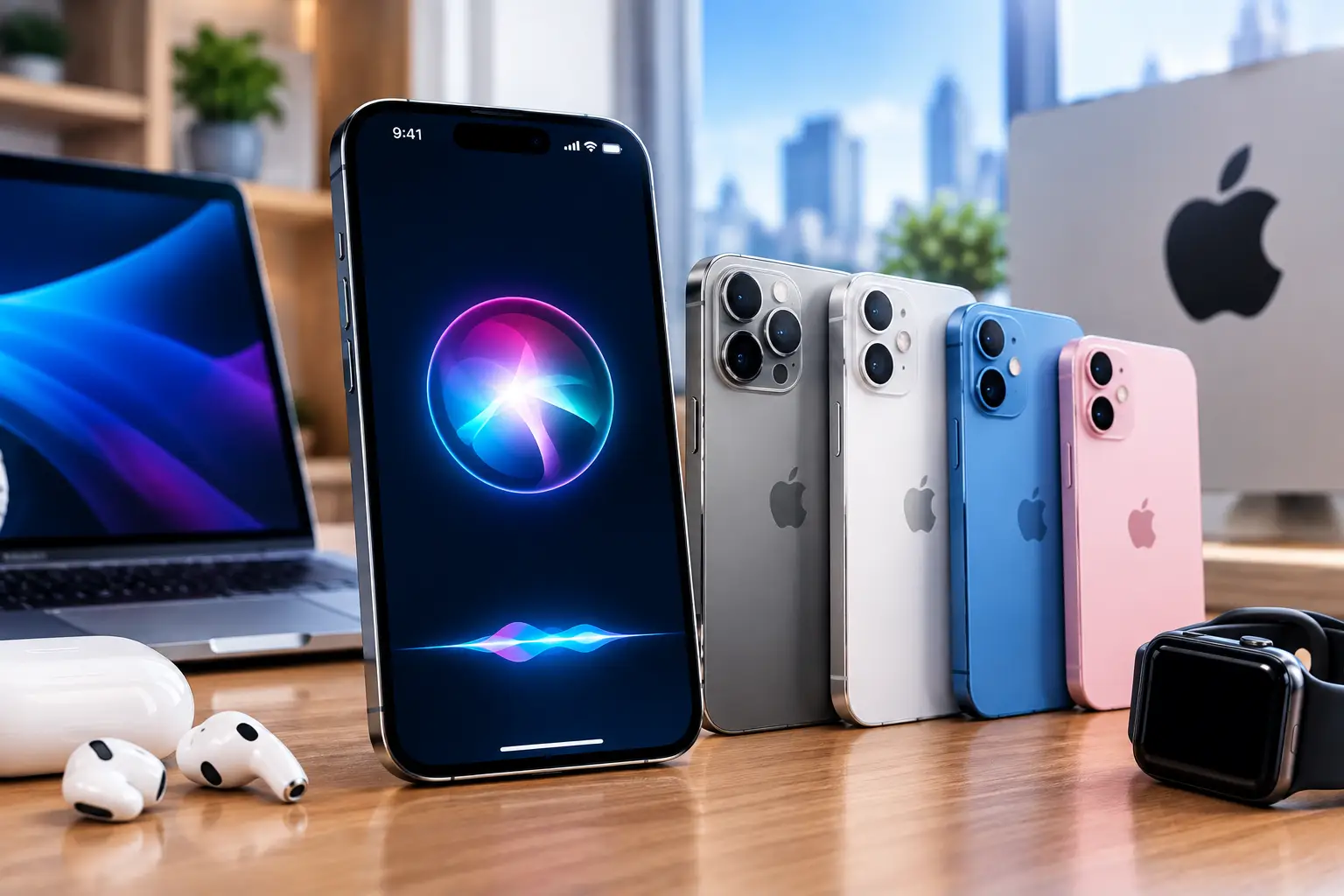
Illustrasi : AI
Siri AI is an update to Apple's virtual assistant powered by Apple Intelligence.
According to TechFlow, the improvements include conversational capabilities and understanding of personal information, including email content and photos.
Siri also gains the ability to understand the screen to help perform actions in apps.
The intended benefit is to reduce the need for users to re-explain the context when asking for help.
The information sought can be linked to relevant activities or content, so that the interaction feels closer to the needs of the moment.
However, the ability to understand context does not mean that every request will be successful.
When trying out an AI assistant, use clear instructions and double-check the results, especially when involving names, dates, or the content of important communications.
Read Also:Apple Introduces Tap to Pay to Indonesia: How to Use It & Its Benefits
Apple's New Siri AI Features for Daily Activities
MReports that iOS 27's Siri AI uses the foundation of the third-generation model.
This update brings dedicated apps for reviewing conversations, understanding context through emails and messages, and camera access for visual search.
Conversation history gives users a place to review previous interactions.
In terms of usage, features like this are helpful when someone needs to double-check answers or continue work that was interrupted.
Meanwhile, it explains that conversation history is synced via iCloud between devices.
The report also mentions object analysis through camera integration and writing assistance for composing or editing text in Mail and Messages.
These three functions offer different benefits: conversation helps with information retrieval, the camera provides visual input, and writing assistance supports text composition.
Users can evaluate it based on the jobs they do most often, without having to try all the features at once.
Read Also:How to Buy AAPLX on Bittime: Tokenized Apple Stock for Beginners
How AI Series Works: Connecting Requests with Context
How Siri AI works can be understood through the relationship between the user's request, relevant personal information, and the content being displayed.
This ability is an understanding of personal context andscreen awareness.
Information from emails or photos can help Siri find the content it needs.
As an illustration, a search query will be clearer if the user mentions the type of information and time indication.
A sentence like “look for emails about last week’s meeting schedule” provides more context than “look for those emails.”
This example illustrates the construction of instructions, not a guarantee of the success of any particular command.
Screen comprehension also needs to be distinguished from visual search. The former relates to the content displayed on the device, while camera integration uses objects in front of the user as input.
The three reports don't detail the distribution of processing between the device and the server. Therefore, it's not possible to conclude that this feature always operates completely offline.
Interested in following AI developments while learning about digital assets? Register at Bittime to start exploring crypto services through your device.
iPhones that Support Siri AI
Here are the Apple devices that support itApple Intelligence covers the iPhone 15 Pro, iPhone 15 Pro Max, and the iPhone 16, 17, and 18 lineup.
Older devices can get iOS 27 without getting those AI capabilities.
The listing was confirmed through Apple documentation, which also lists the iPhone Air.
Support still requires iOS 27 and a qualifying language and region.
Read Also:How Are Apple Macs Hacked to Mine Monero?
How to Enable Siri iOS 27 and Language Support
After updating the device, openSettings → Siri → Try Siri AI (Beta).
Follow the setup instructions, Apple says users may be put on a waitlist before the download is available.
The device language and Siri must use the same supported language.
TechFlow reports an initial English language launch, with plans to add other languages in the coming months.
Indonesian is not mentioned in the list, so its support cannot be confirmed from the sources used.
Read Also:Apple Will Introduce Siri Assistant with Gemini Support in February, Check Out the Explanation!

Bittime is a licensed and regulated Digital Financial Asset Trader (PAKD) supervised by Indonesia’s Financial Services Authority (OJK) — where you can buy Bitcoin in Indonesia and hundreds of other crypto assets starting from just Rp10,000. The registration process is fast, secure, and you can get started today.
Track USDT to IDR conversions and monitor your favorite crypto assets in real time. Everything is available in one crypto investment app that you can download for free on the Play Store
Ready to start? Register now on Bittime and execute your investment strategy with a platform trusted by millions of users in Indonesia.
FAQ
What is Siri AI?
Siri AI is an update to Apple's assistant based on Apple Intelligence that brings broader conversation and context understanding.
What are the main features of Siri AI iOS 27?
Reported features include personal context, screen understanding, conversation history, visual search, and writing assistance.
Does the regular iPhone 15 support Siri AI?
No. For the iPhone 15 generation, the devices listed as supported are the iPhone 15 Pro and Pro Max.
Do all iPhones with iOS 27 get Siri AI?
No. Operating system compatibility is different from hardware requirements for running AI features.
Does Siri AI support Indonesian?
Indonesian is not listed in the initial support or additional language plans mentioned by the article source.
Disclaimer: The views expressed belong exclusively to the author and do not reflect the views of this platform. This platform and its affiliates disclaim any responsibility for the accuracy or suitability of the information provided. It is for informational purposes only and not intended as financial or investment advice.

.png)