How to Stake ALGO on Bittime in 4 Easy Steps
2025-11-19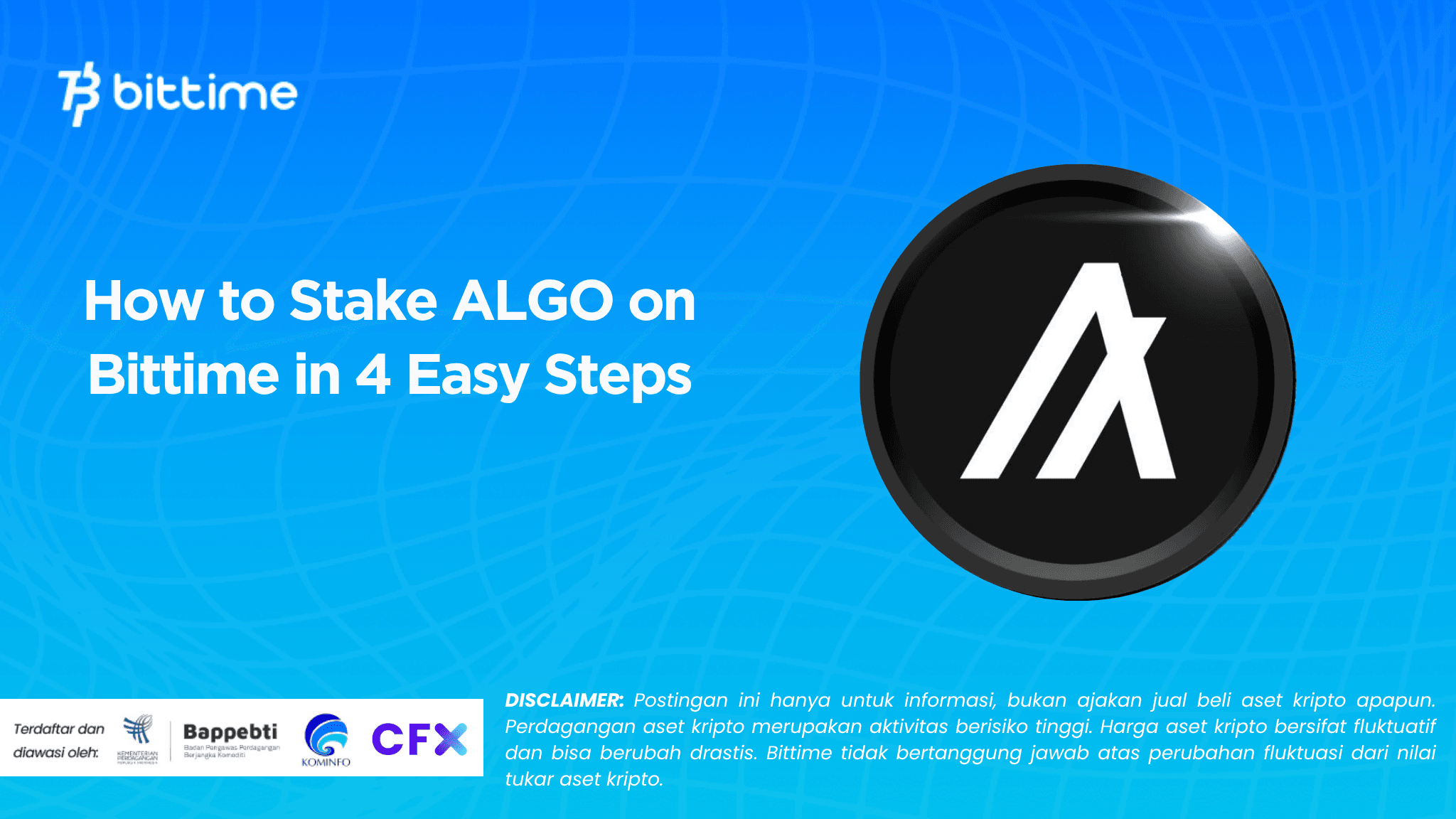
Algorand (ALGO) continues to be a popular choice for investors seeking stable passive income. The Bittime app makes ALGO staking much faster and more convenient, especially for users who want a simple mobile experience without technical configuration.
You can buy ALGO, stake, monitor rewards, and set up auto-renewals all in one screen.
With APYs reaching 7% for a short period of 7 days, staking Algorand on Bittime presents an attractive opportunity for users seeking fast yet flexible returns.
ALGO Staking Yields and Details on Bittime
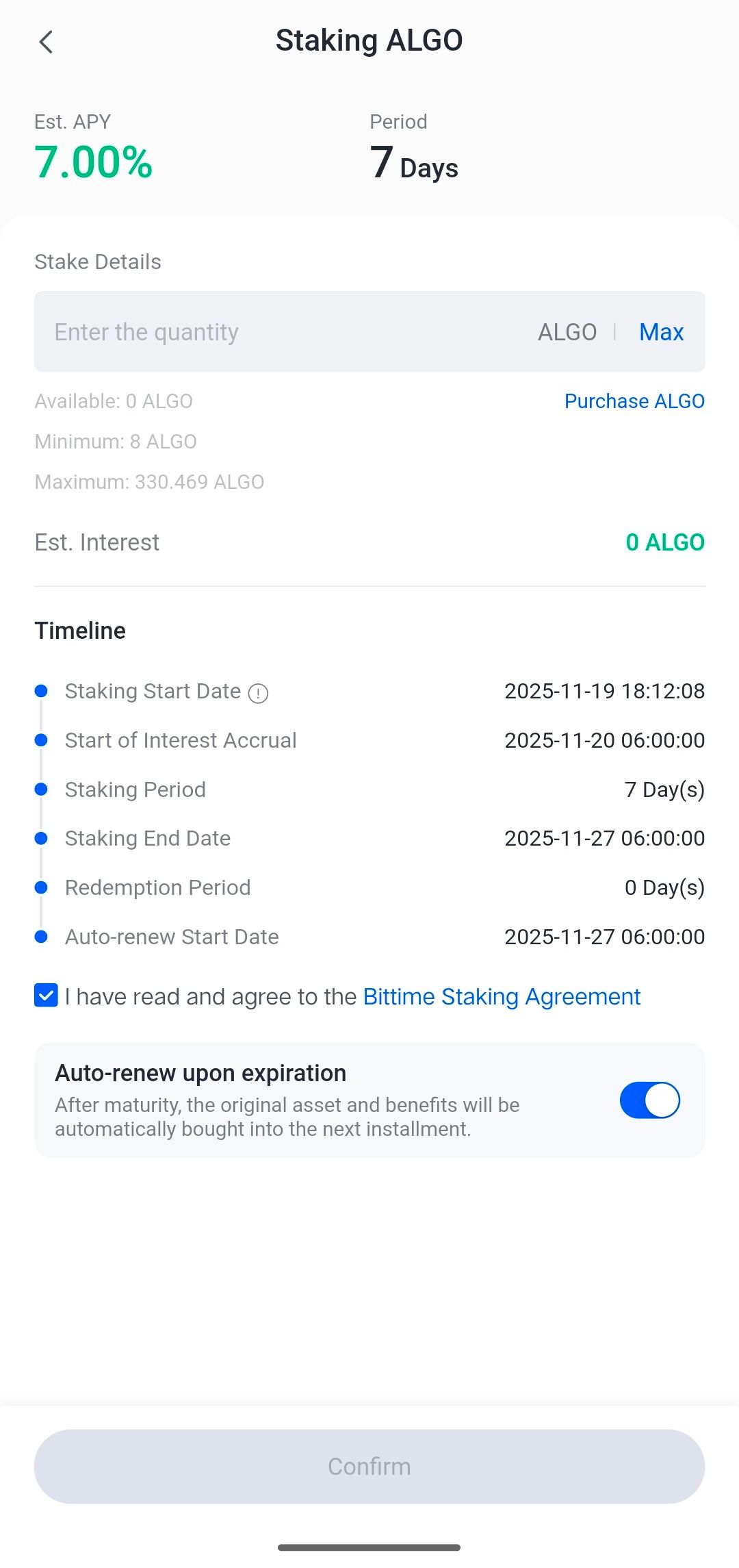
Staking ALGO on Bittime offersAPY 7%,This makes it one of the most optimal short APY options for layer-1 assets. The app displays all important details on a single page so users can check the requirements before staking. Here's the complete data displayed in the app:
Est. APY: 7%
Period: 7 days
Minimum staking: 8 ALGO
Maximum staking: 330,469 ALGO
Redeem: 0 days (available immediately after the period ends)
Auto-renew: available and can be activated before staking confirmation
The estimated return also appears automatically after you enter the amount of ALGO you wish to lock. For new users, there is a button Purchase ALGO directly on the staking page makes it easy to purchase assets without switching menus.
Benefits of Staking Algorand on Bittime
Staking Algorand through the Bittime app offers convenience and efficiency rarely found on other platforms. First, the lightweight mobile interface makes the staking process quick and easy.
Second, the 7% APY for short-term periods offers flexibility for users who don't want to lock up assets long-term. The minimum stake of just 8 ALGO makes this feature accessible to a wide range of users, both beginners and experienced.
The auto-renew option also allows staking returns to be rolled back automatically, allowing earnings to grow without manual action.
Additionally, the ALGO purchase button is located on the same page, streamlining the process. This creates a convenient and uncomplicated staking experience, perfect for users seeking stable returns from layer-1 assets like Algorand.
How to Top Up IDR to Buy ALGO on Bittime
Top Up Via Bank
Top up Bittime IDR very easy, follow these steps:
- Make sure your Bittime account is verified.
- Open Bittime App, open deposit IDR on the Home page or open the wallet menu and select IDR deposit
- Select a Virtual Bank account, copy one of the bank VAs you will transfer to.
- Make sure you transfer using a real-time/online transfer method so that your deposit can be credited immediately.
- Minimum deposit starts from 10,000 rupiah.
- The funds you transfer will be credited to your IDR wallet.
Top Up IDR Via E-wallet
Top up IDR on Bittime is very easy, follow these steps:
- Make sure your account is verified.
- Open the Bittime App, go to IDR deposit on the homepage or open your wallet and choose IDR deposit
- Select Ewallet such as OVO, DOKU and follow the instructions to top up IDR
- Make sure you transfer using a real-time/online transfer method so that your deposit can be credited immediately.
- Minimum deposit starts from 10,000 rupiah.
- The funds you transfer will be credited to your IDR wallet.
How to Stake ALGO on Bittime in 4 Easy Steps
Here's how to stake ALGO easily:
1. Open the Bittime App
Start by opening the Bittime app. Log in with your registered account. If you don't have an account, register now orsignup.
Or download the Bittime appand register on Bittime with your email address and set a strong password to secure your account.
2. Go to the Earn Menu and Select Staking ALGO
Select a product with a 7% APY and a 7-day term. Check the minimum details and timeline before proceeding.
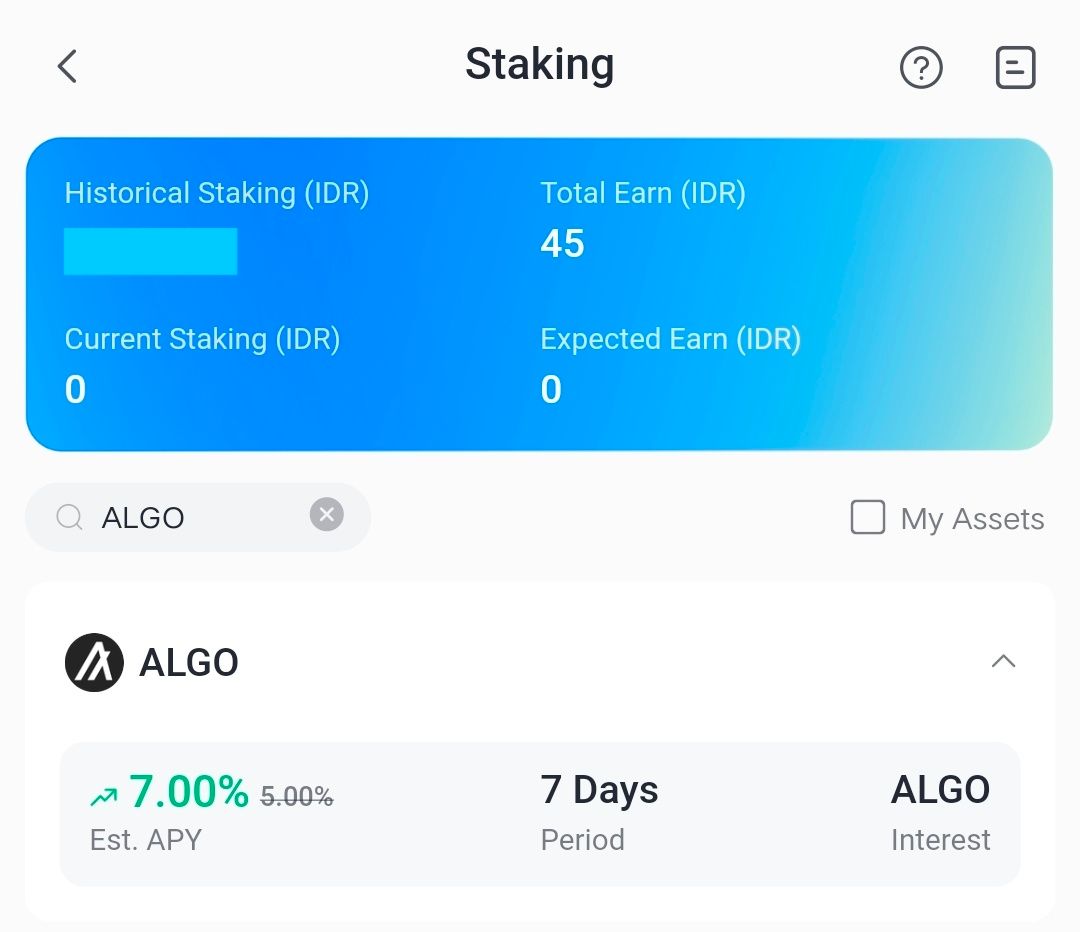
If your ALGO balance is empty, press Purchase ALGO on the staking page to purchase assets directly.
3. Enter the ALGO Amount
Minimum 8 ALGOs. You can chooseMaxto lock the entire balance. The estimated reward is displayed automatically.
4. Check the Agreement then press Confirm
After pressing Confirm, staking will proceed as scheduled. You can monitor the timeline directly from the app.
Conclusion
Staking ALGO on Bittime offers the perfect combination of convenience, transparency, and competitive returns. With a 7% APY and a lock-in period of just 7 days, users can enjoy quick rewards without a long-term commitment.
The Bittime app offers an intuitive mobile experience, from purchasing assets to setting up auto-renewals. For users seeking passive income without the technical hassle, staking Algorand on Bittime is one of the most efficient and practical options.
FAQ
What is the APY for staking ALGO on Bittime?
The available APY is7%for a 7-day period. Values may change depending on program policy.
What is the minimum ALGO staking?
The minimum staking is8 SOMETHING, so it is easily accessible to new users.
When does the reward start to be calculated?
Rewards start to be calculated onStart of Interest Accrual, usually at 06:00 the next day after staking is done.
Can I enable auto-renew?
Yes, featuresAuto-Renewavailable and can be activated before confirming staking to automatically extend the period.
When can I redeem ALGO after the staking period ends?
Redemption period is0 days, so that assets are immediately available once staking ends.
Disclaimer: The views expressed belong exclusively to the author and do not reflect the views of this platform. This platform and its affiliates disclaim any responsibility for the accuracy or suitability of the information provided. It is for informational purposes only and not intended as financial or investment advice.

.png)