How to connect Ton Wallet to Hamster Kombat
2024-07-08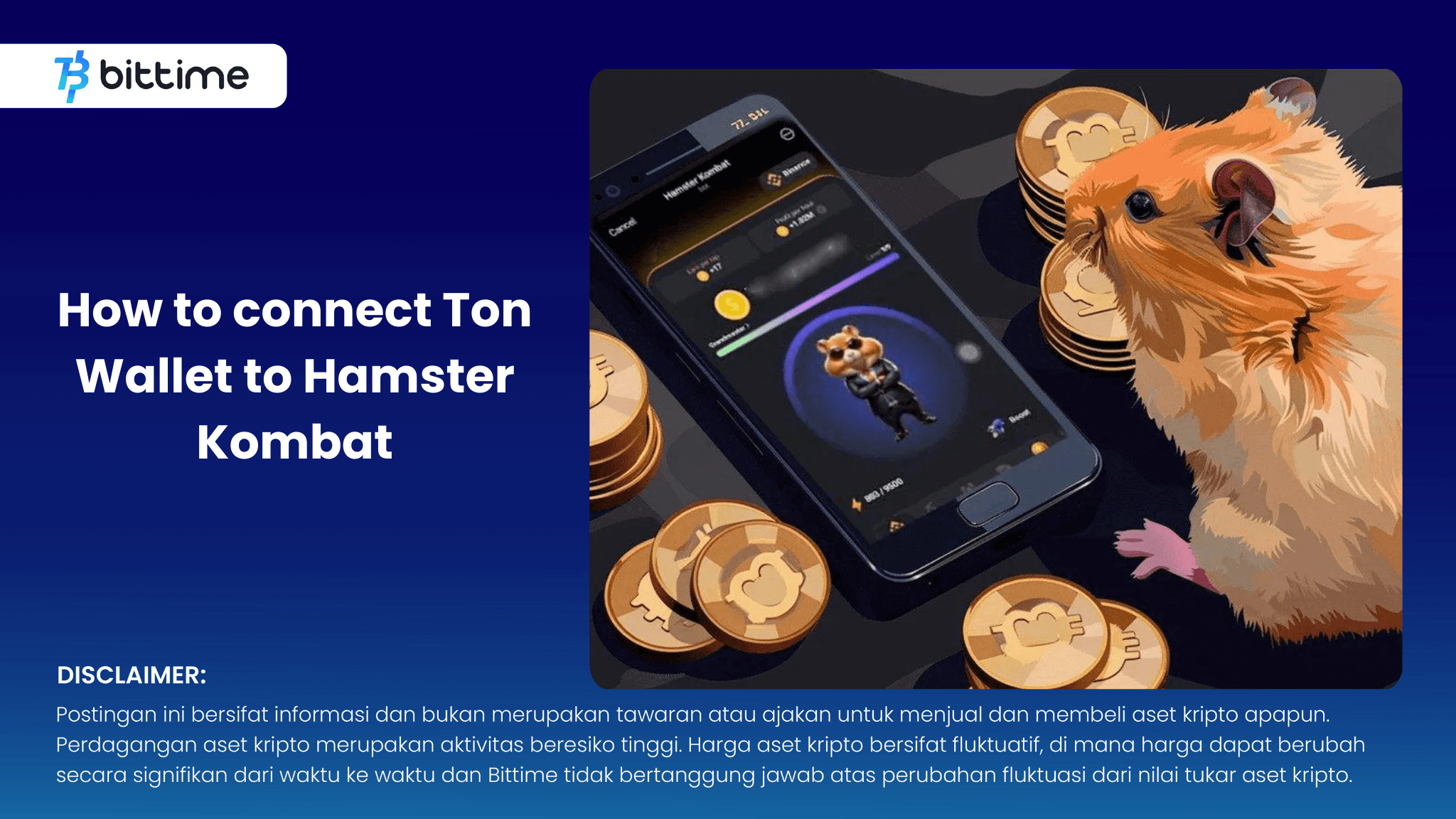
Bittime - Connecting a TON wallet to Hamster Kombat is an important first step to claiming your hamster coins and opening the gates to crypto profits.
This complete guide will walk you through the step-by-step process to easily connect the TON wallet to Hamster Kombat
Get to know Airdrop Hamster Kombat
Hamster Kombat is a hamster fighting game that is taking the crypto world by storm, offering exciting opportunities to earn via Airdrop.
Check Today's Crypto Market:
How to connect Ton Wallet to Hamster Kombat
This complete guide will walk you through the step-by-step process to easily connect the TON wallet to Hamster Kombat.
Preparation for Ton Wallet Method for Hamster Kombat
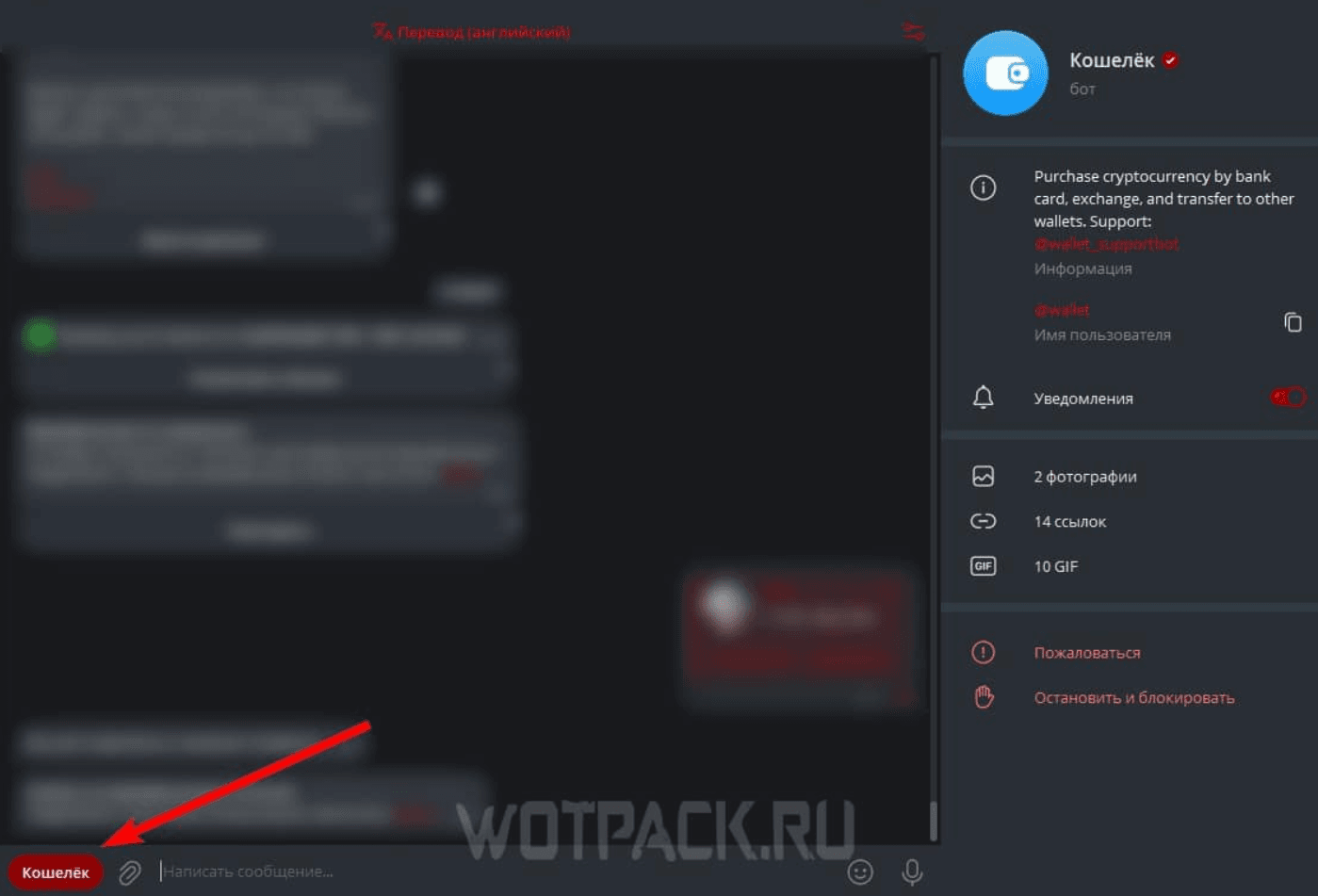
- Make sure you have a TON wallet: You can use a third-party wallet like Tonkeeper, or the built-in Telegram wallet.
- Don't have a TON wallet yet? Create a Telegram wallet easily:
- Open the Telegram bot "@wallet".
- Click "Wallet" to the left of the message line.
- Follow the simple instructions to create a wallet.
- Don't have a TON wallet yet? Create a Telegram wallet easily:
- Open the Hamster Kombat application.
Steps to Connect Ton Wallet to Hamster Kombat
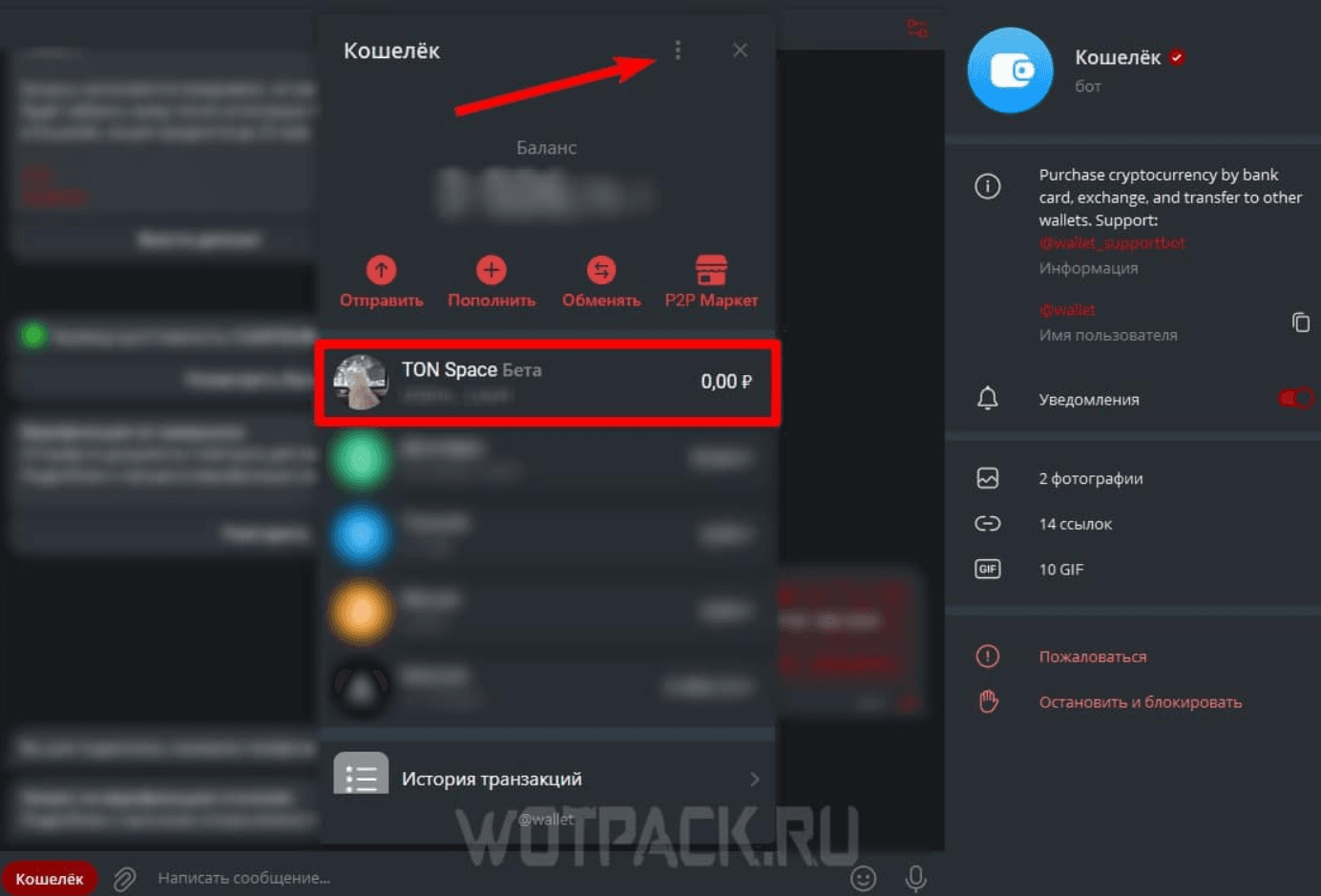
- Enter the Airdrop section: Find the Airdrop menu at the bottom of the application panel.
- Select the task "Connect your TON wallet": This is the first step to claiming your Airdrop.
- Get Wallet Link: A new window will appear showing your wallet link.
- Connect TON Wallet: Press "Connect your TON wallet" and select the connection method:
- Telegram Wallet: Select this option if you are using a previously created Telegram wallet.
- Third Party Wallets: Choose Tonkeeper, MyTonWallet, Tonhub, or another compatible wallet.
- Agree to Terms: Read and agree to Hamster Kombat's terms of use.
- Confirm Connection: Confirm all details and allow Hamster Kombat to access your TON wallet.
- Finished! Your TON Wallet has been connected to Hamster Kombat.
Also Read How To Buy Crypto:
Conclusion
By following this step-by-step guide, you will be able to easily connect your TON wallet to Hamster Kombat and start your journey to earning crypto.
Remember to always be careful and follow the instructions carefully to ensure a smooth and safe process. Happy hamster hunting and earn your crypto profits.

How to Buy Crypto on Bittime
You can buy and sell crypto assets in an easy and safe way via I'm done. Bittime is one of the best crypto applications in Indonesia which is officially registered with Bappebti.
To be able to buy crypto assets at I'm done, make sure you have registered and completed identity verification. Apart from that, also make sure that you have sufficient balance by depositing some funds into your wallet. For your information, the minimum purchase of assets on Bittime is IDR 10,000. After that, you can purchase crypto assets in the application.
Study Complete Guide How to Buy Crypto on Bittime.
Monitor graphic movement Bitcoin (BTC) price, Ethereum (ETH), Solana (SUN) and other cryptos to find out today's crypto market trends in real-time on Bittime
Disclaimer: The views expressed belong exclusively to the author and do not reflect the views of this platform. This platform and its affiliates disclaim any responsibility for the accuracy or suitability of the information provided. It is for informational purposes only and not intended as financial or investment advice.

.png)