How to Overcome the Telegram Airdrop Tomarket Bot Error and Can't Be Opened
2024-09-03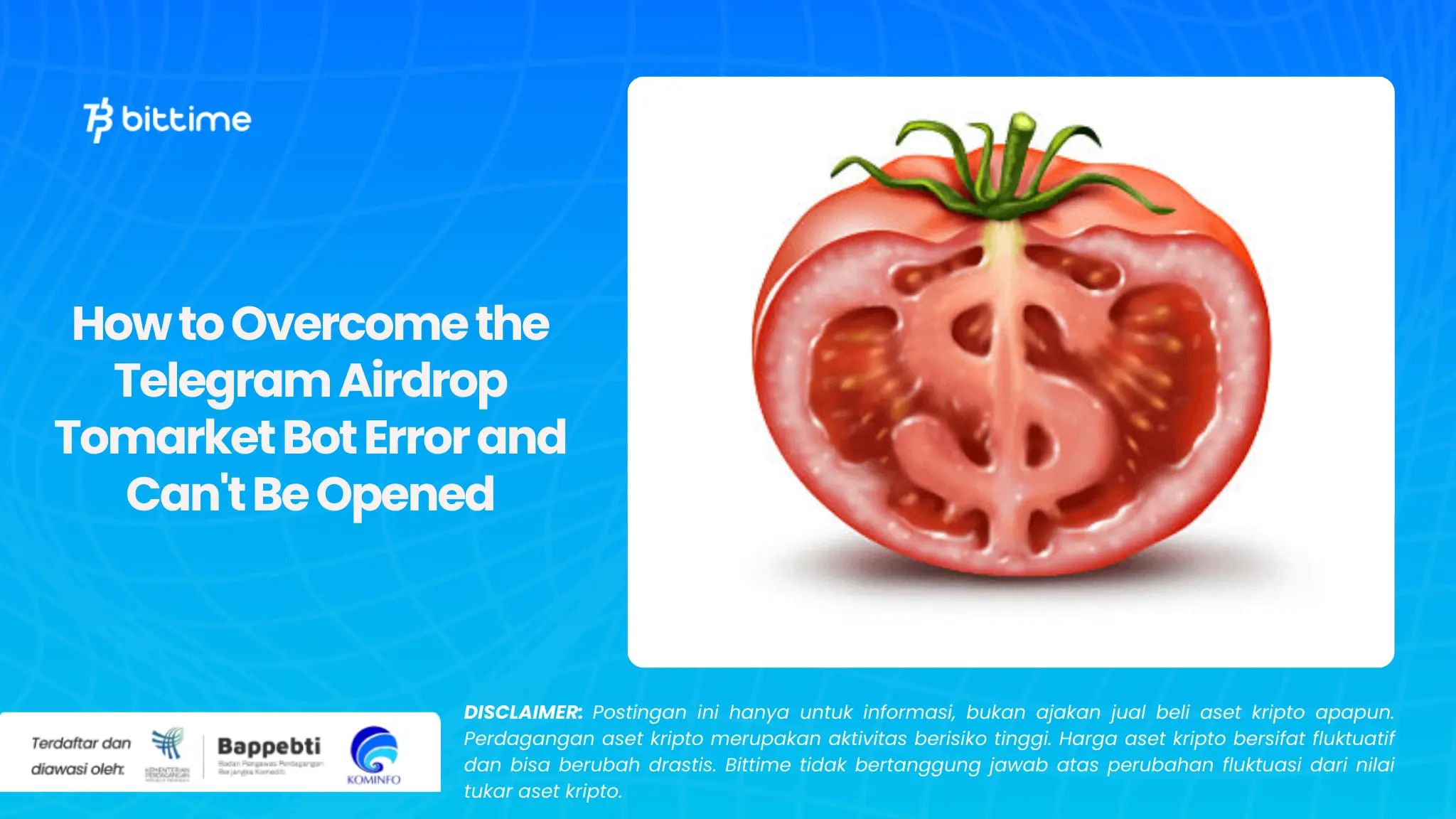
Bittime - Telegram bots are often used for various activities, including participating in airdrops from crypto projects such as Tomarket. However, it is not uncommon for users to experience problems when the bot cannot be opened or function properly.
If you are facing a problem like this, here are the steps you can try to solve the Telegram Airdrop Tomarket bot that has an error and can't be opened.
1. Use the Slash Command (/) and Start
The first step you can take is to use the slash (/) command followed by typing "start" in the chat bot window. This command is often helpful in restarting the bot and can resolve errors that appear.
After typing "/start", press enter or send the message. In many cases, this will trigger the bot to reactivate and display the necessary main page or menu.
Read Also: Daily Combo Hamster Kombat 2 September 2024
2. Try clicking Play to Market
If the bot still doesn't respond after using the "/start" command, you can try the next step, namely looking for the button or option that says "Play to Market". Click this button as soon as the bot's main page opens.
This method usually helps speed up the bot unlocking process and allows access to features that were previously unable to be unlocked.
3. Check Internet Connection
Make sure that your internet connection is stable. Telegram bots require a good internet connection to function properly. If your connection is slow or unstable, the bot may not be able to respond or open the requested page.
Try to switch to a more stable Wi-Fi network or check if your mobile data is strong enough to run the bot.
4. Restart the Telegram application
If the steps above don't work, try closing the Telegram app and opening it again. Sometimes, applications can experience bugs or glitches that can be resolved by restarting them.
After reopening the Telegram application, try accessing the Tomarket bot again and repeat the steps mentioned.
5. Use the Latest Telegram Version
Make sure that the Telegram application you are using is the latest version. App updates usually bring bug fixes and performance improvements that can help resolve issues with bots.
If you are using the old version, immediately update the Telegram application via the Play Store or App Store.
Conclusion
The problem with Telegram bots not opening can be annoying, especially when following an important airdrop like Tomarket.
By following the steps above, you can solve most of the problems that may occur. Make sure to always use the latest version of the Telegram app and have a stable internet connection for the best experience.
How to Buy Crypto on Bittime
You can buy and sell crypto assets in an easy and safe way via Bittime. Bittime is one of the best crypto applications in Indonesia which is officially registered with Bappebti.
To be able to buy crypto assets on Bittime, make sure you have registered and completed identity verification. Apart from that, also make sure that you have sufficient balance by depositing some funds into your wallet. For your information, the minimum purchase of assets on Bittime is IDR 10,000. After that, you can purchase crypto assets in the application.
Learn How to Buy Crypto on Bittime.
Monitor price chart movements of Bitcoin (BTC), Ethereum (ETH), Solana (SOL) and other cryptos to find out today's crypto market trends in real-time on Bittime.
Disclaimer: The views expressed belong exclusively to the author and do not reflect the views of this platform. This platform and its affiliates disclaim any responsibility for the accuracy or suitability of the information provided. It is for informational purposes only and not intended as financial or investment advice.

.png)