How to Buy RECALL: A Complete Guide for Beginners in Indonesia (2025)
2025-12-03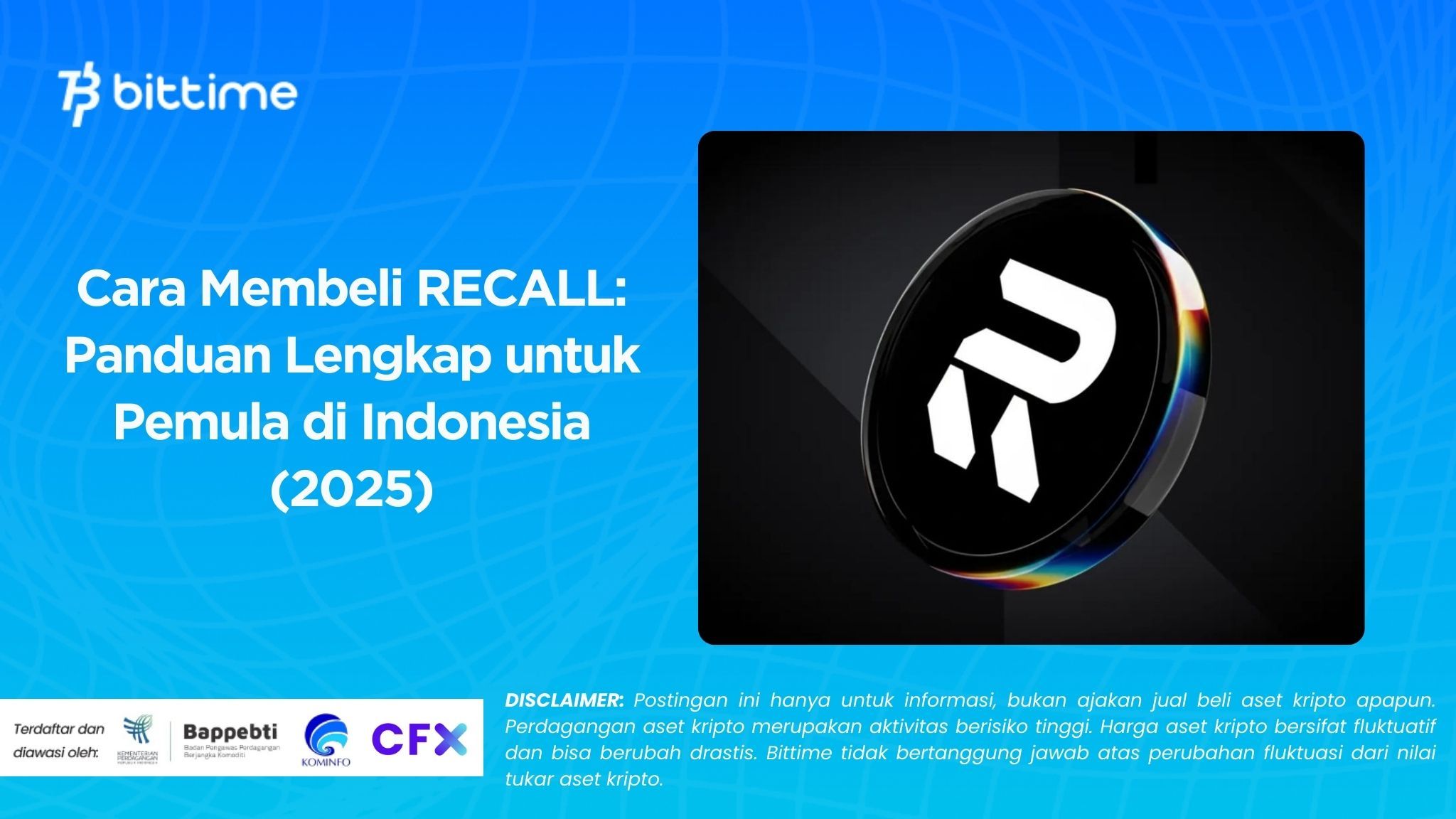
Bittime - Interested in buying Recall (RECALL) easily? Well, at Bittime, you can buy RECALL with rupiah starting from just IDR 10,000. Stay tuned for an easy tutorial!
What is RECALL?
Recall (RECALL) is a cryptocurrency launched in 2025 and operating on the Base platform. Recall has a current supply of 1,000,000,000, with 201,071,820 in circulation.
The last known price for Recall was USD 0.09046, up 1.03% in the last 24 hours. Recall is currently traded on 104 active markets, with a trading volume of $5,011,310.08 in the last 24 hours.
Read also: How to Buy IOST: A Complete Guide for Beginners in Indonesia
Why Buy RECALL?
Here are the main reasons why many Indonesians buy RECALL:
RECALL supports a decentralized AI skills marketplace ecosystem. The token serves as the economic backbone for funding, assessing, and rewarding the work of community-based AI agents.
With staking and governance mechanisms: RECALL holders can participate in funding the AI market, elect AI agents, participate in curation, and contribute to protocol change decisions.
The project ecosystem is actively developing, since the token launch in October 2025, RECALL has created a decentralized AI market, opening up opportunities for wider adoption (community‑driven AI skill markets).
If the project succeeds in building a reputation as a “trust layer” for the AI‑agent economy, then demand for RECALL could increase in line with the growth of the AI + Web3 ecosystem.
Read also: How to Buy LINEA: A Complete Guide for Beginners in Indonesia
How to Buy RECALL in Indonesia (Step by Step)
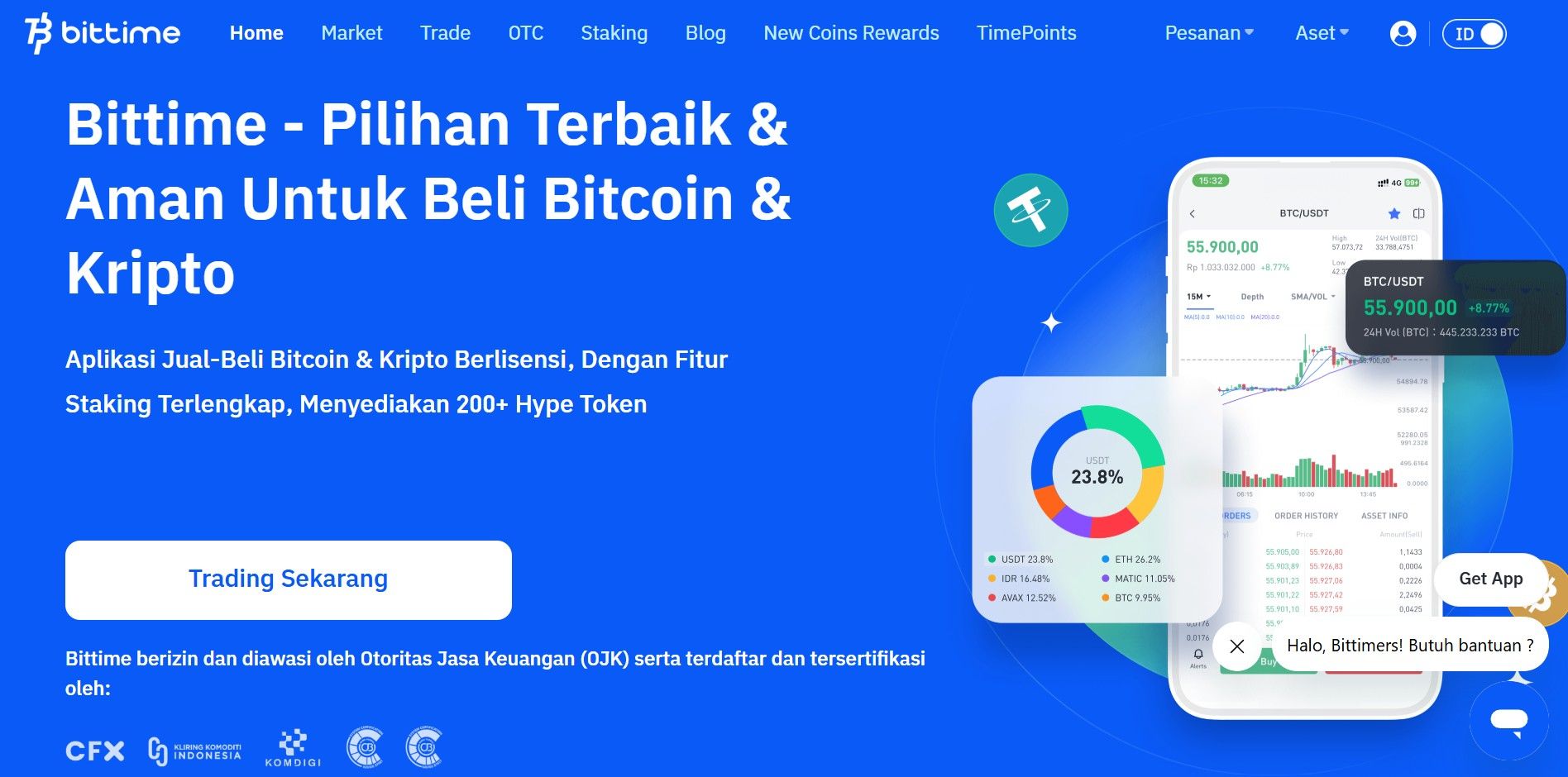
Step 1: Choose an Official Platform
Step 2: Account Verification (KYC)
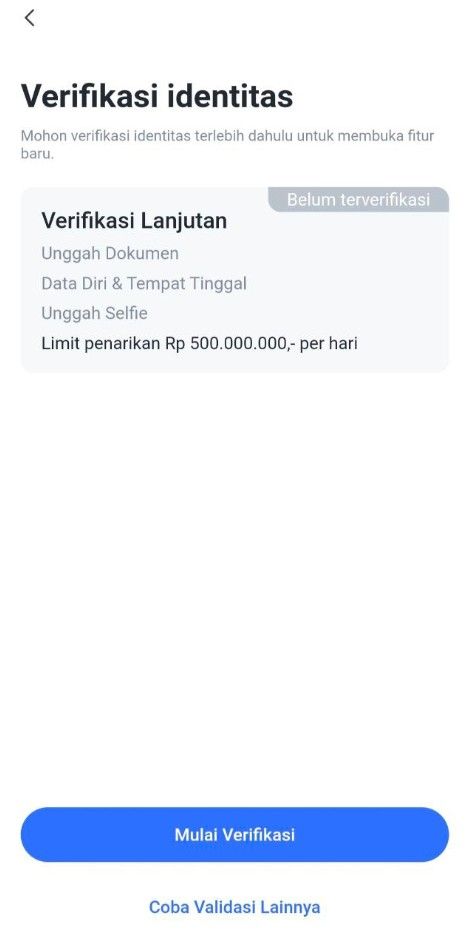
1. Access the Verification Page
Option 1: On the login page, select Step 2: "To KYC Verify".
Option 2: Click the "Me" menu, then select "ID Verification" and click the "Start Verification" button.
2. Verify Phone Number
The system will ask you to verify your phone number first.
Enter your phone number, then follow the instructions to receive an OTP (One-Time Password) code via SMS.
Enter the OTP code into the app to complete phone number verification.
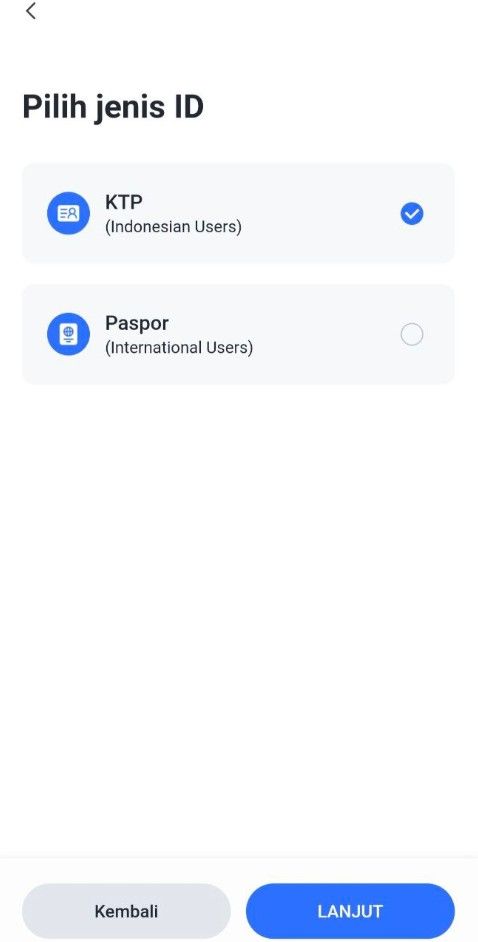
3. Select Identity Type
Select the type of identity document to be used:
KTP (Resident Identity Card) or
Passport / KITAS (For Foreign Citizens Only)
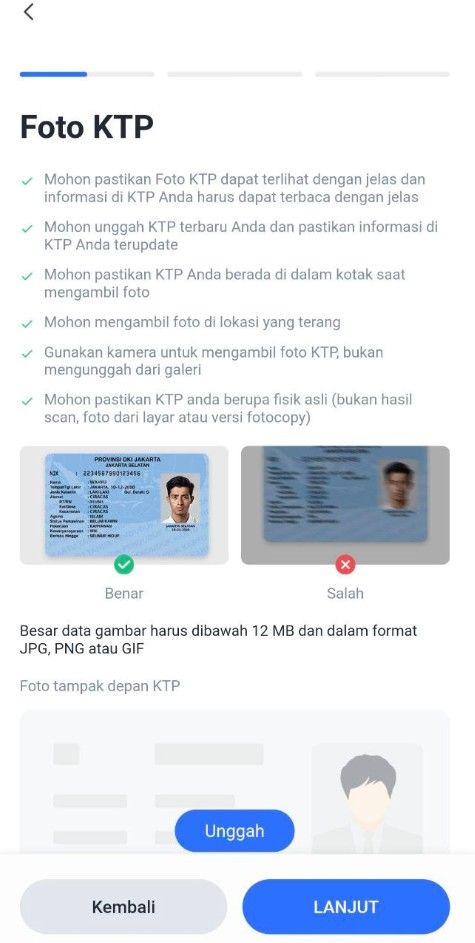
Upload a photo of your identity document:
Make sure the document photo is clear and complete.
There are no cut off or blurry parts.
4. Verify and Edit Personal Data
After the document is uploaded, the system will display your data.
Check and ensure the following data is correct:
Full name
ID card/passport number
Date of birth
Place of birth
Work
If there is any data that is not appropriate, edit it directly on that page.
If the data is correct, click the "Next" button to proceed to the next step.
5. Upload a Selfie Photo
Take a selfie using your device's camera:
Make sure the face is clearly visible.
Do not use accessories such as sunglasses or masks.
Once completed, click the "Submit" button to send your data and documents to the Verification Service.
6. Verification Process
Verification requests will be processed in a queue.
Estimated verification time is 1x24 hours.
You will receive a notification once the process is complete.
Step 3: Deposit Funds
Common payment methods:
Step 4: Buy RECALL
You can buy RECALL with rupiah by following this tutorial:
Open your Bittime account.
Select menu Market or click the icon with a graphic image.
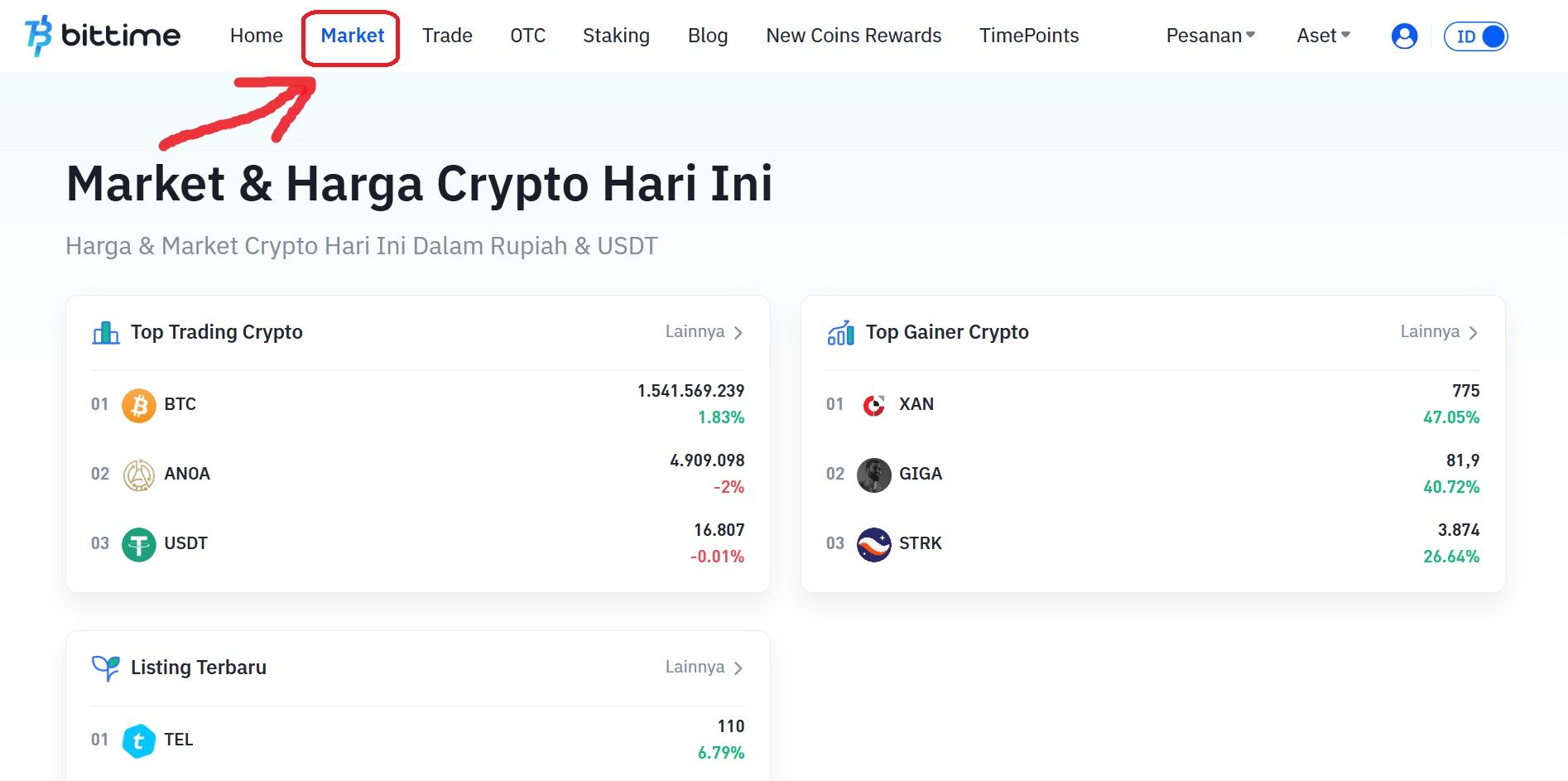
Select the currency pair you want to use. Select IDR if you want to buy Recall (RECALL) with Rupiah.
Scroll down and click ‘Buy’.
Select the order type you want to use. Limit orders, market orders, and stop orders are available.
Enter the rupiah amount to purchase RECALL. The minimum purchase of crypto assets on Bittime is IDR 10,000.
Click the 'Buy RECALL' button.
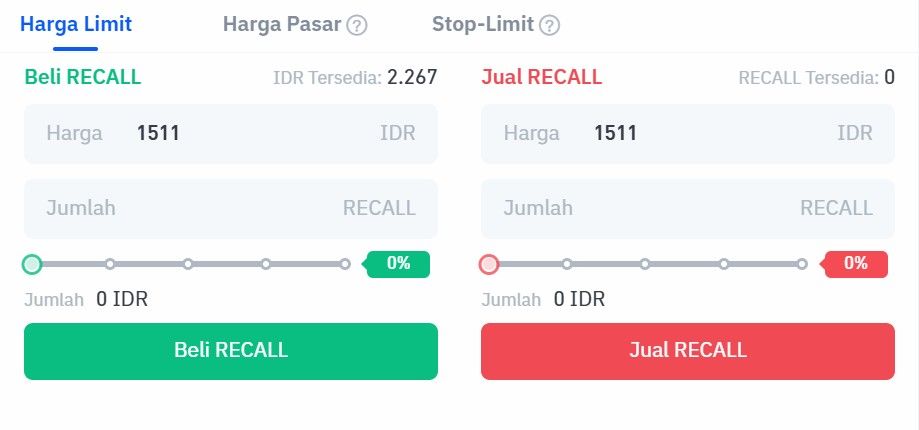
A pop-up notification will appear. Read it carefully and click 'Confirm'.
Enter the six-digit Transaction PIN.
The application will display a successful order notification.
Your order will appear in the open orders section if you select a limit order.
Then if the purchase is successful, you can check it in the order history.
As soon as the order is successfully executed, you can see the Recall (RECALL) available in the Assets menu or the wallet icon.
Step 5: Save Your RECALL
You can:
Store in exchange wallet (easier for trading)
Transfer to personal wallet such as MetaMask, Trust Wallet, Ledger
Read also: How to Buy Hivemapper (HONEY): A Complete Guide for Beginners in Indonesia
Safe Tips for Buying RECALL
Use official Bittime Exchange & regulated
Never buy through unofficial Telegram/WhatsApp groups
Enable 2FA (Google Authenticator)
Beware of scams discount RECALL
Where Can I Buy RECALL?
Bittime is the best platform to buy and sell RECALL with competitive prices and local payment methods.
Buy directly using IDR
Low transaction fees
Spot & Futures Trading Support
The application is available at iOS & Android
➡ Starting now: Buy RECALL in seconds
FAQ
What is RECALL?
RECALL isutility tokenwhich is used to supportAI (Artificial Intelligence) skills marketowned by Recall Network.
How does Recall Network work?
Recall Network Funding and ranking AIthrough competitions that use tokens (tokenized).
What is the use of RECALL?
RECALL token is used forallowsstaking, giving gifts (rewards), and carry out governance (governance) in the network.
How to use RECALL?
You can use RECALL withdo staking(embedding tokens) in a particular market orcurating AI agentson the network.
How much is the RECALL supply?
The total supply of RECALL tokens is1 billion (1B), with the current circulating supply of201.07 million (201.07M).
Disclaimer: The views expressed belong exclusively to the author and do not reflect the views of this platform. This platform and its affiliates disclaim any responsibility for the accuracy or suitability of the information provided. It is for informational purposes only and not intended as financial or investment advice.

.png)