How to Make a TON Wallet: Gateway to the World of TON!
2024-07-01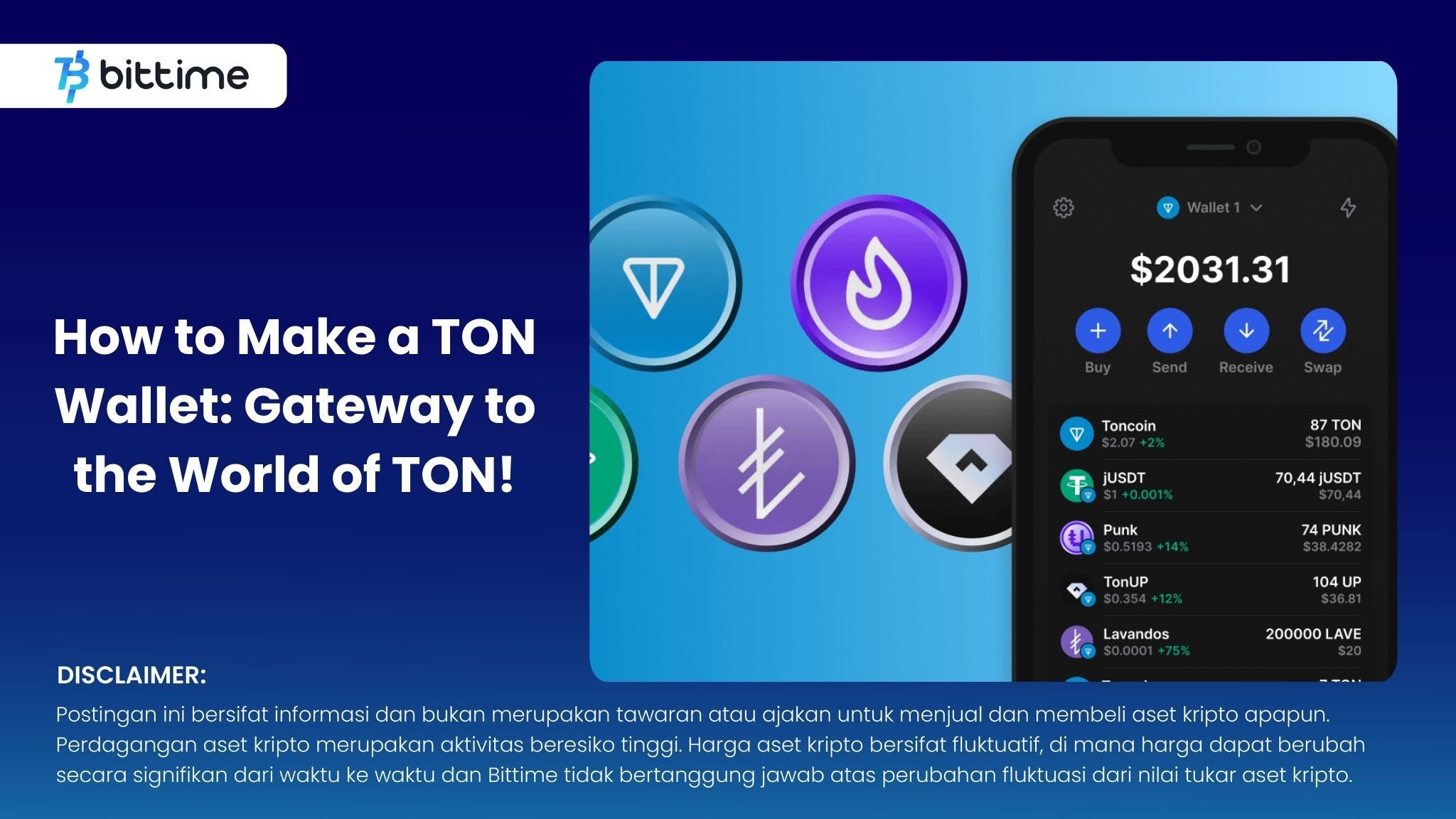
Bittime - TON, the native crypto asset of the TON network, of course requires a special wallet to store and manage it. Well, this wallet is called TON Wallet. So, how do you create a TON Wallet? Come on, check out this article!
What is TON Wallet?
TON Wallet is a digital wallet that functions to store, manage and carry out Toncoin (TON) transactions safely. This wallet is your bridge into the TON ecosystem, allowing you to interact with various decentralized programs and services (dApps) on the network.
TON Wallet comes in various forms, such as software wallets, hardware wallets and mobile wallets. Each type of wallet offers different levels of security and convenience.
In simple terms, TON Wallet is similar to a conventional bank account. You will have a unique address to receive and send TON, as well as a seed phrase to safely access and control your funds.
TON Wallet Parts
- Wallet Address: It's a unique string of numbers and letters that makes up your digital "post box." This address serves to notify others when you want them to send you TON.
- Passphrase: This is your "secret password". It usually consists of 12 random English words, and is very important for keeping your TON safe.
Function TON Wallet
Similar to a digital bank account, TON Wallet doesn't just store your crypto assets. This wallet also allows you to buy and send Toncoin, the native asset of the TON blockchain.
Apart from that, TON Wallet is the gateway to the wider TON ecosystem. You can use it to pay for services, use applications, and even determine the development of the TON network through voting.
How to Make a TON Wallet
You can create a TON Wallet using a special application. Here are the steps:
1. Select Application and Download
Visit the official TON website https://ton.org/wallets and select one of the recommended wallet apps. There are various options, but make sure you choose a non-custodial wallet to maintain full control over your crypto assets.
As an example, we will use the Tonkeeper application. Download and install the Tonkeeper app on your phone.
2. Initial Setup (Optional for Testnet)
Tonkeeper by default works on the TON mainnet. If you want to use the testnet for testing, you need to change the application settings to developer mode.
To do this, open the "Settings" menu and tap the Tonkeeper logo at the bottom 5 times quickly. The "Dev" menu will appear. Click "Switch to Testnet" to switch to the testnet. You can return to mainnet using this menu later.
3. Create and Suggest a Recovery Phrase
If you don't have a wallet connected to the app, tap the "Set up wallet" button. You will create a new wallet.
After a few seconds, your wallet will be created and Tonkeeper will display the recovery phrase, which is a secret phrase consisting of 24 random words. This is the main access key to your funds in the TON wallet.
IMPORTANT! Write this recovery phrase on paper and keep it somewhere safe and offline. Never share it with anyone and don't store it online!
4. View Wallet Address
Click the top left in the Tonkeeper app to copy your wallet address. Or, you can tap the "Receive" button and see the wallet address displayed on the screen. Your wallet address looks like a series of numbers and letters, for example:
kQCJRglfvsQzAIF0UAhkYH6zkdGPFxVNYMH1nPTN_UpDqEFK
This wallet address is not confidential. You can share it with anyone, and they can't take your funds. However, keep in mind that the TON blockchain is pseudo-anonymous, meaning your identity in the real world is not revealed through your wallet address.
If you share your wallet address with someone who knows you in real life, they can find out who owns the wallet.
5. Explorer to Check Wallet
Explorer is a tool for viewing transaction information and wallet details on the TON blockchain. There are many explorers available, one of which is Tonscan. It should be noted that mainnet and testnet have their own explorers because they use different blockchains.
For testnet, you can use Tonscan on https://testnet.tonscan.org/. Enter your wallet address in the search field. If the wallet is new and has never been used, its status will appear as "Inactive" on the Tonscan page.
Under the "Contract" tab, you will see the message "This address doesn't contain any data in blockchain...".
IMPORTANT! TON Wallet is actually a smart contract! This means that this wallet has not been activated (deployed) and is not ready to use. The smart contract activation process involves uploading the contract code to the blockchain.
6. Funding and Activating Wallet Contracts
Currently, your wallet does not have a TON balance. You need to ask someone to send a TON amount to your wallet address. However, how to send TON to a smart contract that has not been activated?
The TON blockchain has its own uniqueness. TON Blockchain maintains a list of accounts by address and stores TON balances for each address. Because your smart contract wallet has an address, it can have a balance even if it has not been activated.
To top up your balance, you can request free TON coins on the testnet using the Telegram application. Open chat with faucet https://t.me/testgiver_ton_bot and provide your wallet address to receive coins.
After receiving the coins, refresh the Tonscan page. You will see your smart contract wallet balance has been filled (for example 2 TON). However, the status is still "Inactive", which means it has not been activated.
Your wallet contract will be automatically activated by Tonkeeper when you make your first transaction, usually an outbound transfer. This transaction requires gas, so your balance cannot be zero.
7. Contract Transfer and Activation
Transfer a small amount of TON (e.g. 0.01 TON) to another address using Tonkeeper. This transaction will activate your wallet contract.
After successful transfer, refresh the Tonscan page. You will see that your wallet status changes to "Active". Your wallet contract has been activated and is ready to use!
8. Wallet Contract Version
Explorer shows that the "Contract Type" is "wallet v4 r2" (or perhaps a different version if your Tonkeeper is already updated). This refers to the contract code version of your wallet. If your wallet contract is activated with “v4” as the code, this means previous versions such as “v1”, “v2”, and “v3” may be present.
This is indeed true. The TON core team has published several versions of the wallet contract code over time, and “v4” is the latest version currently.
Let's take a look at the famous wallet addresses of the TON Foundation. This address uses "wallet v3 r2" for the code. Most likely this address was activated before "v4" was released.
Is it possible to have multiple wallets with different versions using the same mnemonic phrase? The answer is yes!
This means the same user can have several different wallets, each with its own unique address. This can be confusing.
If you try to access your wallet using a mnemonic phrase and see a different address with zero balance, don't panic. Chances are you're just looking at the wrong version of the wallet.
How To Buy Toncoin (TON) With Bittime
You can buy and sell Toncoin (TON) in an easy and safe way via Bittime. Bittime is one of the best crypto applications in Indonesia which is officially registered with Bappebti.
Toncoin (TON) is available on Bittime with TON IDR pairing.
To be able to buy TON tokens on Bittime, make sure you have registered and completed identity verification. Apart from that, also make sure that you have sufficient balance by depositing some funds into your wallet . For your information, the minimum purchase of assets on Bittime is IDR 10,000. After that, you can purchase crypto assets in the application.
Learn How to Buy Toncoin (TON) on Bittime.
Monitor price chart movements of Toncoin (TON), Bitcoin (BTC), Ethereum (ETH), Solana (SOL) and other cryptos to find out today's crypto market trends in real-time on Bittime.
Disclaimer: The views expressed belong exclusively to the author and do not reflect the views of this platform. This platform and its affiliates disclaim any responsibility for the accuracy or suitability of the information provided. It is for informational purposes only and not intended as financial or investment advice.

.png)