Hamster Kombat Updated, Mini Game Explanation, Keys and Skins
2024-07-22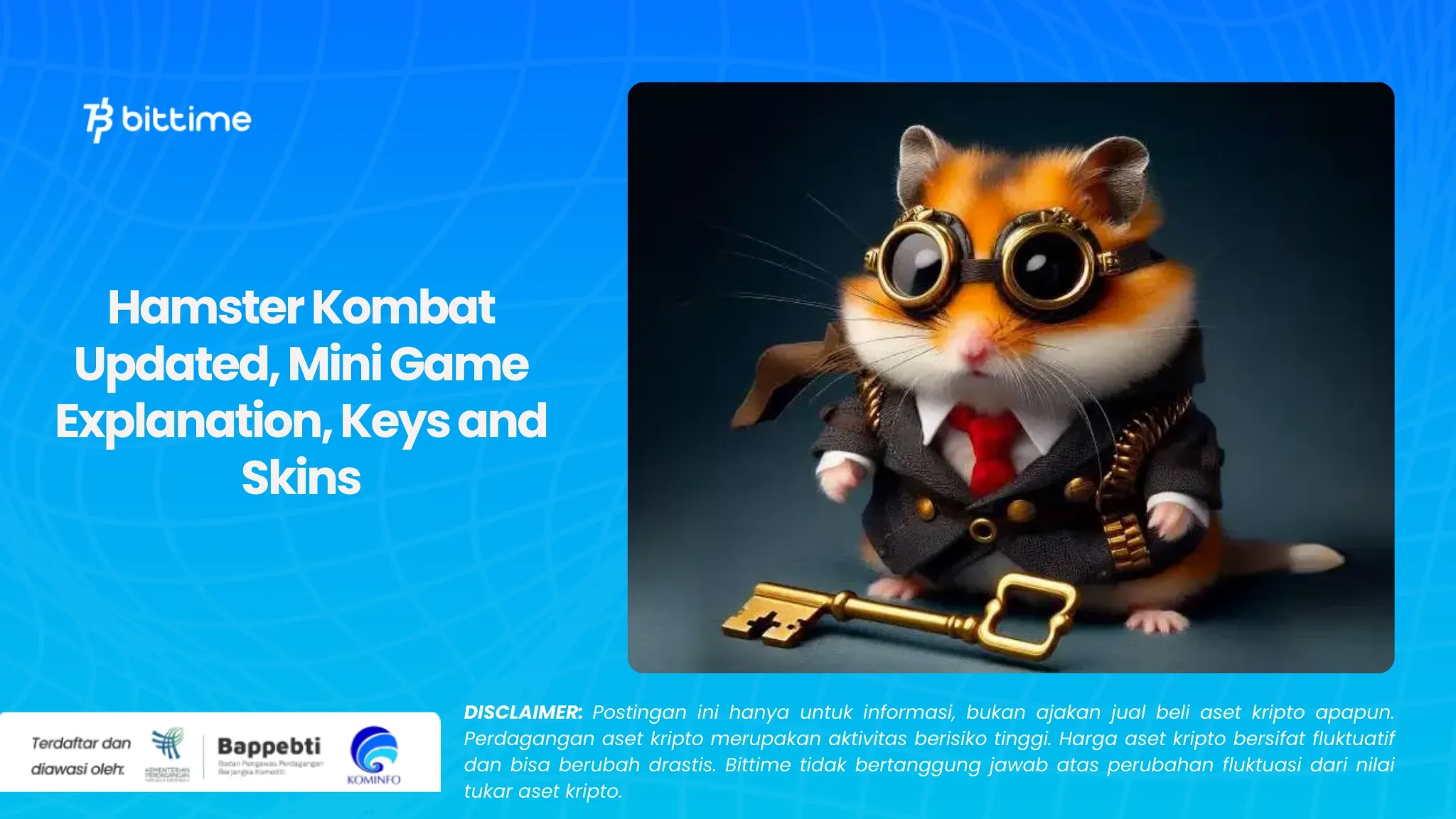
Bittime – Currently, Hamster Kombat is presenting Mini Games, Keys and Skin updates. This article will thoroughly examine all of these exciting updates so you can maximize your gaming experience.
What are Hamter Kombat Mini Games?
Hamter Kombat Mini Games is the most difficult of Hamster Kombat's four daily challenges, and requires careful strategy.
Completing them will earn you valuable tokens that can be used for various purposes in the app, such as purchasing skins, upgrading cards, and more.
Check Today's Crypto Market:
How to Play Hamster Kombat Mini Game
Step 1: Starting the Battle
- Open the Hamster Kombat application and find the mini game you want to play.
- Press the "Play" button to start the exciting adventure.
Step 2: Update Secret Weapon
- Make sure your Telegram application has the latest version.
- Update Telegram via Play Store if necessary.
Step 3: Conquer the Challenge in 30 Seconds
- Get ready, you only have 30 seconds to complete the mission!
- Move the key to the other side of the screen smartly and nimbly.
Step 4: Rest and Return to Fighting
- After completing the mission, enjoy rest time for 1 hour 30 minutes.
- The countdown will end and you are ready to fight again in the Hamster Kombat mini game!
What is the Key Function in Hamster Kombat?
The Key function in Hamster Kombat plays a role in playing mini games. This feature makes it mandatory for players to solve mini games to get keys.
Apart from that, the Cryptic Button is a valuable item that will play an important role in the future.
Collecting these buttons now will predictably provide benefits when a new update or the official launch of Hamster Kombat is released.
Also Read How To Buy Crypto:
Update Skin Hamster Kombat
Currently, Hamster Kombat has a cool and varied collection of character skins. Players can buy or change their favorite skins easily via the Mini App on Telegram.
Easy Ways to Change the Appearance of Hamster Kombat with New Skins
Want to look different and cooler in Hamster Kombat? Come on, follow these easy steps to change your hamster's skin.
Open Mini App and Find Skin Menu: The first step, open the Hamster Kombat application and access the Mini App. There, you will find the "Buy Skin" menu.
Explore a Wide Selection of Attractive Skins: In the "Buy Skin" menu, you will be presented with a variety of interesting skin options that you can choose from. From cute and adorable skins to cool and stylish skins, find the one that best suits your taste!
Unlock Your Dream Skin: After finding the desired skin, click the "Unlock" button. Please remember, each skin has a different price. Make sure you have enough coins to buy it.
Ready to Look Cool with New Skin: After you complete the purchase, the skin you choose will immediately be applied to your hamster character. What are you waiting for? Show off your new skin to friends and show off your prowess in the Hamster Kombat arena!
Conclusion
Mini Games actually function as the newest features that challenge you to complete puzzles and get attractive prizes.
For the Key feature works as special items that can be used to unlock exclusive features and bonuses. Furthermore, Skins are considered cool costumes for your hamster to increase income and visual appeal.
How to Buy Crypto on Bittime
You can buy and sell crypto assets in an easy and safe way via I'm done. Bittime is one of the best crypto applications in Indonesia which is officially registered with Bappebti.
To be able to buy crypto assets at I'm done, make sure you have registered and completed identity verification. Apart from that, also make sure that you have sufficient balance by depositing some funds into your wallet. For your information, the minimum purchase of assets on Bittime is IDR 10,000. After that, you can purchase crypto assets in the application. Study Complete Guide How to Buy Crypto on Bittime.
Monitor graphic movement Bitcoin (BTC) price, Ethereum (ETH), Solana (SUN) and other cryptos to find out today's crypto market trends in real-time on Bittime.
Disclaimer: The views expressed belong exclusively to the author and do not reflect the views of this platform. This platform and its affiliates disclaim any responsibility for the accuracy or suitability of the information provided. It is for informational purposes only and not intended as financial or investment advice.

.png)